Trying to understand results of 455 Test
I can't add video here, so I've added a pic of a quick 455 test.
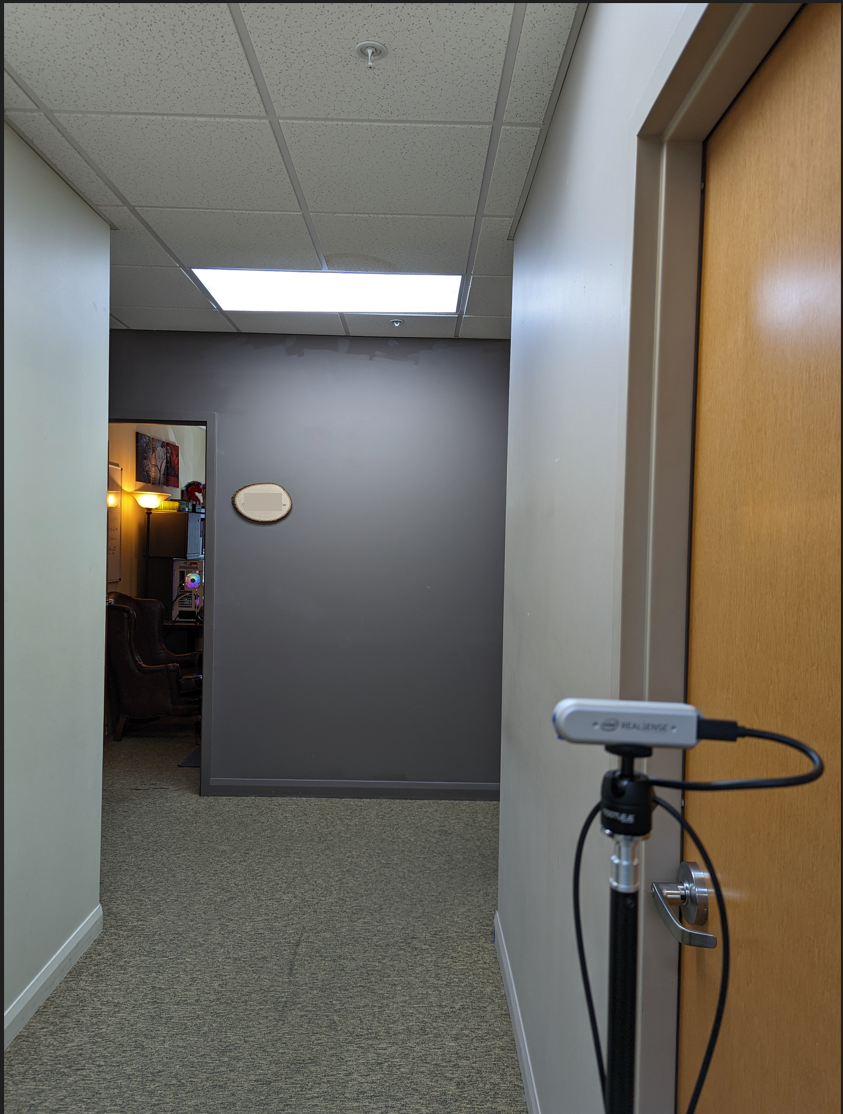
This is just down a hallway outside my office.
You will see the depth measurement is roughly 13'
(which is roughly where the device is)
My concern, is how much of the wall in front of the camera is not seen by the camera.
This (455) is a 6meter camera--and it's having a hard time with 3.9meter visibility?
* Intel RealSense v2.49.0
* Updated 455 Firmware
* On-Chip Calibration.
* Other Presets made marginal changes (+/-) in results.
I'm looking into doing a more in-depth calibration.
But I'm unsure why it looks like this now, and if I'm going to be able to improve it.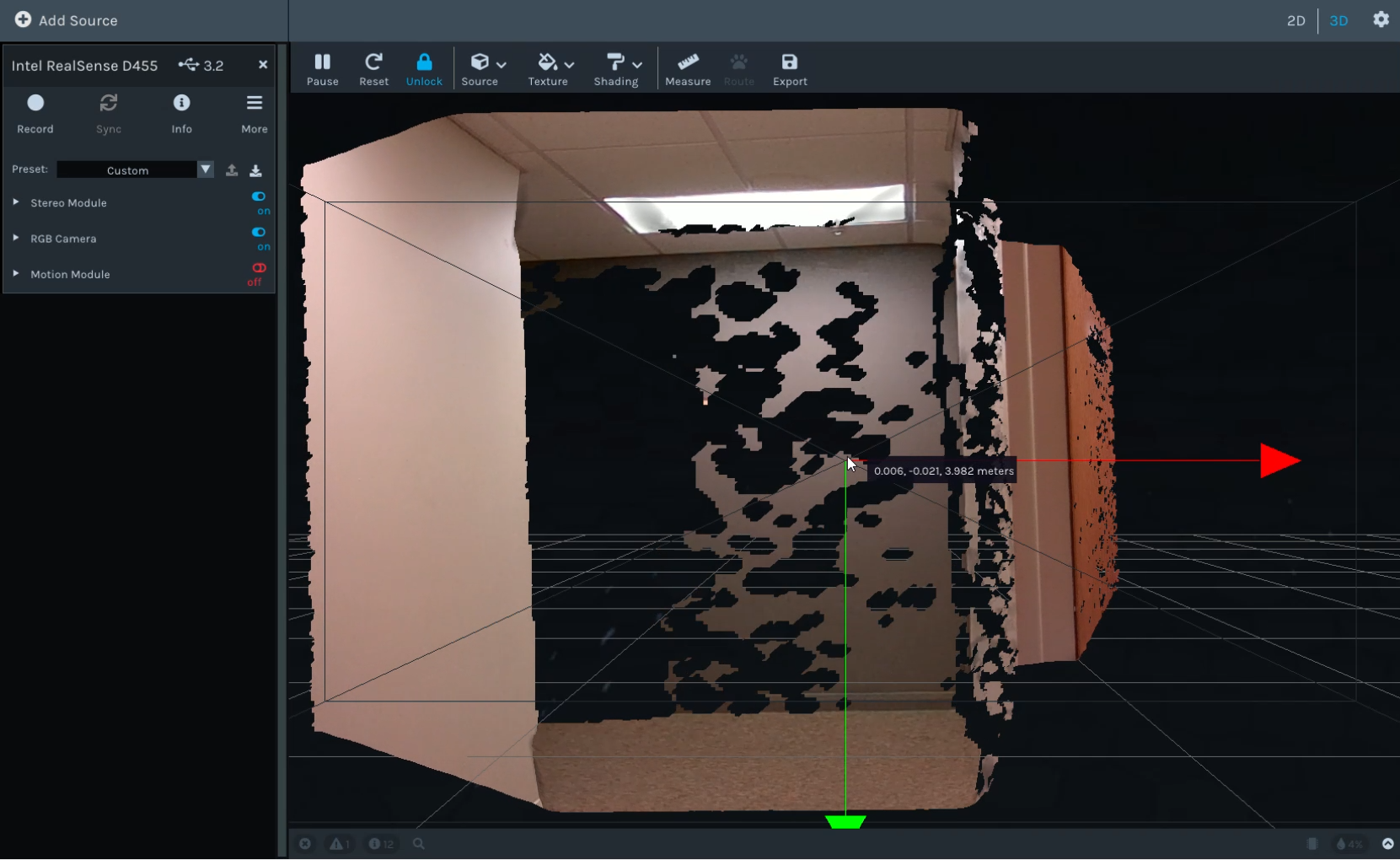
-
Hi Steve Steve If your D455 can only attain 4 meters depth range in the RealSense Viewer then a post-processing filter called the Threshold Filter may be limiting it. This filter is used to set a minimum and maximum depth range and is typically enabled by default when the Viewer is launched. It has a default maximum range of 4 meters.
If you go to Stereo Module > Post Processing and disable the Threshold Filter option by left-clicking on the blue icon beside it to turn it to red (off) then the full depth range observable by the camera should be rendered on the depth image.
-
MartyG--
Thank you...I assumed some of those Post Process features would have specific defaults.
How do you restore the Post Process defaults in the Viewer?
(I might have gotten in the weeds...and want to get back to something Intel might consider "normal" or "average" or "default")
Unlike camera settings, they are not "restored" from the Settings Menu.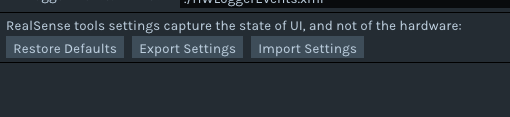
-
All post-processing filters should be enabled by default except for these three:
HDR Merge
Filter By Sequence ID
Hole Filling Filter
Intel's post-processing filter guide at the link below lists the default values for the settings of each filter type.
https://github.com/IntelRealSense/librealsense/blob/master/doc/post-processing-filters.md
If you are using Windows and installed the RealSense SDK using the Intel.RealSense.SDK-WIN10 automated SDK installer program then running the installer program again will cleanly replace a previous installation of the SDK performed with that program.
Please sign in to leave a comment.
Comments
3 comments