[D435i] Improve RGB sensor performance for moving objects detection on a conveyor
My application is trying to detect objects on a conveyor belt.
- Conveyor speed: 1 m/s constant speed.
- Camera distance from object = 1 meter distance
- Object size = 30x20cm average.
- Illumination: White color light (6000K). 300lux on surface, I think light should be higher
The problem is that I get blurry objects frames from RGB sensor, are there any set of parameters to configure in the camera to optimize the performance in this case?
Thanks!
-
Hi Fpelegri You could reduce RGB blurring on the D435i model by using one of the following methods:
1. If you have auto-exposure enabled, set depth FPS to 30 and RGB FPS to 60. This should compensate for the slower speed of the RGB sensor's 'rolling' shutter compared to the faster 'global' shutter on the depth sensor.
2. Disable RGB auto-exposure, set RGB FPS to '6' (not 60) and set a manual RGB exposure of around '70'.
Alternatively, if you are able to change to a different RealSense model then the D455 has a fast global shutter on both the RGB and depth sensors.
-
Hi MartyG!
Thanks for the fast feedback. Second option you mentioned already helped to understand that lower FPS could increase brightness and blur-less to the frame, but due to fast moving object and the camera's rolling shutter mode, the object could show deformed and that could cause another issue.
One of my concerns was the brightness received on the sensor due to low exposure, is there any other recommended parameter option to adjust (I use GAIN).
I am considering the option to get D455 camera for my solution, I think its RGB sensor could get more bright and static frames due to its properties (larger sensor pixel size and global shutter). Could I have a sample frame of the D455 with a moving object with/without a barcode? Also if possible compared to d435i.
-
You could try disabling the RGB option Auto White Balance so that a manual value is used for white balance.
A barcode will be sharper if the RGB Sharpness option is maximized to '100'
Below are images captured during fast camera motion with and without a barcode for D435i and D455. They were taken with FPS of 6 for D435i and 5 for D455 (as D455's minimum FPs is 5 instead of 6), and manual RGB exposure set to 78 and gain maximized to 128.
D455 was noticeably brighter and also did not have distortion (demonstrated by the bendy bottle on D435i).
D435i
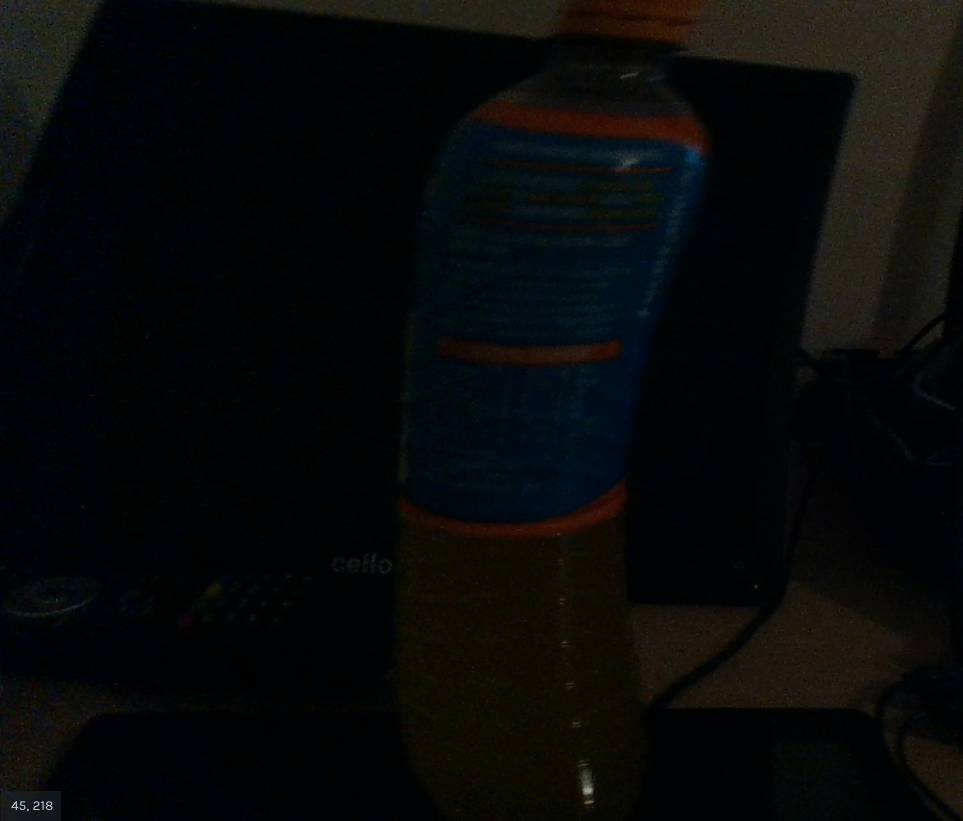
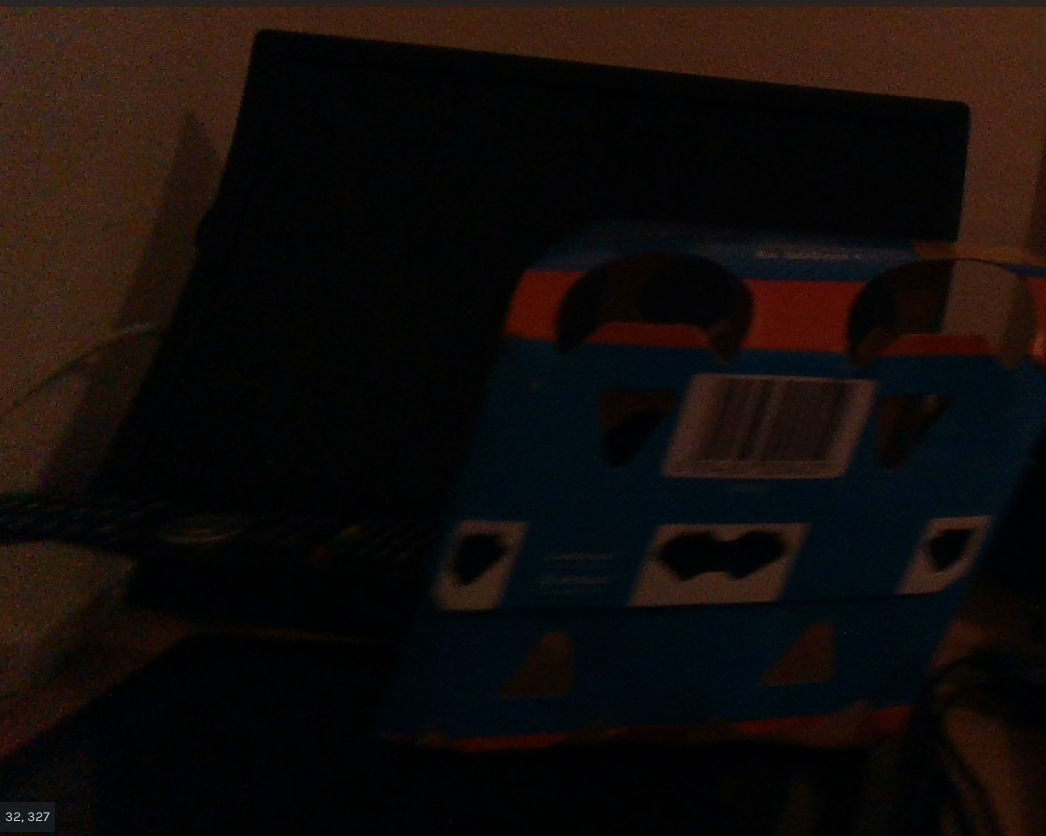
D455
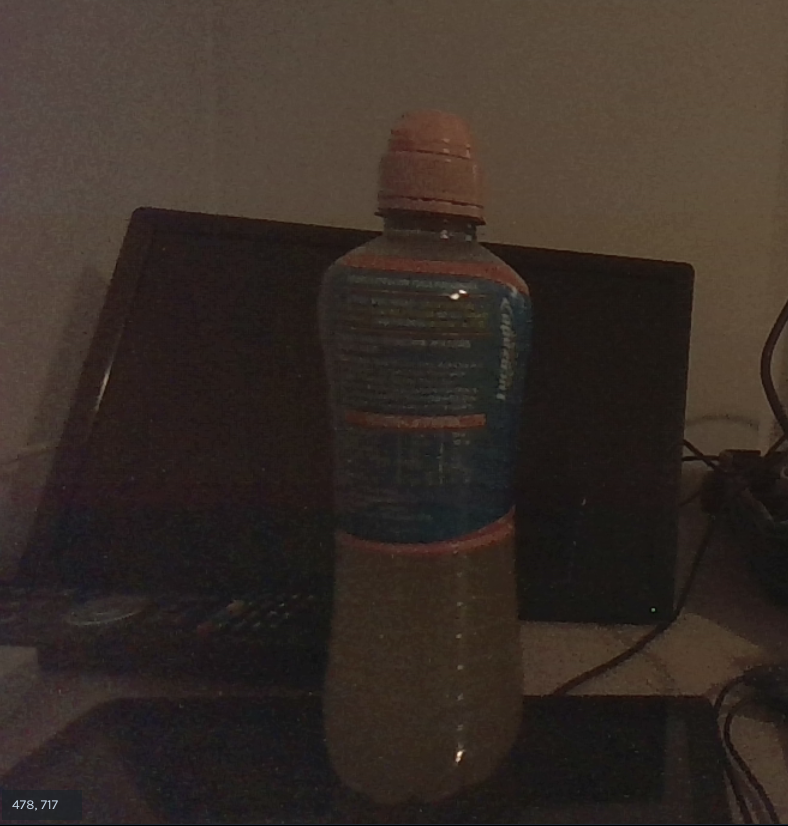
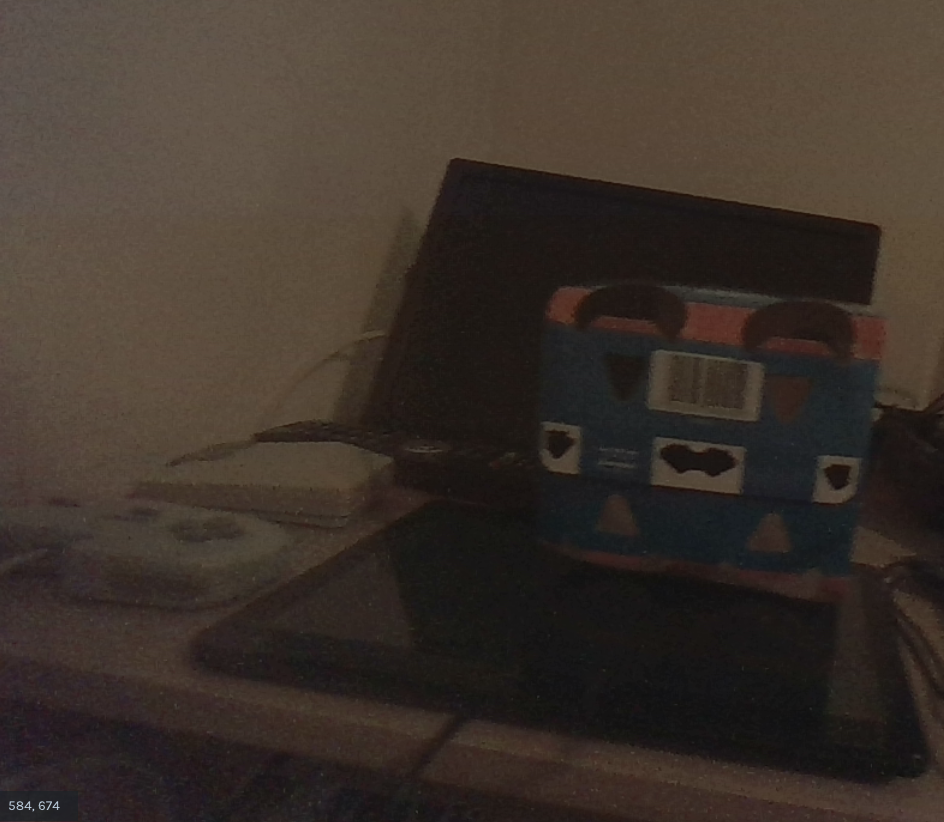
Please sign in to leave a comment.
Comments
4 comments