SCP overflow and overheating
While using the camera, we sometimes get the SCP oerflow error and the temperature shows at 35C; the camera is at a distance from the PC hence are using an extension cable which is 3.0. If we just get a single long USB 3.0 cable would it potentially help with this issue? Would it matter if it is a USB C 3.1 cable? If we use the original cable from the box or a shorter cable and bring the PC closer, would this work?
Which would be the best solution from those listed above or is there an alternative we could consider?
-
Hi Viseshsonigra What is the length of the USB cabling that you are using, please?
When using your own choice of USB cable, the cable can have poorer performance compared to the official 1 meter cable if it is not a high quality cable due to the amount of data bandwidth that a RealSense camera can transmit. This could include electrical overheating that gets transferred to the camera and is reflected in the detected operating temperature.
However, 35 degrees C is at the official recommended operating temperature limit but not excessive, so the temperature alone may not be the cause of the USB SCP overflow errors. It may be more to do with the USB ports of the computer / computing device having difficulty coping with the volume of incoming data from the camera.
Could you test with a lower stream resolution than the one that you are currently using please to see whether it makes a difference to the frequency at which the overflow errors occur.
-
The cable is 3m long currently. Unfortunately it would be quite difficult to test with a lower resolution as our use case needs a fairly high resolution to work (I will need to confirm this with the Devs though).
The Port on the PC is a USB 3.0 one.
Do you have any recommendations for a USB cable which is 3m long that we could use for this? Would the length matter?
The errors aren't consistent, when testing recently for 1 hour or so we didn't encounter any errors, but did so earlier when testing for a shorter time
Thank you for your response and assistance
-
3 meters is a relatively short extension length. So whilst it is important to use a high quality cable for lengths greater than 2 meters, you are less likely to have problems than a cable that is much longer (20 meters, for example).
The company Newnex are a supplier of 'industrial grade' USB cables that are validated for use with RealSense cameras.
https://www.newnex.com/realsense-3d-camera-connectivity.php#
-
If the camera is being used in a high temperature environment then warming of the camera's outer casing may cause an internal temperature rise. As an example of this relationship between outer and inner temperature, Intel lab tests found that the internal projector temperature of a 400 Series camera should not exceed 60 degrees C if the outer casing's temperature does not exceed 44 degrees C.
Also, if a single-board computing device such as Raspberry Pi or Nvidia Jetson is being used, check the operating temperature of the board. There have been a couple of past cases where overheating on such boards was transferred to the camera.
-
Can you confirm which computer / computing device you are using with the camera, please? In my previous comment, I suggested that if you are using a single-board computing device such as Raspberry Pi or Nvidia Jetson then check the operating temperature of the board (not the camera temperature).
-
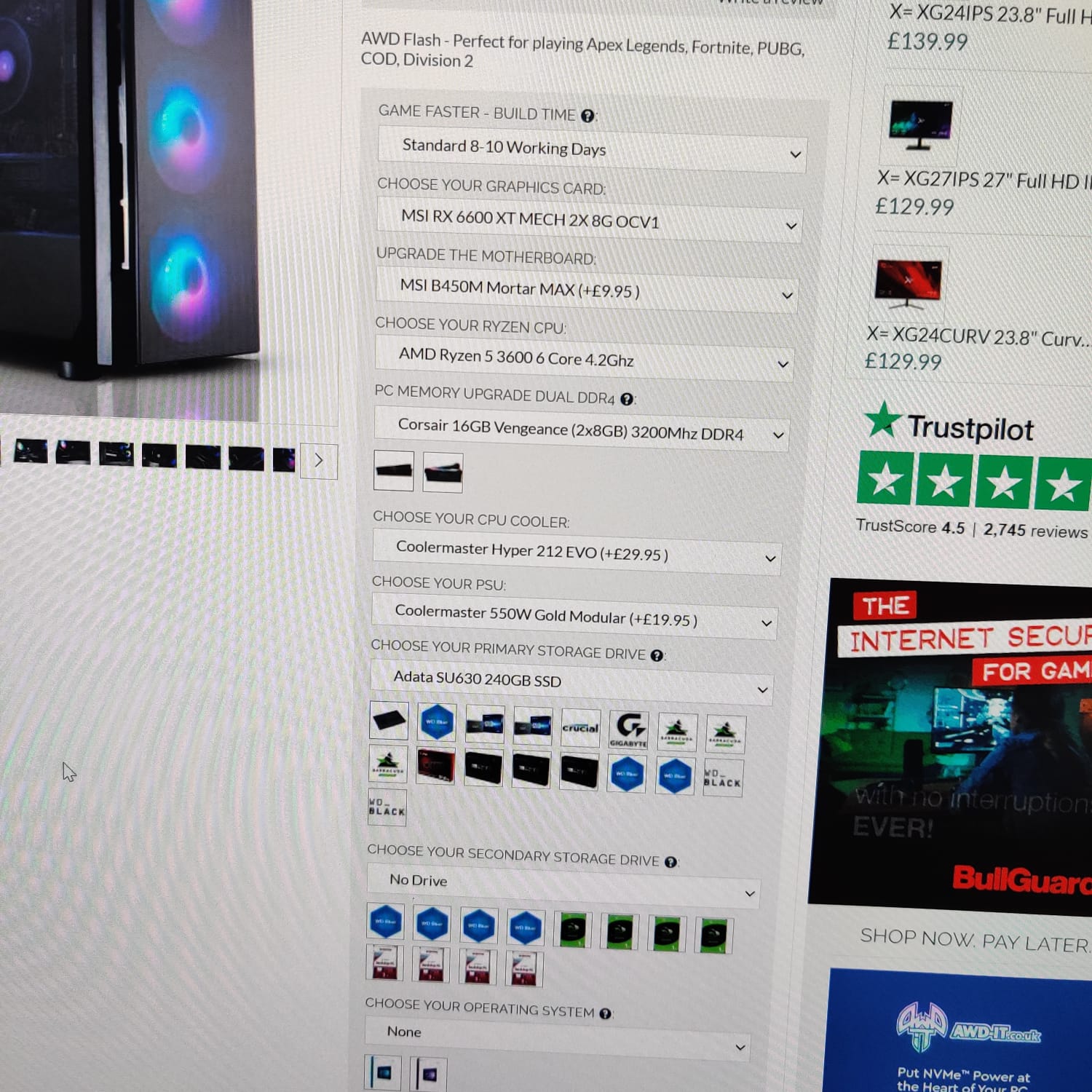
Whilst RealSense 400 Series cameras can work with any Intel or Arm processor, there is not such an assurance for AMD processors. In the small number of reported cases that have used computers with AMD processors, they have worked with Ryzen CPUs but there may be unforeseeable consequences in regard to stability.
When the SCP overflow errors occur, do you see any negative effects such as drops in FPS speed or freezing up of the camera image?
Please sign in to leave a comment.
Comments
10 comments