Realsense D435i not giving RGB data. realsense-viewer is showing D430
We have a D435i but it is not giving the RRGB stream and it is showing as D430 in realsense viewer when connected to the computer. I have tried downgrading the firmware version but that has not worked. Kindly let me know what else can be done
-
Official comment
Based on your description of the issue, your D435i is faulty and should be returned or exchanged.
- If you purchased the unit from the Intel RealSense Store, please sign in to your account on http://www.intelrealsense.com and go to My Account -> My Orders -> Return or Replace Items or open a ticket here.
- If you did not purchase the unit from the Intel Store, contact your distributor for a return.
We apologize for the inconvenience this has caused.
Sincerely,
Sahira Rizvi
Comment actions -
Hi Kaustubh Joshi1997 Has the camera been detectable in the Viewer as a D435i before today, or has it been D430i from the first time that you used the camera please?
Does going to the More option at the top of the Viewer's side-panel and selecting the Hardware Reset option from its drop-down menu to reset the camera make a difference to the camera name that is displayed?
-
Thank you very much. Next, could you try the rs-capture RealSense example program to see whether the RGB image is displayed please. Doing so will provide information about whether or not the problem is limited to the RealSense Viewer tool only.
The link below has instructions for launching the rs-capture example in Windows.
https://github.com/IntelRealSense/librealsense/issues/8024#issuecomment-747630656
-
Thanks very much for testing with the rs-camera example.
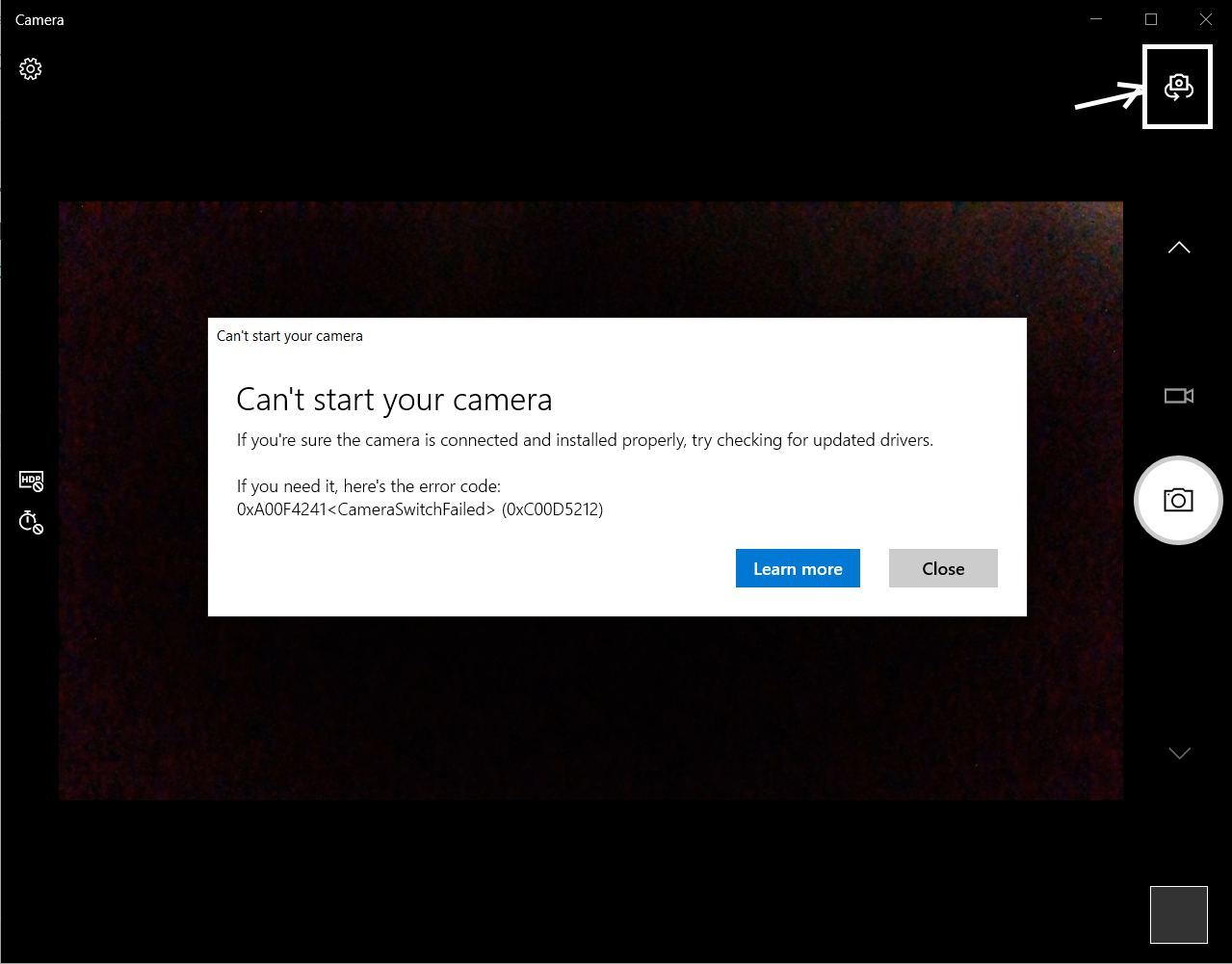
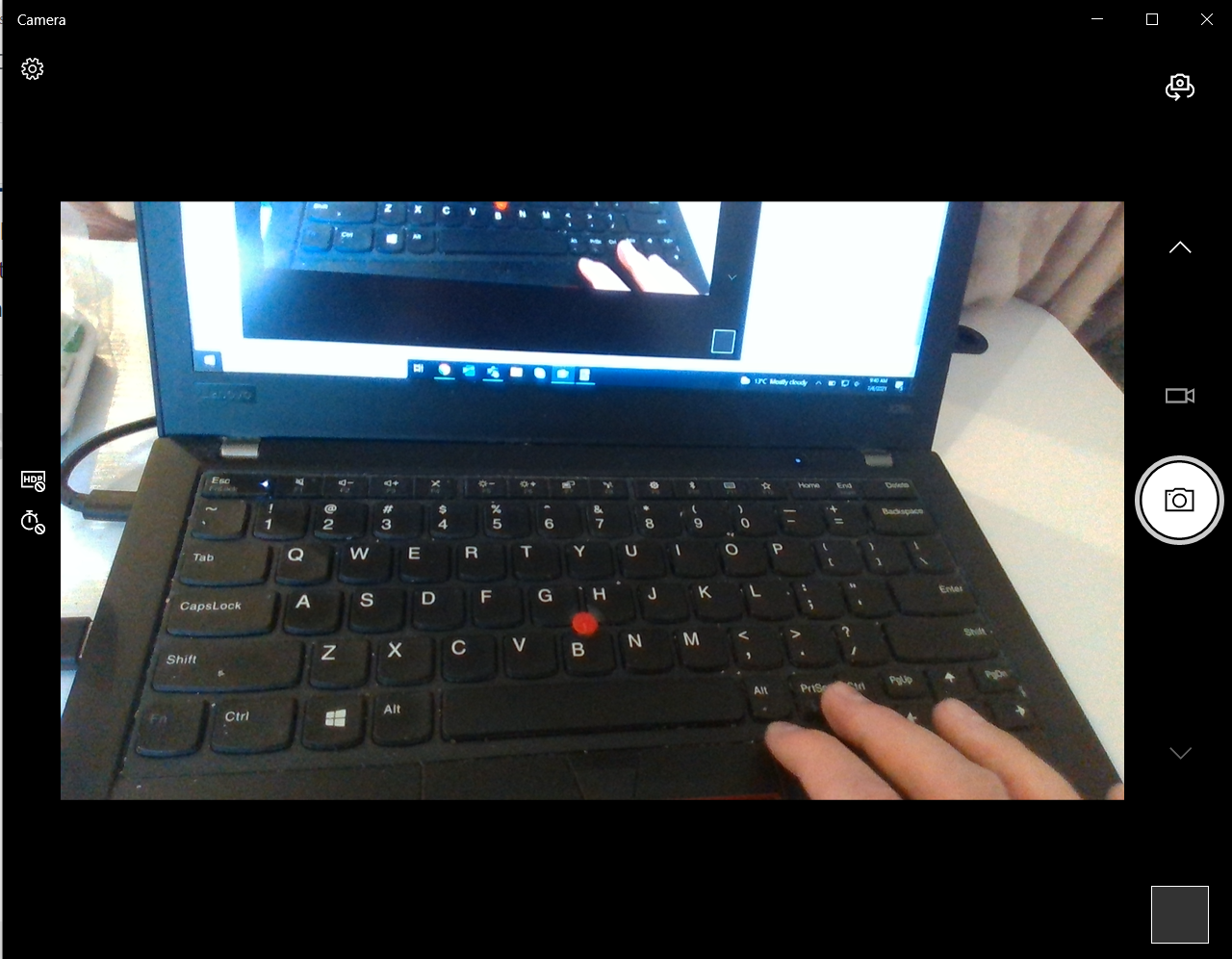
Next, let's test whether the camera is capable of accessing the RGB outside of the RealSense SDK by using the built-in Camera app of Windows that can be used to test ordinary webcams. Please input the term camera into the text box at the bottom of your Windows screen, next to the corner button where you shut down the PC.
If you initially have a blank black window in the app, left-click on the topmost icon highlighted with an arrow in the image below to toggle the view to the D435i. If the message Can't start your camera appears then just click the Close button to skip past it.
Does the RGB display in the Camera app on your Windows computer?
-
I will refer your case to a team member of the Intel RealSense Customer Support forum for further advice.
Hi @... This is a case of a D435i camera that is enumerated as a D430i (a rare error indicating that the RGB sensor is not being detected by the firmware driver). The RGB was not accessible in RealSense SDK applications, nor outside of the SDK in the Windows built-in app Camera for RGB webcams. Changing the firmware version made no difference.
A physical cause of this issue may be a disconnection of the D435i's RGB cable inside the camera casing.
Could you provide advice to Kaustubh Joshi1997 please? Thanks very much!
Please sign in to leave a comment.
Comments
11 comments