Realsense D435i with Ubuntu 18 server on Raspberry Pi4 for Slam
I installed Ubuntu server 18 on my raspberry Pi4
Ubuntu Server for Pi: https://ubuntu.com/download/raspberry-pi
Installed Gnome desktop on it. From an earlier post I followed the order of installation given by MartyG which is:
The usual order for setting up the ROS wrapper on librealsense is:
1. Install librealsense.
2. Install ROS (Kinetic or Melodic).
3. Install the RealSense ROS wrapper.
I successfully managed to install librealsense by following the acrobatic guide: https://github.com/acrobotic/Ai_Demos_RPi/wiki/Raspberry-Pi-4-and-Intel-RealSense-D435
Although there were some errors while following the above guide due to missing dependencies, the fixes were straightforward.
I tested the camera in the realsense viewer one everything was done.
Next step is to install ROS. But before I proceed, would like to get some advice on which ROS version to go with. And if I would have to build ROS from source. There is a version for rasbian buster and also the melodic version. Please share with me if there are any known guides for this.
-
Hi Akshay Ulavan If you are using Ubuntu Server as your OS on the Pi then following the normal process for installing ROS should be sufficient, since you will not need to take any special needs that Raspbian OS might have had into account.
Regarding which ROS branch to use: a RealSense ROS2 wrapper for Eloquent became available this week. So if you are knowledgable about ROS2, then the Eloquent ROS branch may be a good choice.
https://github.com/IntelRealSense/realsense-ros/releases/tag/3.1.0
Otherwise, if you prefer to use ROS1 then Melodic would be fine since it is suited for Ubuntu 18.04. The RealSense ROS page provides a link to installation instructions for Melodic.
https://github.com/IntelRealSense/realsense-ros#step-1-install-the-ros-distribution
-
Thanks MartyX Grover. I installed ROS melodic from the official docs: http://wiki.ros.org/melodic/Installation/Ubuntu
It was installed with no issues.
I also installed the ROS wrapper: https://github.com/IntelRealSense/realsense-ros#step-1-install-the-ros-distribution
with the command `
sudo apt-get install ros-$ROS_VER-realsense2-camera` it worked without any errors.Then I installed the all 3 slam dependencies: https://github.com/IntelRealSense/realsense-ros/wiki/SLAM-with-D435i
i.e. imu_filter_madgwick, rtabmap_ros & robot_localization with no issues.
But when I run:
roslaunch realsense2_camera opensource_tracking.launch
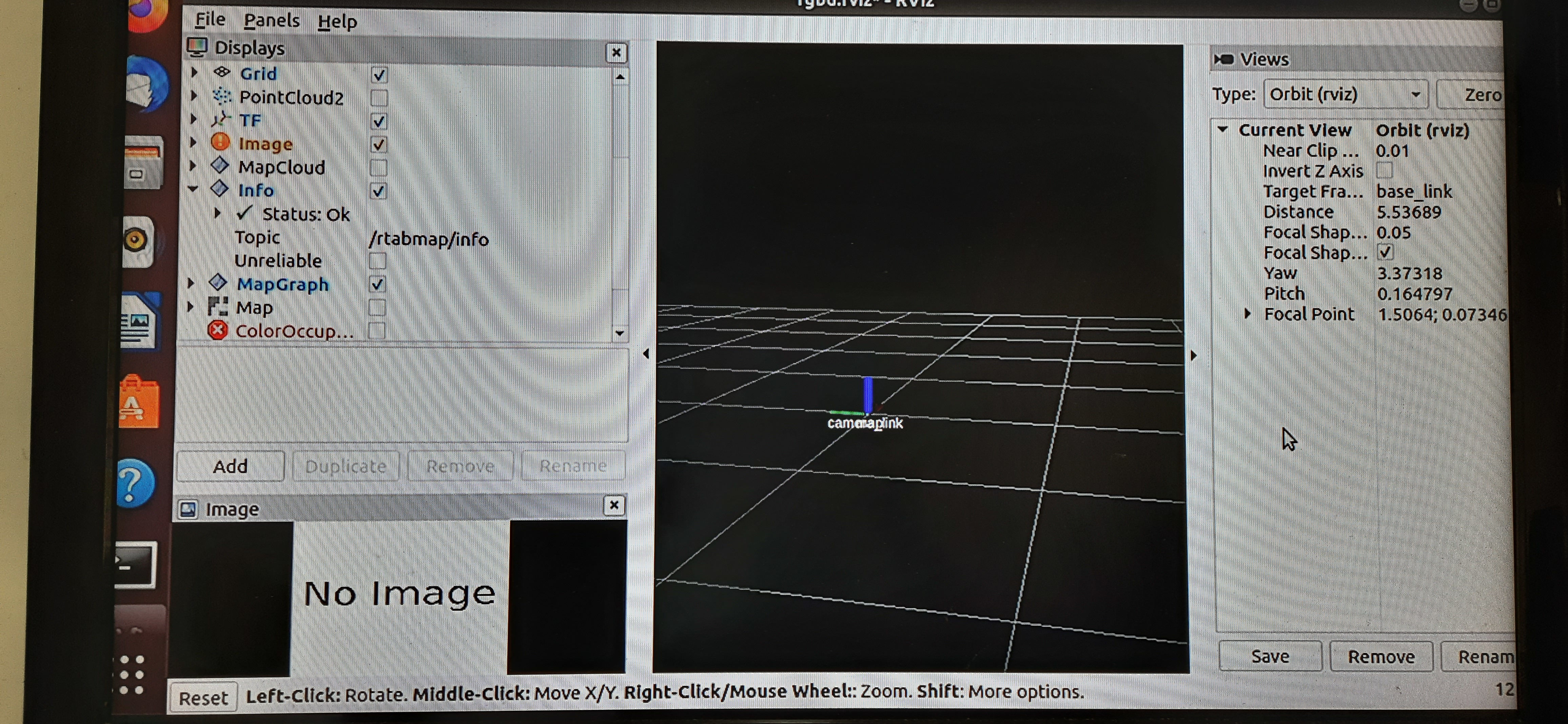
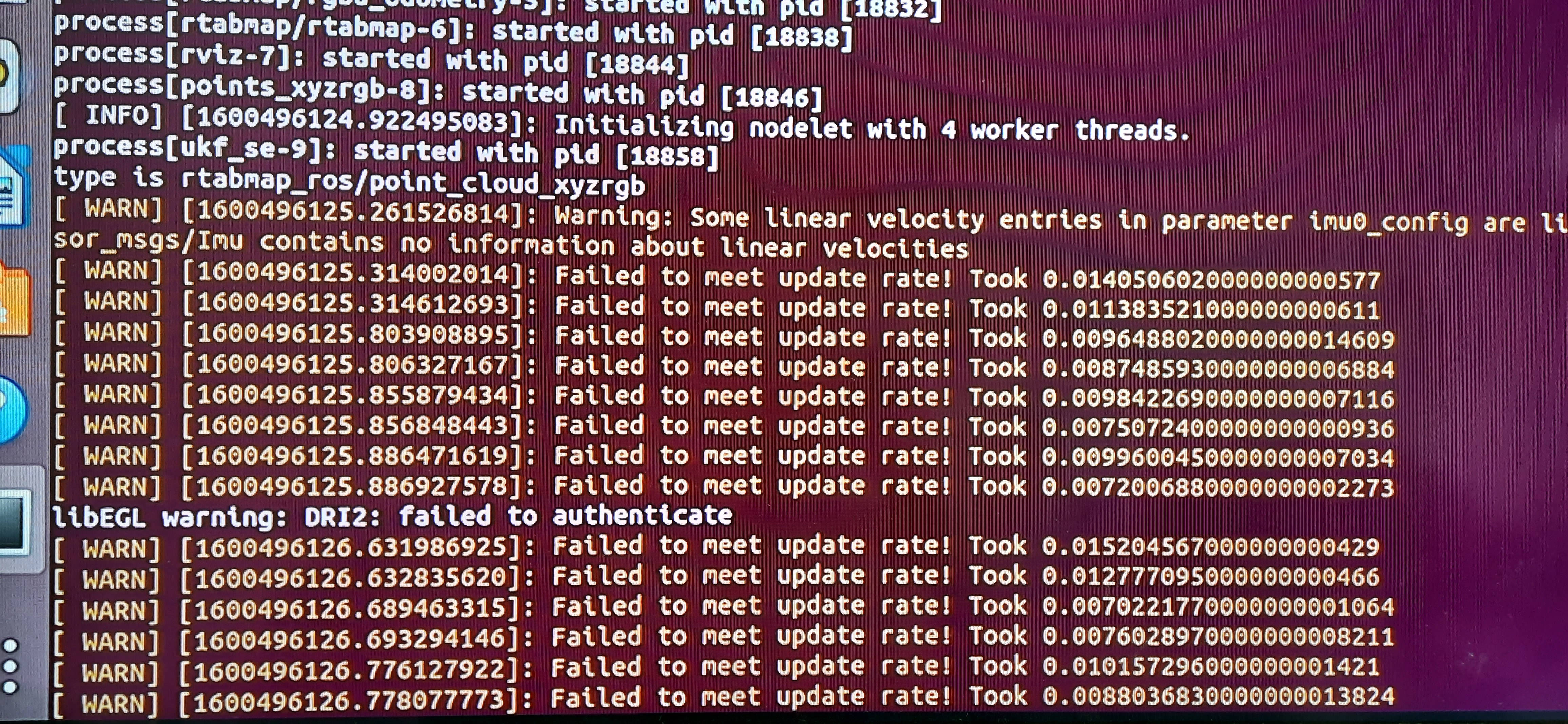
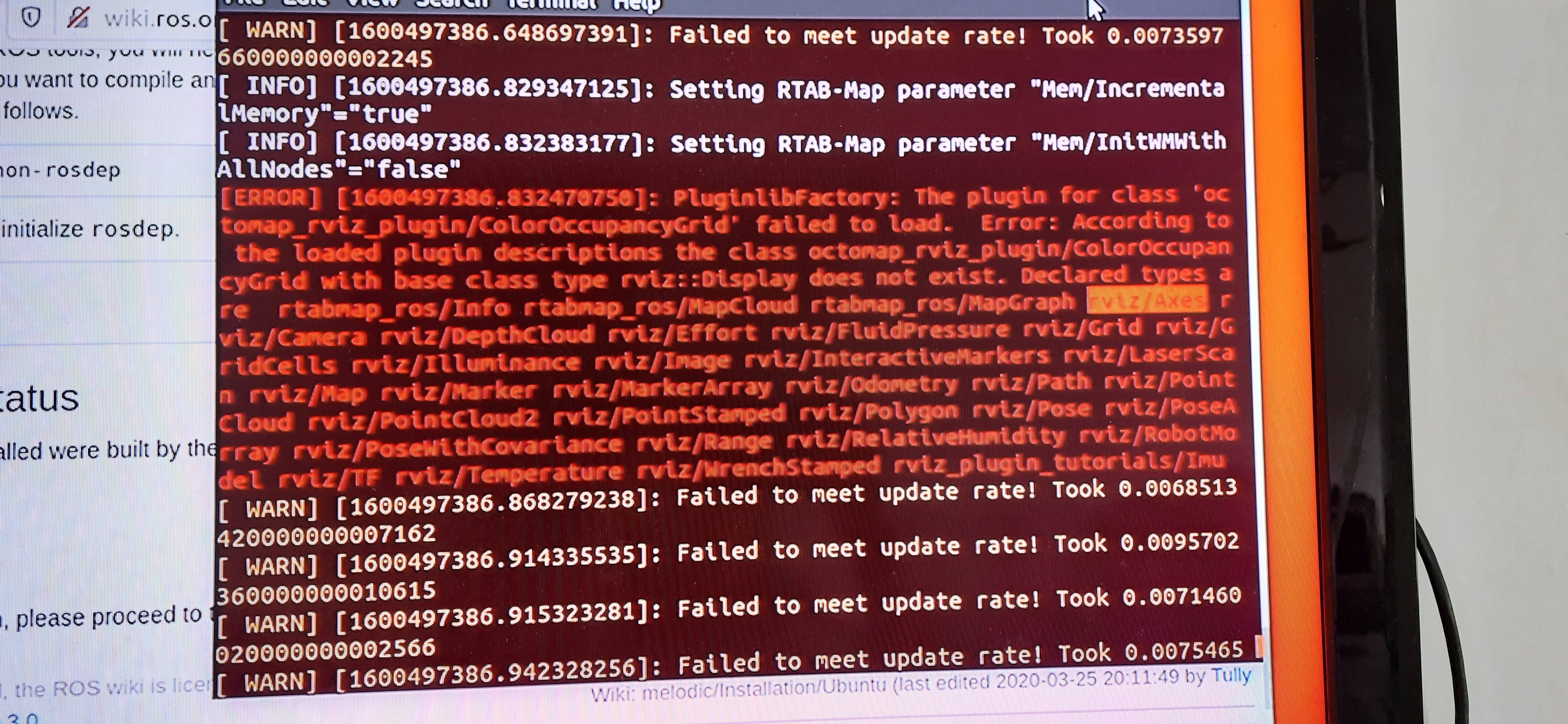
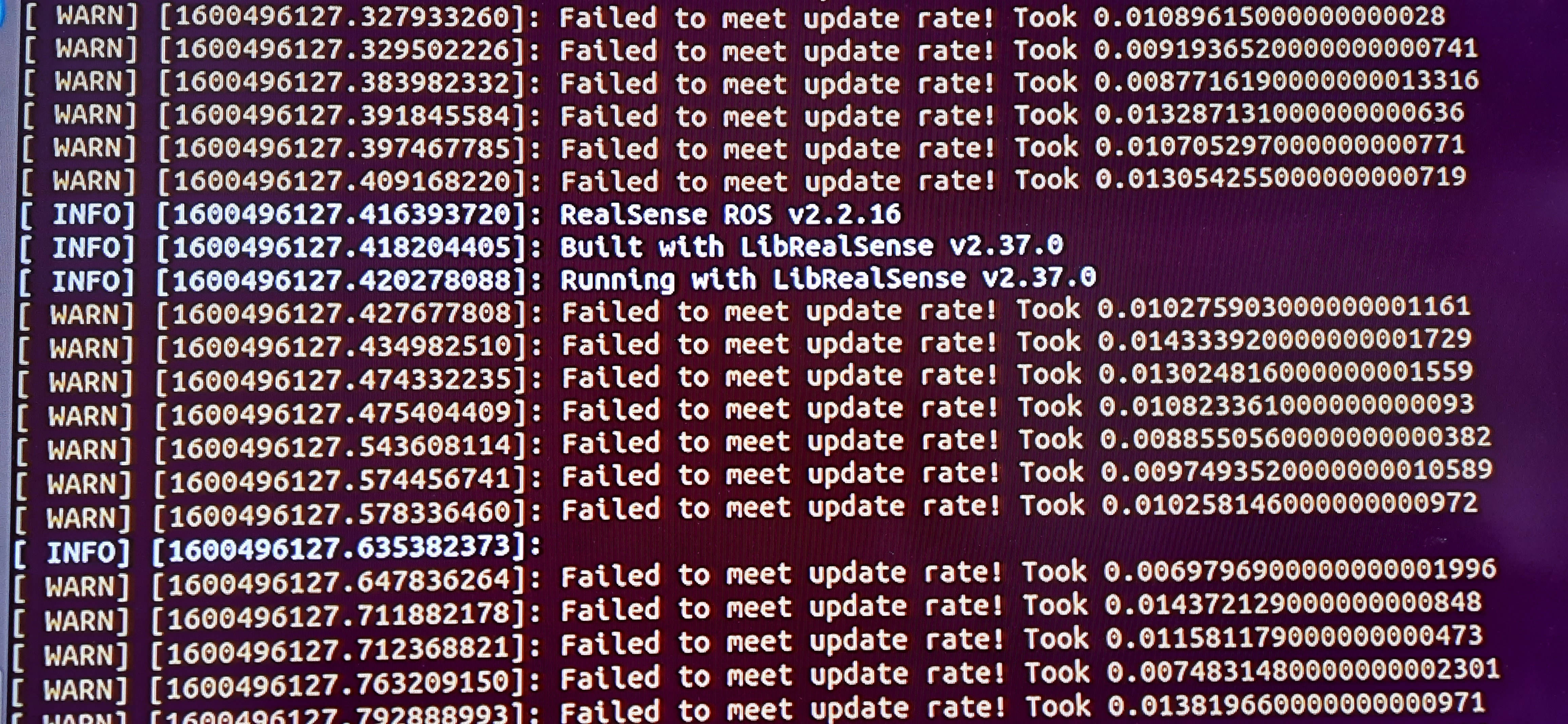
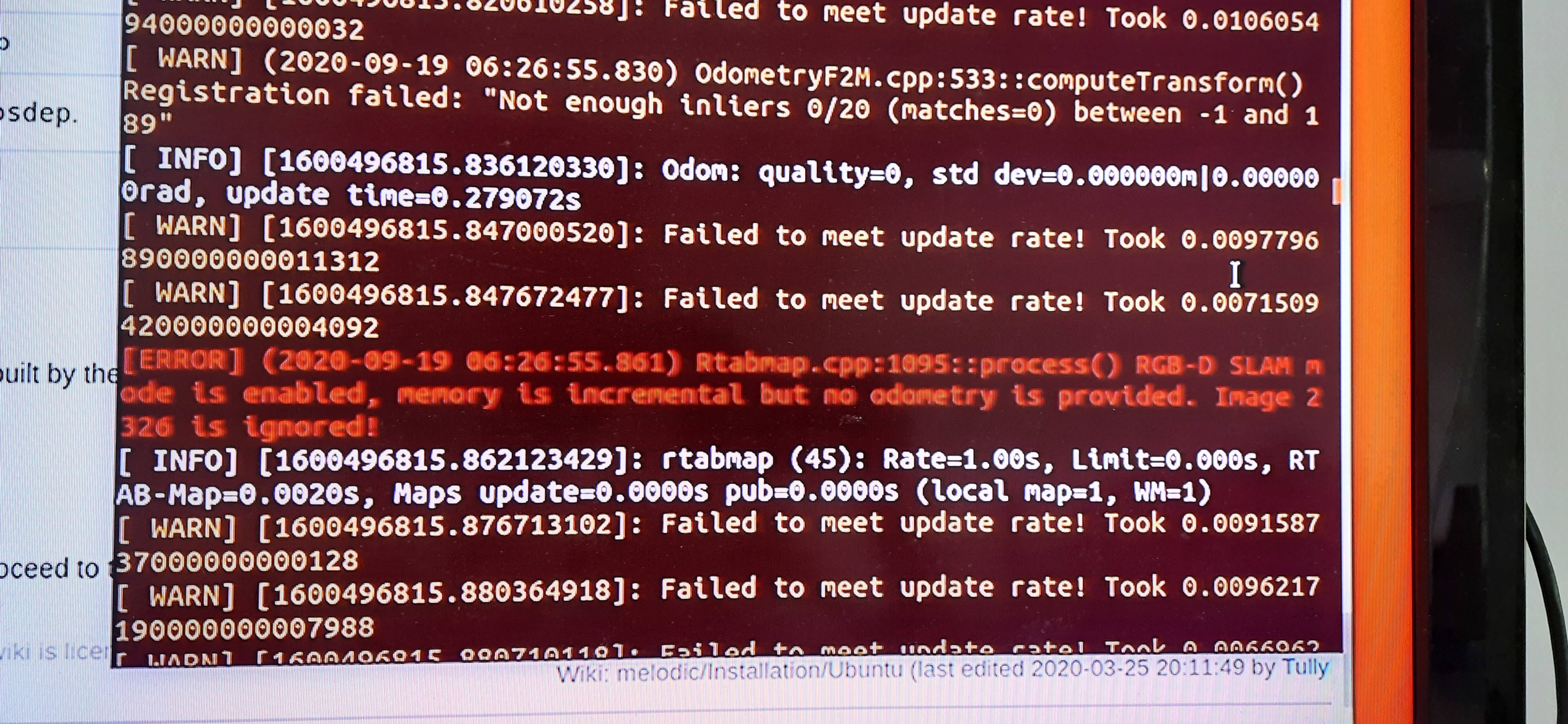
A bunch of warnings appear on the terminal and no output on RViz. I'm attaching some pictures of the terminal that I though might be of interest.
RViz:
Terminal:
-
The Failed to meet update rate error has also occurred in other cases where the D435i SLAM guide was being used. Here are a couple of examples:
https://github.com/IntelRealSense/realsense-ros/issues/1234
https://github.com/IntelRealSense/realsense-ros/issues/1329
You should make sure that the IMU gyro and accel topics are True, as they are set to False by default from ROS wrapper version 2.2.15 onward. You can enable them in the roslaunch instruction by adding the terms below:
enable_gyro:=true enable_accel:=true
-
MartyX Grover I tried enable gyro & accel but there were no changes. Also noticed:
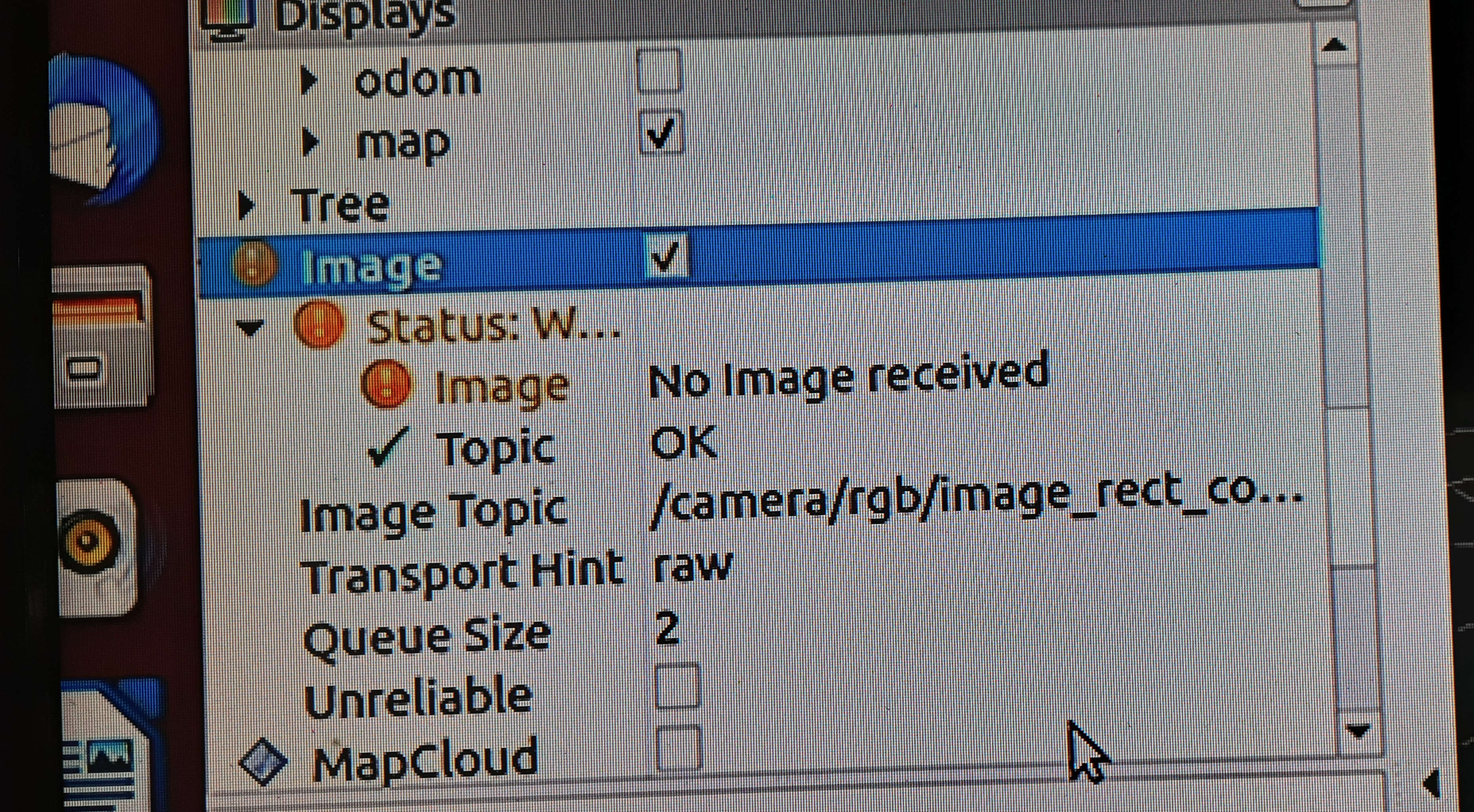
Because of these errors I thought of looking into other methods than can help me achieve SLAM with the realsense D435i.
I found this: https://github.com/xdspacelab/openvslam
If you know any other softwares the please let me know. Thank You.
-
Akshay Ulavan Here are some additional SLAM solutions other than OpenVSLAM that I have covered in previous cases:
Kimera
VINS-RGBD
https://github.com/STAR-Center/VINS-RGBD
I also came across OpenVINS:
-
Thank You very much MartyX Grover!
-
I came across this: https://intel.github.io/robot_devkit_doc/pages/overview.html
I saw that it contains SLAM and navigation for intel cameras. But I also noticed that it only supports x86 CPUs, that rules out raspberry Pi.In the installation section under Hardware Requirements the link for ADLink Neuron Board is broken.
I wanted to ask whether the Robot Dev kit would be usable for the task of navigating a forest.
-
I hope that the discussion in the link below will be useful to you.
The navigation section of the Robot Devkit project states that it can avoid obstacles on the way to its goal, which would be very useful for a forest environment.
https://intel.github.io/robot_devkit_doc/pages/navigation.html
-
For the benefit of future readers of this case, I am adding a link to a YouTube video about installation of RealSense and ROS on a Pi 4 with Ubuntu Server 20.04.
https://www.youtube.com/watch?v=hOZinOGPY-s
Another guide, for ROS1 Noetic, can be found at the link below:
https://ramith.fyi/setting-up-raspberry-pi-4-with-ubuntu-20-04-ros-intel-realsense/
Please sign in to leave a comment.
Comments
10 comments