Issue with tiled floor
Hello team,
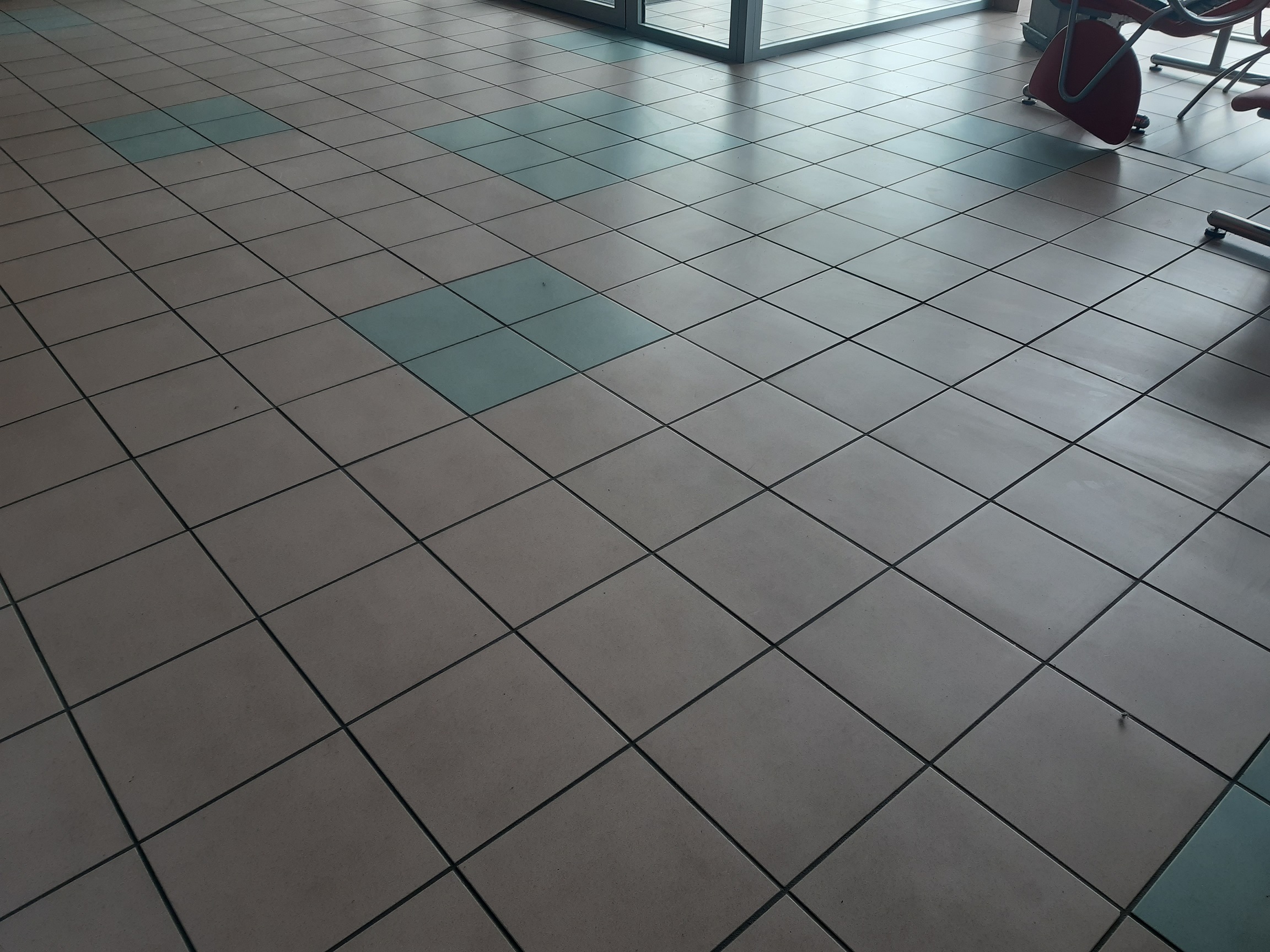
I am seeing a strange behavior when moving my robot on a tiled floor. Some depth points in the pointcloud will appear higher off the ground than they should be.
I am using ros and rviz for below screen captures.
This is a side view of the point cloud, to the right you can see several points being significantly higher than the rest of the data to the left.
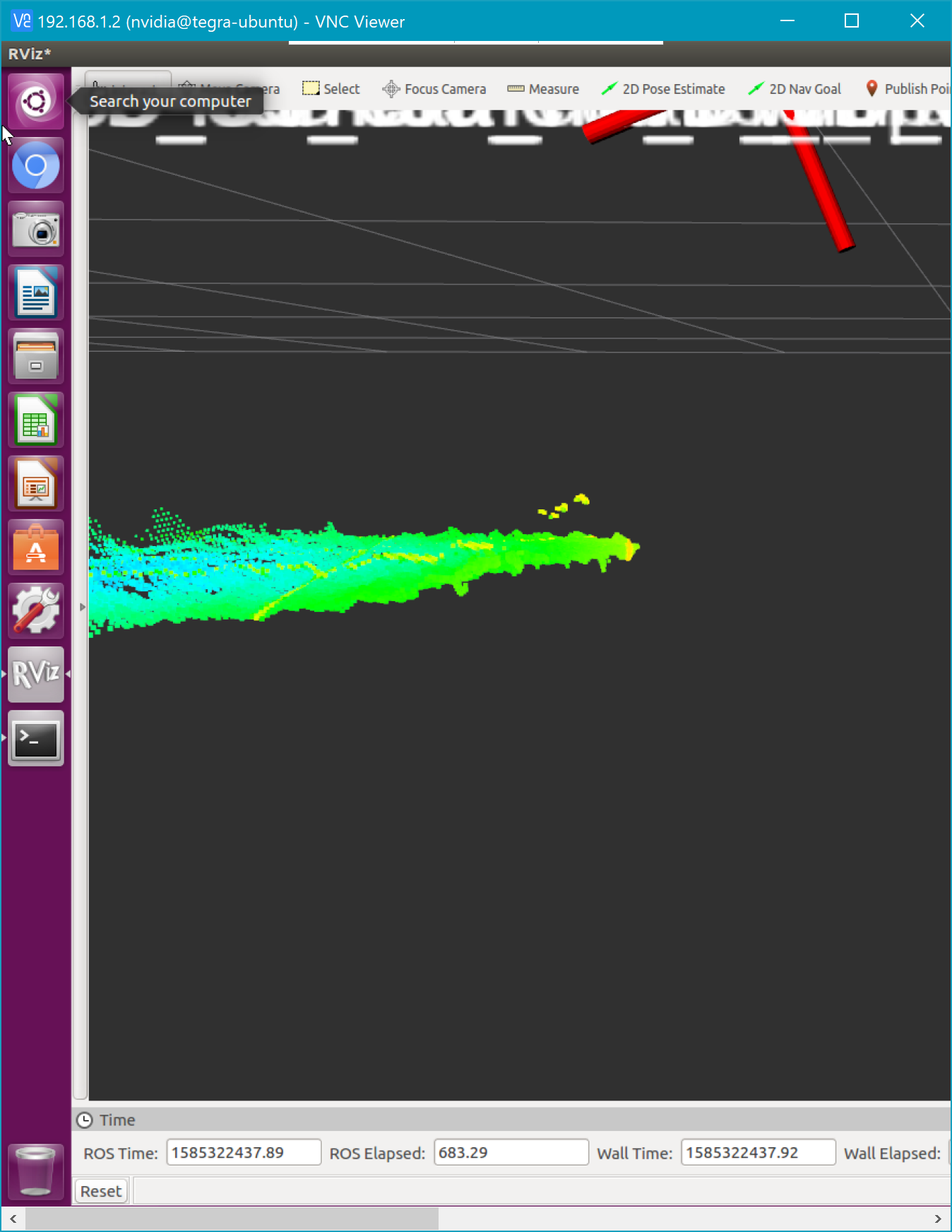
Higher off points seem to be detected along the joints of the floor tiles. Coïncidence?
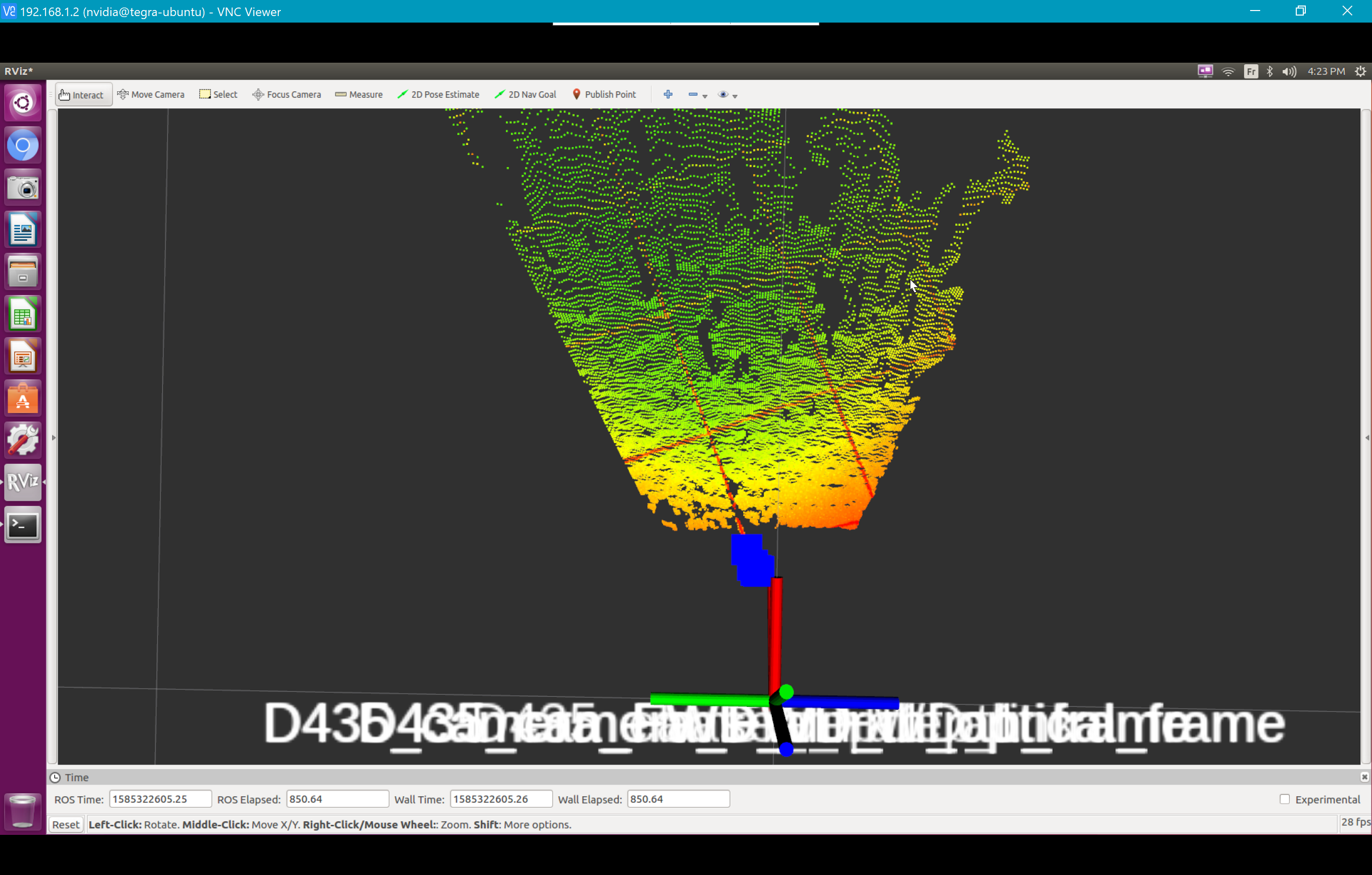
IR left image seems fine:
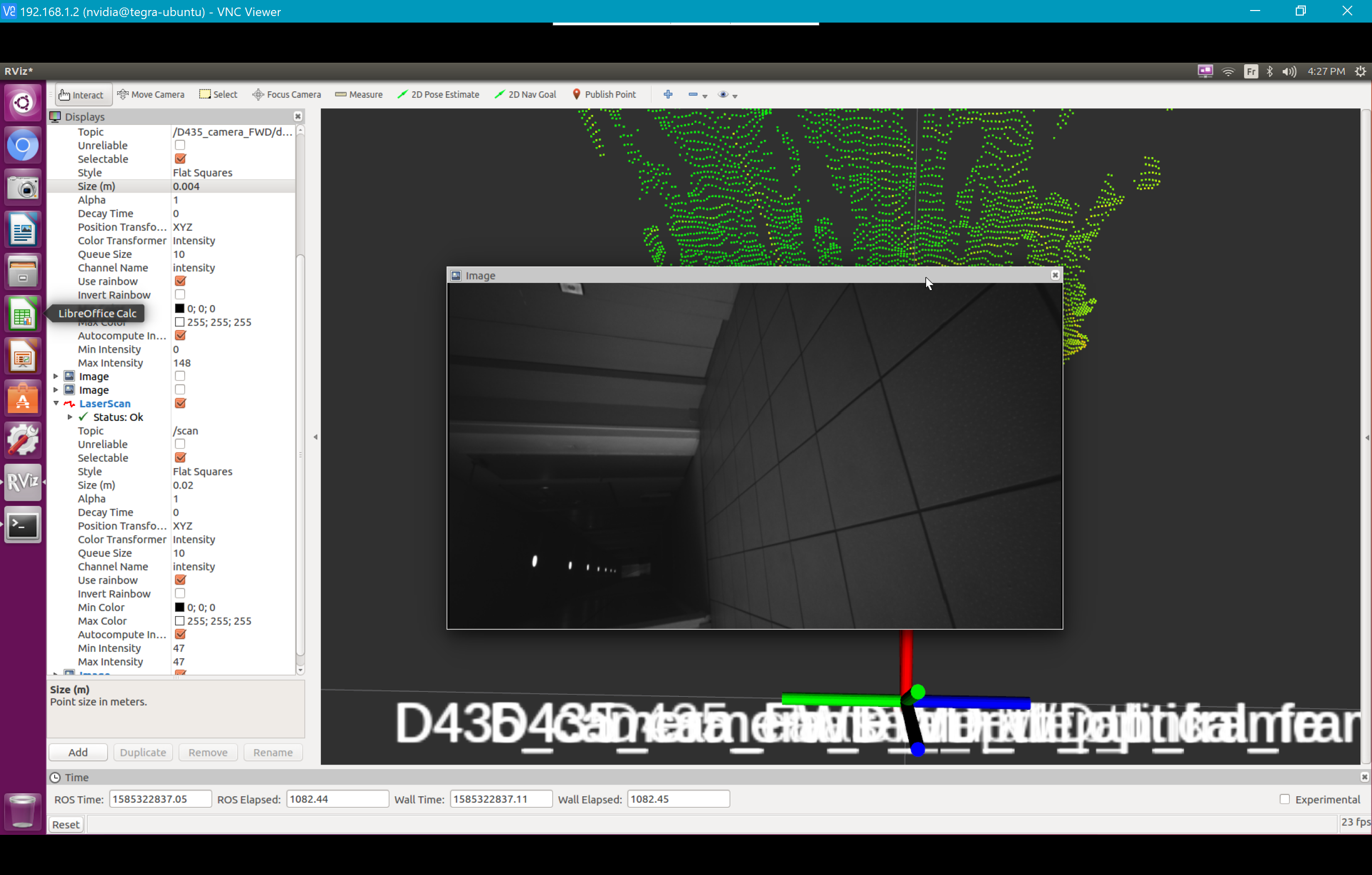
It is worth mentionning that this only happens in this particular environment, with the tiled floor being the source of the issue?
I thought this would be related to the repetitive structures of the floor (the tiles) and thus the stereo depth processing getting confused. But increasing the "DSSecondPeakThreshold" to the maximum does not resolve the issue?
Thank you for the support, Antoine
-
Reflectivity can make surfaces more difficult for the camera to read accurately, which may throw off the depth readings and give erroneous results. Light sources shining onto reflective surfaces may make the problem worse. Section 4.4 of the official RealSense guide to optical filters makes reference to this and makes a suggestion for filtering that may improve the situation.
https://dev.intelrealsense.com/docs/optical-filters-for-intel-realsense-depth-cameras-d400
-
What are the point clouds like from the front view, please? There is a history of RealSense point clouds being strongly distorted (elongated) when viewed from the side.
https://github.com/IntelRealSense/librealsense/issues/4553#issuecomment-517863142
-
this is the front view
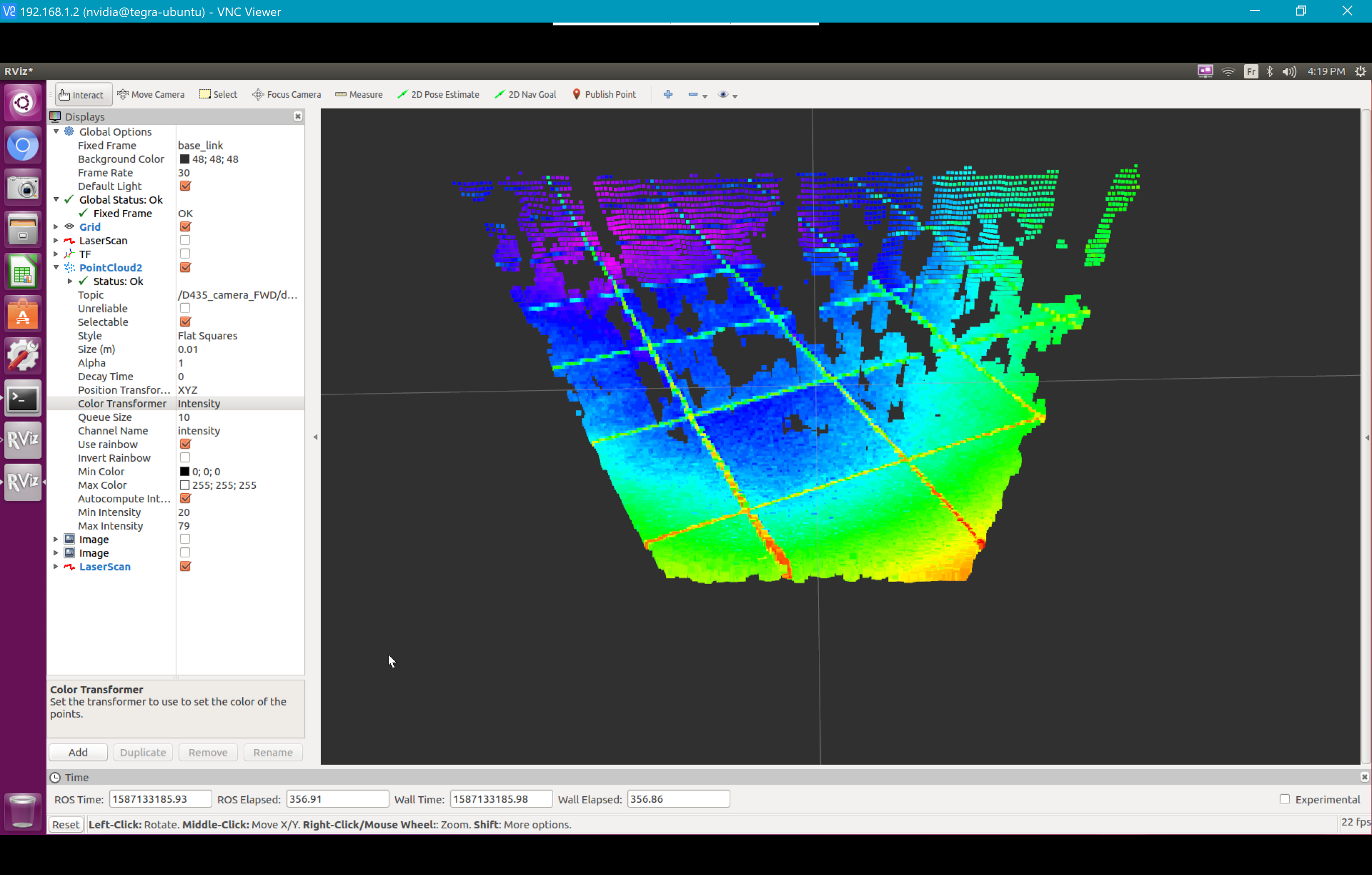
camera is pointing down at the ground, it is tilted about 25° from the horizontal plane
i do not think the point cloud is distorted in any way? The points that are an issue are the ones along the joint between the tiles closer to the camera. The joint appears red there (all other joint points appear more or less green)
-
The color of the cracks do not really correspond to the distance depth of the tiles next to them. I wonder if the camera is having difficulty with reading them because they are black. Depth cameras (not just RealSense cameras) can have difficulty reading black or dark grey areas because of general physics principles where the dark color absorbs the light.
An example of this is trying to scan black cables. On a depth image, the cables may appear as empty black cable-shaped lines that look like cables because of their shape but do not actually have any depth detail.
-
One way to make a dark or reflective surface more readable by a depth camera is to use a fine spray-on powder on the surface, such as foot powder or baby powder. This is probably not a practical method for your particular situation though.
Dorodnic the RealSense SDK Manager has said "In extreme case where you have brightly illuminated surfaces and really dark surfaces, it is impossible to find one value of sensor exposure without having either completely black or completely white regions, but for this case, the camera does offer a control to rapidly switch between two values of exposure".
I believe that Dorodnic is referring to a mode that only works on D430 / D435 (luckily you have a D435) where the laser emitter is very rapidly alternated on / off. The link below has an animated image with a fast-strobing light, so beware if you have epileptic sensitivity.
https://github.com/IntelRealSense/librealsense/pull/3066
Other than that, I do not know of a way to counter black surfaces.
-
If you apply the High Accuracy visual preset configuration then coordinates that have a lower confidence of accuracy will automatically be excluded from the image. This mode can result in a noticable reduction in detail on the depth image though. The Medium Density preset provides a balance between accuracy and 'fill rate' (the detail on the image).
-
The stereo depth technology of the 400 Series cameras does not have a confidence threshold like the earlier-generation SR300 / SR305 cameras that are based on 'coded light' technology. You can though use a setting called Second Peak Threshold.
https://github.com/IntelRealSense/librealsense/issues/3185#issuecomment-460540961
Please sign in to leave a comment.
Comments
17 comments