Measure option in Realsense Viewer
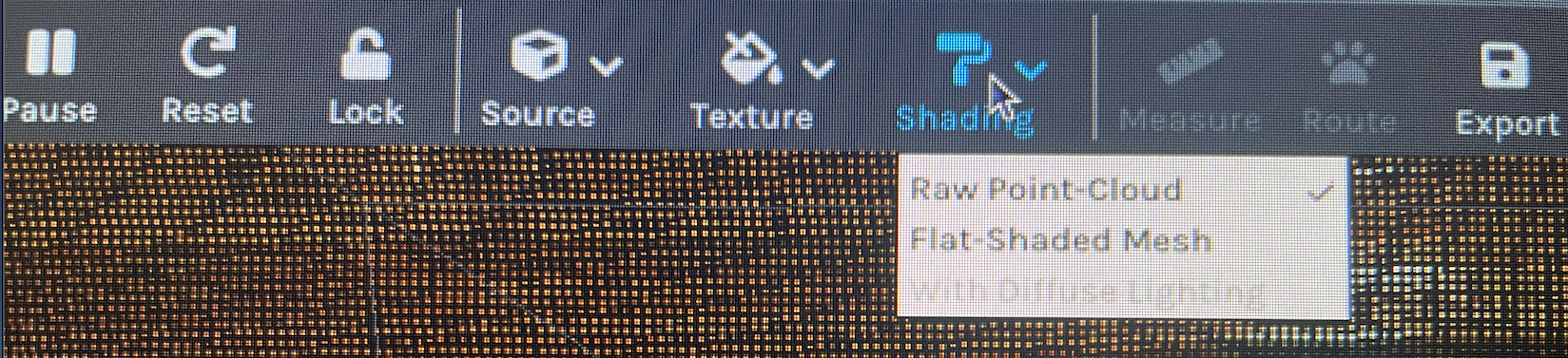
Hello, I am facing a problem with my D455 camera. The "measure" option seems to be disabled in the Realsense Viewer(v2.45.0) so I'm not able to measure depth in 3D raw point cloud. This is seen both in MacOS and when I connect the camera to my Raspberry Pi. Please can you help solve this issue, since I'm unable to get any depth info out of it?
Thanks,
 Varsha
-
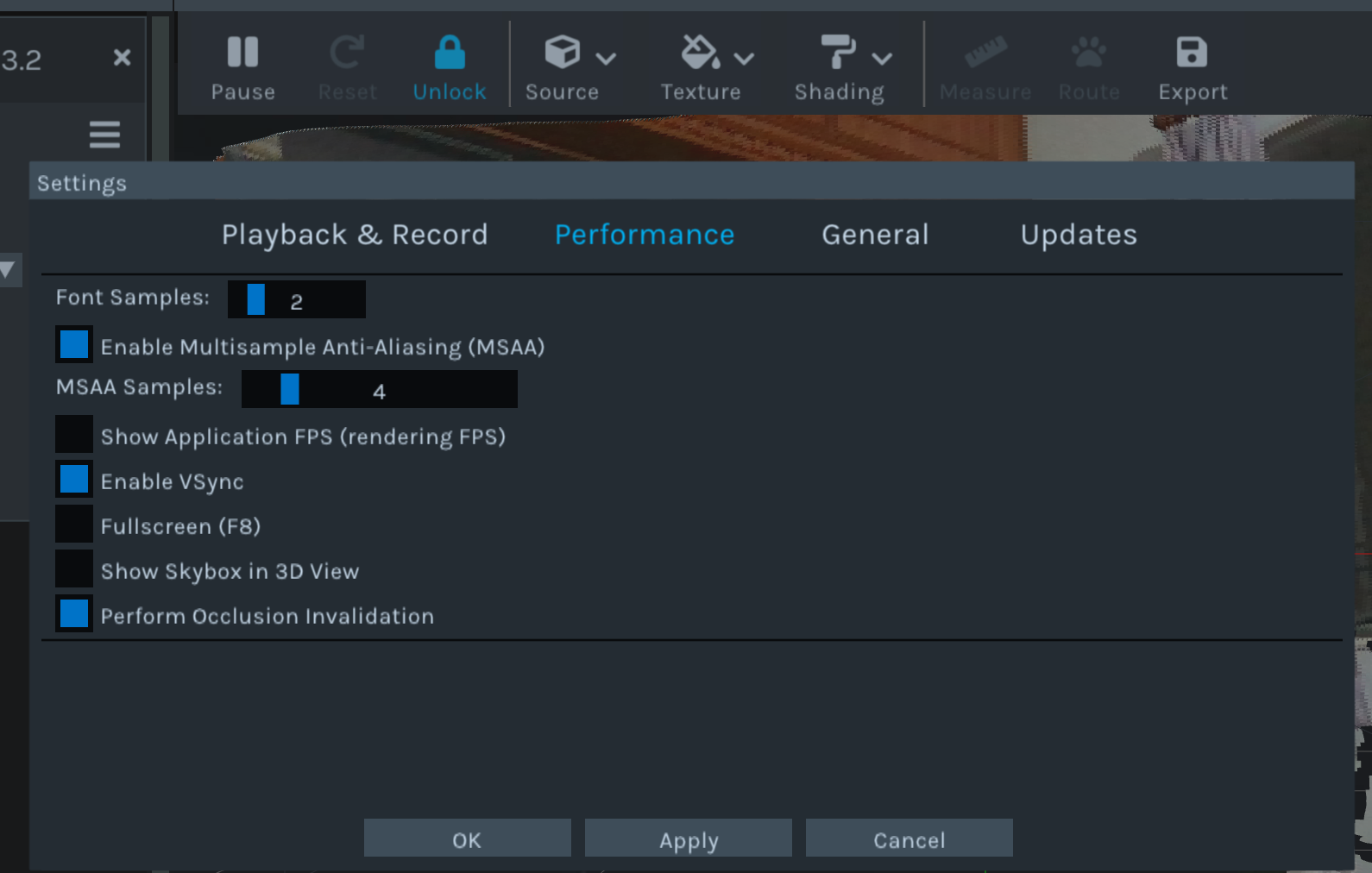
Hi Varsha 11891 A reason why the Measure option in the 3D mode of the RealSense Viewer may be disabled is if the GLSL options in the 'Performance' section of the Viewer's Settings page are disabled.
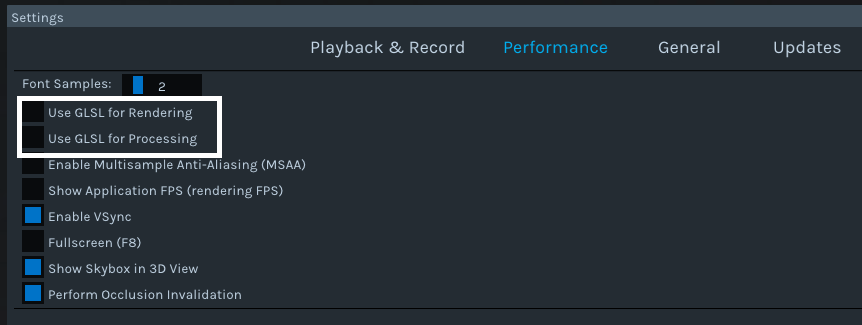
You can access the Settings interface by left-clicking on the gear-wheel icon in the top corner of the Viewer window and selecting Settings from its drop-down menu. Then left-click on the Performance tab of the Settings overlay that pops up to locate the GLSL options.
-
The Measure tool is available as a standalone SDK example program outside of the Viewer.
https://github.com/IntelRealSense/librealsense/tree/master/examples/measure
I am not aware of an alternative means to access the Measure tool from within the Viewer if the GLSL options are not available though.
Please sign in to leave a comment.
Comments
3 comments