Large error in D435 depth values
Dear Technical Support Staff.
Hello!
We are having some problems with the D435 depth camera for depth testing, when we do a depth visualisation test on realsense-viewer with a white wall we find that the realsense SDK shows 0.3m when we actually measure 0.35m, 0.4m when it shows 0.47m, 0.62m when it shows 0.5m, we actually measured 0.62m, 0.6m, we actually measured 0.78m, 0.7m, we actually measured 0.96m and 0.8m, we actually measured 1.16m. The actual distance we measured using the metre ruler may not be very accurate, but the difference between the actual distance measured and the depth measured by the D435 after excluding measurement errors is also significant. We hope you can provide us with a solution, thank you!
-
Hello, please provide information about the questions below.
1. Which version of the RealSense SDK are you using?
2. Which firmware driver version does your camera have installed? You can find the firmware version by left-clicking on the Info option near the top of the RealSense Viewer's options side-panel.
3. Do you have the Emitter Enabled option in the side-panel set to Laser so that the camera is projecting a dot pattern onto the white wall?
-
Thank you for your reply!
1. Our RealSense SDK version is v2.42.0
2. Our firmware version is 05.12.11.00
3. We set the "Enable emitter" option in the side panel to "Laser"
The above three points can be seen in figure 1
Figure 2 shows our actual distance measurement, which is 0.64m, and the SDK shows 0.5m
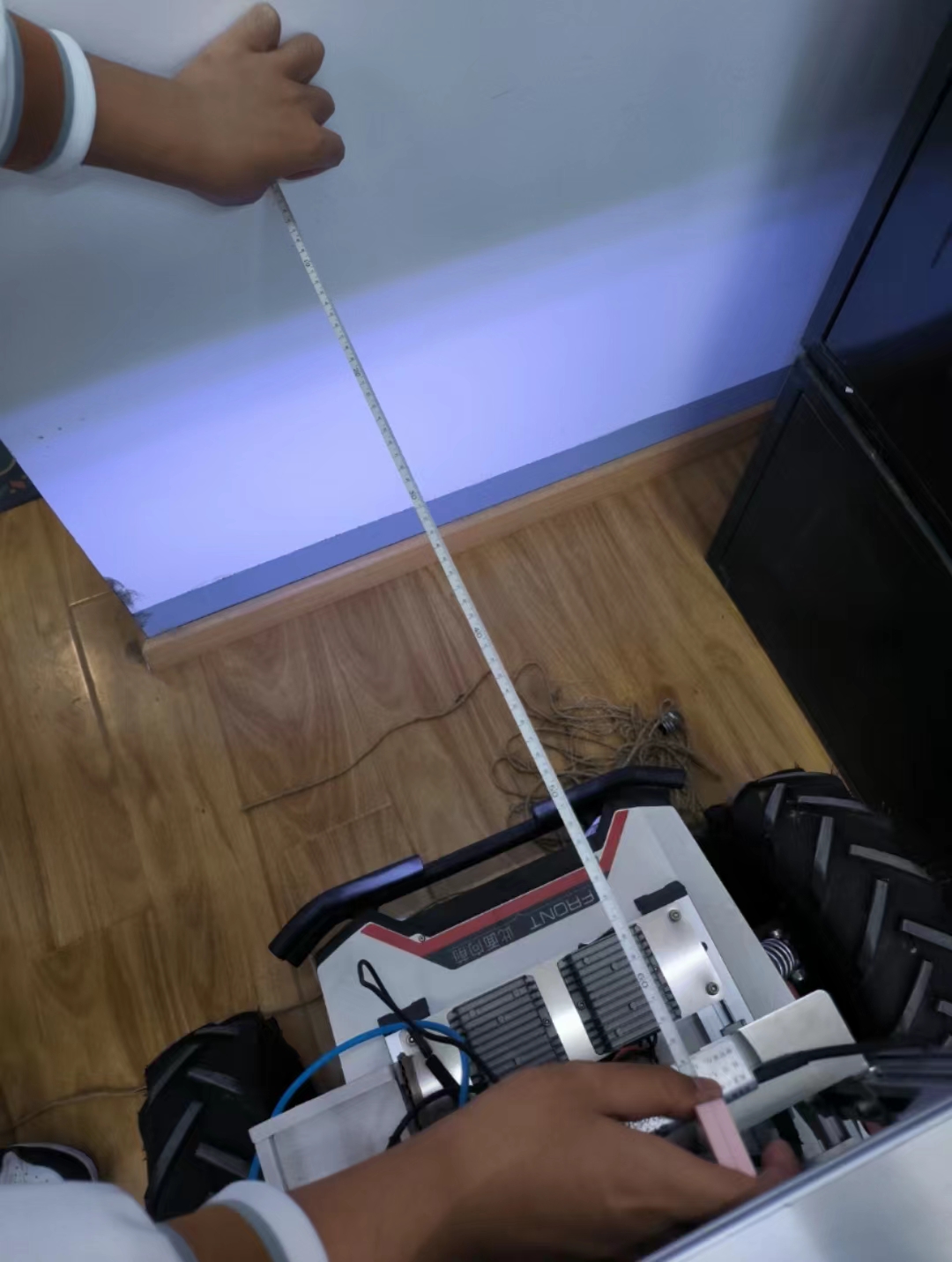
Figure 3 shows the scene during our actual test.figure1:
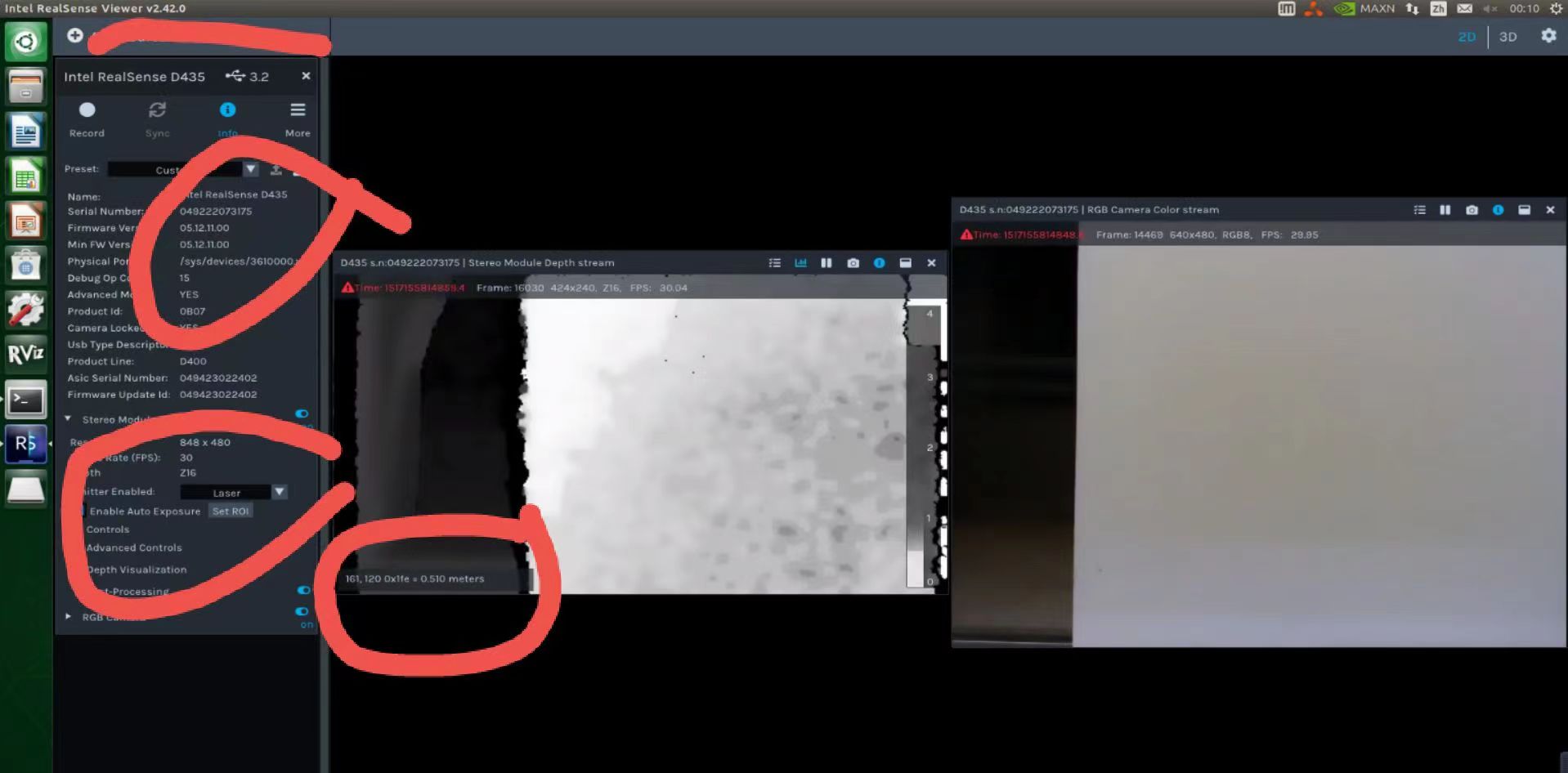
figure2:
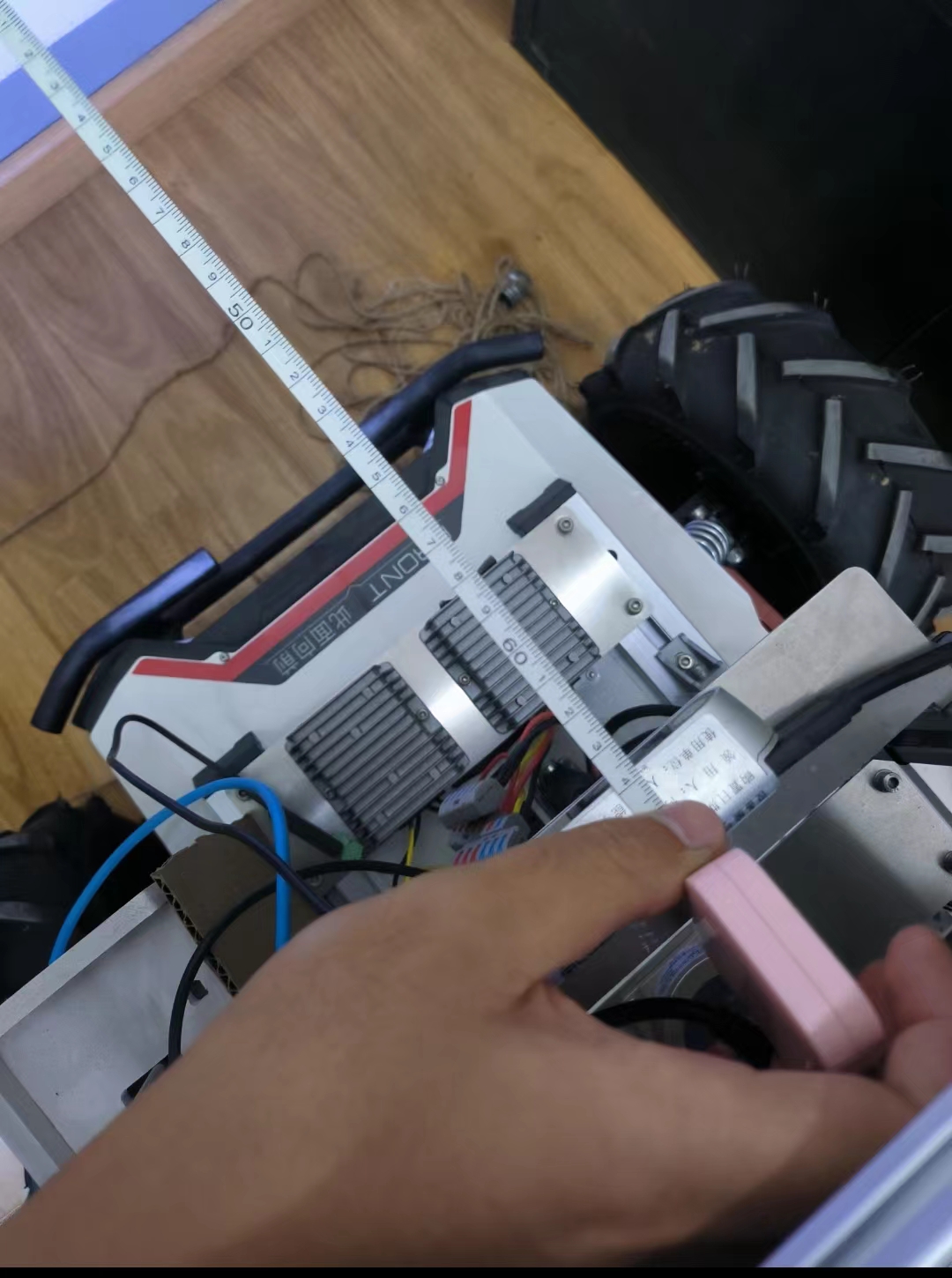
figure3:
-
There is a high amount of variation of depth values in the same area, and some parts that have more distant depth than the others (when ideally the depth image of the flat wall should be all the same color because it is relatively the same distance from the camera). This suggests to me that there is error in the depth that corresponds to the differences from real-world values that you listed.
Though the area of the wall that the camera is pointing at is darker compared to the lower section of the wall (which would make it more difficult to analyze for depth detail), the projection of the dot pattern onto the wall from the projector - generated by the Laser setting - should provide the camera with a 'texture source' to analyze for depth.
Are you able to achieve more accurate depth values if you go to the Viewer's Post Processing side-panel category, expand open the Temporal Filter setting and change the 'Smooth Alpha' from its default of '0.4' to '0.1'
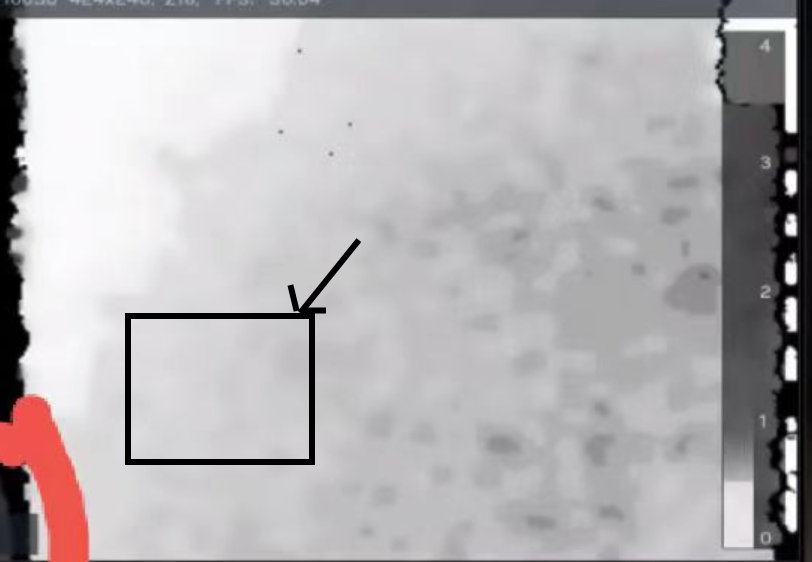
The stability / accuracy of the measured value will also depend on the quality of the depth coordinate that you move the mouse cursor over. If you put the cursor over a black area or an area that is flickering instead of remaining the same color then you will get a less accurate depth reading than if you place the cursor over a stable area of the image.
The area I have marked below looks as though it may be a good area to try placing the cursor over.
-
Thank you for your reply!
We will turn on the time filter settings as you suggested and change the "smoothing alpha" from its default of "0.4" to "0.1".
However, it should be noted that although there is a difference in the color of the depth chart, from my observations the overall variation is within an acceptable range, meaning that there is a large error between the overall depth value and the actual measurement, and we believe that this may not have much to do with the mouse cursor position. -
Thank you for your reply!
It's so bad that we tried your suggestion to turn on the time filter settings and change the "Smooth Alpha" from the default value of "0.4" to "0.1", while changed the preset from "Custom" to "Medium Density", but the measurements shown in the SDK did not improve at all. -
Next, please try resetting the calibration of your camera to its factory-new default values using the instructions at the link below.
https://github.com/IntelRealSense/librealsense/issues/10182#issuecomment-1019854487
Please sign in to leave a comment.
Comments
9 comments