The d455 camera cannot recognize objects beyond a distance of approximately 2.5 meters, and the background image will turn completely black
Camera model: RealSense D455F
Connection USB version: USB3.2
Firmware Version: 5.17.3.10
Product Id:0B5C
Product Line: D400
IMU model: BMI085
Connection type: USB
This image already shows some edge loss at 2.3m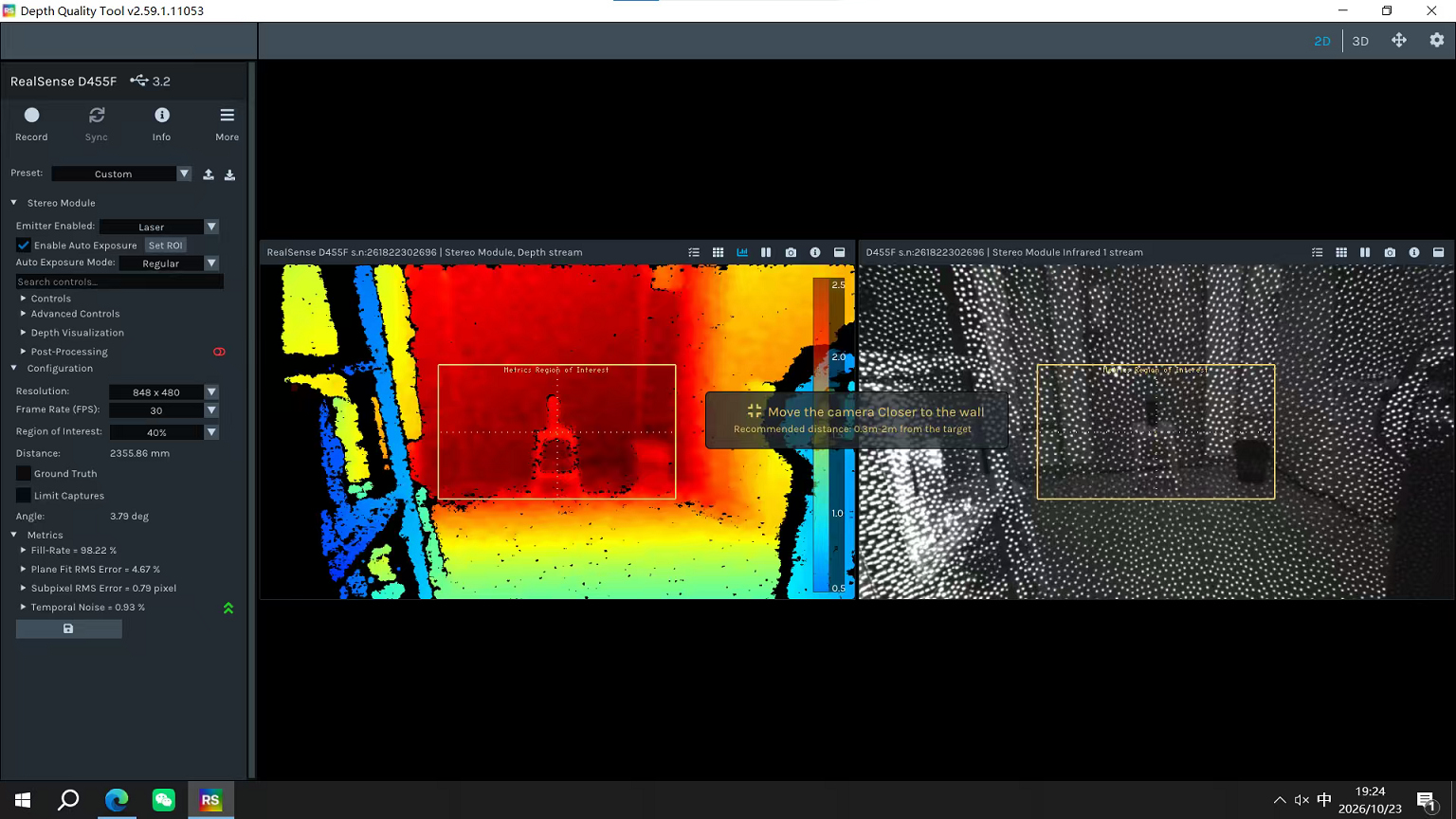
This photo shows an image where the maximum detectable distance of objects has been increased after adjusting the maximum laser power, but the background has turned black.
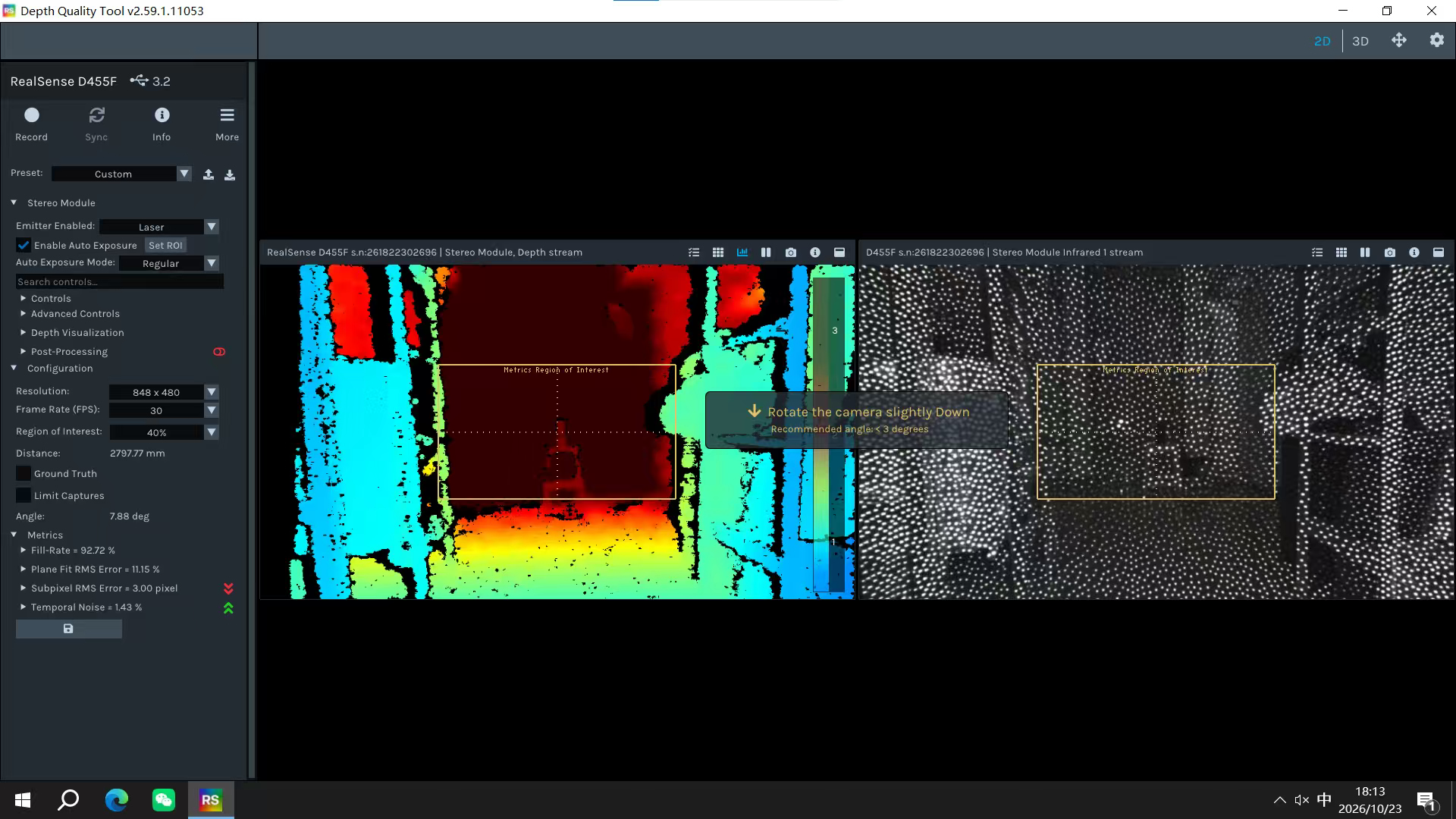
Moving a small distance further based on the aforementioned distance, the object being measured is now completely invisible, with both the background and the object appearing black.
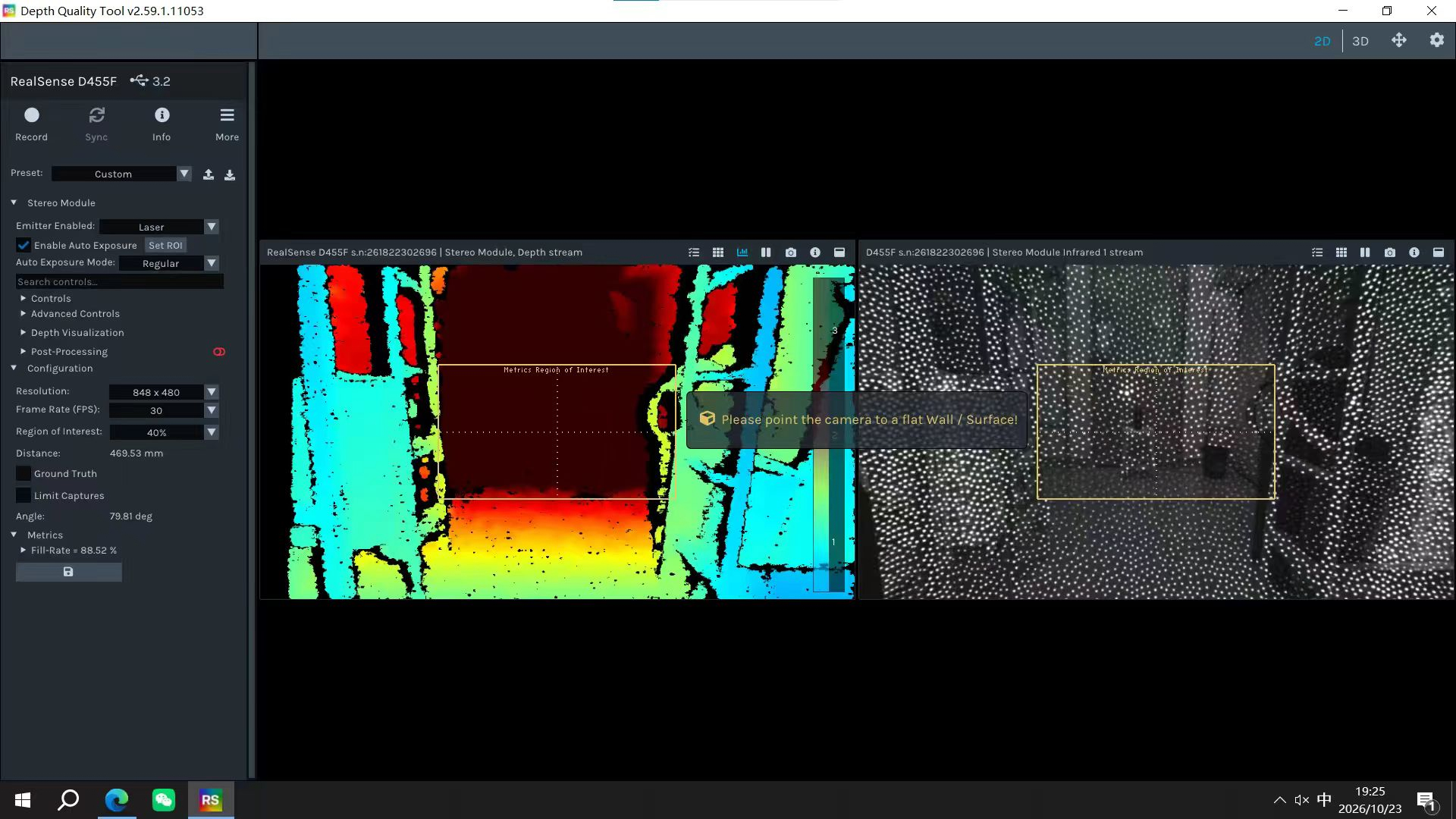
Generally speaking, the model d455f should not only be able to detect objects within 3 meters. I think it can achieve better results. I hope someone can answer this question. Thank you very much.
-
Hi L cong In the RealSense Viewer tool, a post-processing filter called the 'Threshold Filter' is enabled by default. It adjusts the depth data to exclude all data with a distance greater than 4 meters.
You can disable the filter so that the camera can see to its full depth range (up to 20 meters on the D455 model) by going to the Stereo Module > Post-Processing Filters section of the Viewer's options side-panel and left-clicking on the blue icon beside 'Threshold Filter' in the list of filters to turn the filter off so it can display depth beyond 4 meters.
Please sign in to leave a comment.
Comments
2 comments