Beagleboard with realsense D435,D405
Hi, I'm Jerry.
I want to operate d435 and d405 with BeagleBone Black Wireless.
(https://beagleboard.org/black-wireless)
I tried to build and compile the source code below. But it failed.
(https://github.com/Maghoumi/librealsense)
How can I operate d405 and d435 with BeagleBone Black Wireless?
p.s. I saw this post!
Thank you in advance:)
-
Hi Jerry, the source code that you linked to is for the original generation 1 of the librealsense SDK, which is no longer developed and is known as Legacy Librealsense. It is not compatible with RealSense 400 Series camera models. The current SDK that supports D435 and D405 is called librealsense2 and is officially fully compatible with Arm computing devices.
https://github.com/IntelRealSense/librealsense/
The source code for librealsense2 can be obtained from the 'Assets' file list for each version on the Releases page.
https://github.com/IntelRealSense/librealsense/releases
Before trying a download and compilation of the source code though, I would recommend first trying to install librealsense from source on your Beaglebone using the libuvc backend method at the link below.
https://github.com/IntelRealSense/librealsense/blob/master/doc/libuvc_installation.md
-
I tried the command lines that you've given me(https://github.com/IntelRealSense/librealsense/blob/master/doc/libuvc_installation.md).
In the 5th command line, I got the error below.
ubuntu@ubuntu:~/source$ lsusb
Bus 001 Device 012: ID 8086:0b07 Intel Corp. Intel(R) RealSense(TM) Depth Camera 435
Bus 001 Device 001: ID 1d6b:0002 Linux Foundation 2.0 root hub
ubuntu@ubuntu:~/source$ rs-enumerate-devices
01/04 01:56:28,323 ERROR [3015857216] (handle-libusb.h:51) failed to open usb interface: 0, error: RS2_USB_STATUS_IO
01/04 01:56:28,324 ERROR [3069893808] (sensor.cpp:572) acquire_power failed: failed to set power state
Could not create device - failed to set power state . Check SDK logs for detailsDoes it mean that beaglebone black wiresless can't operate d435?
Thank you in advance!!!
-
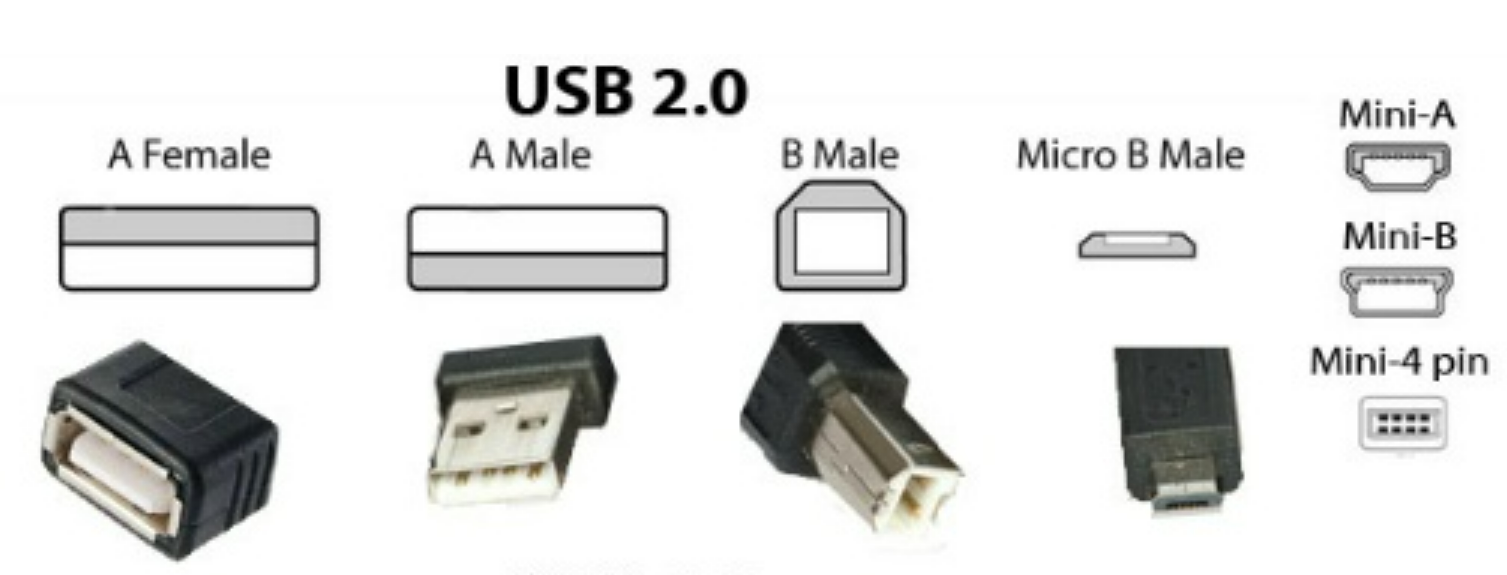
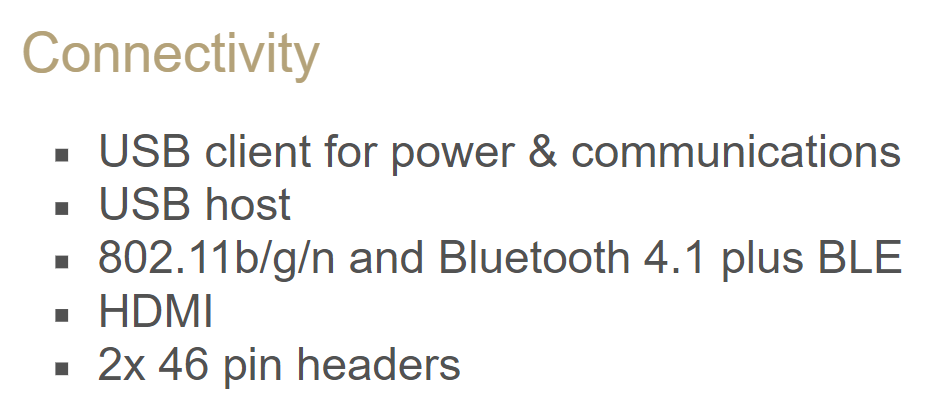
The specification for Beaglebone Black Wireless states that it has a USB 2.0 port and miniUSB 2.0 port. The camera should be attached to the USB 2 port if it is not already. Using the camera on the mini port via an adaptor could result in the camera being provided with insufficient power to operate.
-
I got this message.
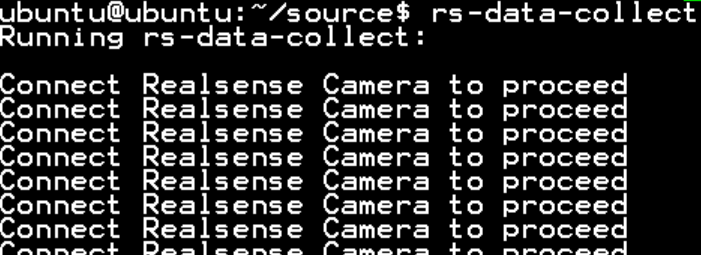
And then, I got these messages.

And then, I got these messages.!!(but it doesn't work twice)
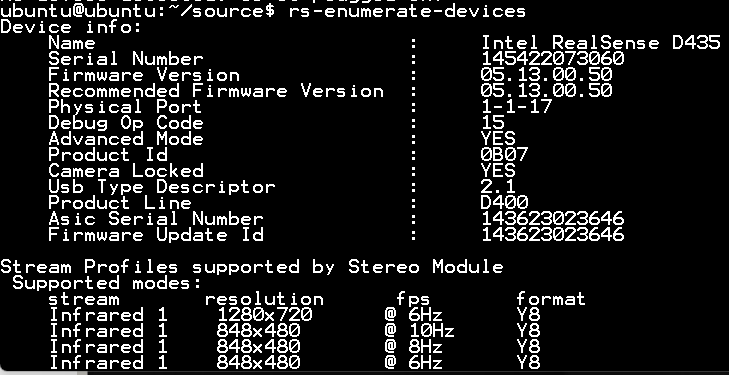
The next step is these commands.
git clone https://github.com/Microsoft/vcpkg.gitcd vcpkg./bootstrap-vcpkg.sh./vcpkg integrate install./vcpkg install realsense2but in the 3rd command, I got error messages too.
ubuntu@ubuntu:~/source/vcpkg$ ./bootstrap-vcpkg.sh
Unable to determine a binary release of vcpkg; attempting to build from source.
Downloading vcpkg tool sources
Building vcpkg-tool...
CMake Error: CMake was unable to find a build program corresponding to "Ninja". CMAKE_MAKE_PROGRAM is not set. You probably need to select a different build tool.
CMake Error: CMAKE_CXX_COMPILER not set, after EnableLanguage
-- Configuring incomplete, errors occurred!
See also "/home/ubuntu/source/vcpkg/buildtrees/_vcpkg/build/CMakeFiles/CMakeOutput.log"Can you help me?
Thank you in advance
-
You would not need to use the vcpkg installation process as you have already installed the librealsense SDK using the libuvc backend script.
As you were able to achieve a readout from rs-enumerate-devices on one try but not another, this does add strength to the evidence that this is an issue related to insufficient power when enabling the camera.
Do you have access to a mains electricity powered USB hub that you could attach the camera to in order to provide greater USB power stability? Or is it not practical for your particular project to use a hub that needs to be connected to the mains wall socket?
Please sign in to leave a comment.
Comments
11 comments