a very big problem
I turned on d435i on another PC, but it's d430i again and I'm trying to download the firmware
ERROR: UNKNOWN in rs2_update_firmware_cpp(device:0x7671b401a890, fw_image:0x5b3a717144d0):
Device: 308243062433 is locked for update.
Use firmware version higher than: 5.17.0.10
The error came up
What's the solution?
OS: Ubuntu 22.04
-
Hello, thanks for your question. RealSense cameras have a maximum limit of twenty firmware downgrades. After that, you can no longer downgrade to an older firmware than the one currently installed and can only update to a newer version than the current one.
This is a permanent lock that cannot be undone unless the camera is opened up and its Vision Processor D4 circuit board is replaced with a new one (as the firmware data is stored on the D4 board). A replacement D4 V3 board (which enables the camera to be detected as a D435i) costs around 50 dollars / euros.
-
Yes, the downgrade lock is permanent and only replacing the camera or changing the D4 V3 board of your existing camera can restore the allowed downgrade count back to 20.
As mentioned in your earlier case, the only proven way to restore a D430i to D435i with a software fix is to perform a firmware downgrade then re-upgrade.
https://support.realsenseai.com/hc/en-us/community/posts/48263313847827
I would suggest repeating the RealSense Viewer factory reset procedure without changing the firmware to see whether that makes a difference, if you have not tried it already since the camera returned to being detected as D430i.
You said that the camera was detected as D430i on another PC. Does it return to being D435i if you try it on the previous computer that you used?
-
If the camera was purchased less than 12 months ago then it would have been under warranty, but opening the camera to inspect the RGB cable will have unfortunately voided the warranty so it cannot be replaced under warranty.
If it is a hardware issue then there would be no way to diagnose for certain which part was faulty without spending money to replace a part and eliminate that part as the cause of the problem.
Does the camera perform any differently if you unplug the USB cable from the side of the camera, turn the connector around the other way and re-insert it into the side of the camera? (USB-C cables are two-way insertion at the micro-sized end).
-
It sounds as though detection of the RGB sensor by the firmware driver during connection of the camera is erratic. When a hardware reset is performed, the camera automatically disconnects and then reconnects.
The flat cable that connects between the RGB sensor and the 50-pin connector on the Vision Processor D4 board must be fully seated in the D4 board connector and not partly out. So that should be checked.
-
Some RealSense cameras and boards are out of stock worldwide at the moment, If you are located in South Korea as your name suggests then the best chance of fixing the camera quickly might be to order the V1 version of the Vision Processor D4 board from Digikey's Korea site. When connected to the D430, this will result in a D435 camera without the IMU that the D435i has.
https://www.digikey.kr/en/products/detail/realsense/952019/9926010
-
If you ordered a V1 board then the camera will appear as D435. There is no way for it to become a D435i if a V1 board is used because the IMU hardware component is on the Vision Processor D4 board and the V1 version of it does not have one.
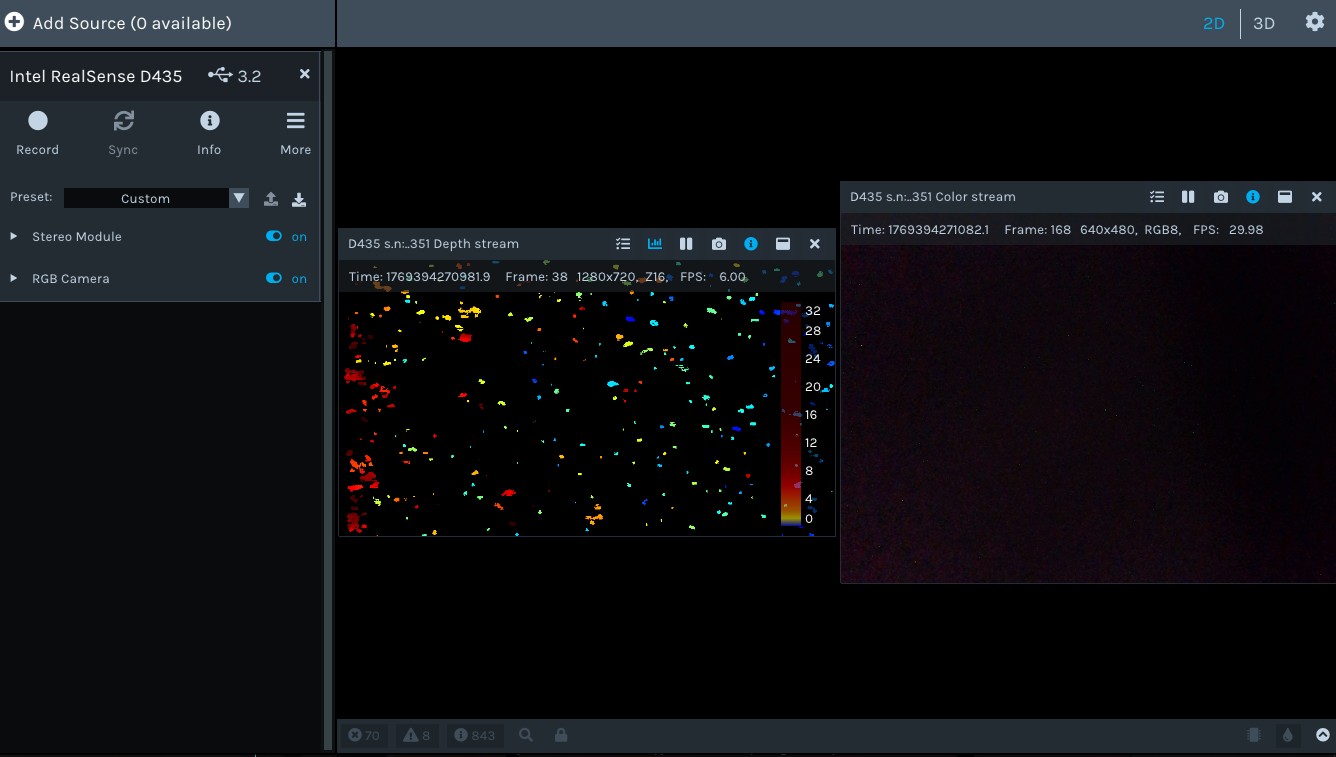
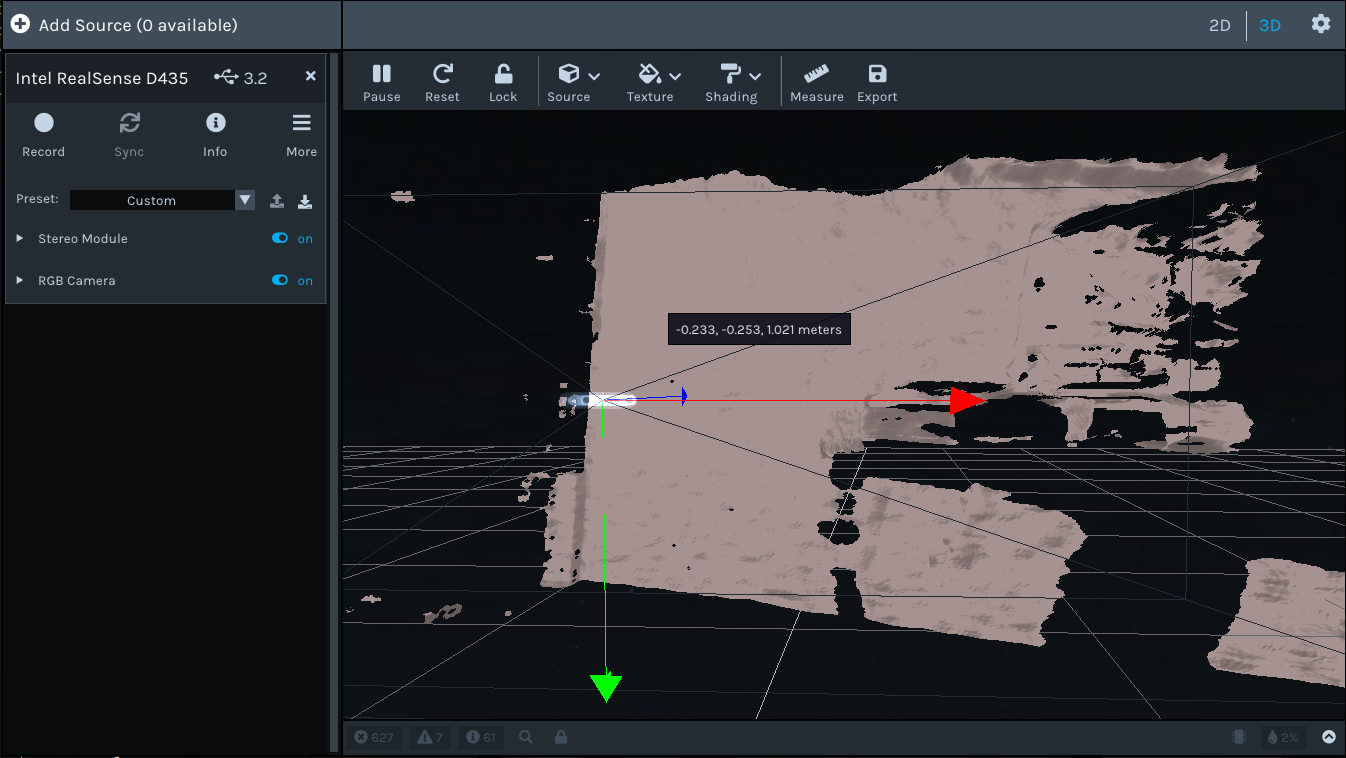
In the RealSense Viewer's 2D mode (which the picture above is in) it does not have depth-RGB alignment as a feature. To combine depth and RGB together you need to click the '3D' button in the top corner of the Viewer window.
Please sign in to leave a comment.
Comments
16 comments