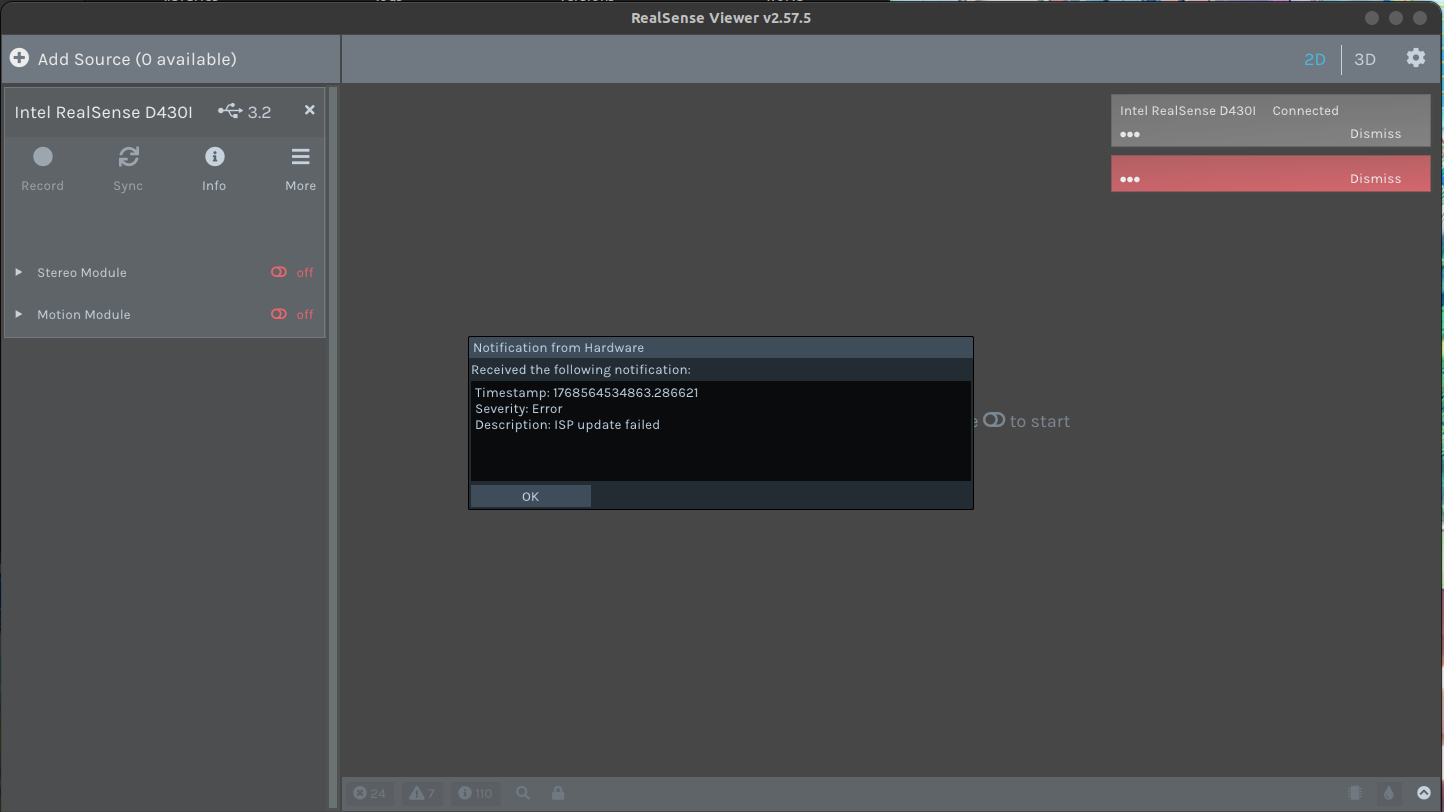
It's d435i, but it doesn't change to d435i even if it comes out as d430i and updates the firmware.
5.16 downgrade and 5.17 downgrade
I tried 5.17 after 5.12 downgrade,
It doesn't change.
-
Thank you. If the camera was previously detected as D435i up until today then the problem is likely not a hardware one (a loose RGB sensor cable). The software solution for this issue has usually been a downgrade and then upgrade of the firmware driver, but you have attempted this already.
If you have access to the RealSense Viewer tool then the next action that I would recommend attempting is to reset the camera's calibration to its factory-new default values in the Viewer using instructions at the link below.
https://github.com/realsenseai/librealsense/issues/10182#issuecomment-1019854487
This reset writes a new 'calibration table' to the camera hardware, which can correct operational problems with the camera that might occur if the existing calibration table has become corrupted.
Please sign in to leave a comment.
Comments
7 comments