python 3.9 open3d 0.13.0 via pip
hi got ones these realsense from a coworker.
what is the best way to get started.
for some reason the open3d wont install on the latest python via pip.
is this product supported for windows?
what is the best tools for capturing small 3d models for 3d printing.
i need to quickly model to make enclosures.
-
Hi Diy The RealSense SDK is fully supported on Windows and has a fast and easy automated installer program. You can find it by going to the link below, scrolling down to the bottom of the page and downloading and running the Intel.RealSense.SDK_Win10 file from the 'Assets' file list.
https://github.com/IntelRealSense/librealsense/releases/tag/v2.49.0
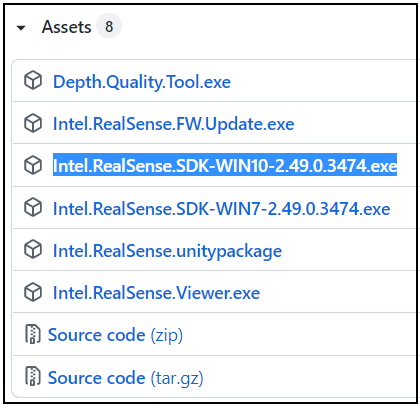
The installer will place a launch icon for a program called RealSense Viewer on the Windows desktop. This is a powerful tool that enables you to easily access the camera's capabilities and export data to files without requiring any programming knowledge.
In regard to an enclosure, if you need one quickly for the purpose of housing a RealSense 400 Series camera then you may find a pre-made industrial enclosure such as the example in the link below to be useful to your needs.
If you prefer to design, scan and 3D print your own enclosure design then the RealSense-compatible commercial scanning software RecFusion may be a good option for you. It can be used with a single camera, or with multiple cameras with the RecFusion Pro version
-
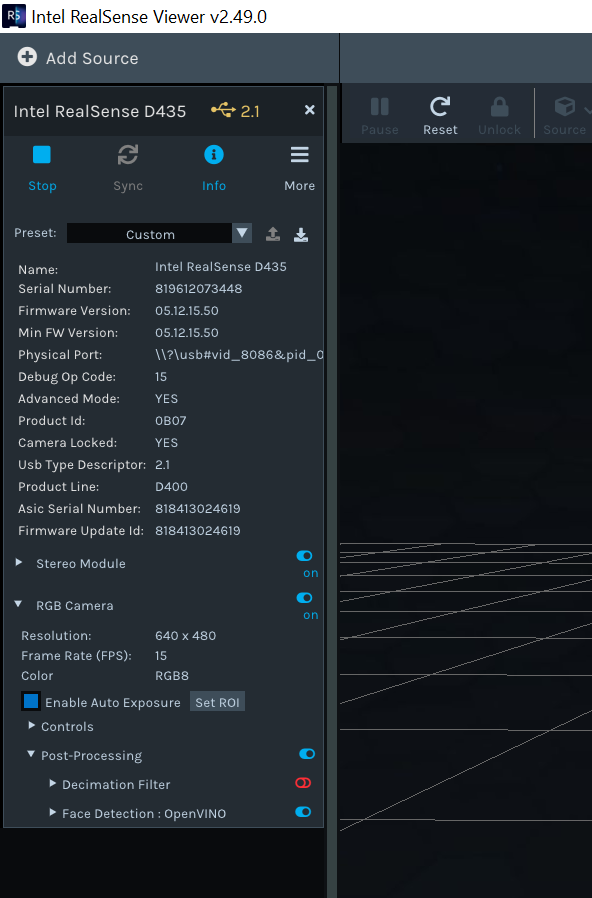
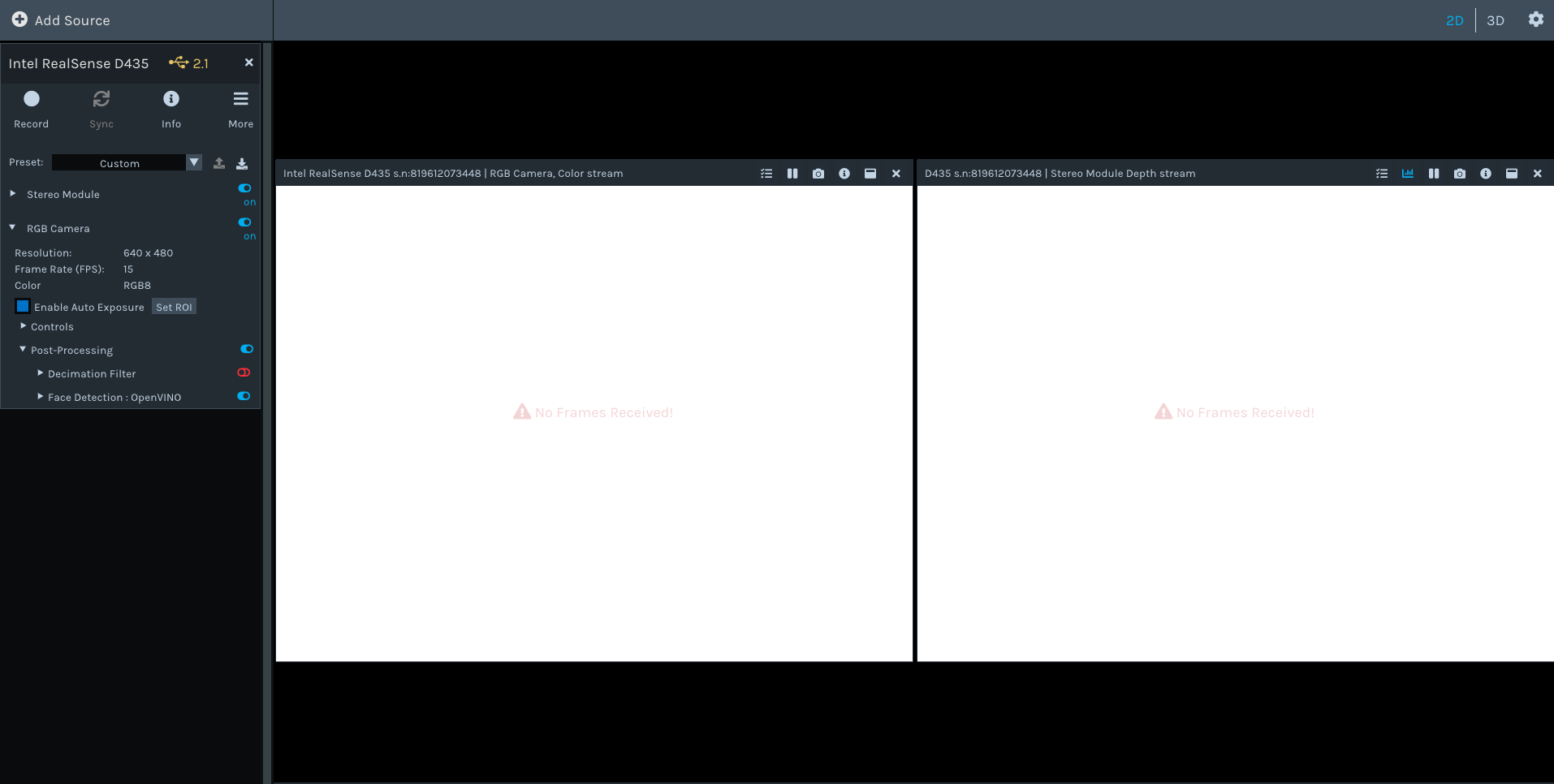
MartyG downloaded the viewer, updated the firmware for d435 but "no frames detected". Checked privacy setting and doesn't seem to be a webcam access issue.
-
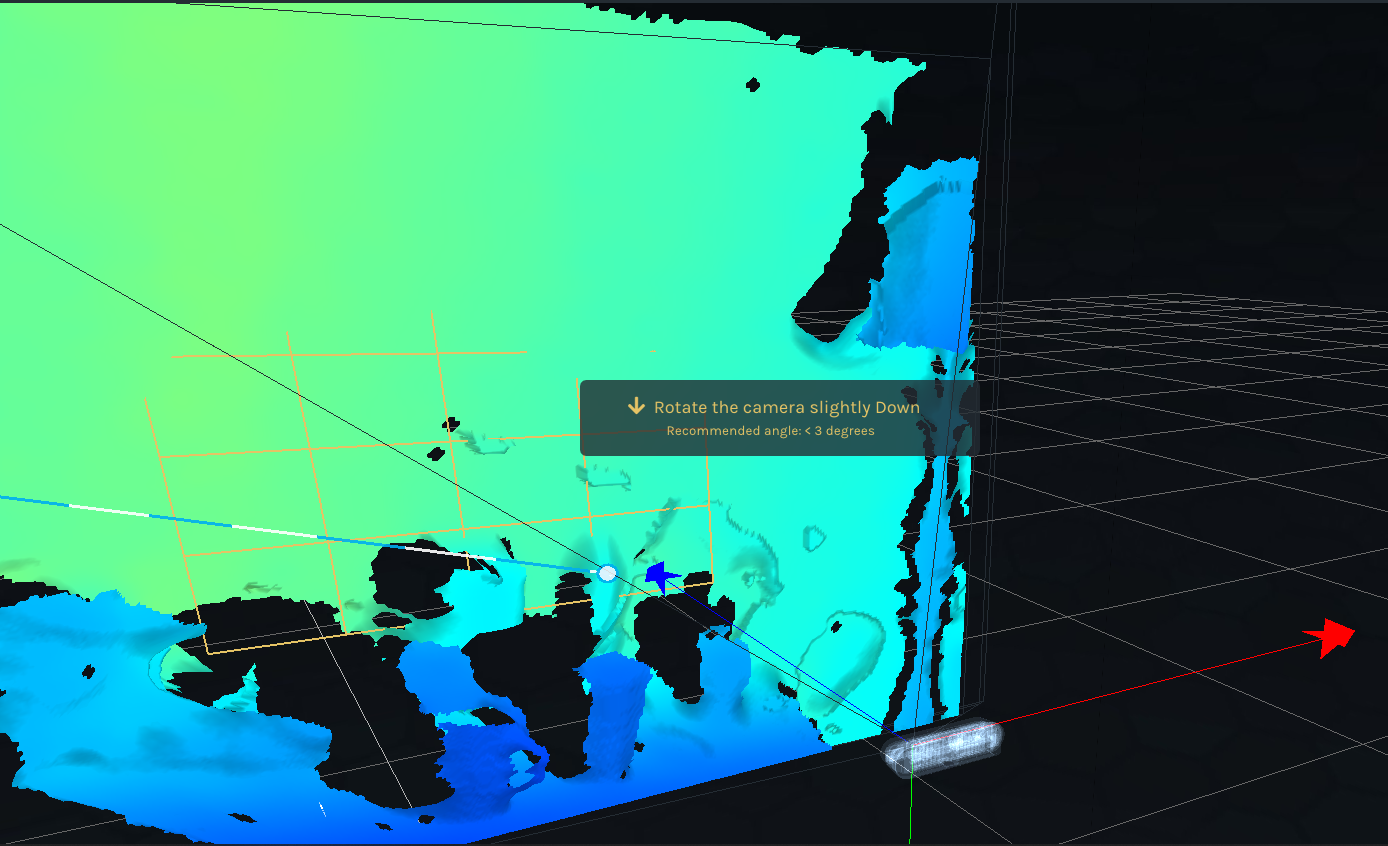
Thanks very much for the images. The one of the Depth Quality Tool demonstrates that the camera is capable of displaying depth information.
Can you confirm please that you do not have another RealSense program active when using the RealSense Viewer - for example, having launched the Depth Quality Tool first and then the Viewer secondly whilst the DQT is still running.
No Frames Received does occur sometimes and can have a range of causes, including USB related communication problems. For example, the '2.1' beside the camera name indicates that the camera has been identified as being on a slow USB 2 connection instead of a faster USB 3 connection that can take advantage of the camera's full capabilities. Sometimes a camera may be plugged into a USB 3 port but be mis-identified as being USB 2, thus limiting the camera's performance. Can you confirm whether the camera is plugged into a USB 3 port on your computer?
In regard to photogrammetry for Open3D to generate a 3D model such as an .obj file, the link below may be helpful.
https://github.com/IntelRealSense/librealsense/issues/4640
There are a range of methods though that can be used, including RealSense compatible professional commercial software, to generate a 3D model.

Please sign in to leave a comment.
Comments
5 comments