Error on my D455 and D415 app freezes and don't respond
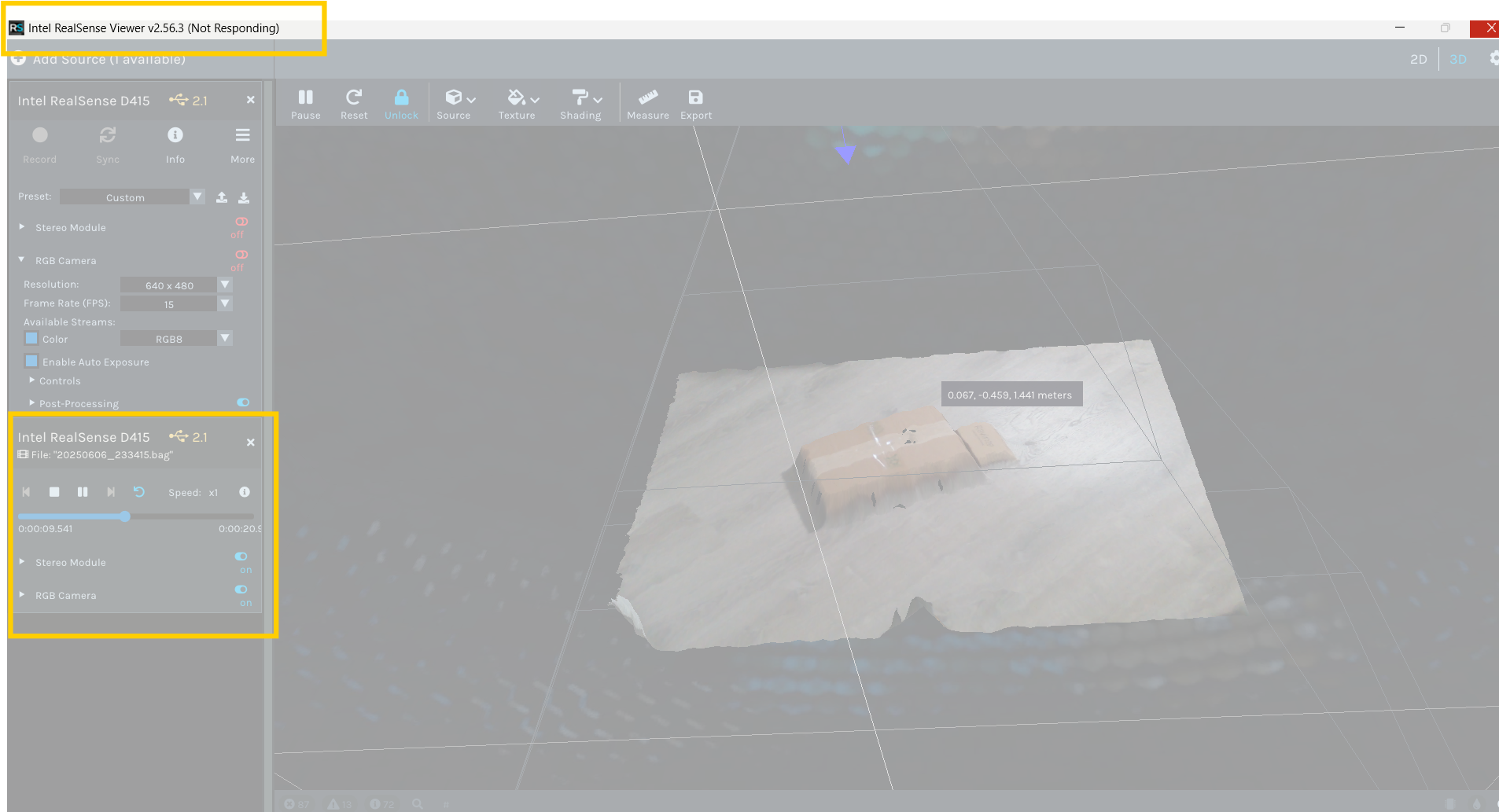
Hello, I have a problem with my D455 and D415 cameras, after opening the Quality Control app the app freezes and won't let me work, the app doesn't respond, it also happens to me with the Viewer, I have the latest version 2.56.3 installed and the firmware is also updated to 5.16.0.1, could you help me please?
-
Hi Jnapoles Do they freeze if you launch them without any cameras attached? If they do still freeze without cameras present then it could indicate a problem with generating the graphics.
If you have the RealSense example programs installed then you could try launching an example called rs-hello-realsense which is a text-only program that does not require graphics.
-
Hi MartyG, thanks for your response. The problem is when I open the Realsense Viewer and Realsense Quality Control applications, when I run my work codes by connecting to the camera via Python, .NET works fine, but I can't validate the results. I use the Quality Control tool to compare the measurement results in my particular case.
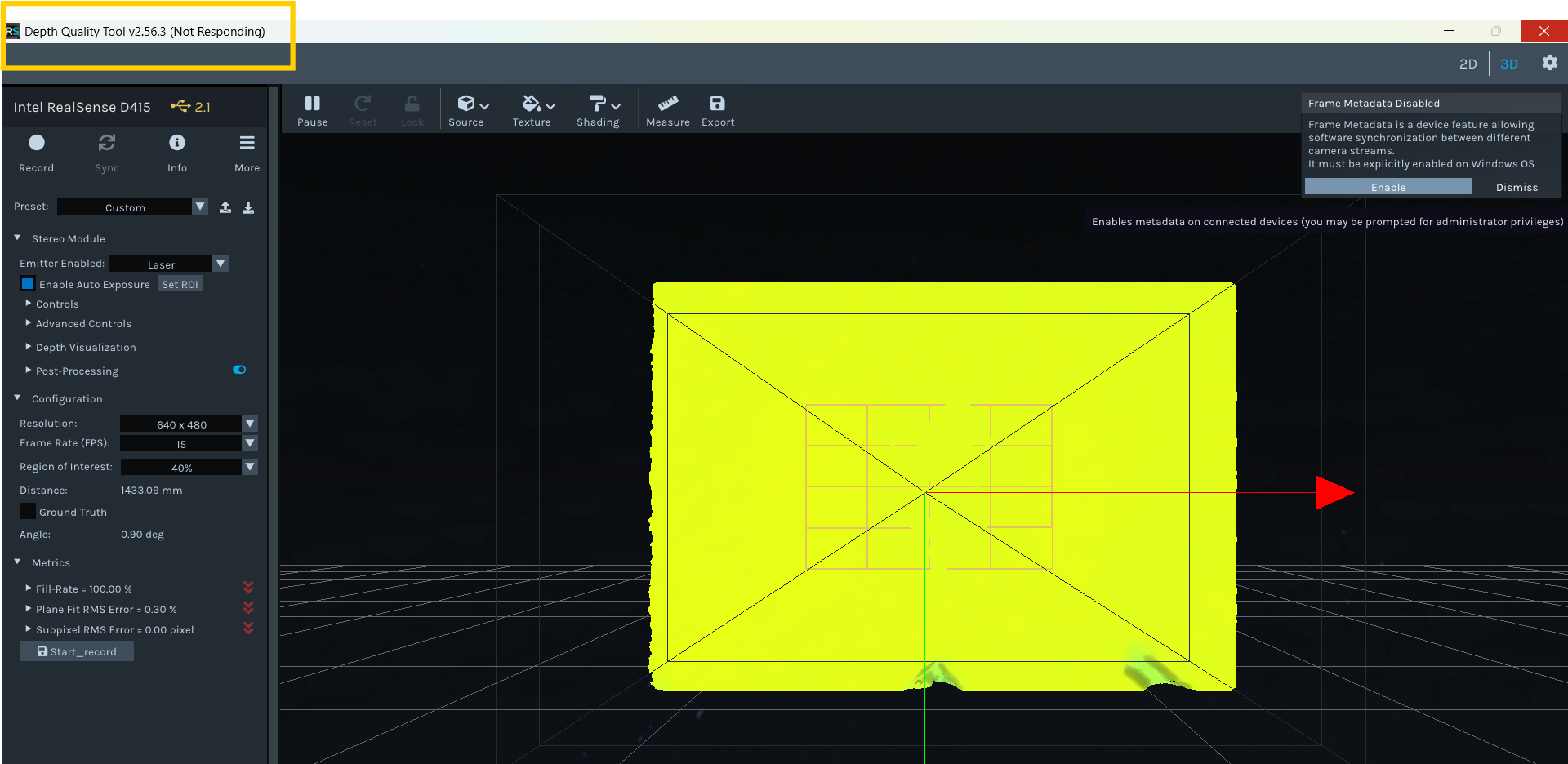
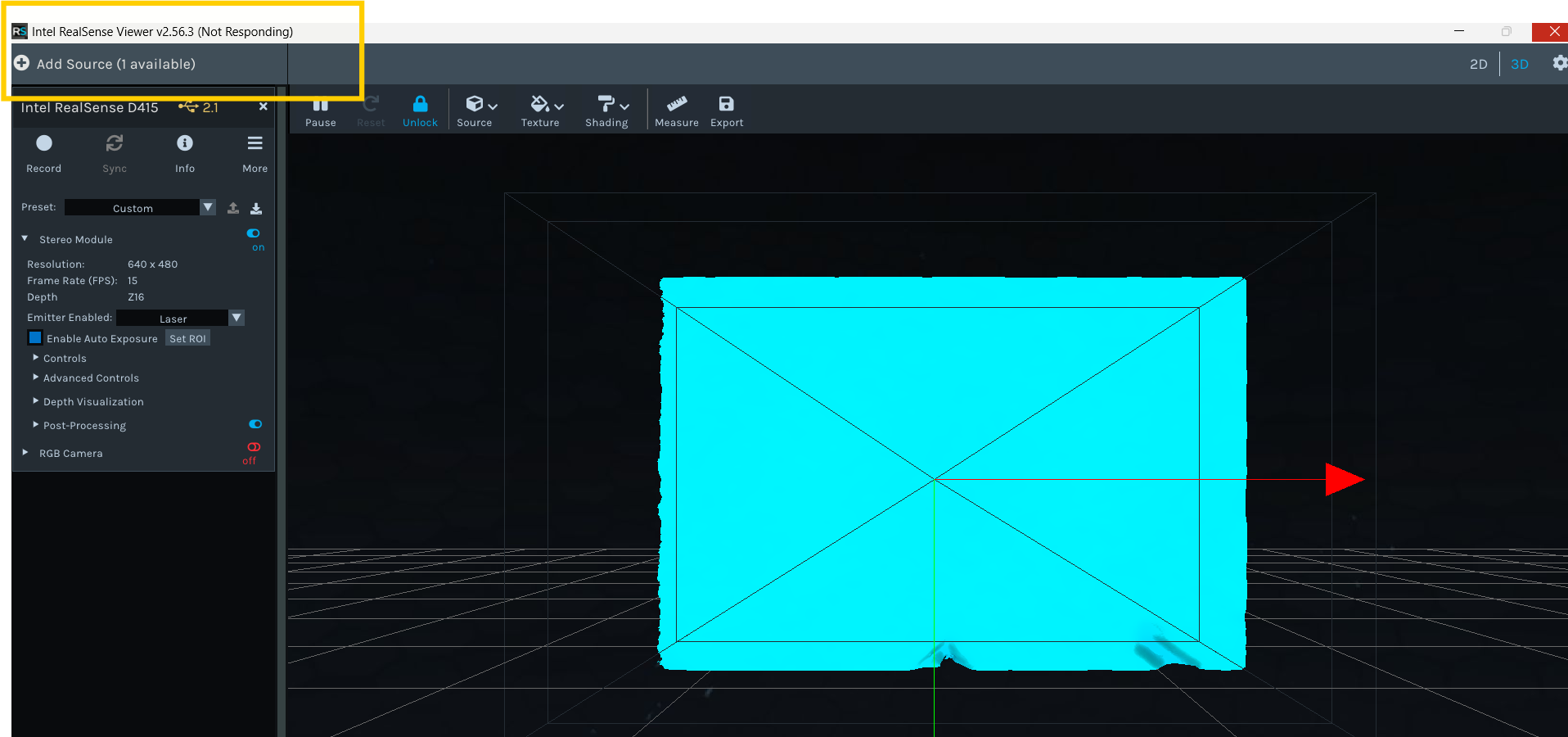
-
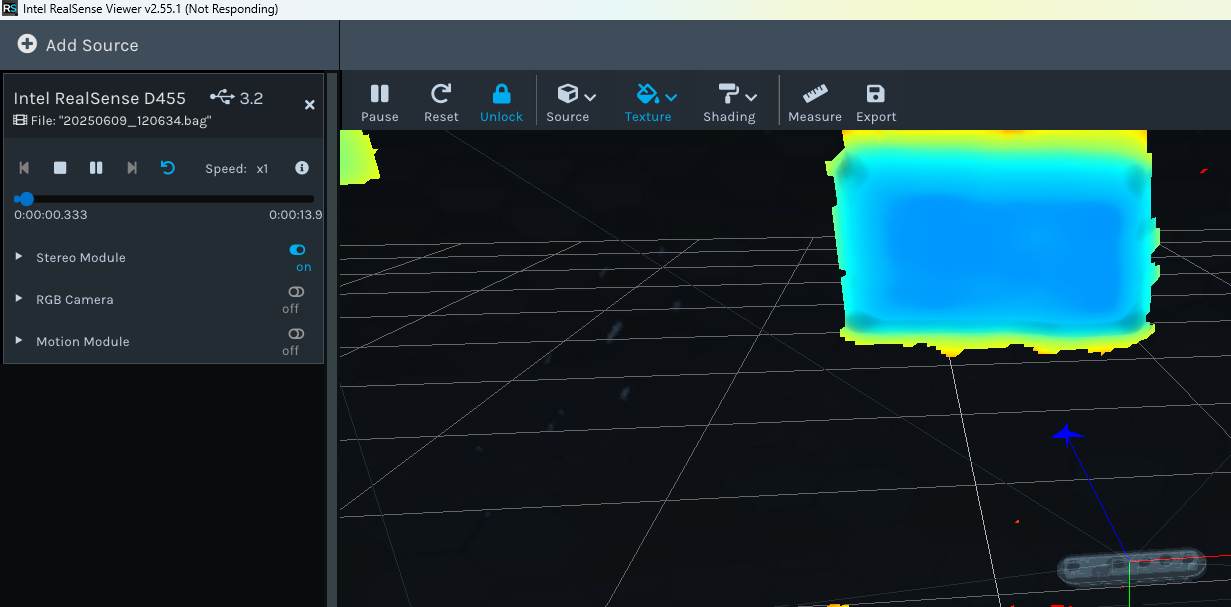
Thanks very much for the images. It is a positive sign that it can fully detect the cameras and display graphics before it stops responding.
When a RealSense application starts streaming, it places a 'claim' on that particular stream and locks access to it until the program that is using it releases the claim, either by stopping streaming or closing the program. So if a second RealSense program attempts to then access that stream, it is prevented from doing so. This claim and lock system is governed by the 'Multi-Streaming Model' rules of the RealSense SDK.
If you are running your program script first and then initiating streaming in the Viewer of the Depth Quality Tool (or doing it the other way round - Viewer / DQT first and your script second) then this would cause a streaming failure. Only the script or only the Viewer / DQT should be streaming, not both at the same time.
You could perhaps instead perform verification by using the Record button at the top of the Viewer / DQT side-panel to record a bag file, which is like a video recording of camera data that behaves like a live camera when the file is played back (which can be done by drag-and dropping the bag file into the center panel to initiate automatic playback).
-
Because a bag file is a recording and is not accessing the camera sensors when it plays back, this could enable you to play the bag recording and stream live data in your program script at the same time to compare their performance.
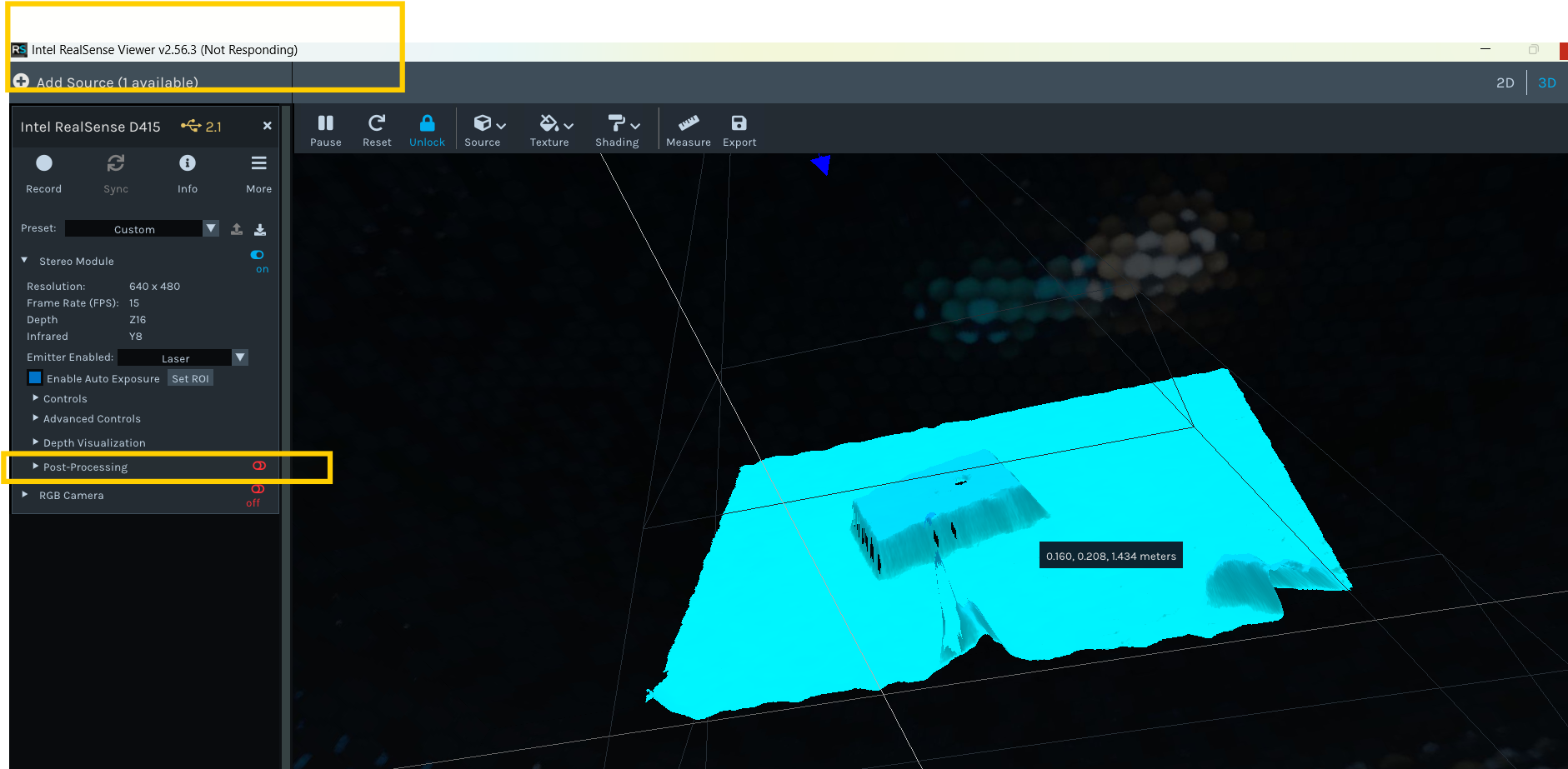
It is worth also highlighting that the Viewer / DQT programs apply a range of post-processing filters by default, whilst program scripts do not have any post-processing by default (the filters have to be deliberately programmed into scripts). So you will get a closer match between the program data and the Viewer / DQT data if you disable all post-processing filters by left-clicking on the blue icon beside 'Post-Processing' in the side-panel to turn the entire list of filters off so that they do not influence the data.
-
Hello MartyG, thank you very much for your response.
Yes, I already knew about running a single program because when using it, access to the camera is blocked. These examples that I sent you in the images with the error were running a single program and then closing and running the other. Also, when I run my code to access the camera, I don't use these tools at the same time. The error occurs after an update to my Windows operating system. I have Windows 11 Pro. I tested it with a friend's PC who hasn't updated his Windows and has the same SDK version as mine, and the Viewer and Quality Tool work correctly.
-
Thanks very much for the clarification about how you are using the Viewer and DQT.
Next, please try downloading the standalone executable version of RealSnse Viewer 2.56.3 by downloading and running the Intel.RealSense.Viewer.beta.exe file from the 2.56.3 file Assets list. Does that version of the Viewer still freeze?
https://github.com/IntelRealSense/librealsense/releases/tag/v2.56.3
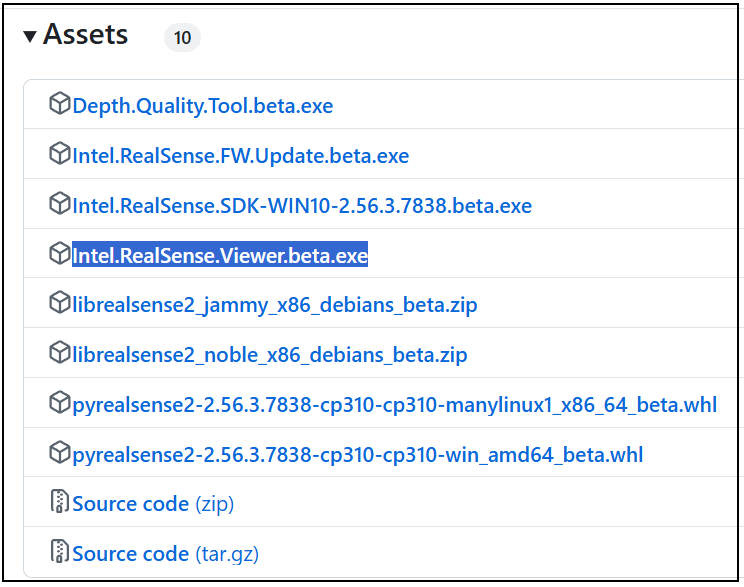
If that does not work, then please try opening the Viewer's settings interface and disabling the GLSL options, as described in these instructions:
https://github.com/IntelRealSense/librealsense/issues/8813#issuecomment-818883285
If that does not make a difference, next try finding and deleting the realsense-config.json settings configuration file for the Viewer and DQT from your Windows computer using the instructions here:
https://github.com/IntelRealSense/librealsense/issues/13457#issuecomment-2432900837
This will cause these programs to reset to their default configuration.
-
Hello MartyG,
I already followed the recommendations you mentioned above. I tested it using Intel.RealSense.Viewer.beta.exe and the app still freezes. I also disabled the GLSL option, and the app still freezes. After that, I deleted the JSON file realsense-config.json with the camera settings and re-configured it, but the app still freezes.
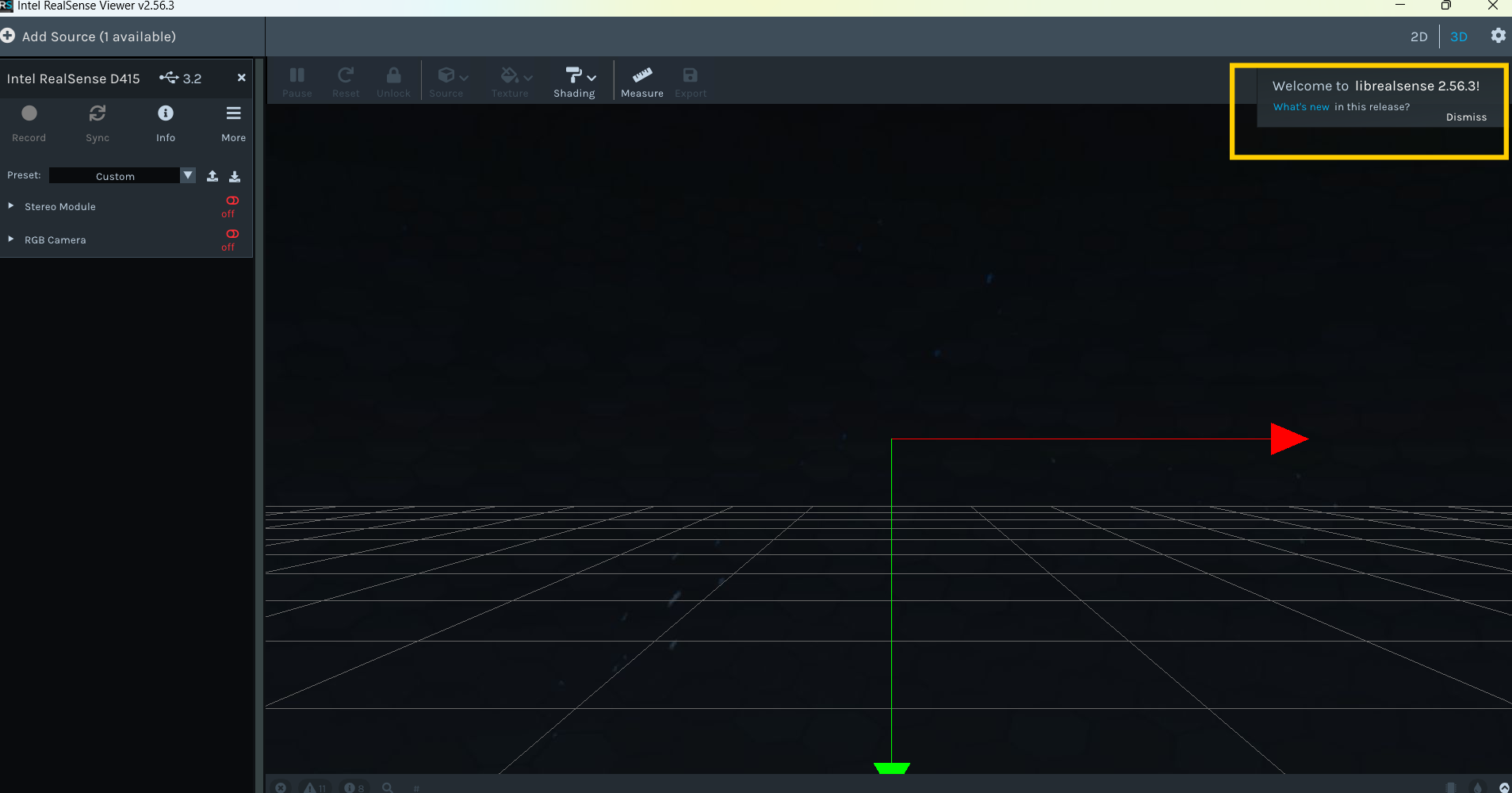
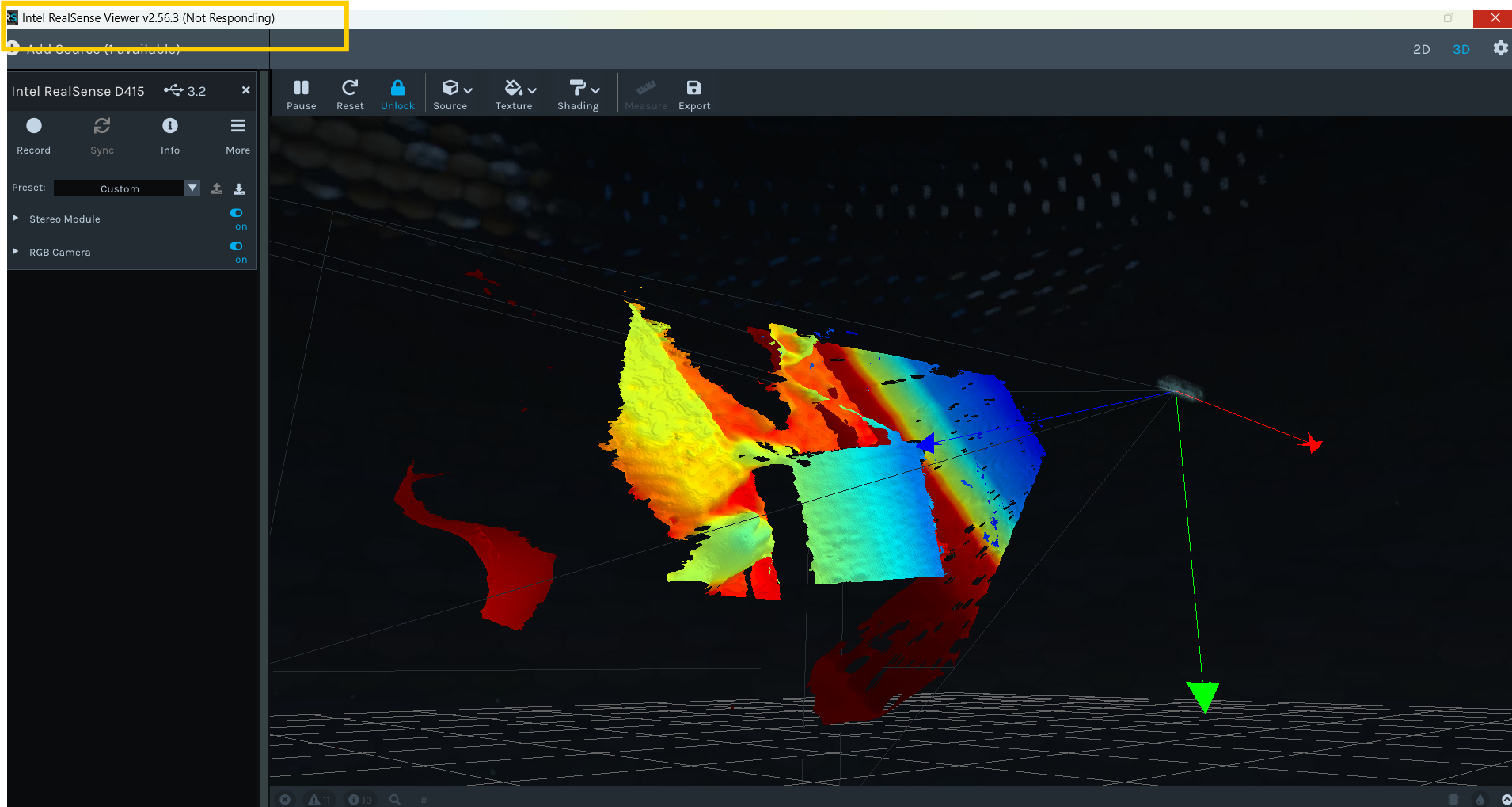
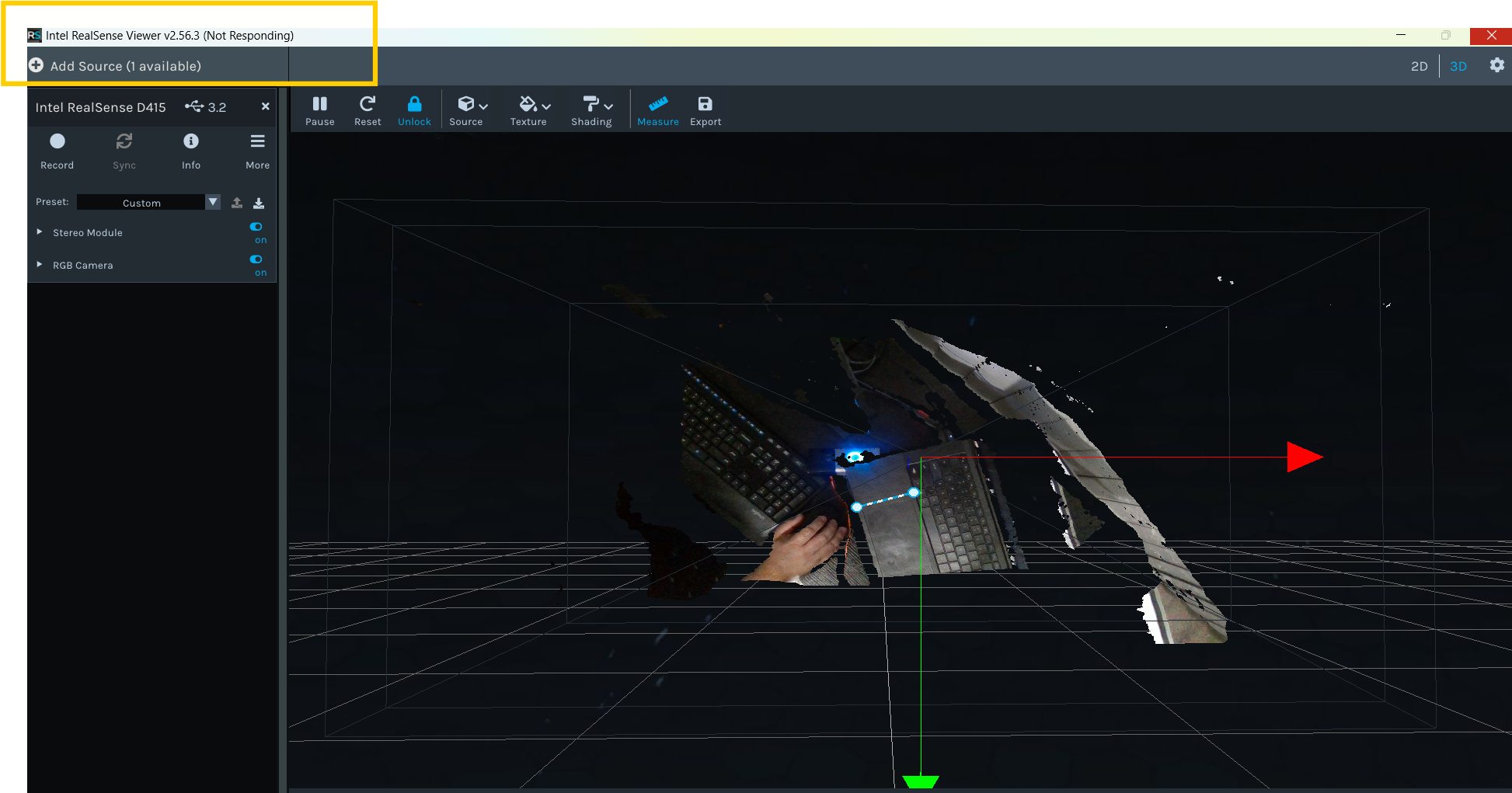
I wanted to mention that the Viewer and Quality Tool work fine for most tests while I'm working in 2D, but when I switch to 3D, the app freezes.
-
I note that all your images are of the 2.56.3 beta version of the Viewer. Does the freeze occur if you download and run the 2.55.1 version of the Intel.RealSense.Viewer.exe standalone Viewer?
https://github.com/IntelRealSense/librealsense/releases/tag/v2.55.1
-
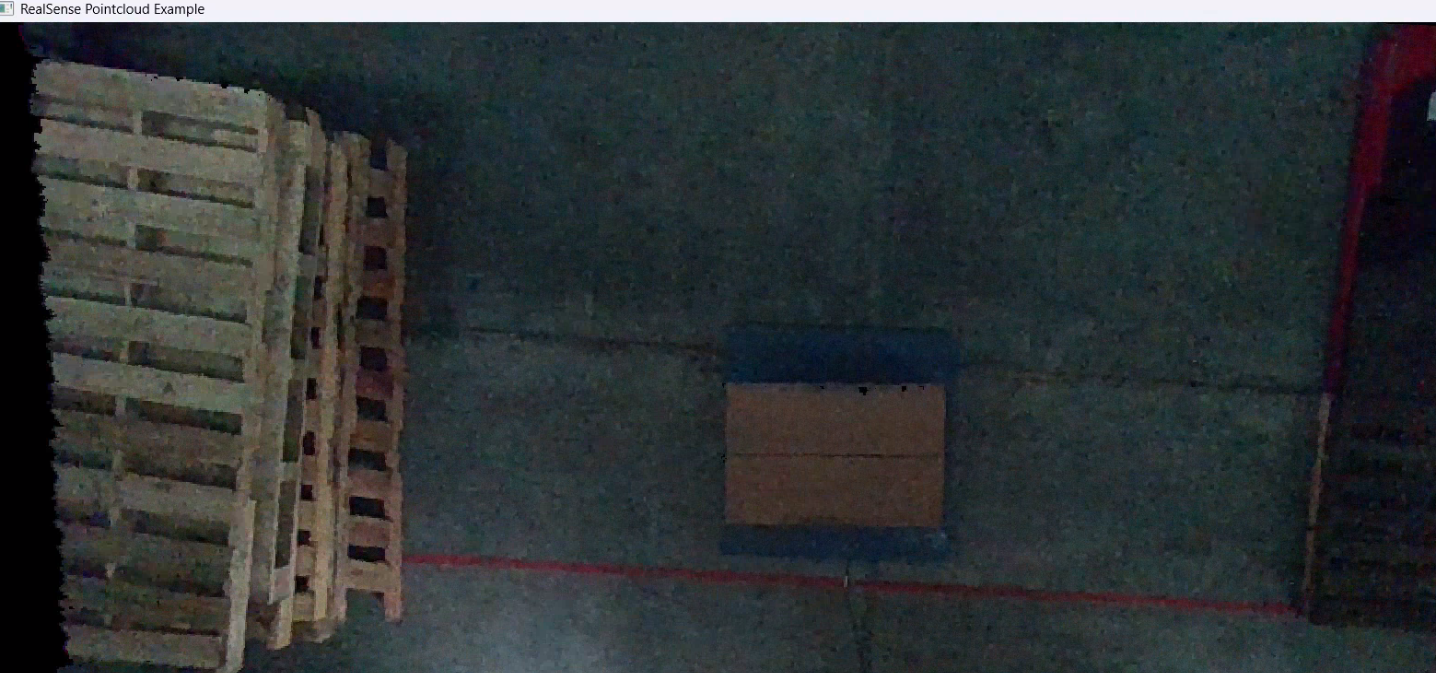
Thanks very much for testing rs-pointcloud. This program uses the same method as the Viewer to generate a pointcloud, so that suggests that the pointcloud function of the Viewer is okay and it is something else in the 3D mode that is causing the freeze. For example, the Viewer uses a software component called ImGUI to display the red, green and blue axis arrows. But ImGui is also used to generate the options side-panel, so if imGUI was the cause of the problem then you would expect that the Viewer's 2D mode would also freeze, but 2D does work for you.
If you download and run the old 2.21.0 standalone Viewer, and then close it after it launches and then launch the latest 2.56.3 Viewer again, does it still freeze in 3D mode?
https://github.com/IntelRealSense/librealsense/releases/tag/v2.21.0
If you wished to use the Viewer or DQT to visually compare your program's pointcloud to your program's one then using rs-pointcloud for the comparison may be a viable alternative, since rs-pointcloud does not apply post-processing filters and so its output should be a good match to the unfiltered pointcloud from your program.
-
Hi Marty
I already did what you recommended: I opened the viewer in the old version 2.21.0, then closed it and opened the latest version 2.56.3, and the app is still frozen. I previously mentioned that the error occurs when I switch from 2D to 3D views; that's where the app mostly crashes. I use this part of 3D a lot to use the measurement tool. My work is focused on this feature, and I compare the results from my software with what Quality Tool provides. I'd like to see how you can help me figure out what I should do in my case.
-
The 3D measurement function is also available in the standalone SDK example program rs-measure
https://github.com/IntelRealSense/librealsense/tree/master/examples/measure
Another way of comparing is to use a Python version of rs-measure created by a RealSense user here:
https://github.com/soarwing52/RealsensePython/blob/master/separate%20functions/measure_new.py
-
Hi Marty
I'm familiar with these tools and have tried them, and they seem fantastic, but my intention would be to use the benefits offered by the Viewer and Quality Tool. In my case, will I never be able to work with these tools again, or are they working on a version that will prevent this error I'm experiencing? -
As the problem is apparently specific to your computer (as it worked on your friend's computer that had not been updated), you could next try updating your computer's graphics driver.
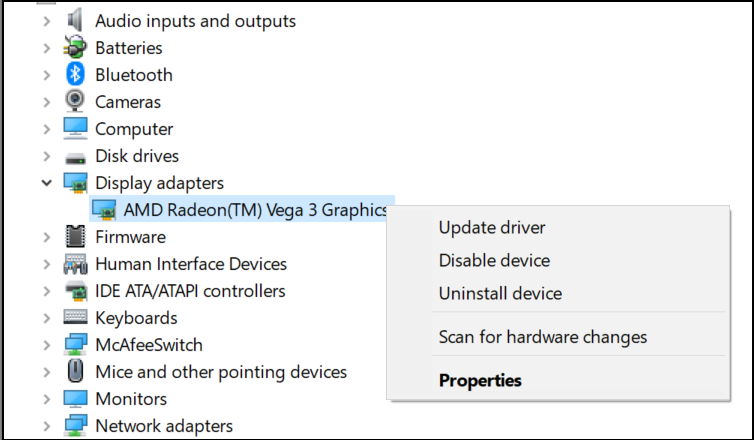
Open the Windows Device Manager, go to the Display adapters category and right-click on your video device to open its menu, then left-click on Update driver to check whether a newer version of your video driver is available.

Please sign in to leave a comment.
Comments
19 comments