ROS2 Humble RealSense Node Fails on Orin AGX but Works on Ubuntu 22 PC
Hello everyone,
I have been using an Intel RealSense D400 series camera (d435i) with my Orin AGX, and it was working perfectly fine until recently. About four months ago, both the RealSense Viewer and the ROS2 node (ROS2 Humble) worked without any issues. However, now I am facing an error when launching the ROS2 node, while the RealSense Viewer still functions correctly.
System Information:
- Device: Orin AGX
- RealSense SDK Version: v2.55.1
- ROS2 Version: Humble
- Operating System: Ubuntu 22.04
Error Messages:
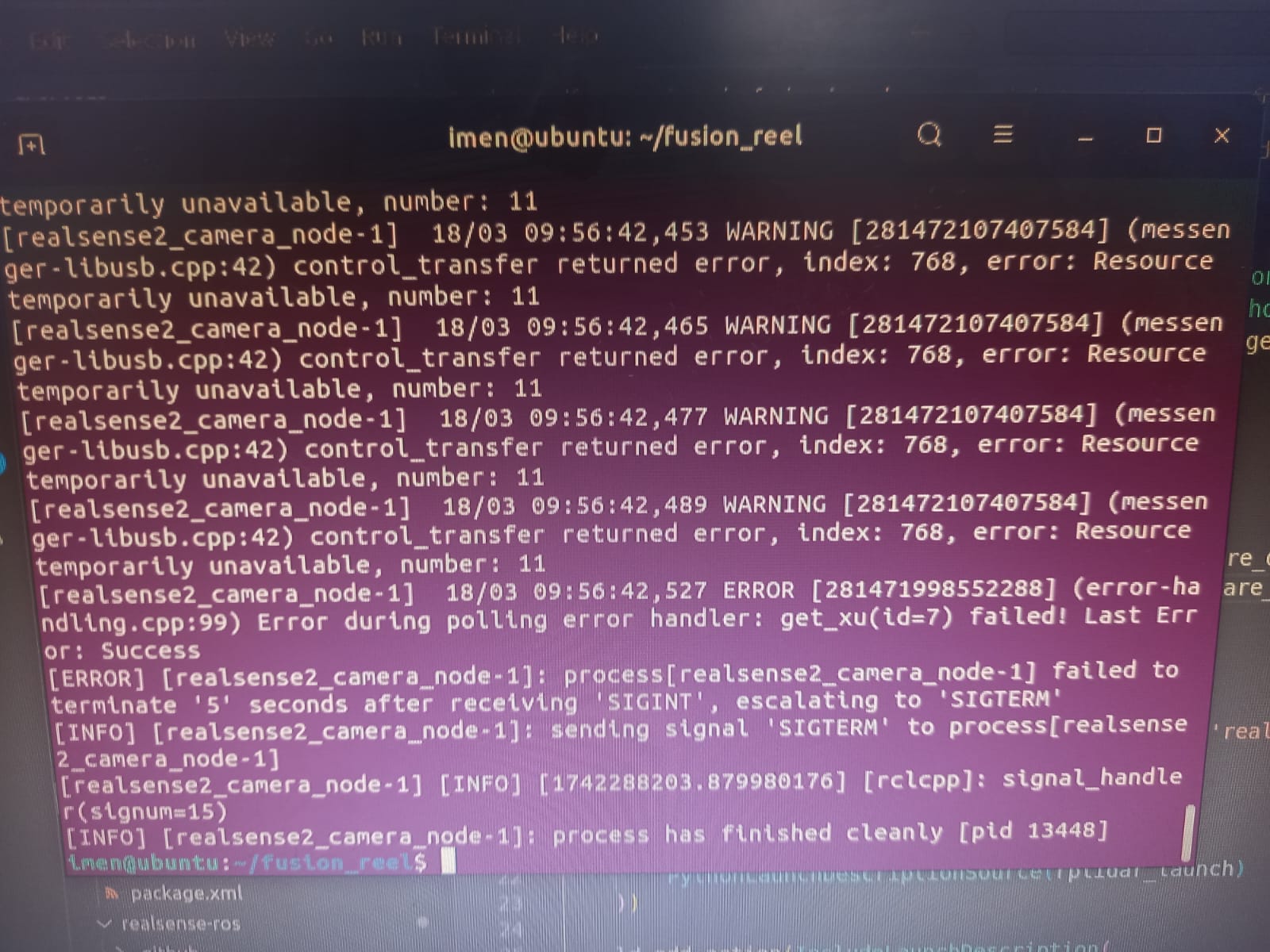
Here are the error messages I receive when running the ROS2 node:
[realsense2_camera_node-1] 18/03 09:56:42,453 WARNING [281472107407584] (message- ger-libusb.cpp:42) control_transfer returned error, Index: 768, error: Resource temporarily unavailable, number: 11
...
[realsense2_camera_node-1] 18/03 09:56:42,527 ERROR [281471998552288] (error-handling.cpp:99) Error during polling error handler: get_xu(id=7) failed Last Error: Success
Debugging Steps Taken:
- Tested on another machine (PC with Ubuntu 22): The ROS2 node works fine.
- RealSense Viewer on Orin AGX: Works without issues.
- Tried different USB ports and cables: No improvement.
were is the error!
-
Hi Imenmabrouk6 The warning control_transfer returned indicates that the Orin AGX is experiencing a communication problem between it and the camera. This could be caused by a USB cable / port issue, or the Jetson being unable to keep up with the rate at which new camera data is arriving at the Jetson's USB port from the camera.
As realsense-viewer is working correctly, it would also suggest that the issue is with the Jetson's ability to process the data when running the RealSense ROS2 wrapper.
If you run an Ubuntu system monitoring tool such as htop whilst a RealSense ROS2 session is running then you could check whether the Jetson's CPU is being over-burdened (i.e it has a high percentage usage).
-
Thank you MartyX Groverfor your reply!
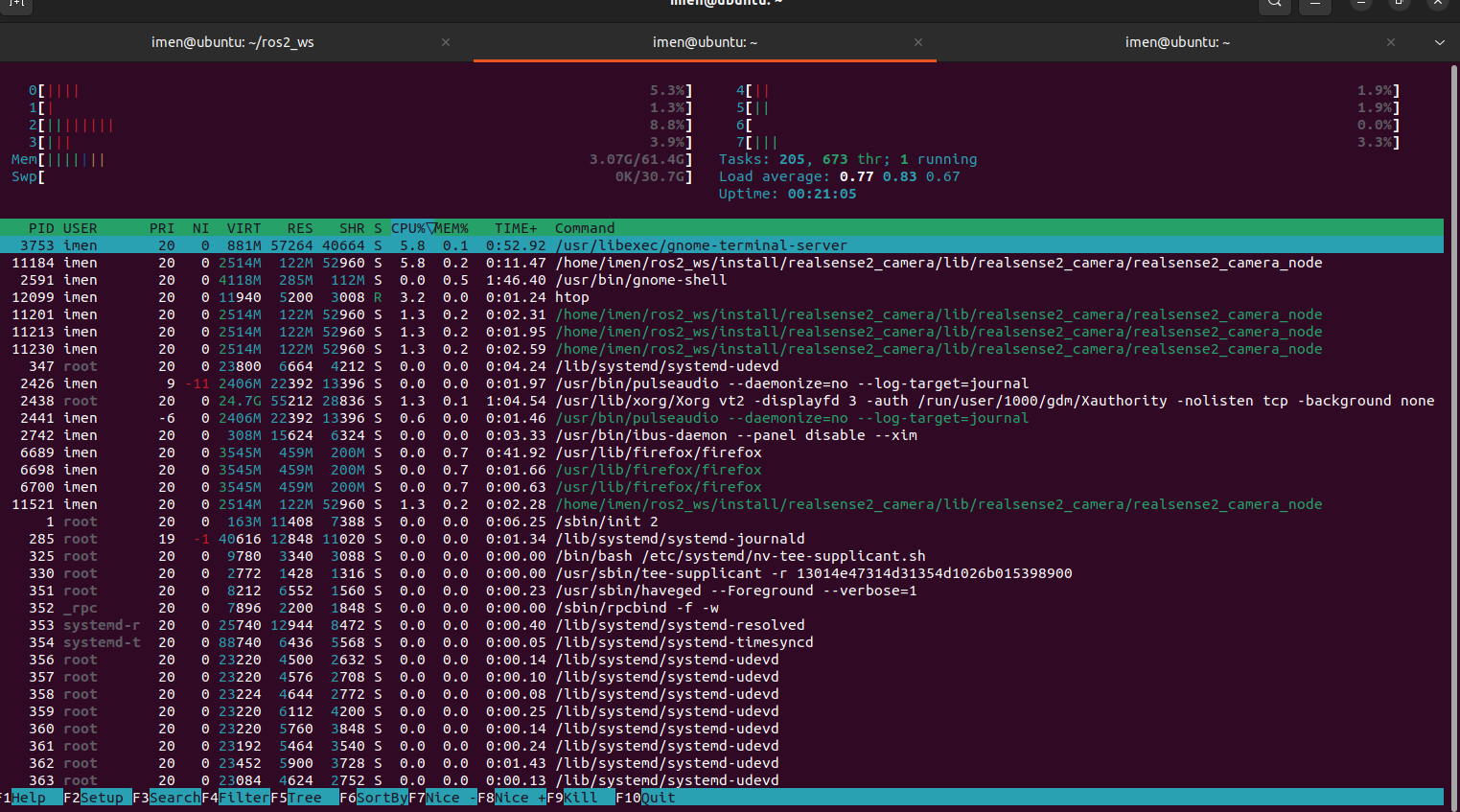 I followed your recommendation and ran htop while the RealSense ROS2 wrapper was running. Here are my observations:
CPU Usage:
-The CPU usage is not excessively high. The cores do not appear to be overloaded.
-The realsense2_camera_node process consumes around 5-6% of the CPU, which seems reasonable.
Memory Usage:
-The system is using around 3.07GB out of 30GB, so there is no significant memory overload.
No Excessive Background Processes:
-I checked for any other processes that might be overloading the Jetson, but the overall system load seems normal. -
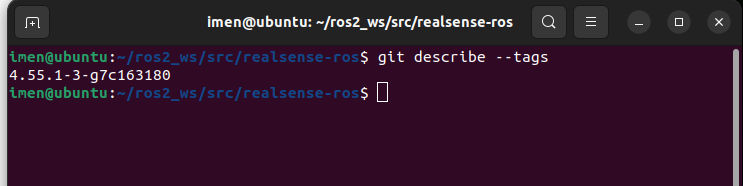
hi MartyG, the version of ROS2 wrapper is correct .
-
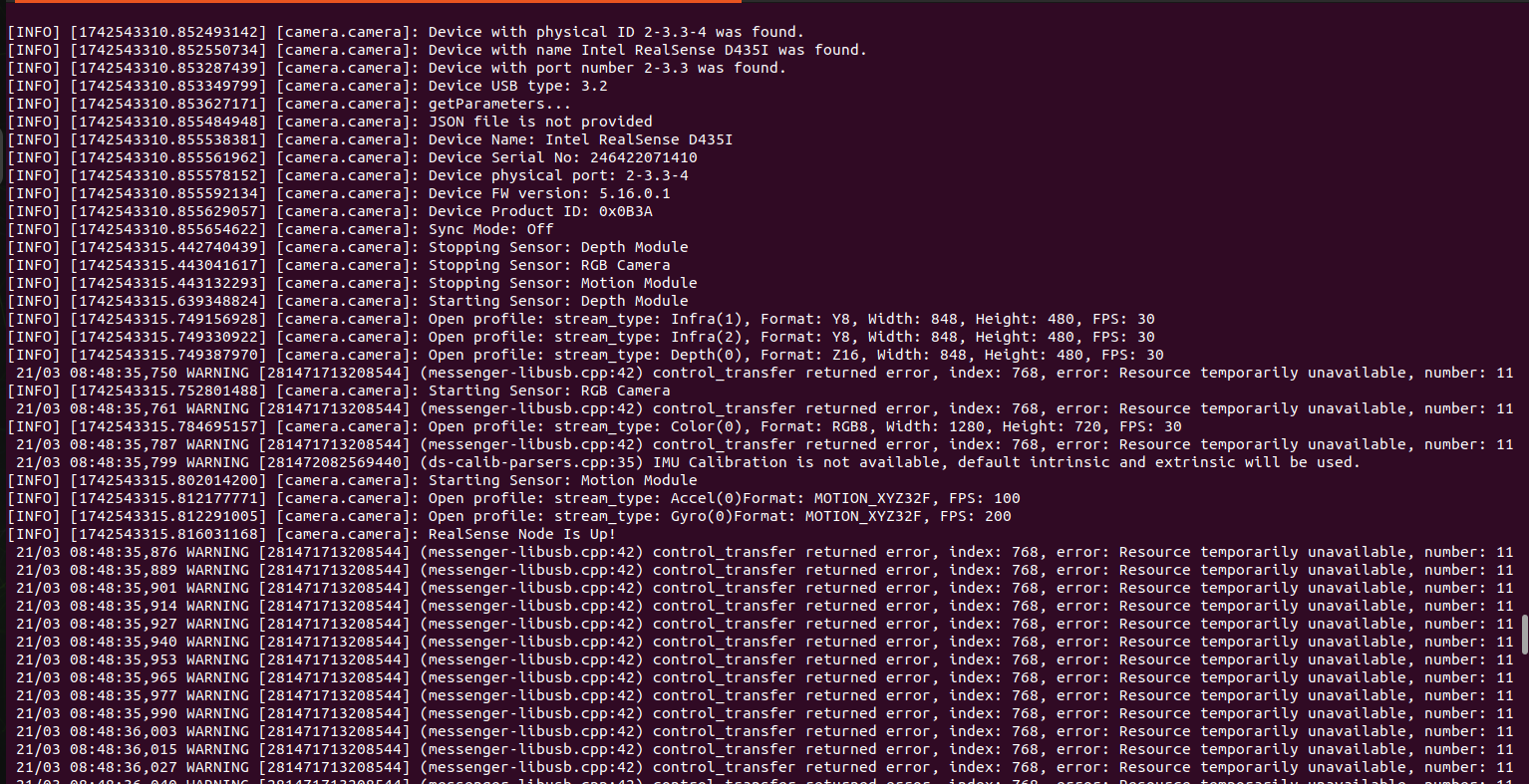
Hi MartyX Grover I’m still getting the same error and no image is found
-
It appears from the latest log that the infrared streams are being enabled and published. If you do not need the infrared images (they are not required to be enabled in order for depth to be published) then you could save some processing by disabling them to see if it reduces the number of control_transfer returned messages.
ros2 run realsense2_camera realsense2_camera_node --ros-args -p enable_infra1:=false -p enable_infra2:=false
-
Hi MartyX Grover , I tried your suggestion, but I'm still facing the same error, and nothing happens.
-
~Are you able to perform a complete wipe of your Jetson's storage and reinstall everything fresh from the beginning, including Ubuntu? Sometimes when there is a problem that cannot be solved no matter what is tried and the cause is not clear, it can suddenly start working again after a wipe and reinstall because a hidden problem somewhere in the system has been removed by the wipe.
If you do not wish to do a complete reinstall of everything or are unable to do this, you could try removing just the ROS2 wrapper and then reinstalling it. If you built the wrapper from source code with colcon build then you can uninstall it simply by deleting the entire /ros2_ws/src catkin workspace folder and then performing the source code installation process again.
-
Hi MartyG
At first, I tried uninstalling and reinstalling only the ROS2 wrapper, but that didn’t solve the issue.
So I decided to start fresh:
-
I completely flashed my Jetson Orin AGX( ros humble , ubuntu 22.04).
-
Then I installed the SDK and necessary libraries following this guide: librealsense/libuvc_installation.md.
-
After that, I installed the ROS2 wrapper using the “Install from source” method .
However, during the
colcon buildstep, I encountered a warning (screenshot)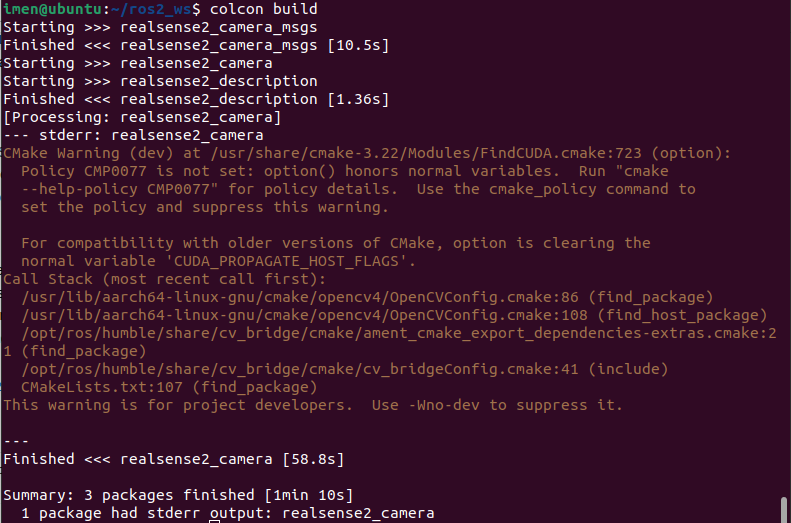
I also tried building with the following command:
colcon build --cmake-args '-DBUILD_ACCELERATE_GPU_WITH_GLSL=ON'
But that didn’t help either.
-
-
As you are using librealsense 2.55.1, do your problems continue if you use the source code installation instructions below to colcon-build a version of the ROS wrapper for 2.55.1 ?
git clone https://github.com/IntelRealSense/realsense-ros.git -b ros2-development
cd realsense-ros/
git checkout d1684b4e53111f5eb3237f76299e83a864ce929d
cd ~/ros2_ws
colcon build -
Thanks for the suggestion. I followed the steps.
Here are the results:
-
When I run the node using:
ros2 run realsense2_camera realsense2_camera_node --ros-args -p enable_infra1:=false -p enable_infra2:=false
The node starts, but no image is displayed. Here's a screenshot of the terminal output:
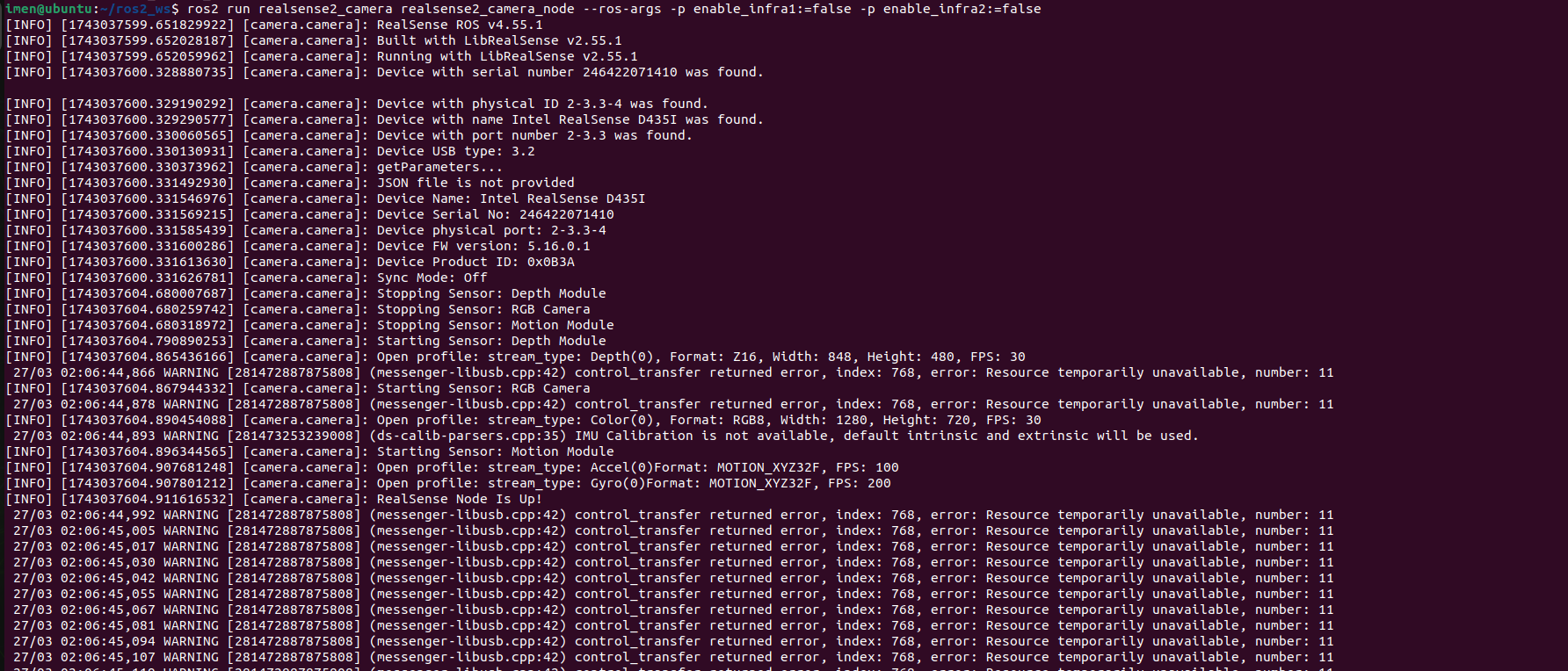
- However, when I use the following command:
ros2 launch realsense2_camera rs_launch.py
Everything works fine, and the images are properly published.
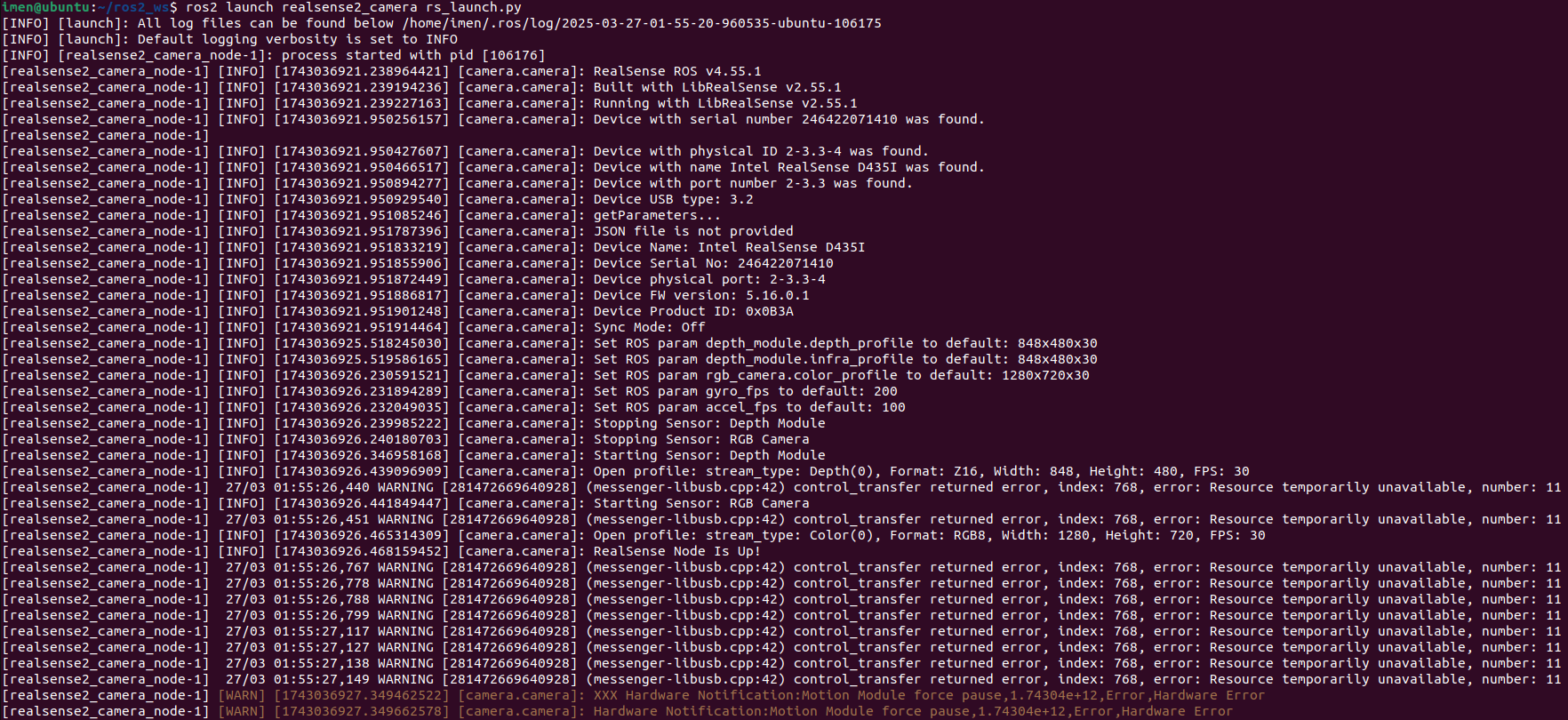
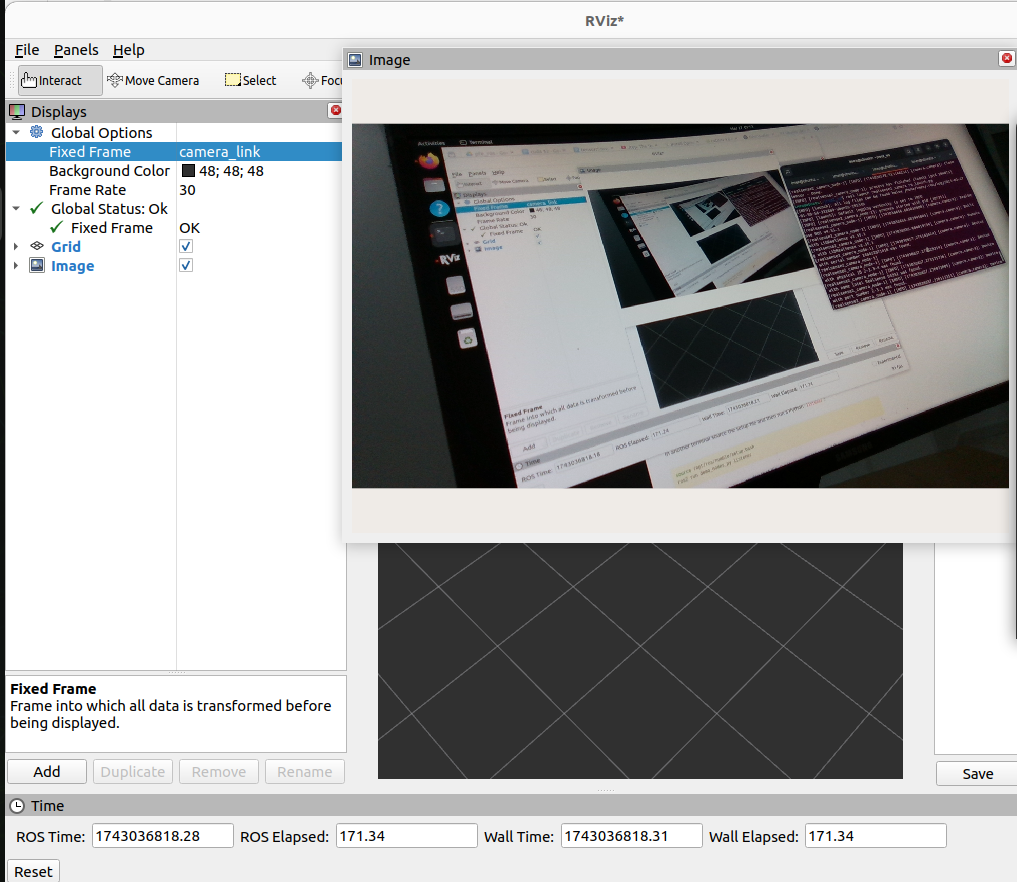
and for the [WARN] i just add 'initial_reset:=true'
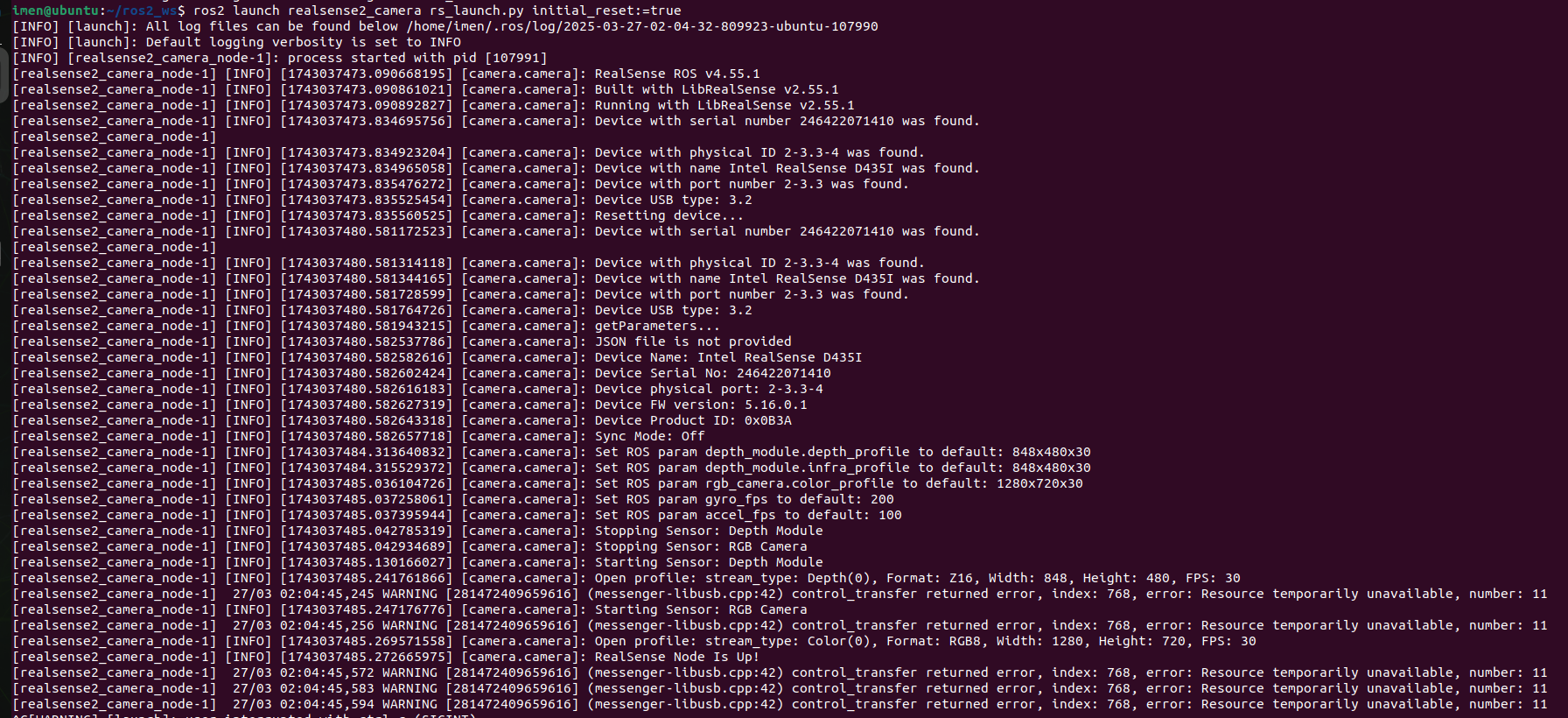
So I’m wondering why running the node directly with
ros2 rundoesn't give the same result. Could this be due to missing parameters or launch configurations?Thanks again for your help!
-
-
It's not clear from these logs why ros2 run would fail but ros2 launch succeeds, as both methods appear to be doing the same thing.
Does it make a difference if you add the reset to ros2 run too?
ros2 run realsense2_camera realsense2_camera_node --ros-args -p enable_infra1:=false -p enable_infra2:=false -p initial_reset:=true
Please sign in to leave a comment.
Comments
16 comments