[Inquiry] Image Differences in RealSense Viewer Depending on Ubuntu Version
Hello,
Is there a difference in output depending on the Ubuntu version?
I am using the same D450 product and viewing the screen through RealSense Viewer.
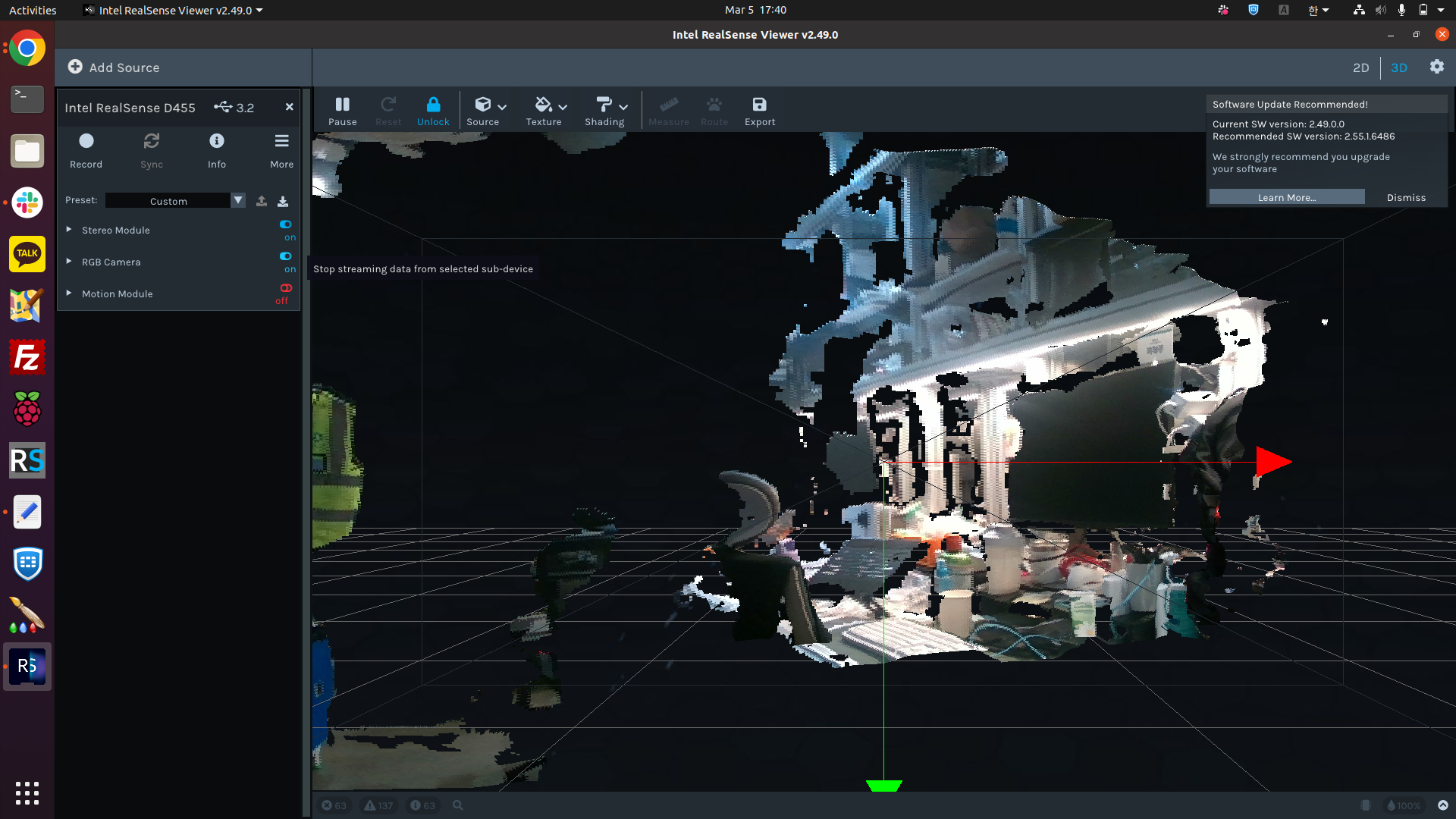
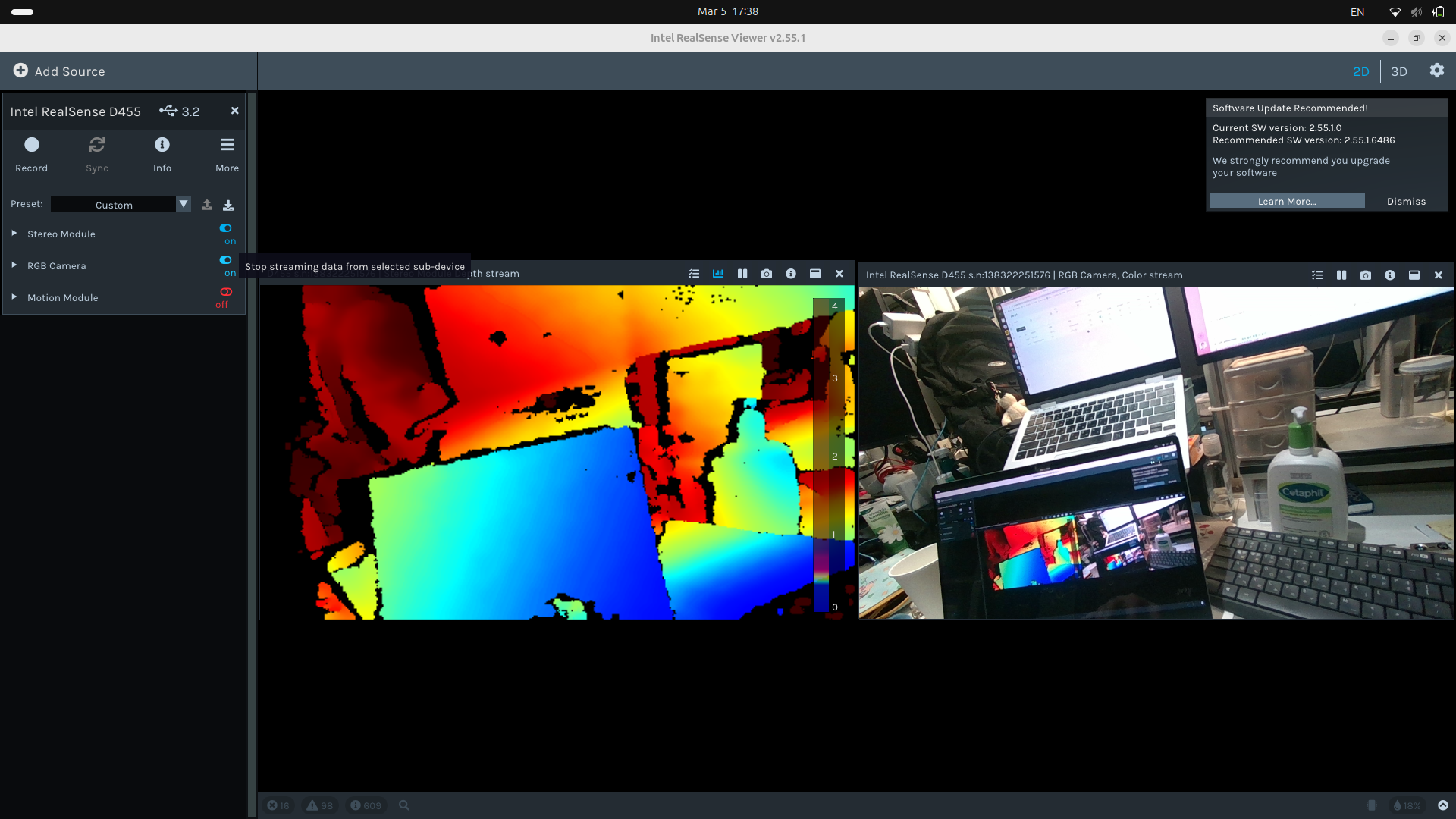
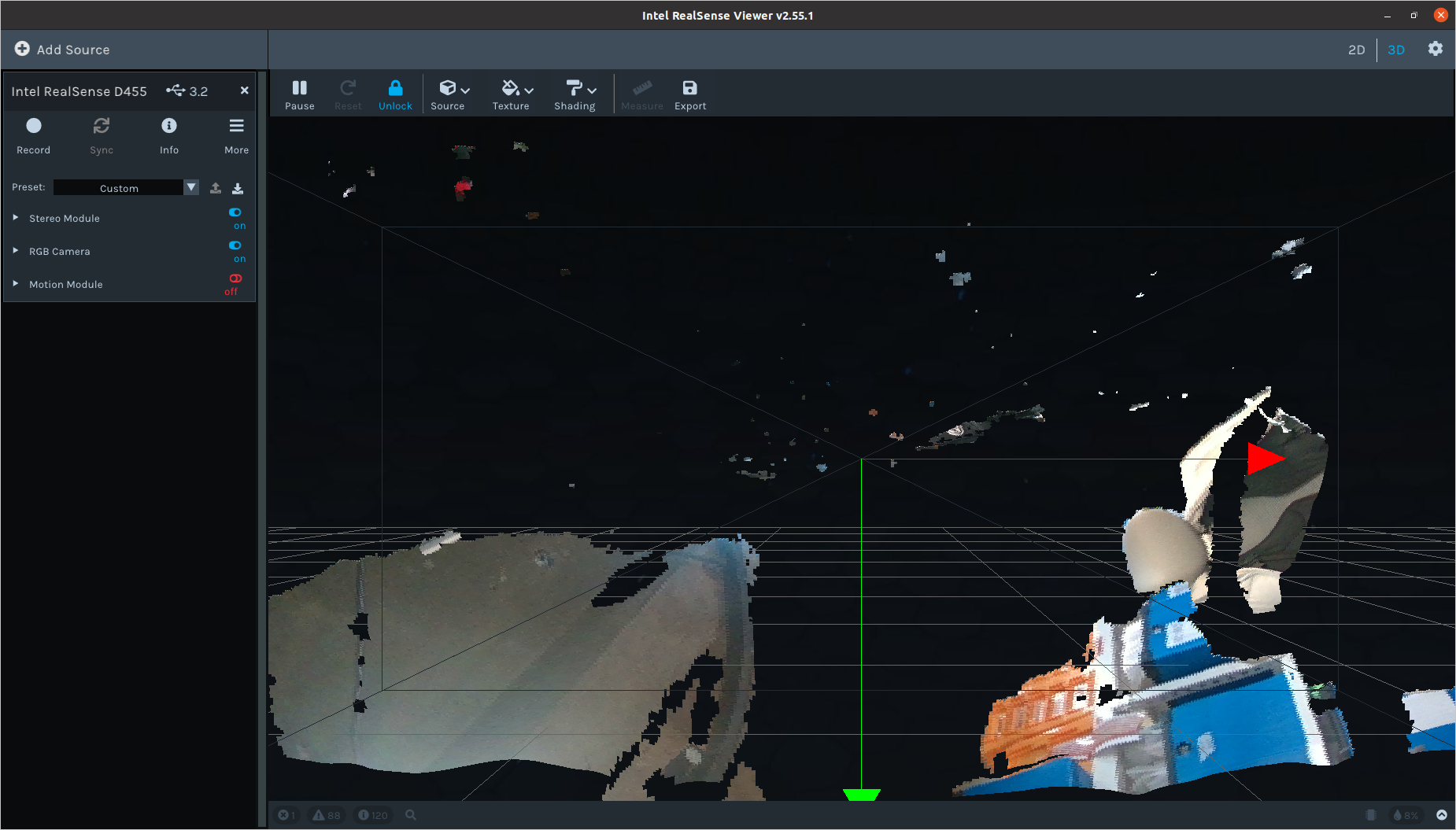
The clear image is from Ubuntu version 24.04.
However, in Ubuntu version 20.04, there are many black areas in the middle.
Even when I use the same RealSense Viewer version on both computers, the same issue occurs.
Could you please provide some guidance on this?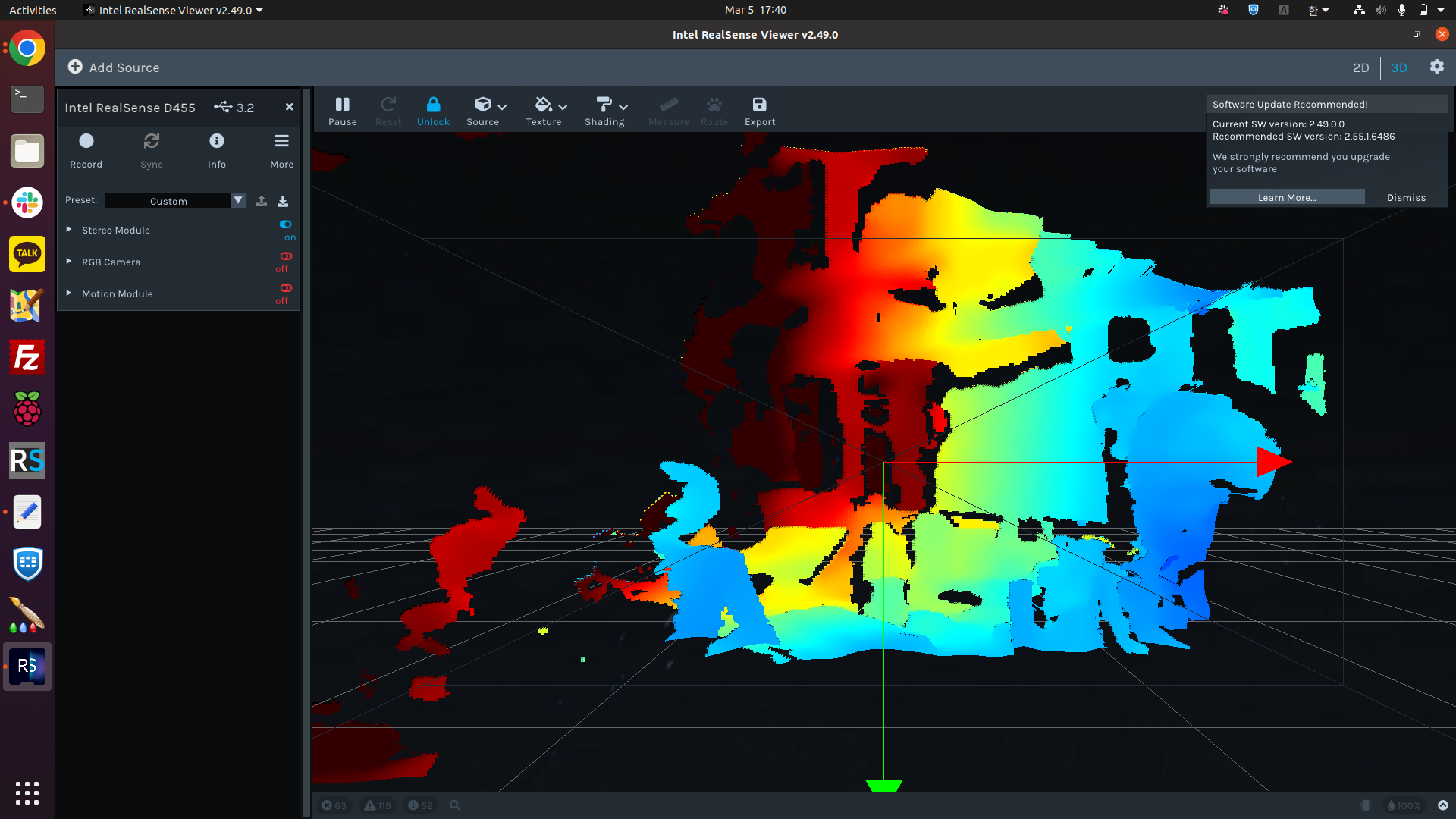
-
Hi Gw Lee Which firmware driver version do you have installed in your camera, please? You can find the firmware version by clicking on the Info button at the top of the RealSense Viewer's options side-panel.
-
Thanks very much for the information. Firmware version 5.16.0.1 is the appropriate one to use with SDK 2.55.1.
SDK 2.49.0 was designed for use with firmware 5.12.14.50. However, if a D455 is downgraded to that old a firmware then the camera will no longer work as the oldest firmware that should be used with D455 is 5.13.0.50, which was designed for SDK 2.50.0 (the version after 2.49.0).
Are you using 2.49.0 because you need to perform On-Chip calibration? If you are then you could consider instead using 2.55.1 only and resetting the calibration of the camera to its factory-new default setting in the Viewer using the instructions at the link below.
https://github.com/IntelRealSense/librealsense/issues/10182#issuecomment-1019854487
-
Going back over this case, I note that images from the '2D' mode of the RealSense Viewer are being compared with ones from the '3D' mode. It is normal for the image to have less detail and more holes in '3D' pointcloud mode than it is for the '2D' mode where the depth and RGB images are much more complete.
You could try going to the Stereo Module > Post Processing section of the Viewer's options side-panel, expanding open the list of post-processing filters and disabling the Threshold filter to see if it improves the pointcloud image in 3D mode. Otherwise, depth detail further away from the camera than 4 meters will be excluded from the depth image, leaving empty gaps.
Please sign in to leave a comment.
Comments
7 comments