Using D455 to calculate distance/depth of objects in non-depth camera
Hi,
I am a novice at this, so sorry if this has already been answered. I am trying to take an image of a place with Intel Realsense D455 (with depth), and take another image, at the same height,with a non-depth, normal camera. I want to know if there is a way I can use the pixel wise depth value to understand the depth/distance of a particular object from the image taken from the normal camera? (something like georeferencing technique used in GIS?)
Any help would be highly appreciated.
-
Hi Kolipakam Before looking at aligning image files from two different cameras, I would like to check whether a simpler real-time solution that is already created and only requires the D455 would be suitable for your project.
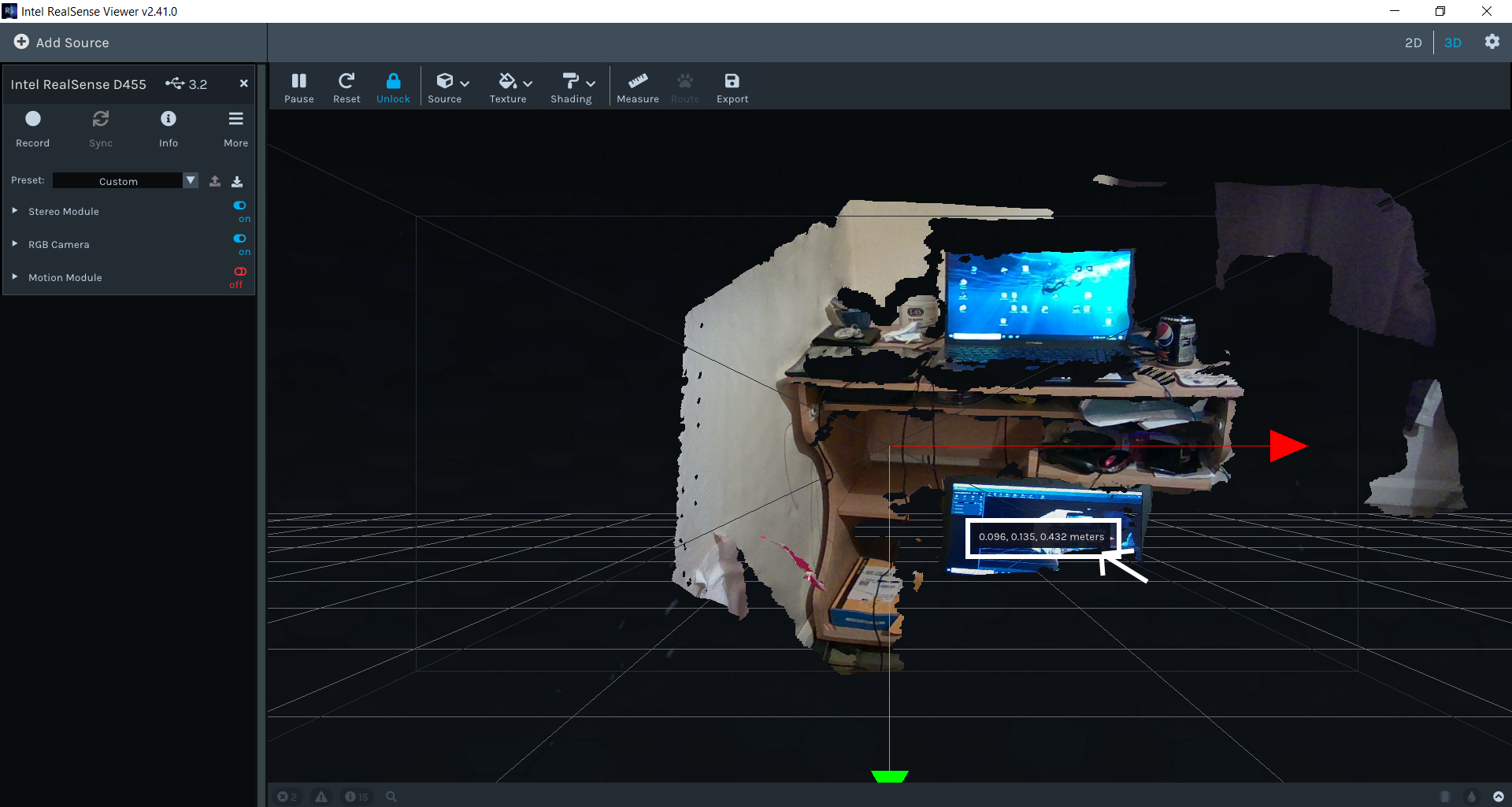
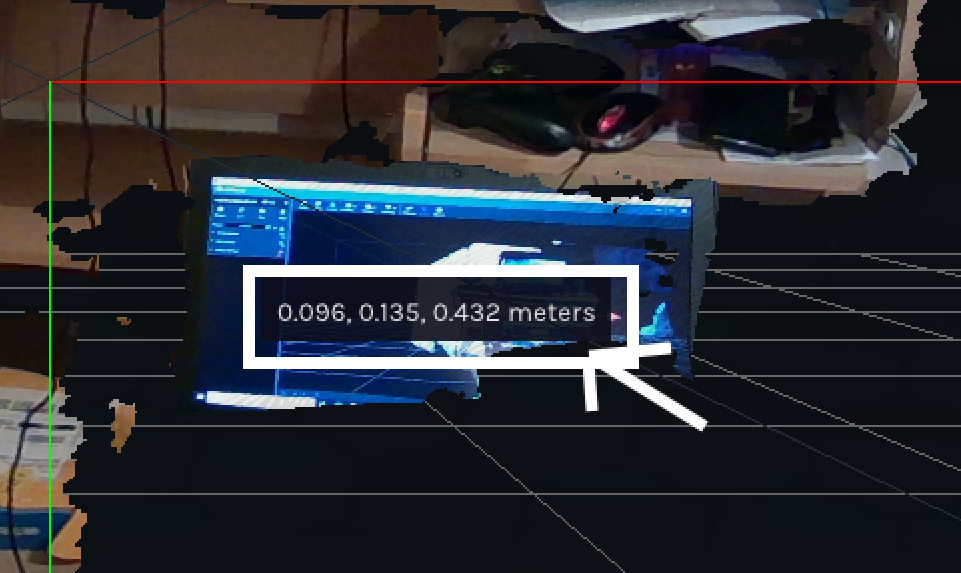
The RealSense Viewer tool that is supplied with the RealSense SDK software has the ability to map live RGB color to live depth data in its 3D point cloud mode. You can then move the mouse cursor over the point-cloud image and see the distance to that coordinate in meters update in real-time.
You can also use the Measure option to measure the distance between two points by using the mouse to drag a line out from one point to another.
-
Dear Marty,
Thank you so much for your answer. The application I am looking at is to leave motion triggered normal cameras unattended in an area, where animals will trigger this camera by moving infront of these camera stations. In this situation, if I have calibrated the fixed area infront of the camera once with the rgbd realsense camera, I should be able to use that information to understand how far from the fixed normal camera the animal appeared, and motion trigged it.
-
In January 2018, Intel demonstrated a system with D435 cameras where the start and end of capture were triggered by a commercial grade flash. The spike in camera data caused by the flash acted as the trigger. If your normal camera has a flash then that sounds like a means by which a quick capture could be taken by the D455 depth camera when the animal triggers the detector.
https://www.intelrealsense.com/intel-realsense-volumetric-capture/
-
Thank you for this interesting information, MartyG!
Certainly sounds interesting, and thank you for taking the time out to answer this. But since we will not be able to deploy it in a large scale manner at once, and not every capture will be triggered by a white flash, we were looking at the kind of solution I described above. Any thoughts or advice in that direction will be greatly appreciated.
-
The linkage between a RealSense and non-RealSense camera that you are seeking reminds me of a past case about how a RealSense camera and a non-RealSense camera needed to be started and stopped at the same time and their saved recording then aligned. The advice provided was that frame metadata could be used to synchronize between the devices.
-
Since that advice about metadata though, the External Synchronization (Genlock) feature has been introduced. It can make linkages between RealSense and non-RealSense cameras simpler, as described in section 4.3 of Intel's white paper on external synchronization.
"Probably the most common need for Genlock is when you need to synchronize multiple sources. For example, users may have a separate RGB camera that they want to be the master, and they want Intel RealSense cameras to exactly synchronize to its capture. This is often needed for applications like 3D scene reconstruction which may use a very high-resolution color camera and an Intel RealSense depth camera"
Please sign in to leave a comment.
Comments
6 comments