L515 stopped working in Windows 10
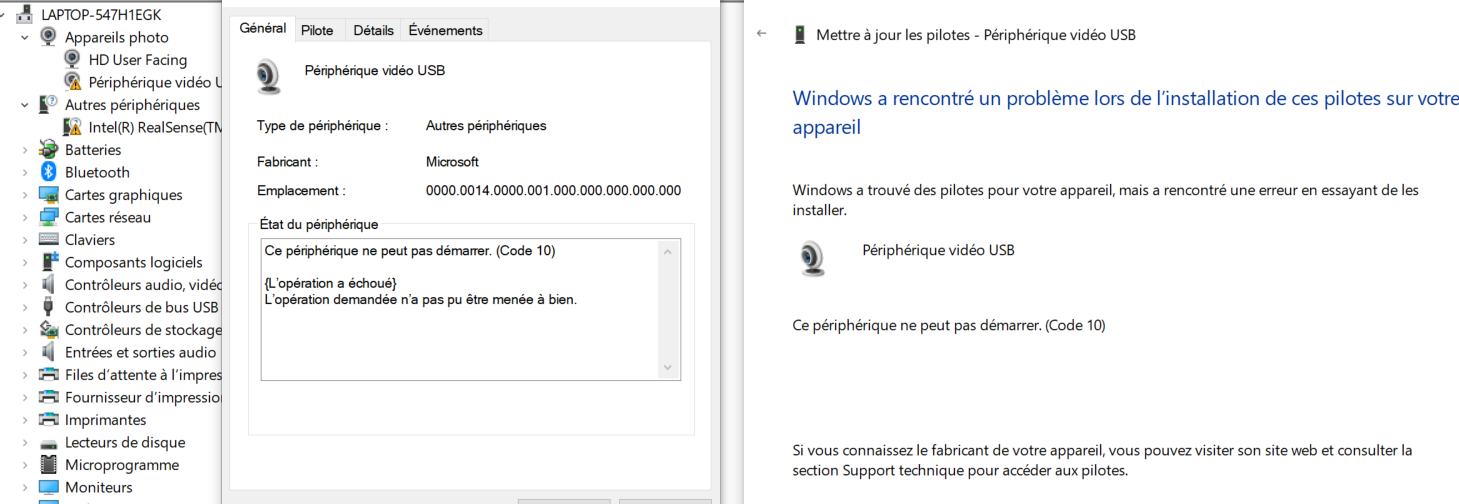
My L515 was working on Win10.Suddenly, possibly after an automatic Windows Update, it just could not be recognized anymore: the driver seems wrong.
I tried to unistall and reinstall it. No success.
I tried to use it on a new computer. No success.
The Realsense Viewer tells me (in the log area) that it detects a compatible camera ; the Firmware update tool tells it does not see any camera (-l option).
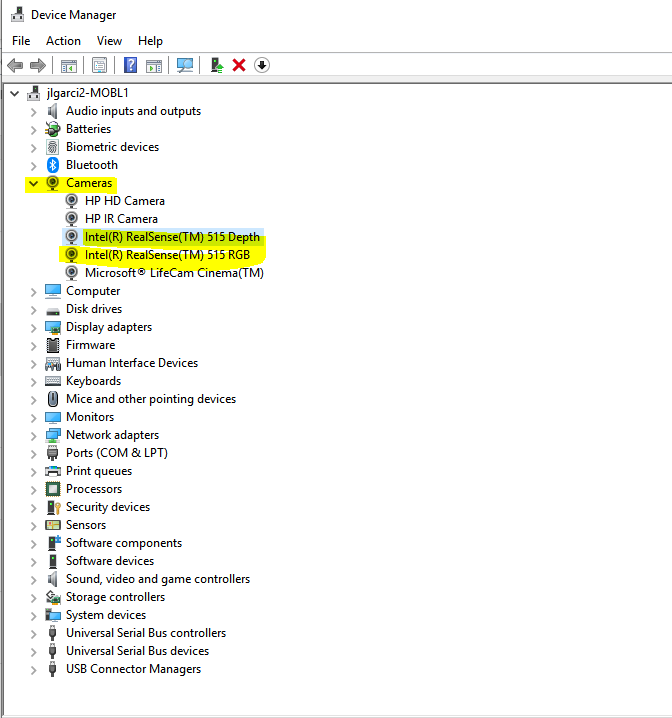
And Win10 shows it as "other periphericals" in the Peripherical management console.
What can I do? Did the camera break???
-
Official comment
Hello Matthieu,
Unfortunately, it seems that your camera is faulty and needs to be returned.
- If you purchased it from the Intel RealSense Store, please sign in to your account on http://www.intelrealsense.com and go to My Account -> My Orders -> Return or Replace Items or open a ticket here.
- If you did not purchase your Intel RealSense Camera from the Intel Store, contact your distributor for a return.
Regards,
Jesus G.
Intel Customer Support
Comment actions
Please sign in to leave a comment.
Comments
3 comments