Pyrealsense2 installation problems on Jetson Nano
-
Hi Eitan Allal the link below details an installation method of librealsense and the Python wrapper together at the same time that worked for a Jetson Nano user.
https://github.com/IntelRealSense/librealsense/issues/6964#issuecomment-672059669
-
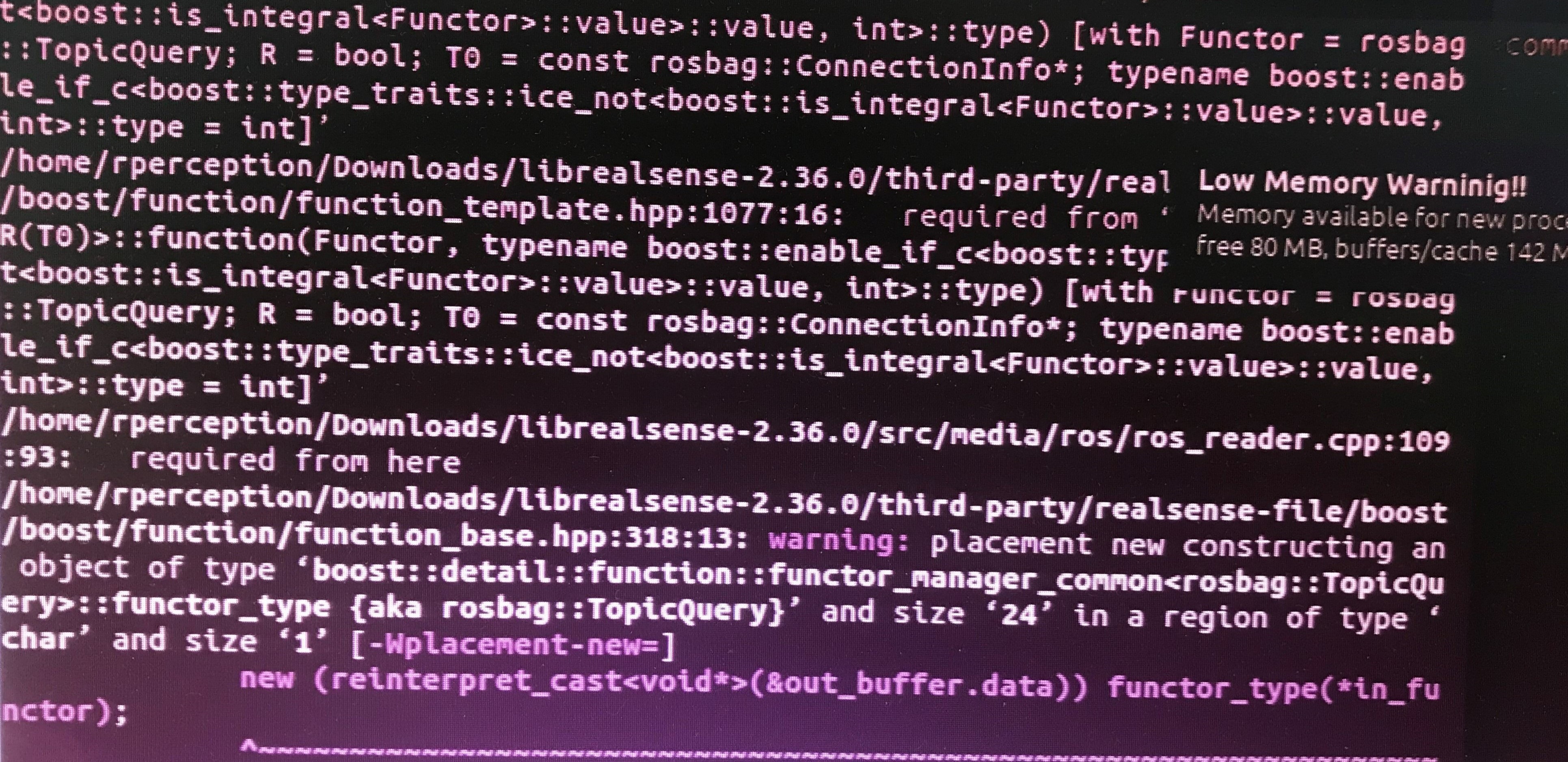
Have you got a swapfile set up on your Jetson? It provides "virtual memory" created from storage space on the SD card, and programs can use this virtual memory when the normal memory is used up.
https://www.jetsonhacks.com/2019/04/14/jetson-nano-use-more-memory/
-
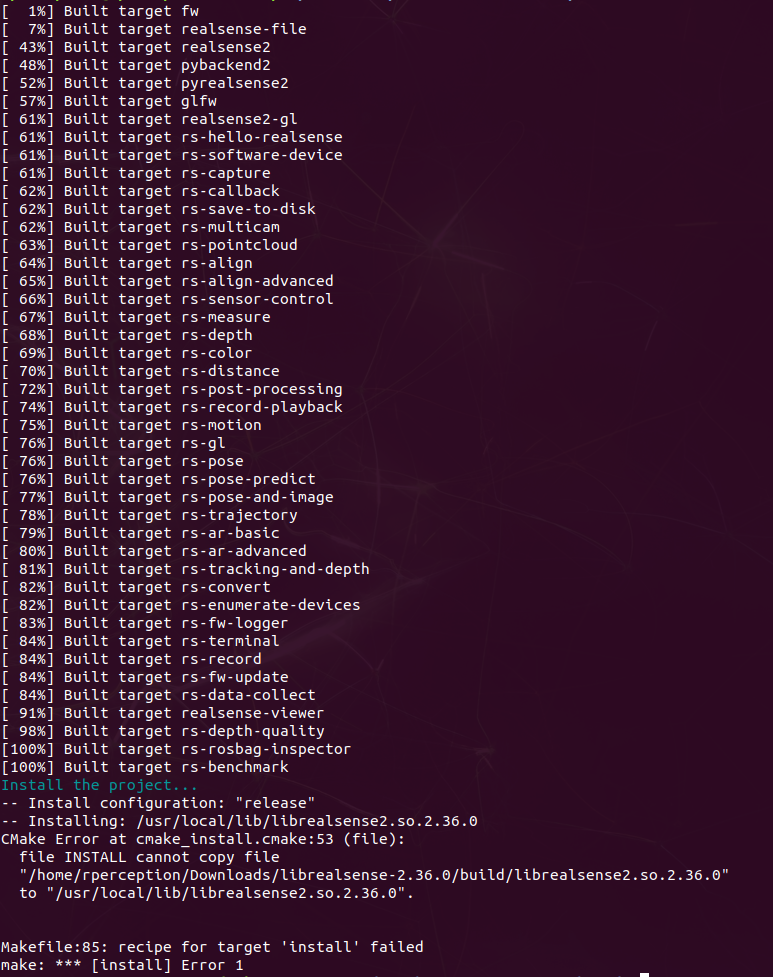
I have not seen that particular problem before. If you are installing librealsense on the SD card, I wonder if the card does not have enough storage space left available to copy the file, especially if a swapfile is set up (which uses up some of the card space) and the card is a 16 GB one (I use a 32 GB for my own Nano).
-
Another approach that has worked on Nano in at least one case is to build librealsense with the JetsonHacks instructions and then follow the advice in the link below to install the Python wrapper. Make sure to be in the build folder (librealsense > build) when running the CMake build instruction to build the Python wrapper.
https://support.intelrealsense.com/hc/en-us/community/posts/360039885073/comments/360010731894
-
If you just wanted to take a PNG image of a single frame with C++ then there is the save-to-disk example.
https://github.com/IntelRealSense/librealsense/tree/master/examples/save-to-disk
If you needed an image for each frame then you could record a bag format file, which is like a video recording containing camera data. You could record with the RealSense Viewer program, or with the record-playback C++ example program.
https://github.com/IntelRealSense/librealsense/tree/master/examples/record-playback
Once the bag is recorded, you can extract all its frames as a set of PNG files using the RealSense SDK's rs-convert tool.
https://github.com/IntelRealSense/librealsense/tree/master/tools/convert
Please sign in to leave a comment.
Comments
12 comments