How to set up Intel d435i depth measurement to 10 meter
Depth Quality Tool can only test a maximum distance of 4 meter.How to set up Intel d435i depth measurement to 10 meter?
-
The Depth Quality Tool does not limit the distance that can be tested, though the camera may find it difficult to locate targets to lock on to in the Depth Quality Tool beyond 2 m. Page 18 of Intel's depth testing methodology white paper provides useful information about distance.
-
I was not able to replicate your experience, as there is not 4 m of empty space around the camera in my location and so there is always something to trigger the camera within a 4 m range.
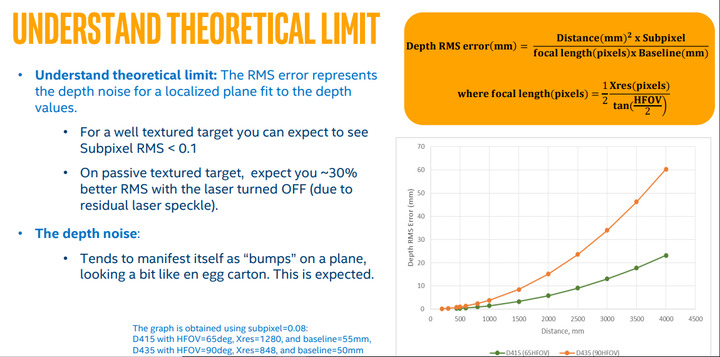
As a general rule though, it can be assumed that after about 3 m away, accuracy will start to drift noticably. This is due to an effect called RMS Error, where accuracy decreases over distance. The RMS error factor of a D435 type camera is about twice that of a D415 model. The chart below illustrates this principle. The D435 is the upper of the two lines.
-
http://m.elecfans.com/article/816902.html
I don't know how to set it up.
-
The IMU part of the D435i is not calibrated in the factory and has to be calibrated by the user after purchase. Intel have produced a guide document for doing this.
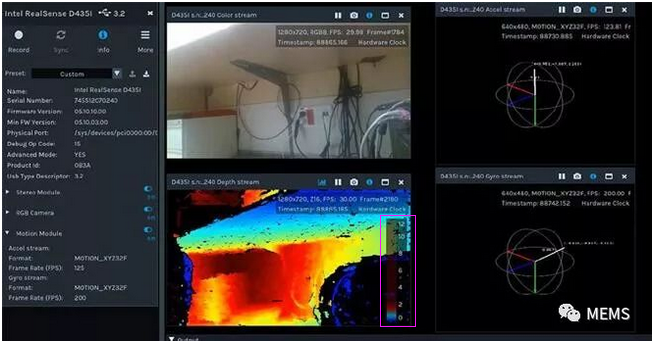
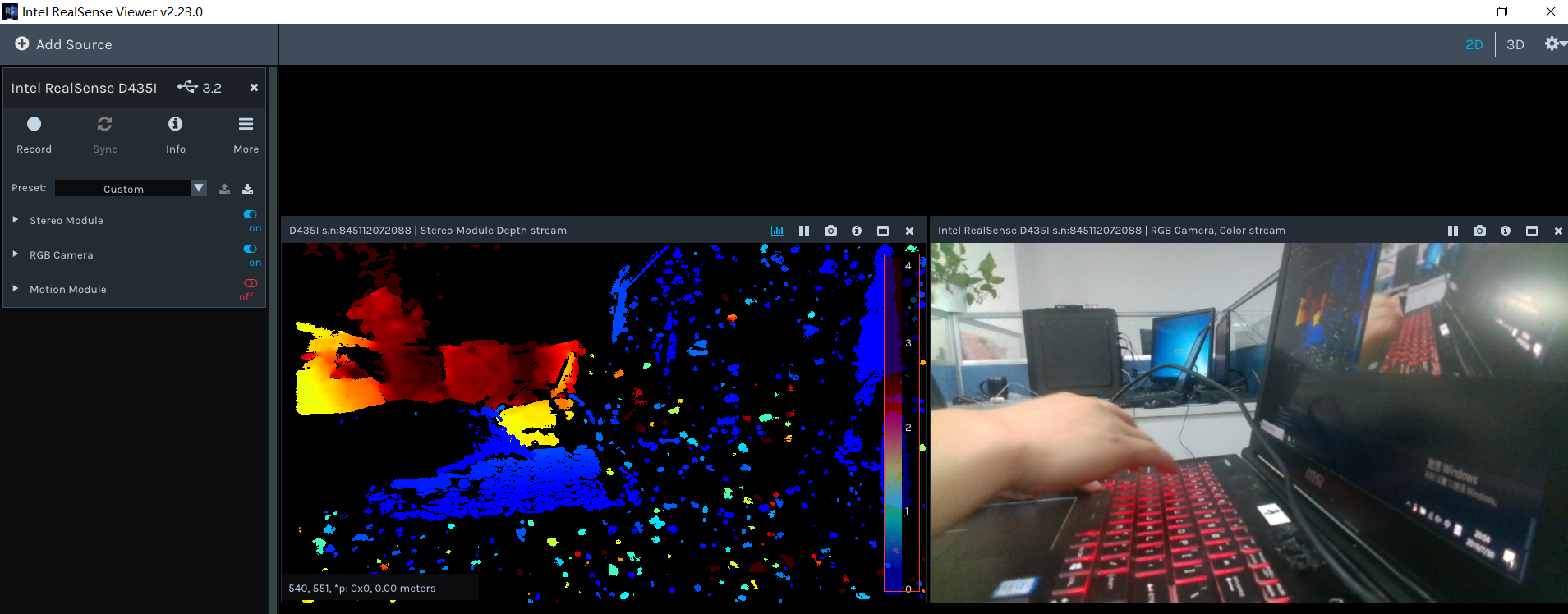
You can use the RealSense Viewer tool (which is a different tool from the Depth Quality Tool) to access the IMU's motion data through the 'Motion Module' section of the RealSense Viewer's side-panel options.
Please sign in to leave a comment.
Comments
7 comments