Cannot detect D455
Hi,
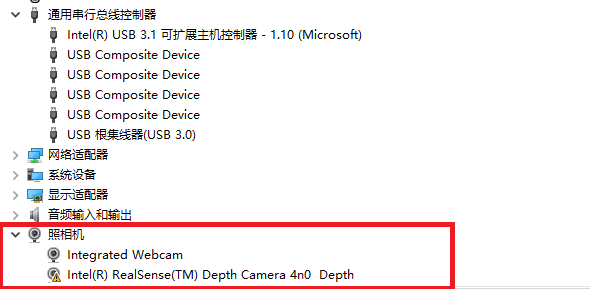
I connect D455 with the cable shipped with this camera to Windows but it cannot been detected under "camera" in Device Manager. It can be detected as a USB device, but not under "camera". Every things goes well with D415 for the same computer and cable.
Thanks a lot!
Yixun
-
Hi Yixun Liu If the D455 is not listed under Cameras in the Windows Device Manager, is there an Imaging Devices category that it is listed under?
If it is not under Cameras or Imaging Devices, please find the place in the Device Manager where it is listed and right-click on the entry for the camera, then select Uninstall device from the drop down menu.
After removing the camera's entry from the Device Manager, unplug the camera from the USB port, wait a couple of seconds and re-insert it into the port. The RealSense drivers should automatically re-install. Can they now be found under Cameras ?
You will not harm your D415 by doing this removal and reinstall as each camera has its own set of drivers in the Device Manager that only appear when that camera is plugged in.
-
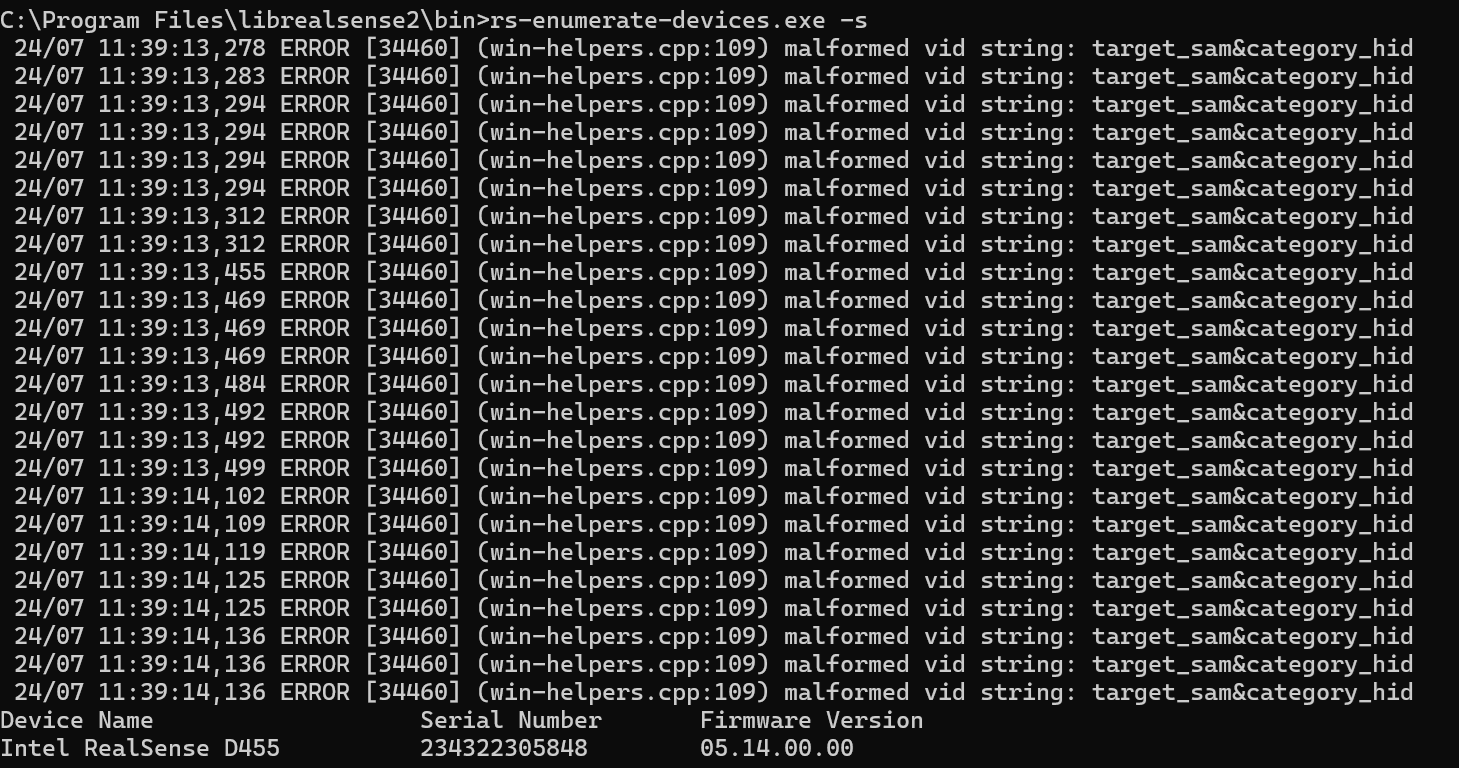
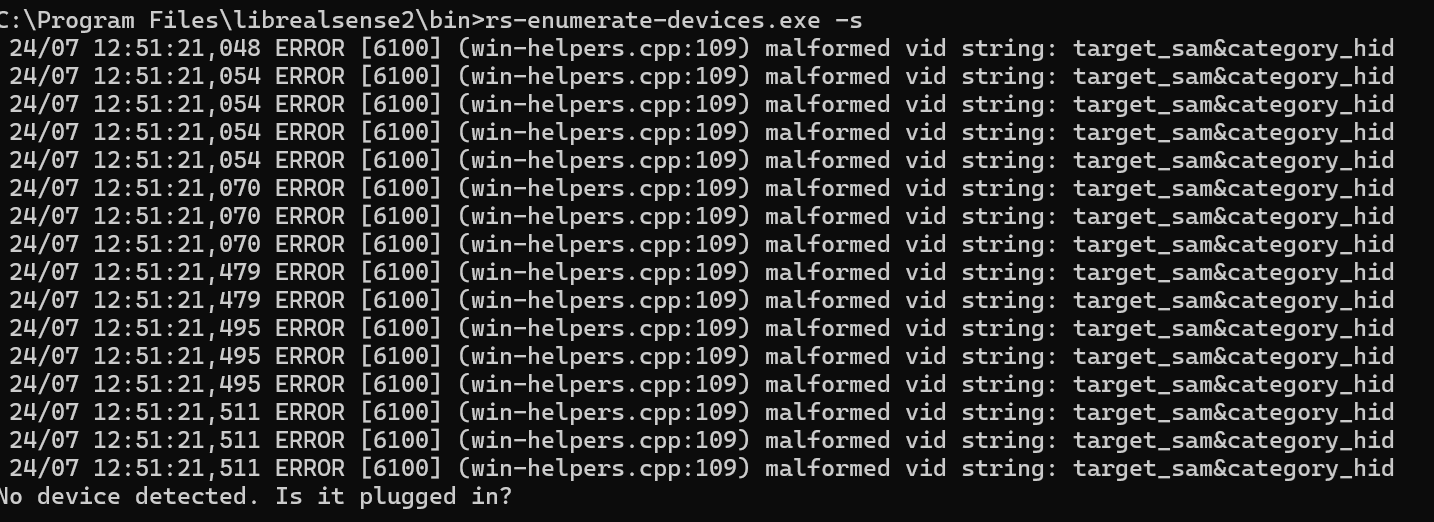
There is not a definition available for what the malformed vid string error means. It seems to be an error that only occurs on Windows though, as it is part of the win-helpers.cpp file of the RealSense SDK.
How did you install the RealSense SDK, please? Did you build it from source code or use the automated Intel.RealSense.SDK-WIN10 installer program i the "Assets" file list on the SDK 'Releases' page?
https://github.com/IntelRealSense/librealsense/releases/tag/v2.55.1
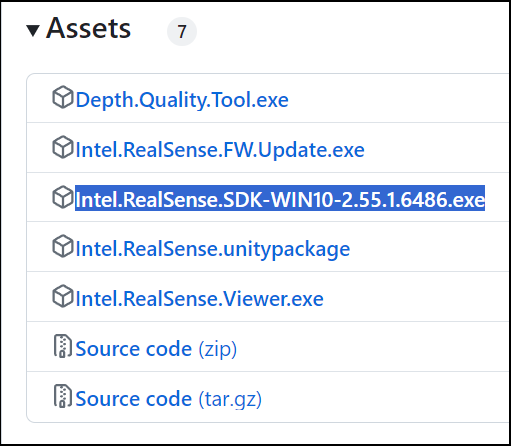
-
It is important to use an SDK version that is compatible with the firmware driver that is installed in the camera. The minimum recommended firmware version for D455 is 5.13.0.50. The SDK version that should be used with 5.13.0.50 is 2.50.0 or 2.51.1.
On the SDK Releases page, the recommended firmware to use with a specific SDK version is listed under the 'Recommended Firmware' section of each SDK version's release information.
https://github.com/IntelRealSense/librealsense/releases
You do not need to remove the previous SDK installation as the installer program automatically overwrites the last version with the new one.
Please sign in to leave a comment.
Comments
11 comments