use D455 to take photos
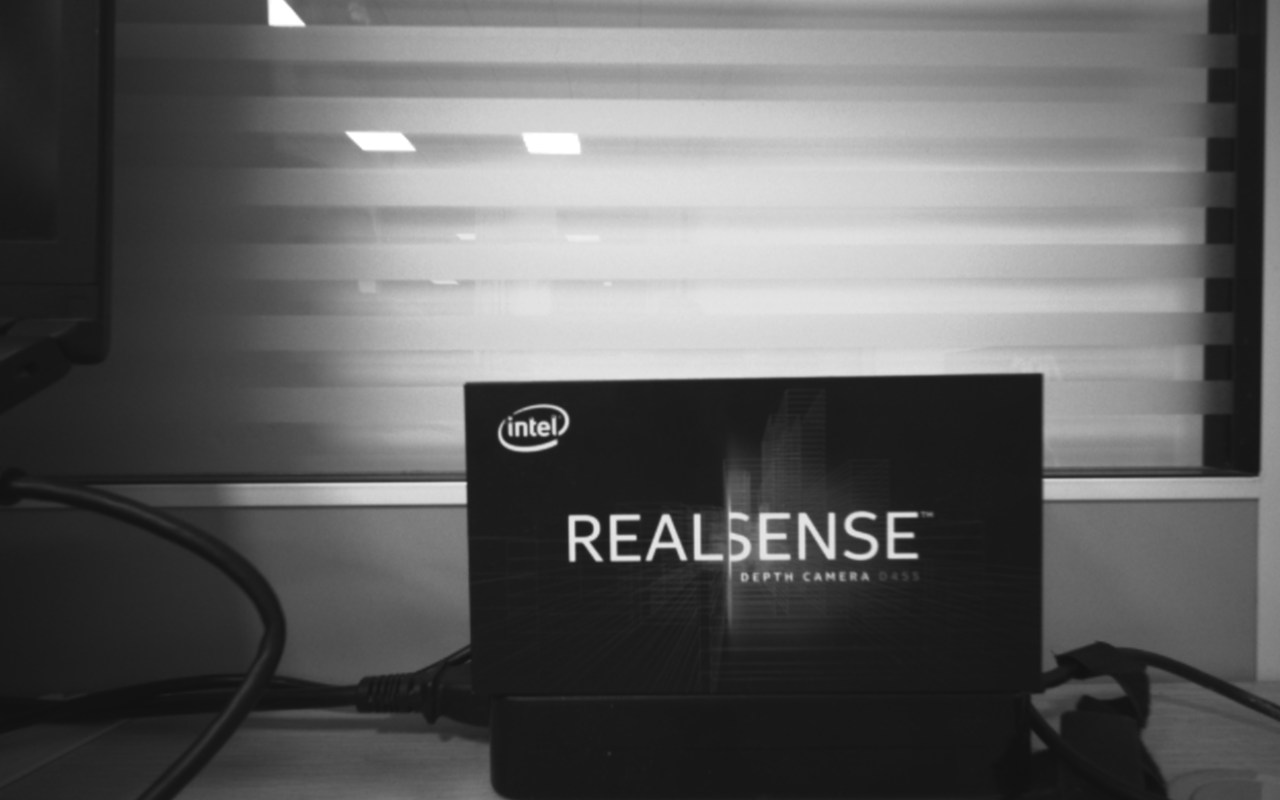
Using the left and right cameras of D455, I want to reconstruct the binocular stereo vision algorithm by myself, but the left and right pictures taken are not very clear. Using python and matlabSDK, I can only adjust the exposure time, gain, and laser power. Parameters, is there anything else I can do to make the image clearer?As shown in the picture, it is always blurry. I have moved the object back and forth to try to find a clear distance.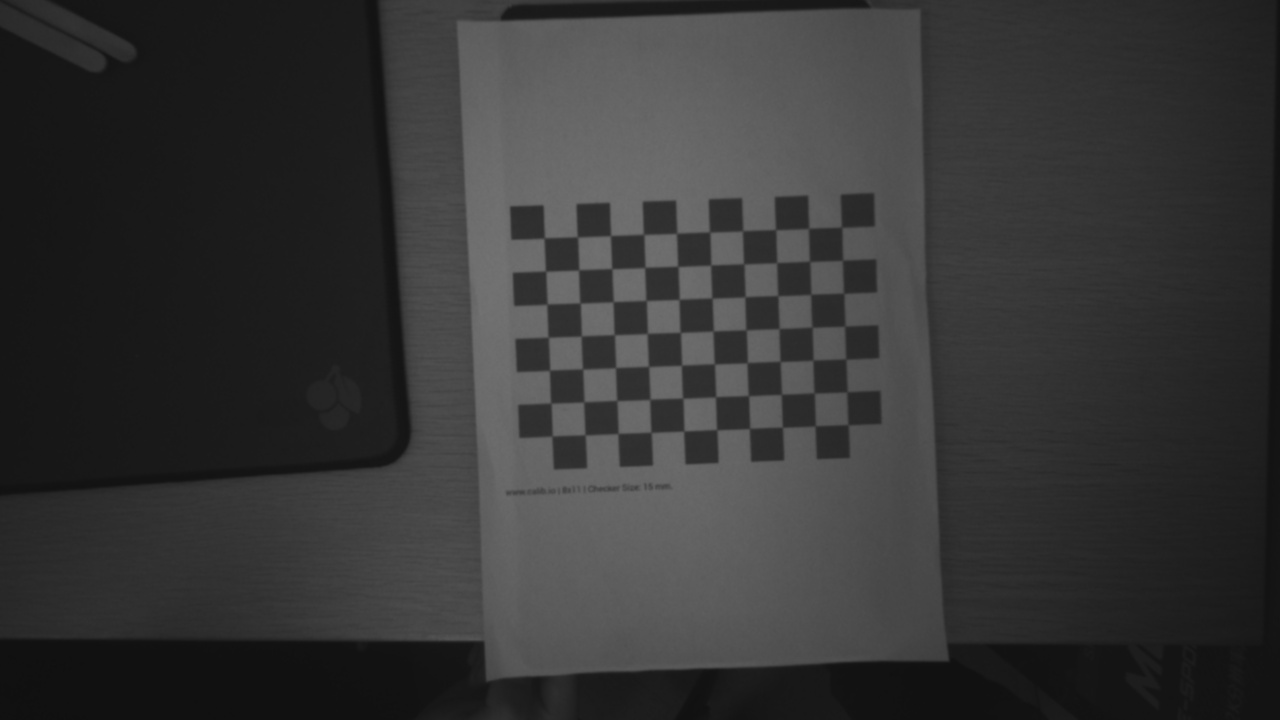
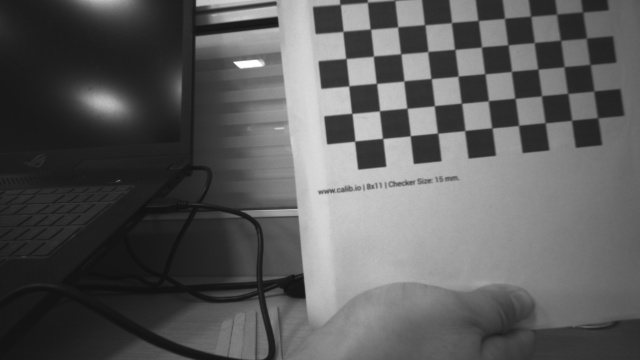
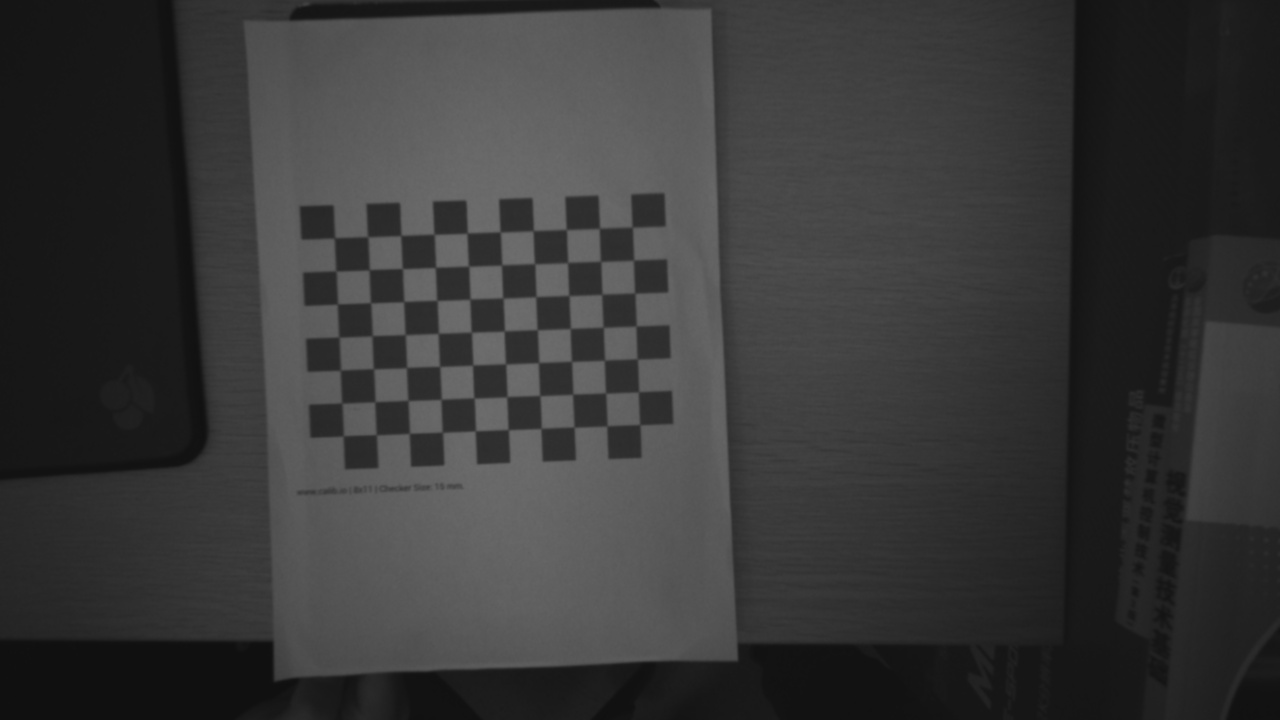
-
Hi Lizhirong597 In infrared mode the possibilities for adjusting the image are limited. I would suggest using the exposure and gain defaults of 33000 exposure and 16 gain, and set laser power to its maximum of 360 in order to brighten the image.
-
Thank you for your reply! I feel like I can't always focus well when I'm shooting, even though I've moved the camera from front to back, causing the image to be very blurry. Can you tell me how to determine the appropriate shooting distance? Are there any other parameters I can adjust? Do I need to turn on automatic exposure?
The following is the matlab code for adjusting the parameters.
As well as two photos of the left and right cameras, you can see that the ‘DEPTH CAMERA D455’ is relatively blurry.
function adjust_depth_sensor_parameters(new_exposure, new_gain,enable_auto_exposure,new_laser_power)
    % 清除命令窗口,关闭所有图形窗口
    clc;
    close all;

    % 创建RealSense管道
    pipe = realsense.pipeline();

    % 启动管道,使用默认配置
    profile = pipe.start();

    % 获取设备对象
    dev = profile.get_device();

    % 获取第一个深度传感器
    depth_sensor = dev.first('depth_sensor');

    % 修改并显示新的曝光值
    try
        depth_sensor.set_option(realsense.option.exposure, new_exposure);
        current_exposure = depth_sensor.get_option(realsense.option.exposure);
        disp(['New exposure set to: ', num2str(current_exposure)]);
    catch ME
        disp(['Failed to set new exposure value: ', ME.message]);
    end

    % 修改并显示新的增益值
    try
        depth_sensor.set_option(realsense.option.gain, new_gain);
        current_gain = depth_sensor.get_option(realsense.option.gain);
        disp(['New gain set to: ', num2str(current_gain)]);
    catch ME
        disp(['Failed to set new gain value: ', ME.message]);
    end

    % 自动曝光
    try
        depth_sensor.set_option(realsense.option.enable_auto_exposure, enable_auto_exposure); % 1启用 0不启用
        disp(['Auto exposure set to:',num2str(enable_auto_exposure)]);
    catch ME
        disp(['Failed to enable auto exposure: ', ME.message]);
    end
    %激光功率
    try
        depth_sensor.set_option(realsense.option.laser_power, new_laser_power);
        % 获取并显示当前的激光功率
        current_laser_power = depth_sensor.get_option(realsense.option.laser_power);
        disp(['New laser power set to: ', num2str(current_laser_power)]);
    catch ME
        disp(['Failed to set new laser power: ', ME.message]);
    end

    % 停止管道
    pipe.stop();
end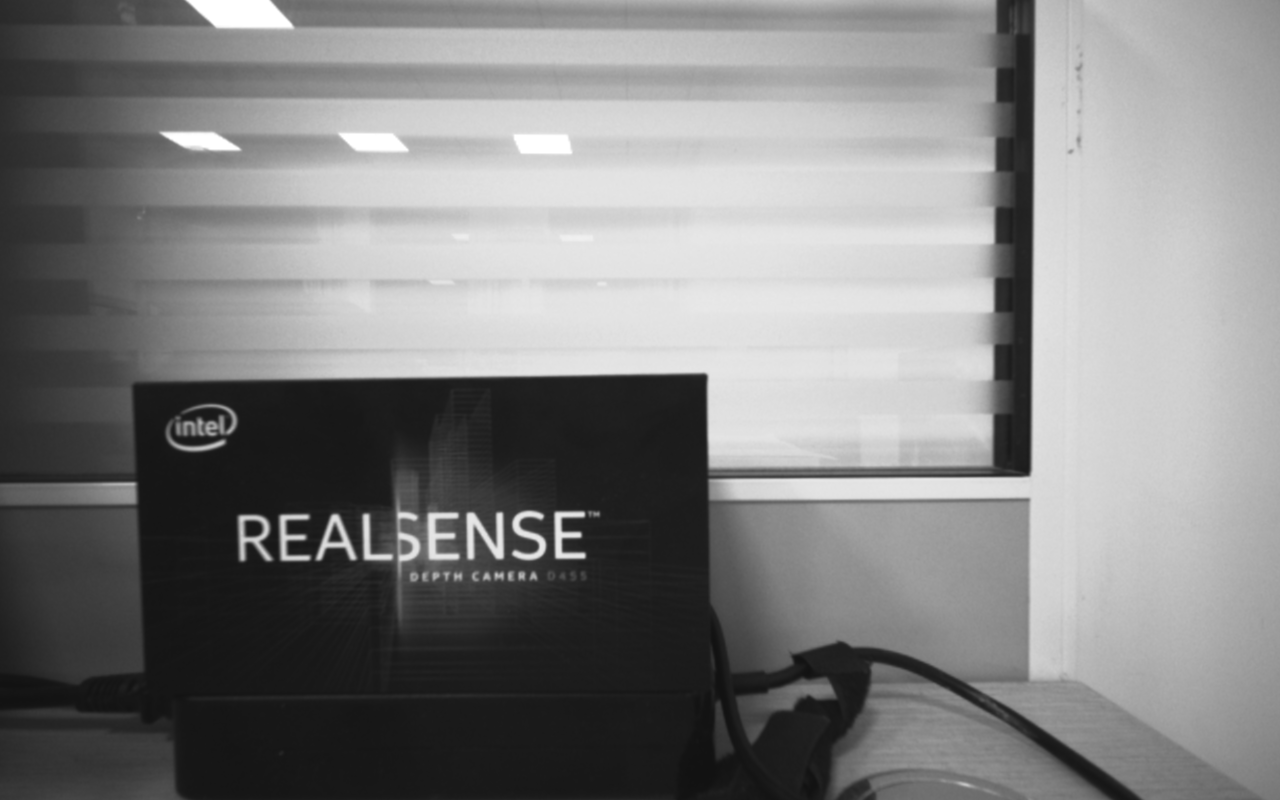
-
I would expect the quality of the infrared image to be relatively consistent no matter how near or distant the camera is.
If you are experiencing blurring then if you are on a USB 3.2 connection you could consider defining custom stream configurations with cfg statements and using 848x480 resolution and 60 FPS (instead of the default 30 FPS). As Infrared 2 (right infrared) is not available on a USB 2.1 camera connection, I assume that your connection is USB 3.2.
Please sign in to leave a comment.
Comments
3 comments