I have very large error in depth data when using d435
Dear Technical Support Staff.
Hi, i am having some problems with the D435 depth camera for depth testing, when i do a depth test on realsense-viewer with a flat wall i find that the realsense SDK shows 0.9m when i actually measure 0.5m, similarly, for 0.56, I measured 0.38, 0.47m - 0.33m, As you can see, the z error is very large and i dont know why, pls help me, thank you!
iam using sdk 2.54.1
fw verson 5.15.0.2
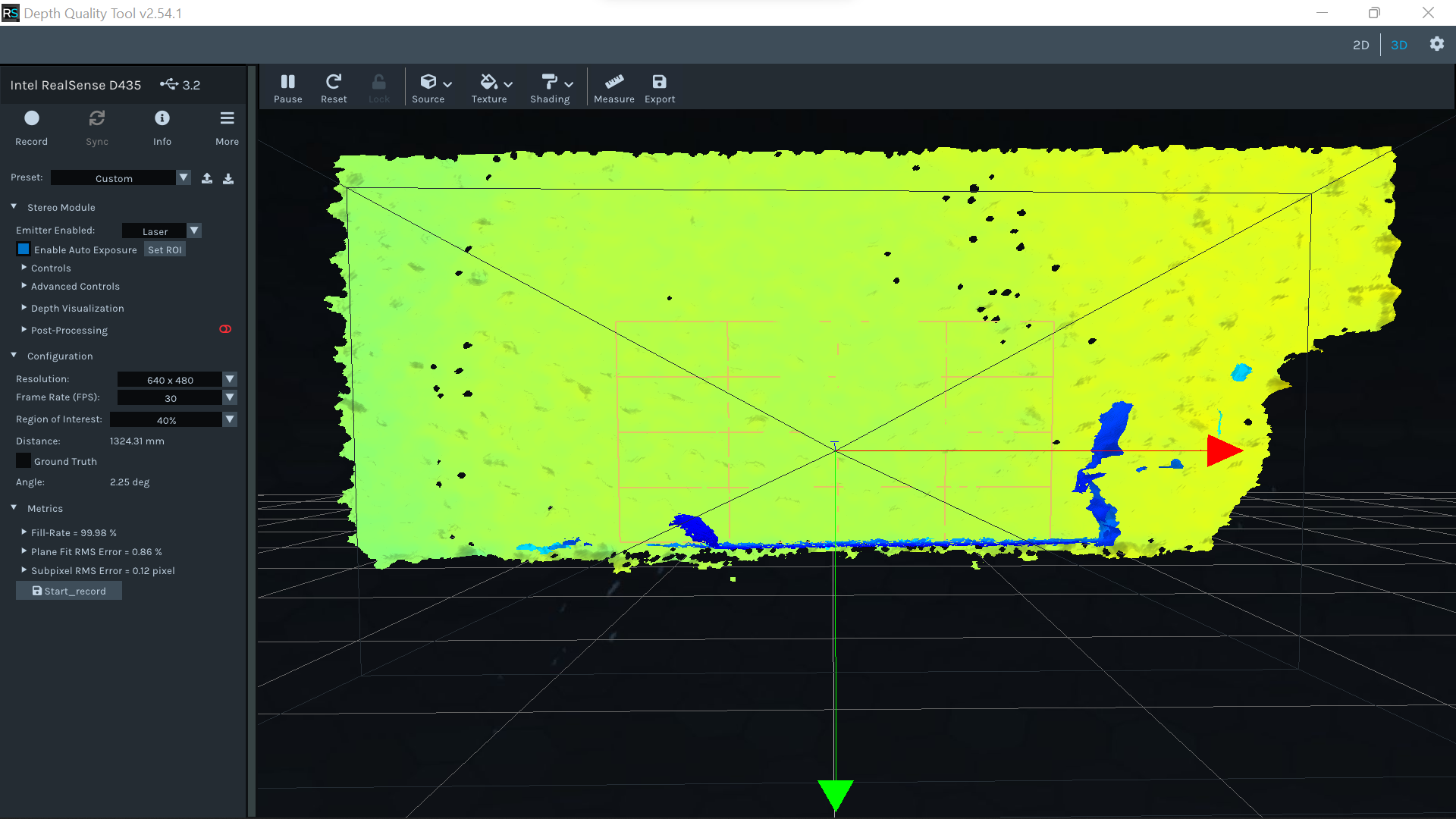
in emitter enabled i choose laser
-
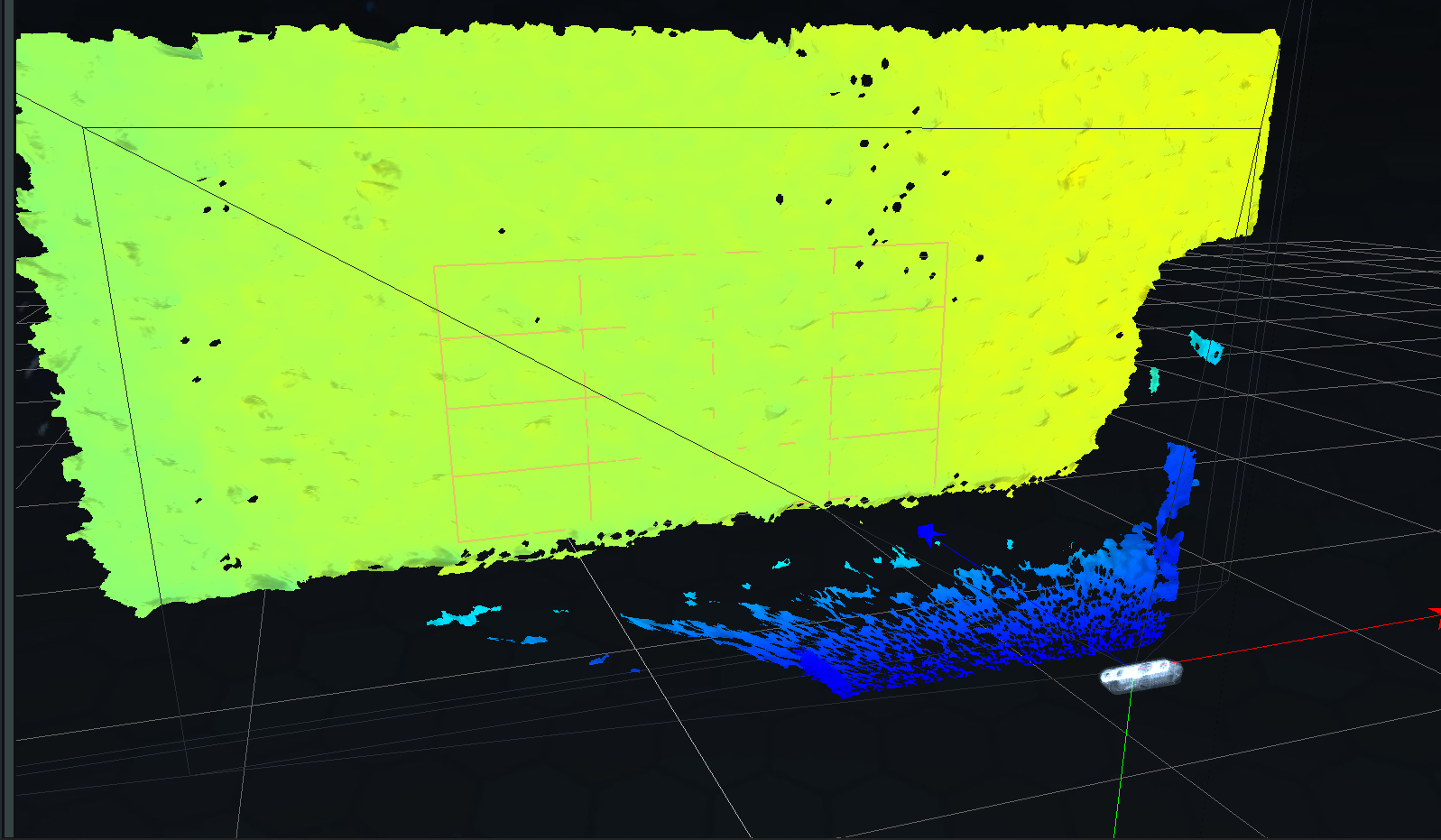
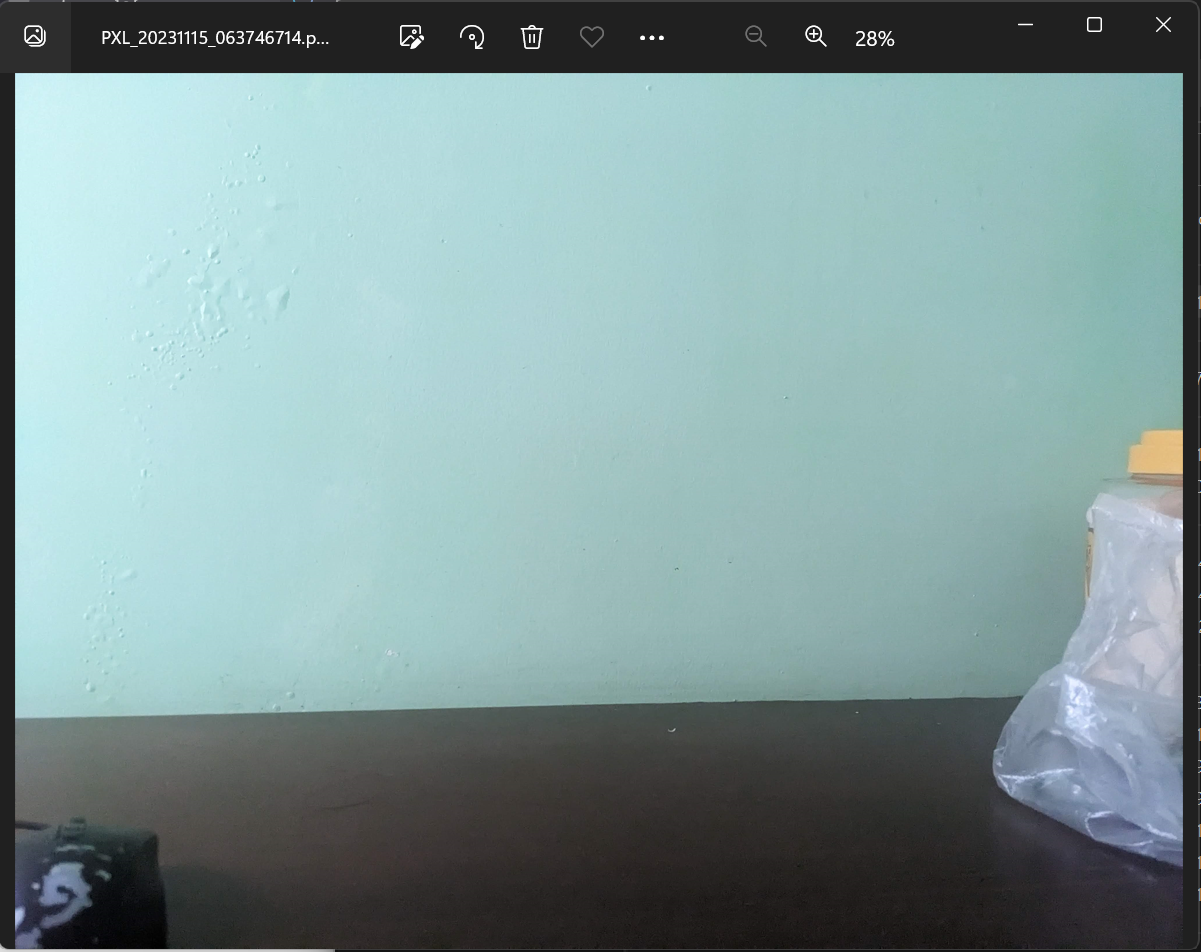
Hi Sangngvt Please provide depth and RGB images of the wall in a comment below, as this will help to identify whether there is something in the location that the camera is being used in that is potentially disruptive to the depth sensing. Thanks!
-
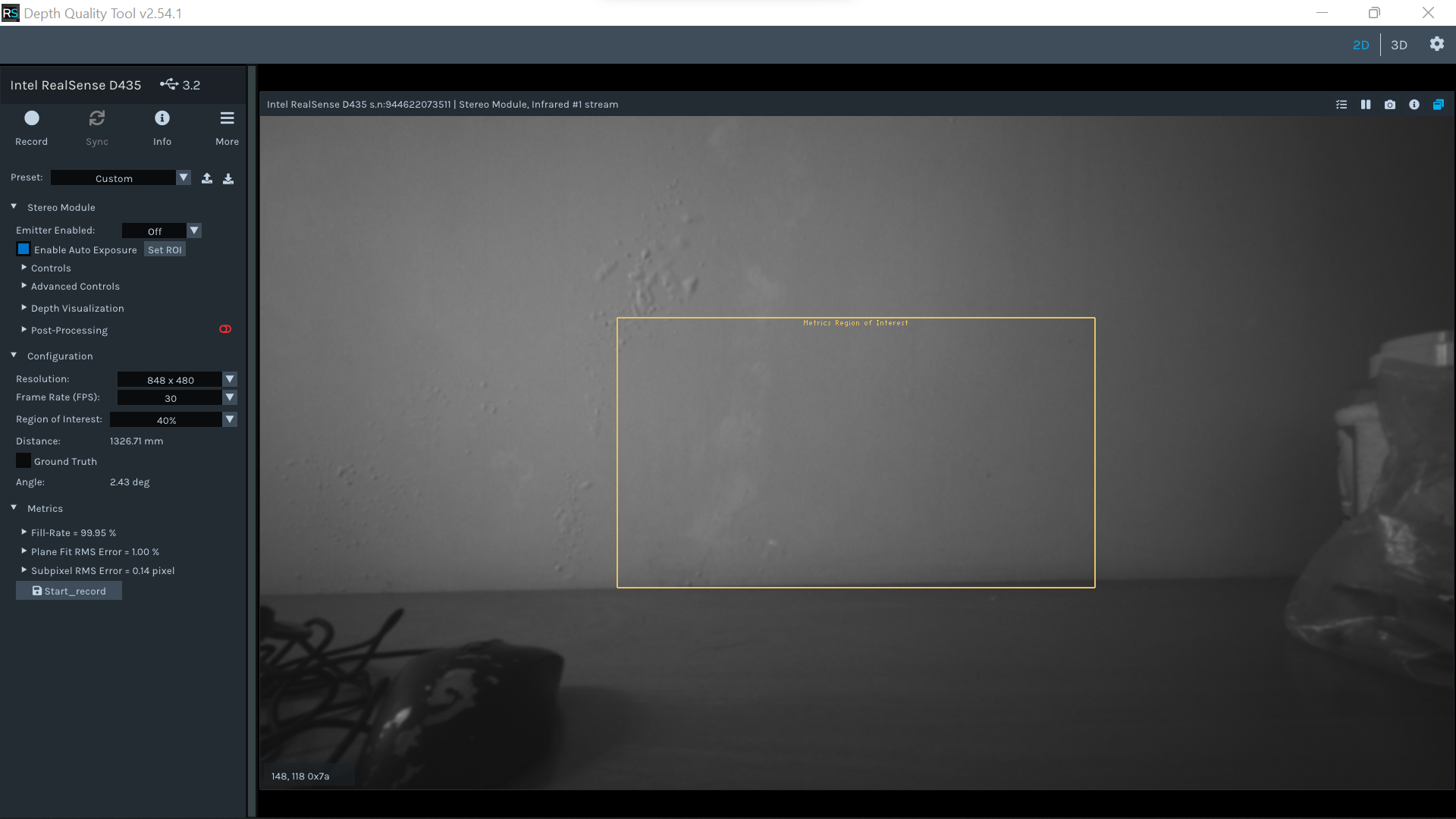
The wall has a rough textured surface, which is good for depth analysis. So there should be no problem there.
In the above image Emitter Enabled is set to off instead of Laser, so the camera will not be projecting an invisible pattern of dots onto the wall to aid depth analysis. Having the emitter off can result in reduced depth image quality. I note though that you have already tried with the emitter set to Laser.
Despite the emitter being off in the above image, it is actually a good quality depth image.
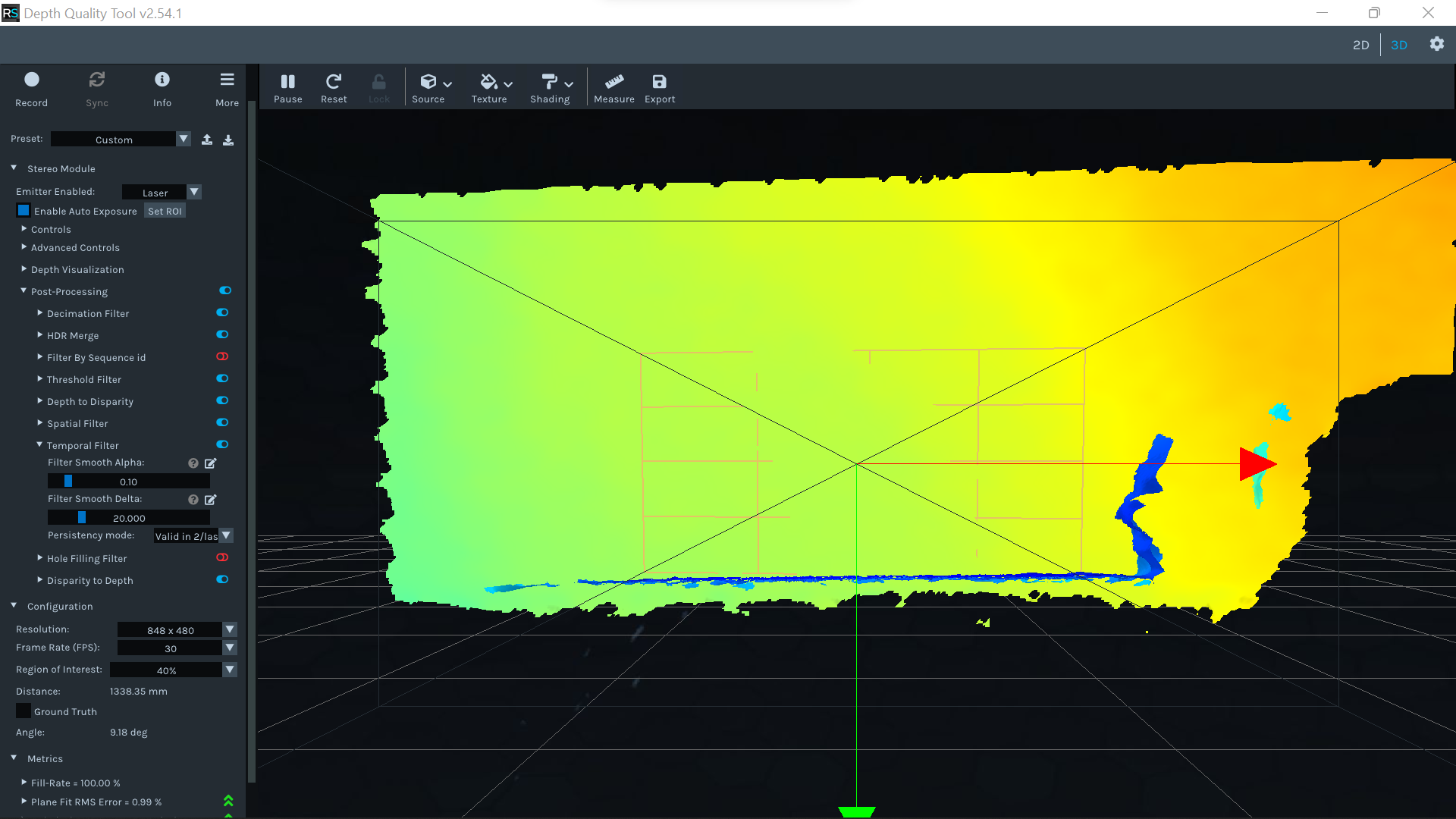
Because you quote a few different depth readings, it sounds as though the depth values are fluctuating. To help to stabilize the depth values, you could go to the Post-Processing section of the options side panel and expand open the Temporal Filter settings, then change the Smooth Alpha setting from its default of '0.4' to a lower value of '0.1'.
-
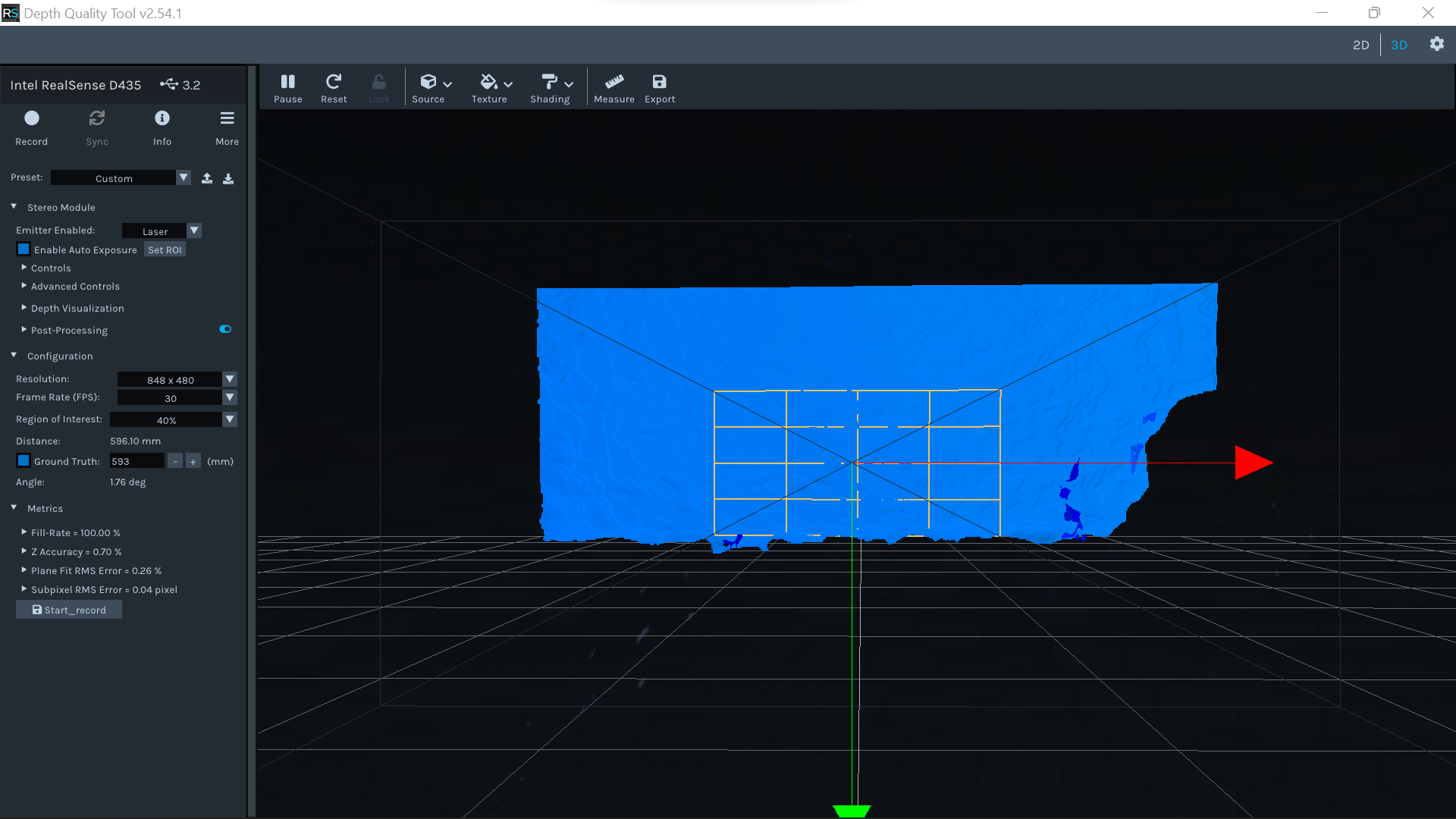
Is there any improvement if you change the Preset at the top of the options side-panel from 'Custom' to 'High Accuracy'.
You can also try going to Stereo Module > Advanced Controls > Depth Control and change the topmost option 'DS Second Peak Threshold' from its default of '325' down to '0'.
Please sign in to leave a comment.
Comments
9 comments