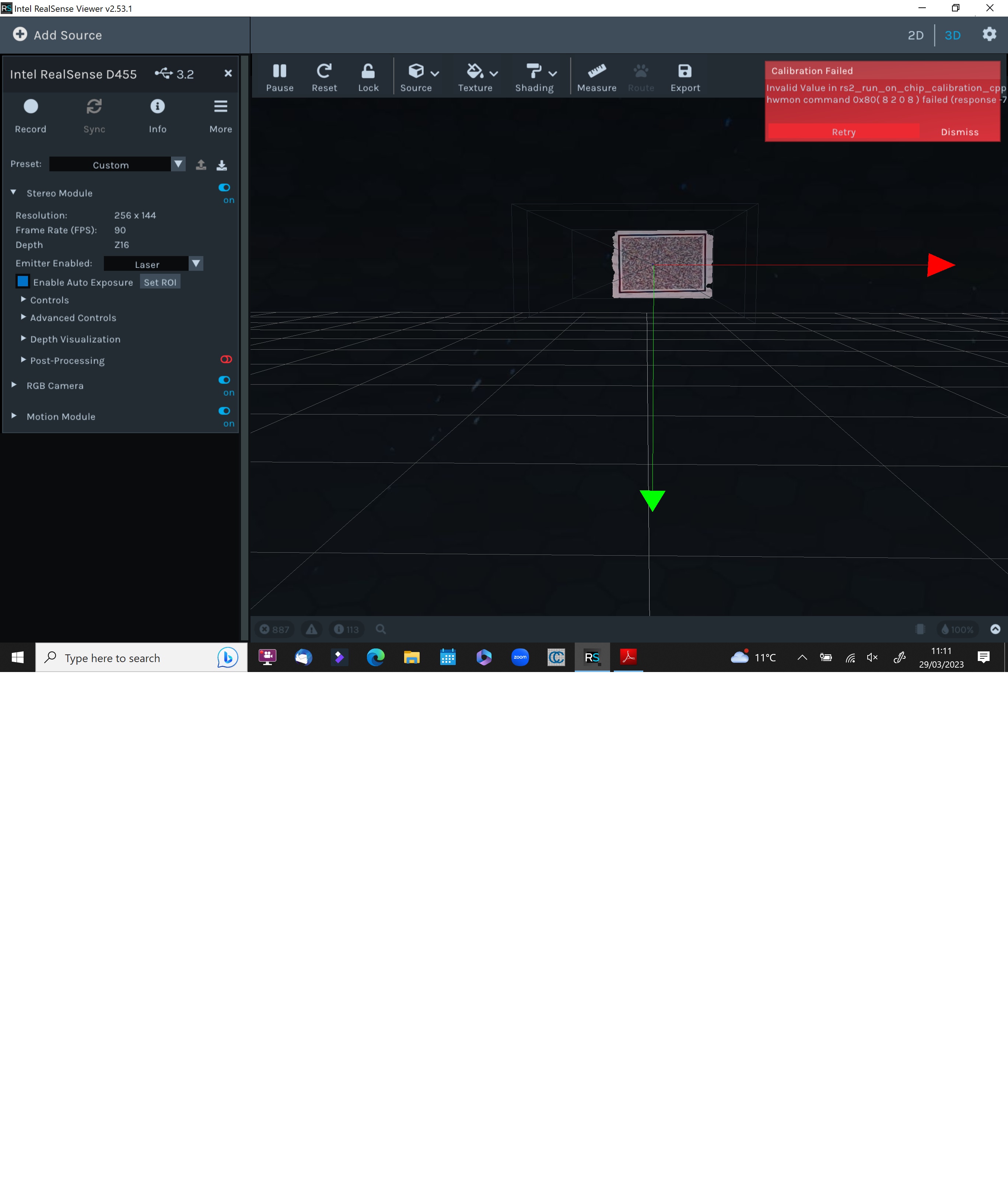
D455 on chip calibrate not working.
Hi,
I have tried many times at many distances to get the on chip calibration to work. I just fails all the time?
What is the trick?
regards
John
-
Hi John, have you read the user guide for on-chip calibration at the link below, please?
https://dev.intelrealsense.com/docs/self-calibration-for-depth-cameras
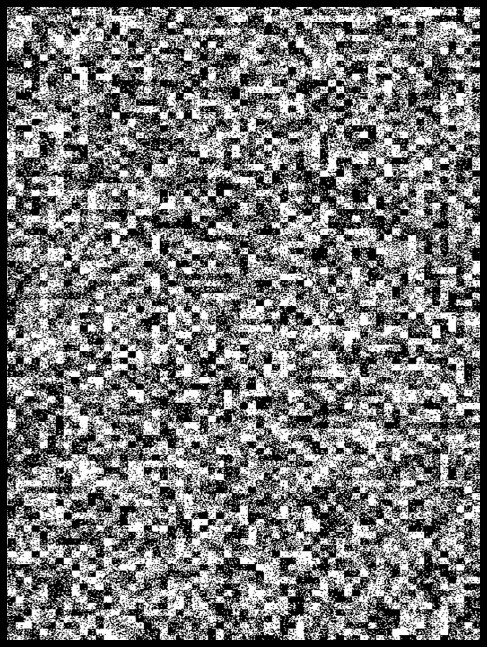
Have you printed off the calibration target image at the link below and attached the sheet to a wall to act as a texture for the on-chip calibration to analyze?
-
Problems with the depth image can often be compensated for with changes to settings. Would it be possible to provide an RGB color picture of the scene that you are capturing as a point cloud so I can see if there are any aspects of the scene that may be difficult for the camera to capture well and provide advice for dealing with those factors.
Instead of performing a calibration, does your depth image improve if you reset the camera to its factory-new calibration in the RealSense Viewer using the instructions at the link below?
https://github.com/IntelRealSense/librealsense/issues/10182#issuecomment-1019854487
Also, please check in the Stereo Module > Post Processing section of the Viewer's options side-panel to see whether a filter called Threshold Filter has a blue icon beside it, meaning that it is On. If the icon beside it is blue then left-click on the icon to change its color and disable it. When the Threshold Filter is enabled it prevents the depth image from including depth that is more than 4 meters away from the camera, and disabling the filter enables all of the depth information that the camera is able to see to be included on the image.
Please sign in to leave a comment.
Comments
5 comments