What D camera will produce 256 greyscale still photos for a CNC router
Will any of the D series models with software create 256 greyscale photos? Application is to take 3D photos in greyscale to use with Aspire software and cut with CNC Router.
-
Hi Ccoker2 If you need to generate 8-bit (256) grayscale images then any of the 400 Series camera models (D415, D435/i, D455) can produce a pair of left and right Y8 (infrared) format grayscale images. This can be accomplished with the pre-made RealSense Viewer software tool that can export the left and right Y8 frames as PNG image snapshots.
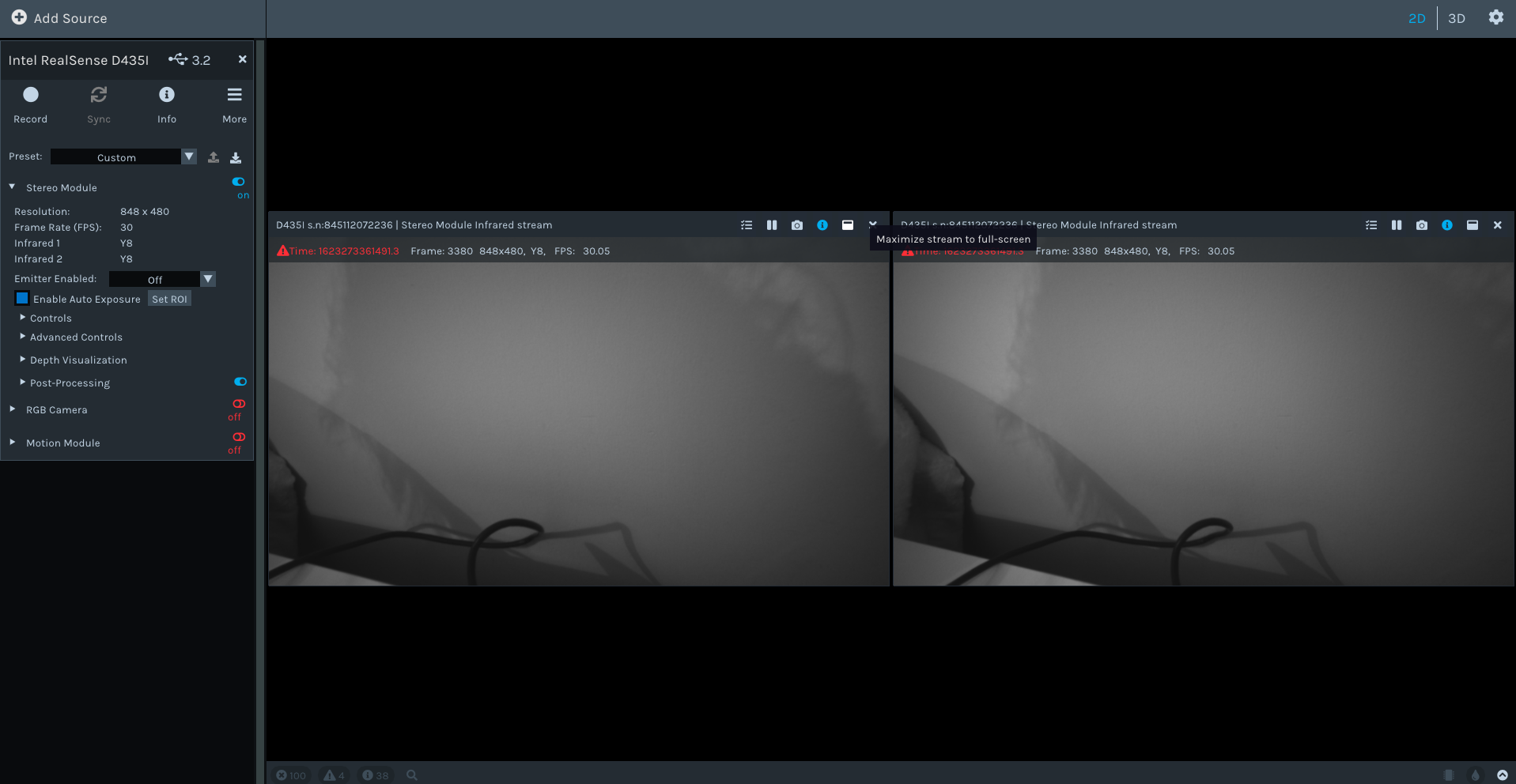
By default the Viewer tool overlays its Y8 images with a dot pattern projection, though this can be removed by turning off the camera's IR Emitter in the Viewer's control panel. A PNG saved from the Viewer will therefore not have the dot pattern overlaid on them, making the image resemble grayscale RGB. A set of left and right IR Y8 images of a scene is shown below
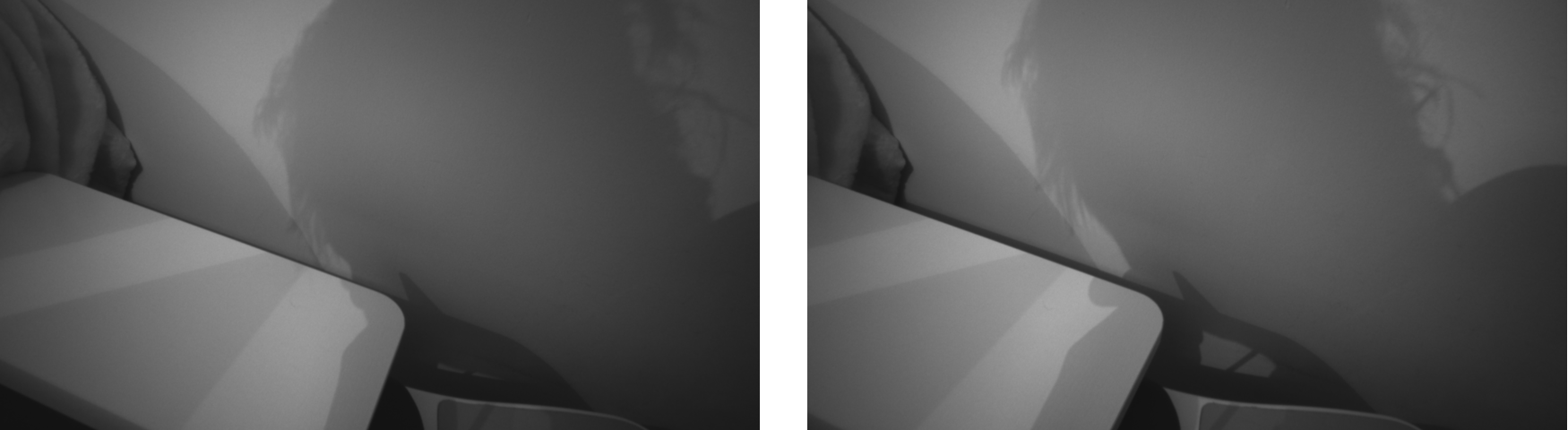
-
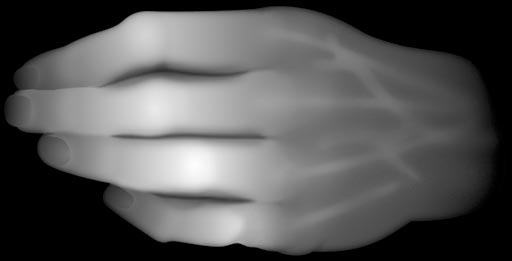
Apologies if I misunderstood. "3D photo" suggests a three-dimensional image created by aligning a pair of left and right images to create a view like the combined one created by the left and right eyes. The image that you have kindly provided above looks like a single infrared image of a three-dimensional object (a hand in this case).
The Vectric Aspire support page in the link below states that it supports PNG image import, so you may still be able to use the pre-made RealSense Viewer tool to create the image file.
https://support.vectric.com/aspire-questions/item/can-i-work-image-files
There is also a tutorial in the YouTube link below for using Vectric Aspire to make a CNC cut from a PNG image.
-
It is actually a bmp depth map called my many names that I am finding in the research. Attached is a link to show how to import and it into Aspire and it will take on the shape of the image. I have used in only two formats so far; bmp an jpeg.
https://www.youtube.com/watch?v=LQt-jtpUbY0
-
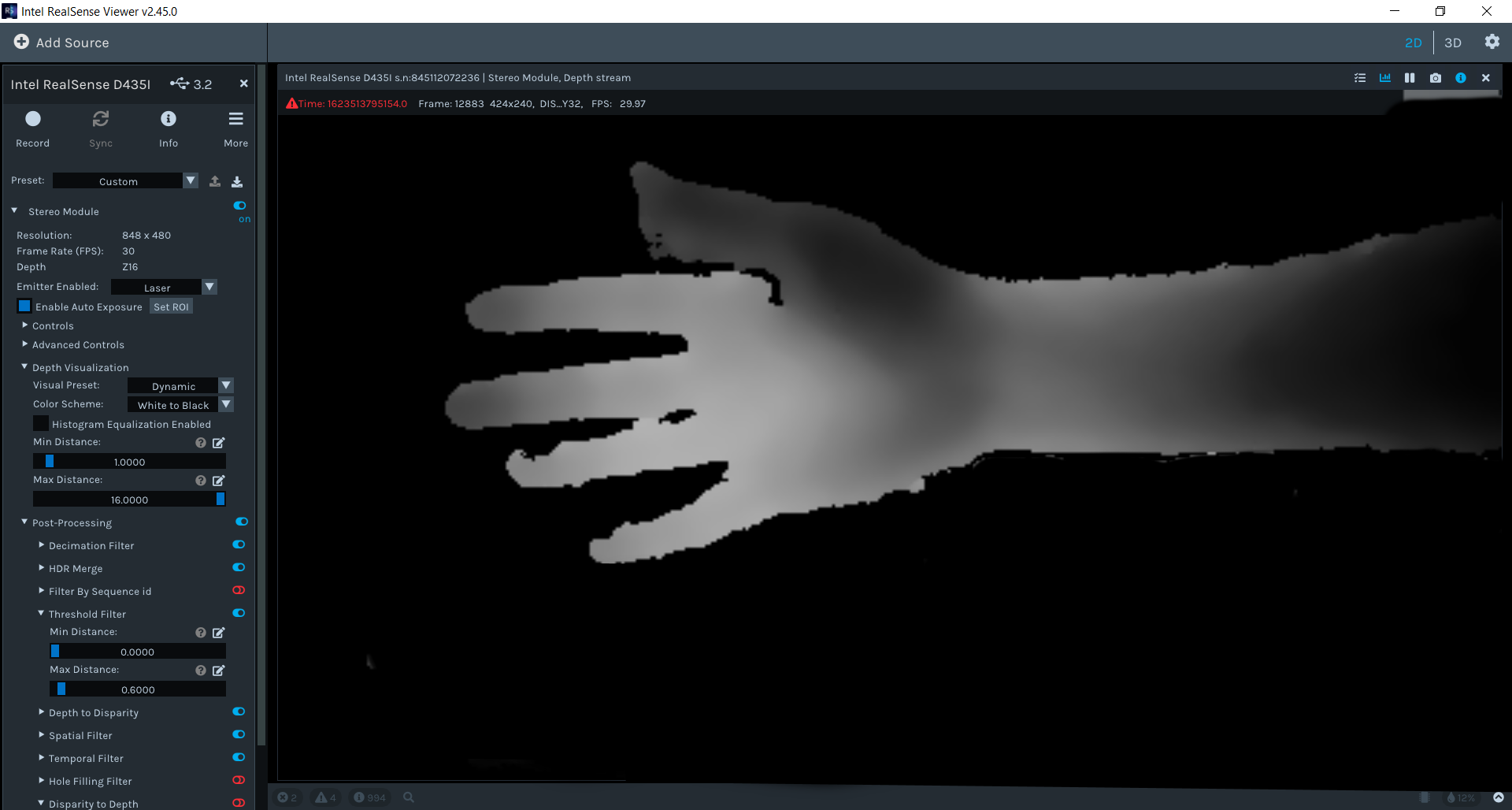
You may be able to capture a depth map similar to the above in the Viewer using the White to Black color setting to render the color shading in monochrome. It would still have to be saved as a PNG though. It is also worth noting that most of the depth information is lost when saving to PNG file.
Please sign in to leave a comment.
Comments
5 comments