example.hpp: No such file or directory
I want to get colorized depth image with d435 camera. So i want to run rs-capture.cpp example, but there are some problem in code. When i build my project, there are some error message, "example.hpp: No such file or directory", even though there are already been example.hpp file in my include folder. Also, in include folder, there are librealsense2 folder and the code'#include librealsense/rs.h' has no problem. Only #include example.hpp gives me an error message. Anyone can help me?
OS: Ubuntu 18.04
Ros: melodic
Opencv: 3.10.0
Qt creator: 4.9.2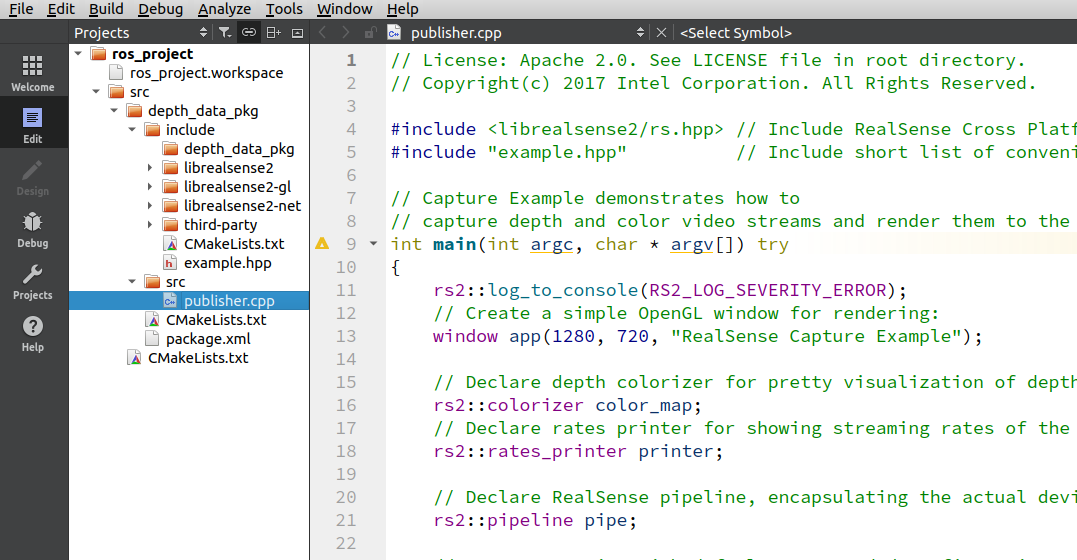
-
Hi Blake58 Could you check please whether there are pre-built and ready to execute versions of the librealsense examples in the Ubuntu folder usr/local/bin
If the pre-built examples are present then you should be able to run them from the Ubuntu terminal. Could you try inputting rs-capture into the terminal. You should also be able to launch the RealSense Viewer from the terminal by inputting realsense-viewer
-
Hi MartyG Thanks for help me. There are any files in my bin folder
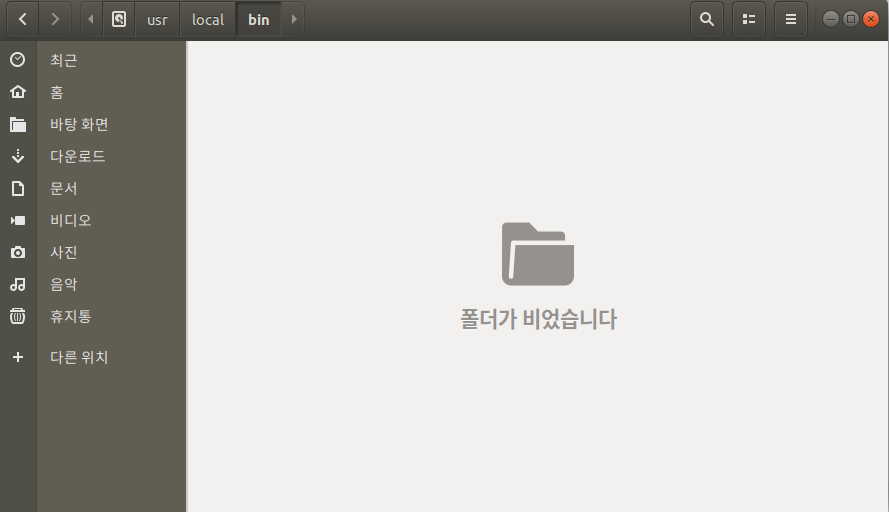
but, in terminal, if i run 'rs-capture', then the code runs perfectly,
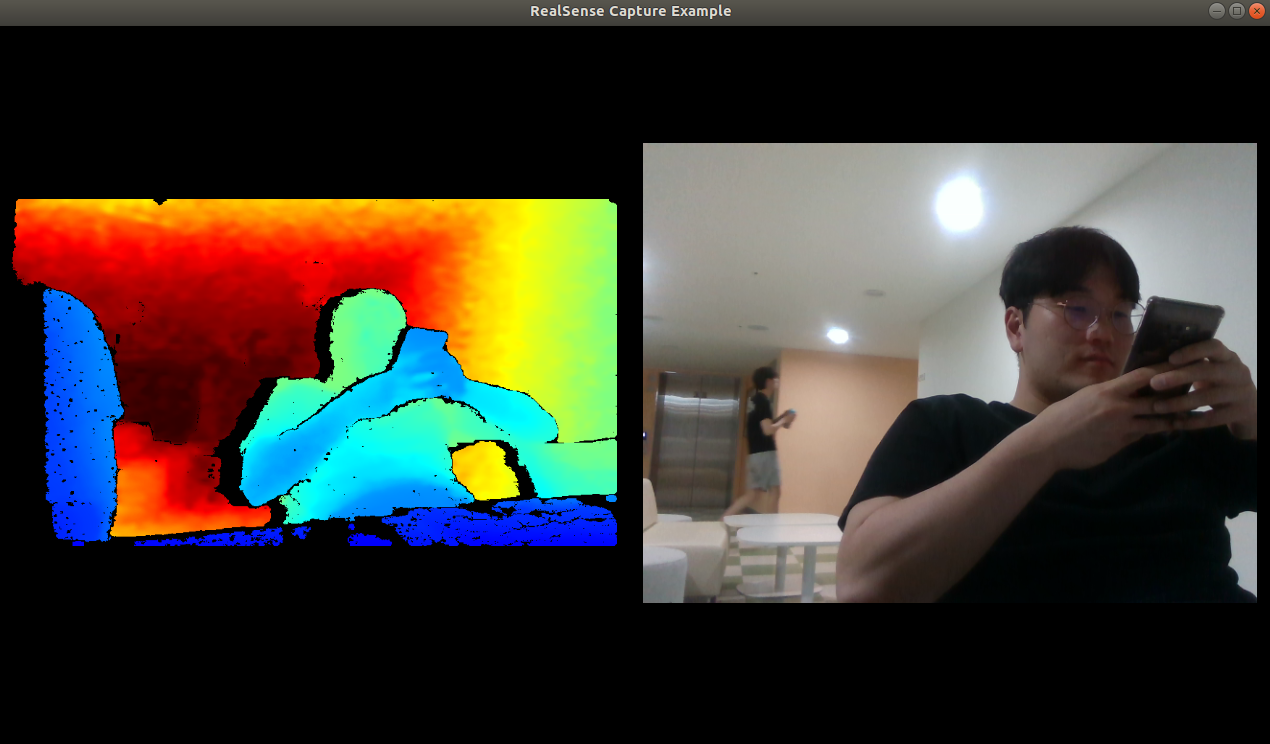
but, we want to get only depth image, so we tried to custom rs-capture code in qt creator, but in qt, we cant run code.
what we want to do is get realtime depth image by d435 and use it at jupyter notebook. Does it impossible?
-
There is a Jupyter Notebook example called depth_filters that could act as the basis for such a project. It accesses depth data from a recorded bag file and applies post-processing filters to the depth.
https://github.com/IntelRealSense/librealsense/blob/jupyter/notebooks/depth_filters.ipynb
Just as live camera example programs can be adapted for use with bags, I would speculate that the reverse is also true and that the Jupyter notebook example could be adapted to use a live camera pipeline. For example, taking the line cfg.enable_device_from_file("stairs.bag")
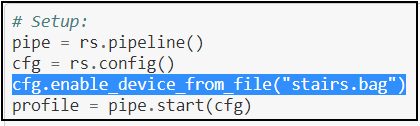
And replacing it with:
cfg.enable_stream(rs.stream.depth, 640, 480, rs.format.z16, 30)
Please sign in to leave a comment.
Comments
5 comments