Auto white balance vs manual white balance
Hello,
I'm using D435 camera. I'm comparing images of 18% grey pattern captured with automatic and manual white balance. In case of manual adjustment, I have captured a series of images for multiples white balance values, however I'm not able to get the same result as for the automatic adjustment. Could you explain the difference between automatic and manual white balance?
-
Hi Mchudzik RGB auto white-balance will analyze the scene that the camera is observing and choose what it thinks are the best color temperature values for that scene.
With manual white balance, the RGB image's colors will progressively shift towards a blue tint if white balance is reduced below the default value of '4600' and become warmer and stronger if white balance is increased above the default.
-
Thank you MartyG for your answer. As far as I understand, auto white-balance and manual white-balance should be equivalent. I have tried to capture images of a grey pattern for a wide range of white balance values using a manual adjustment. For each of them, I have calculated histograms for RGB channels. I have compared these images and histograms for the one obtained using automatic white-balance and I got to the conclusion that I'm not able to get the same image for any of the manually adjusted values as for the automatic mode (result of the automatic mode is better that any result obtained for the manually selected values). Should I vary any other camera parameter to get exactly the same result?
-
In a case at the link below, a RealSense user was trying to save the white-balance settings that were active when auto white-balance was enabled so that they could replicate the same image conditions with manual white balance when loading the saved settings. They also had difficulty replicating the auto white-balance image with manual white balance settings.
https://github.com/IntelRealSense/librealsense/issues/10143
AUTO WHITE-BALANCE
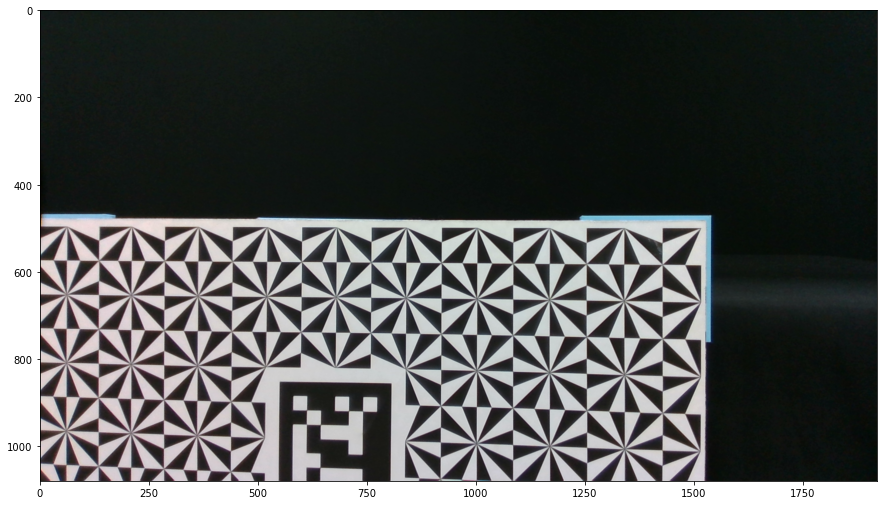
MANUAL WHITE-BALANCE

My research on this case indicated that the auto white-balance setting was checking an auto white-balance temperature camera metadata value to determine which color to apply to the image.
https://github.com/IntelRealSense/librealsense/issues/10143#issuecomment-1039109979
I ran some new tests today and found that an auto white balance image could be replicated with manual settings by adjusting the RGB saturation setting. For example, an image that had muted colors on auto but strong warm colors on manual could be compensated for by reducing saturation to reduce the color strength.
-
Thank you MartyG. I have one more doubt related with json file that stores the camera parameters. The json file itself includes just two parameters related with the white balance parameter ("controls-color-white-balance-auto" and "controls-color-white-balance-manual"), neither of them indicates the value used in the automatic mode. For instance:
"controls-color-white-balance-auto": "True",
"controls-color-white-balance-manual": "4750",Indeed, I have saved two json files: for auto white balance and manual white balance and the only difference between the json files is the value of "controls-color-white-balance-auto" parameter (True or False), but the images are quite different. Is there any other way to get a value of the white balance parameter established when the automatic mode is set?
-
I ran tests in the RealSense Viewer with the Show frame metadata option on the top of the RGB panel enabled to provide an overlay of metadata values. I observed that when a manual white-balance value is set and then auto white-balance is enabled, the white-balance metadata value does not update. When auto white-balance is next disabled then the manual white balance value automatically returns to the default value of '4600' instead of the user-defined value that was set earlier. This indicates that the current white balance value is not accessible whilst auto white balance is enabled.
This would be consistent with RGB auto-exposure, where the exposure value does not update when auto-exposure is enabled and the metadata exposure value cannot be retrieved from the RGB sensor, as described in the link below.
https://github.com/IntelRealSense/librealsense/issues/2549#issuecomment-431863920
Please sign in to leave a comment.
Comments
5 comments