Does D435i work with USB2.0?
Hello, I'm trying to connect my D435i to my PC (win10) using USB2.0 without success. Any suggestion?
Thanks
-
Hi Ron Vis Yes, RealSense 400 Series cameras such as the D435i model can be used with USB 2.0.
When the camera is inserted into the USB 2.0 port, does Windows make the "doo doo doo doo" USB device insertion sound effect?
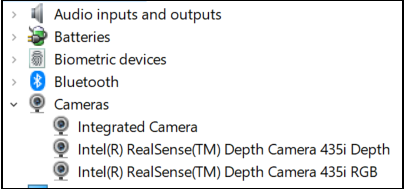
If you do hear the insertion sound effect, if you open the Windows Device Manager interface then are two RealSense drivers (Depth and RGB) listed under the 'Cameras' category of the Device Manager?
Please also use the instructions in the link below to check in the Windows privacy settings whether permission to access the camera and permission for applications to access the camera are both set to On.
https://github.com/IntelRealSense/librealsense/issues/3381#issuecomment-503424789
-
It should work automatically with USB 2.0 without having to make further adjustments.
I was able to replicate this problem with a D435i on USB 2.0. It was apparently a problem that was specific to a particular USB port on the computer, as the camera functioned normally when inserted in a different port.
I tested the same camera on another PC and it also worked on USB 2.0 on that different computer.
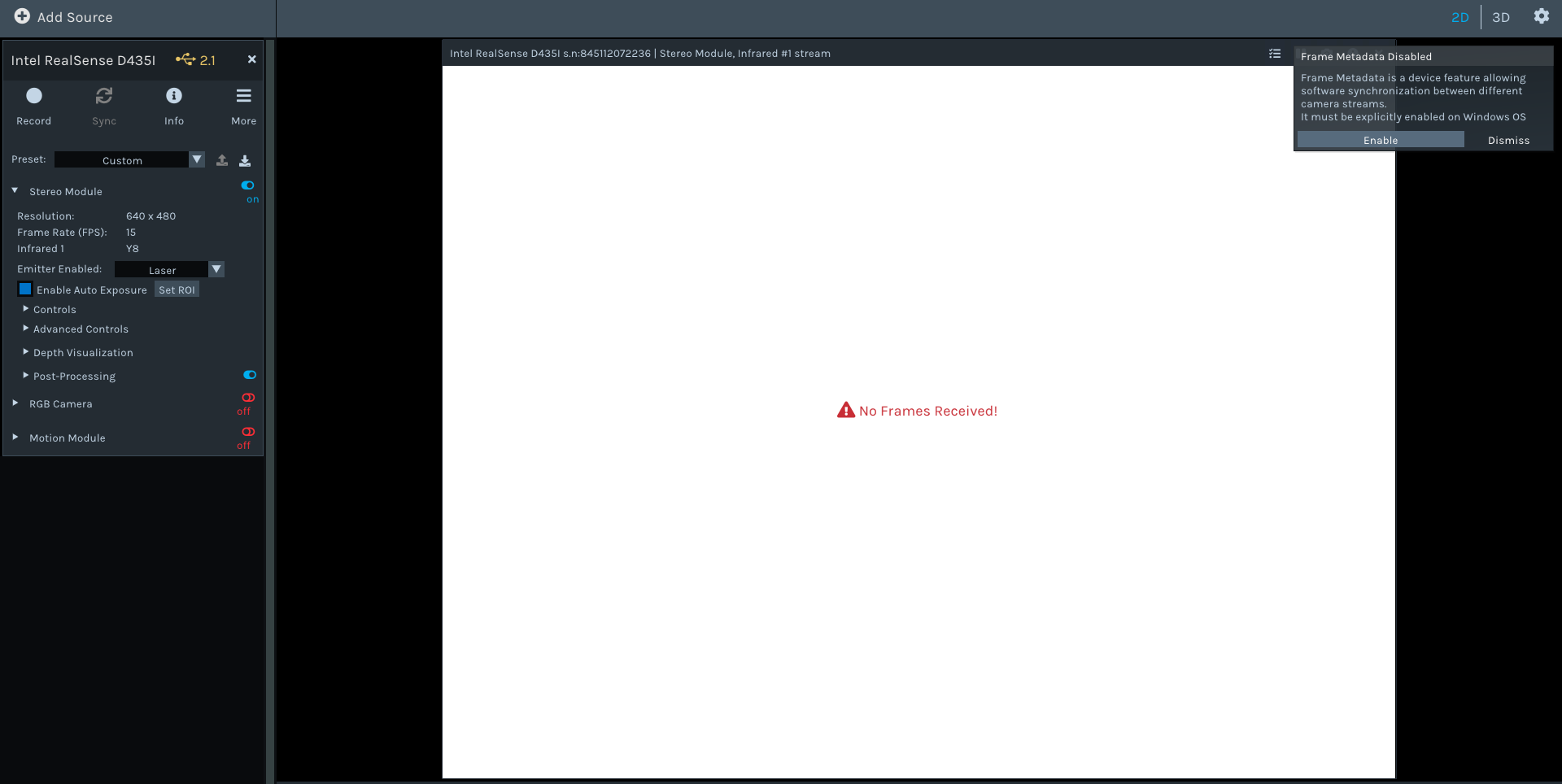
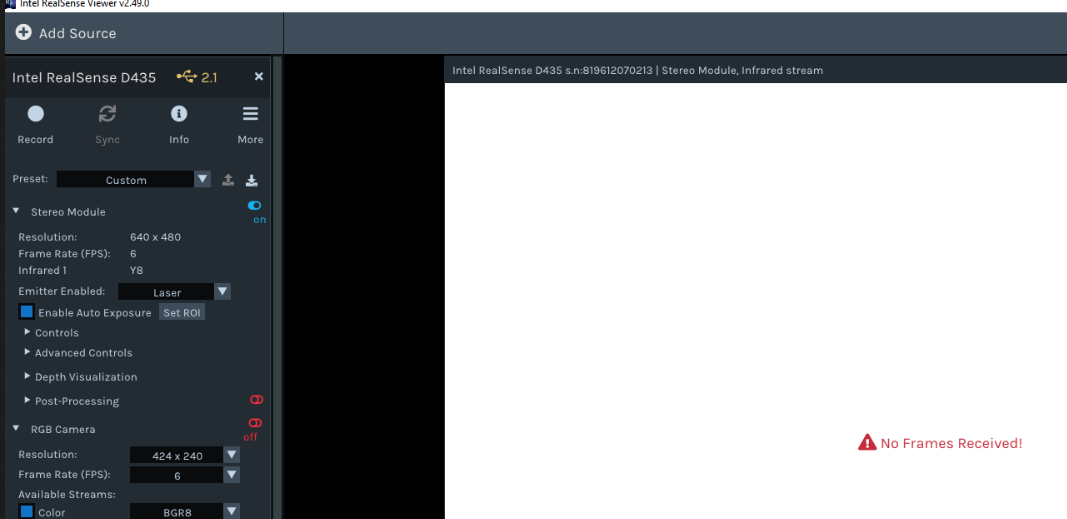 Maybe I need to choose the correct camera's setup? or replace USB2.0 cable?
Please sign in to leave a comment.
Comments
3 comments