D455 contrast between objects close to one another
Hi,
My camera is pointing towards a mannequin on the ground from the ceiling at an angle. I am trying to increase the contrast of the mannequin with respect to the ground. I understand that the lack in contrast could be due to the small differential is distance between the floor and the mannequin. Are there any approaches to increase the contrast between the floor and the mannequin/make the mannequin stand out more?
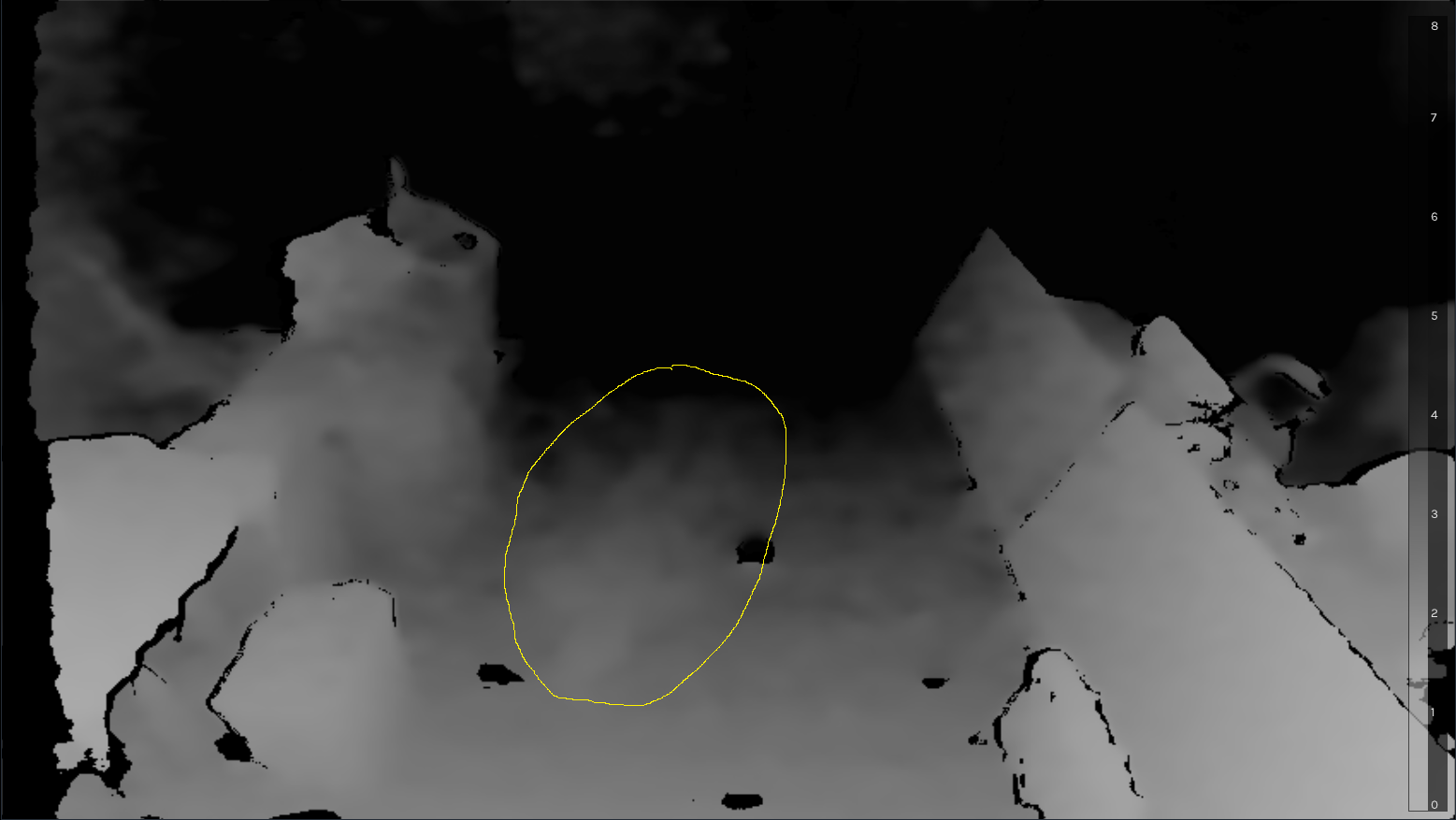
-
There is a past discussion about a range of possible ways to segment out a mannequin from its background at the link below.
https://support.intelrealsense.com/hc/en-us/community/posts/360051973333/comments/360014572613
One of the suggestions was to place a black sheet behind the mannequin (or under it in this case) as black is a difficult color to obtain depth information from and so the result would likely be an empty black area of zero-depth surrounding the mannequin. The size of the black surrounding area would correspond to the size of the black sheet underneath.
Another approach may be to maximize the Laser Power value to increase the visibility of the camera's infrared dot pattern projection. The pattern can have different levels of visibility depending on the type of material that the dots are projected onto. If the dots are more visible on the mannequin than the floor then this may improve the depth data of the mannequin.
Also, you could try defining an Auto-Exposure Region of Interest (ROI) around the dummy. This will cause the RealSense SDK to try to maintain the average intensity of the pixels in the defined area at a defined 'setpoint' value.
If it is possible for you to use depth to color alignment or mapping color onto 3D depth points (like the color-textured mannequin in the case that I linked to earlier), this can help to distinguish between foreground and background detail.
Please sign in to leave a comment.
Comments
1 comment