D457 module reg-related issues (GMSL)
-
Hi cam test I note that you mention that you are using the D457 'module'. Can you confirm please whether you are using a D457 camera, or a D450 depth module board and Vision Processor D4 V5 board combined together to make a D457?
The deserializer module should contain a Maxim deserializer component in order to work with D457. An example of a D457-compatible deserializer that incorporates Maxim tech is Leopard Imaging's one at the link below.
Which deserializer are you using, please?
The RealSense MIPI driver software should also be installed in order to access the D457's streams on a GMSL connection.
https://github.com/IntelRealSense/realsense_mipi_platform_driver
-
MartyX Grover Yes, I'm using the deserializer from the example design that is hosted on GitHub. The previously mentioned error was because of the wrong usage when doing a manual setup of the device's regs (using the different endianness). Right now, all devs from the RealSense module (serializer, RGB sensor) can be used. One another issue seems to be the resulted image format from the RGB sensor's path (from the datasheet, it seems that the ISP will export a YUV422 by default), but it seems that the final image plot using a v4l2 pipe for UYVY8_1x16 seems to be broken (using QtV4l2) [serializer and deserializer being set to transfer YUV422 8bit data). Is a non-modified UYVY format used as a default one for the ISP path (in case of using the USB path and the RealSense viewer, it seems that there are multiple data formats - RGB888, UVVY)? Thanks in advance for your response!
-
MartyX Grover Yes, but in case of the final format that is resulted after the ISP-based conversion, is this one a YUV422 one [UYVY8_1x16 - Packed YUV 4:2:2, 8 bits per component and 2 bytes/pixel -16bits/pixel] (without additional bytes along with the pixels' ones, related to meta data for e.g.)? (the D457 datasheet specifies that this is the output format. in case of the FPS/width/height, all the changes are seen correctly in the plot). Thanks in advance for your prompt response!
-
The datasheet for the RealSense 400 Series cameras that use a USB connection states YUY2 as the raw RGB format and the D457 datasheet states YUV422 as the raw RGB format when using a GMSL / FAKRA connection.
In regard to the structure of the RGB data after conversion, the official documentation for RealSense formats states that the structure of YUYV is "32-bit y0, u, y1, v data for every two pixels. Similar to YUV422 but packed in a different order".
-
Hi MartyX Grover,
Ok, the resulted frame from the RealSense D457 is like this one (using the YUYV format in the V4l2-related streaming app - 1280x720@30fps, being the same in case of using other frame sizes. in case of firmware version, the last one 17.0.10 is used).
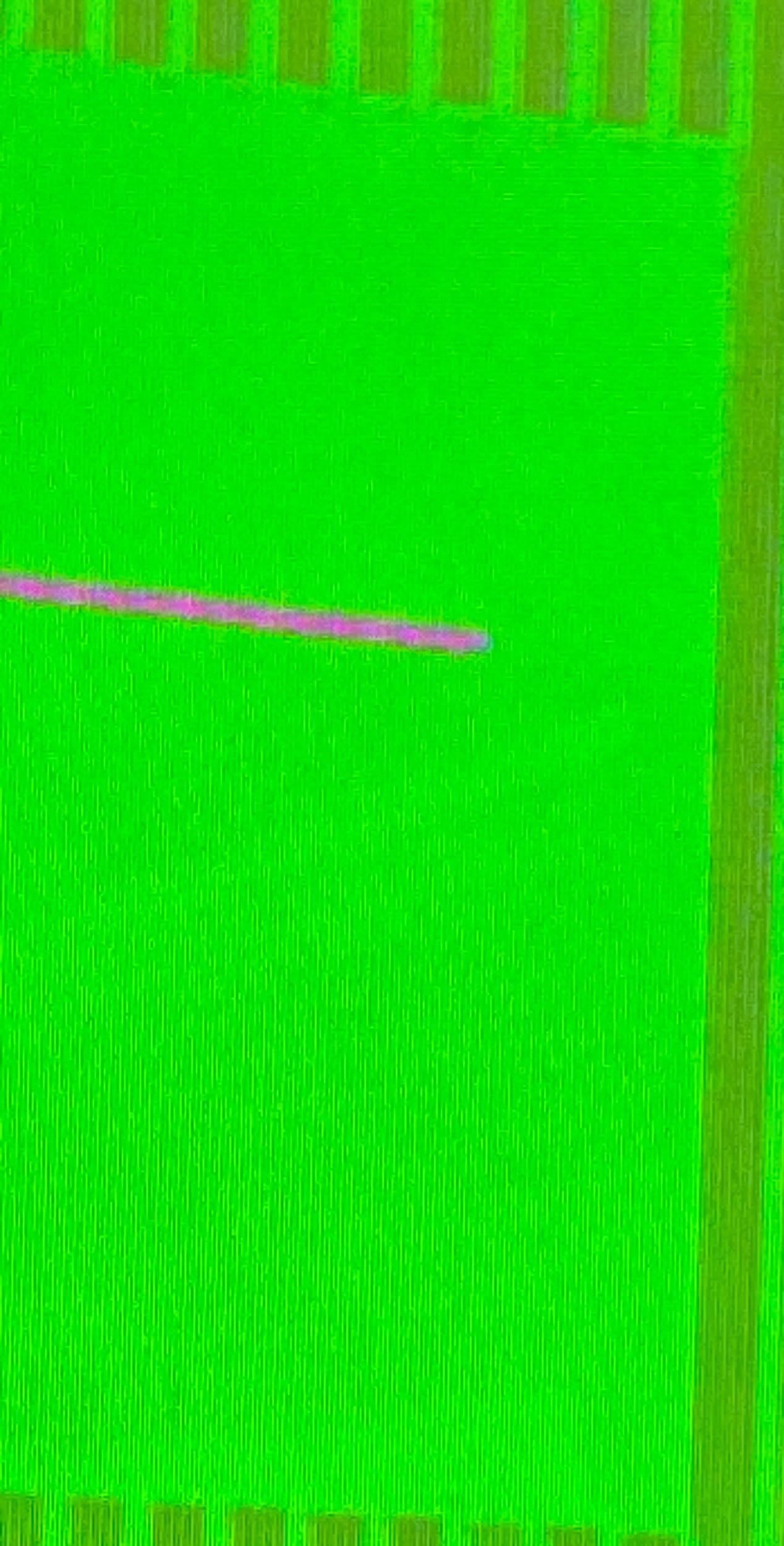
Most of the image contains a black color with a horizontal white line that is seen at the top part of the rectangle. Thanks in advance for your response!
-
Are you using a V4L2 streaming app in Linux, please? If you are then the RealSense SDK should be built from source code with CMake with the V4L2 backend (also known as the native backend).
This basically involves using a source code build of the SDK where the libuvc_backend or force_RSUSB_backend build flags are not used in the CMake build instruction, and a kernel patch script has been applied to the Linux kernel. Then non-RealSense Linux tools can use RealSense images, though they will be of reduced quality compared to ones obtained with the SDK.
-
MartyX Grover Yes, I'm using a v4l2 streaming app (qv4l2). In case of the streaming app, I compared the ones when using the USB-based paths and its drivers, and they contained the same video quality (in this case, the streaming app can be excluded as a possible cause of the issues). Thanks in advance for your response!
-
In this case, it seems that something would be missing or different in the configuration made by using the commands exposed in the mipi-camera-driver repo and the WRs done by using the librealsense for the USB-based interface. Does the https://github.com/IntelRealSense/realsense_mipi_platform_driver/blob/master/kernel/realsense/d4xx.c contain all the commands that need to be done in order to stream/calibrate/configure the D457 module to output YUYV from the RGB sensor path?
-
The best place to seek advice about the MIPI driver and its operating mechanisms is on its GitHub support forum, where GMSL experts on the RealSense team provide advice.
https://github.com/IntelRealSense/realsense_mipi_platform_driver/issues
-
MartyX Grover Ok, will try out on GitHub. As regards the sensor/ISP capabilities, is there a reg that can put the ISP in a test-pattern mode? This would be a helpful capability for debugging.
Please sign in to leave a comment.
Comments
12 comments