D435i color issue
Hello everyone,
I've been working with RealSense D435i for a while now. I am currently working on imaging cotton plants in daylight and night.
A big problem we are having is color issues with the RGB images.
For example:
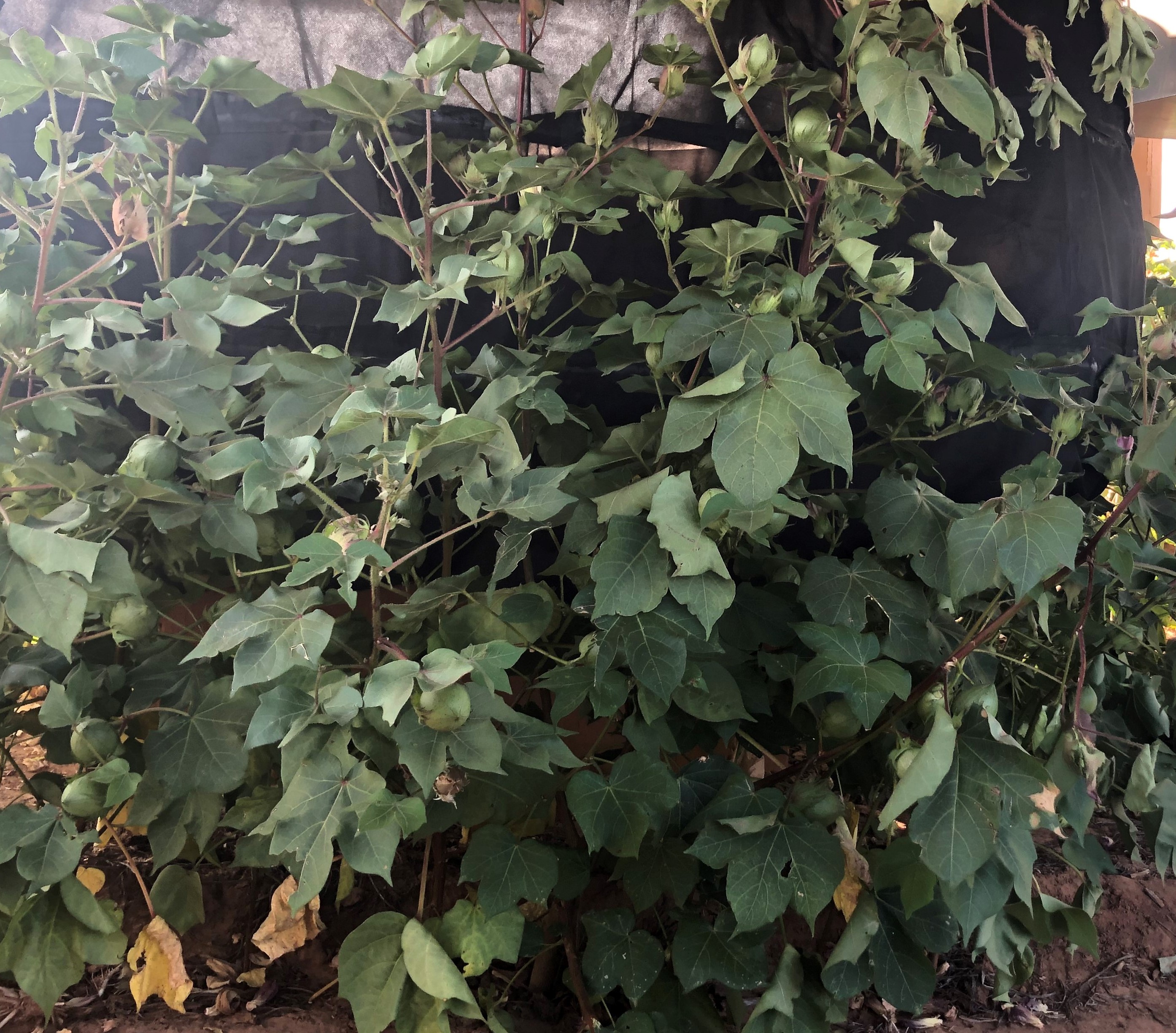
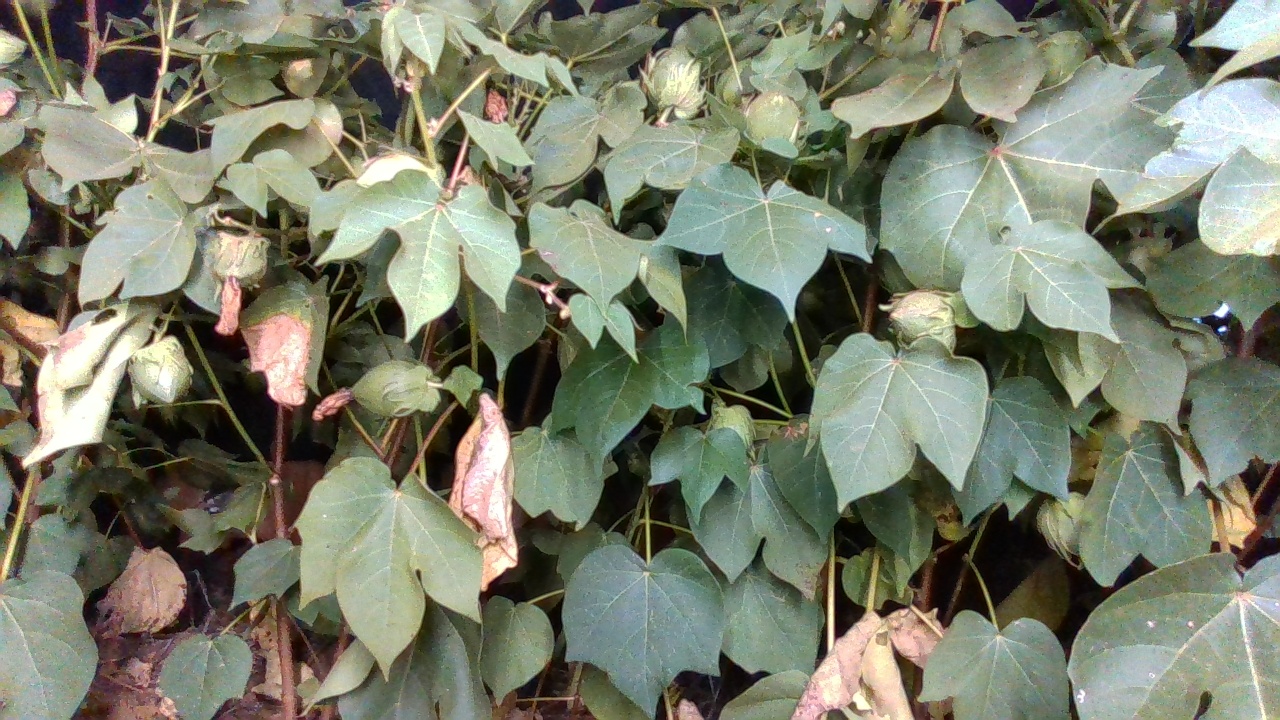
This is what the camera is looking at (taken with my phone):
This is an example of what the camera seeing:
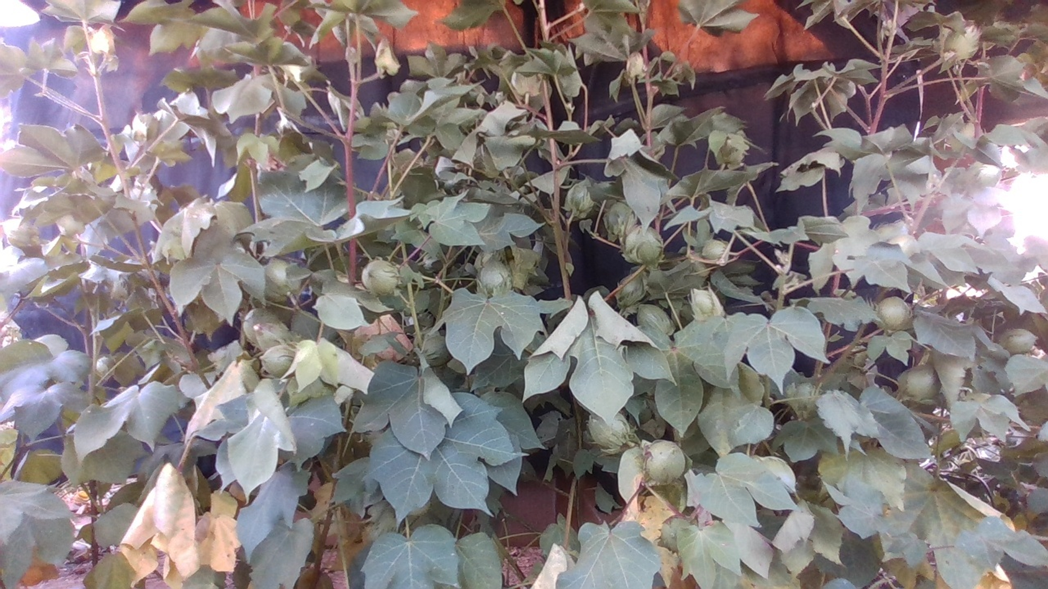
As you can see, the color is off and it is resulting in our point clouds to be looking pretty bad in terms of color:
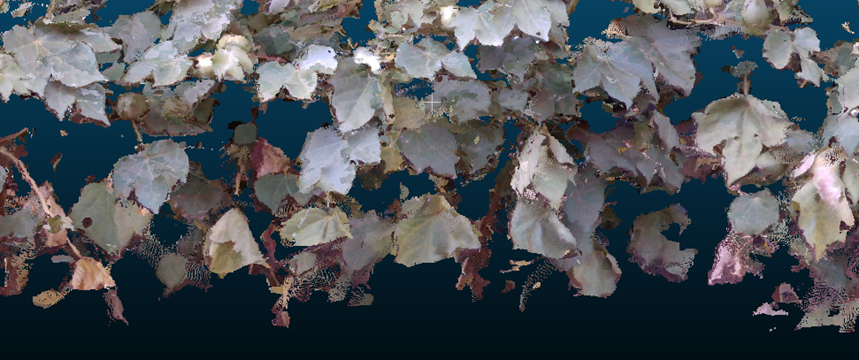
(These images are after white balance calibrating.)
I would like to add,
An interesting thing that happens, when the camera first starts, it actually produces better images in terms of color, but after a second or two the images' color starts becoming off.
1st second (15th frame):
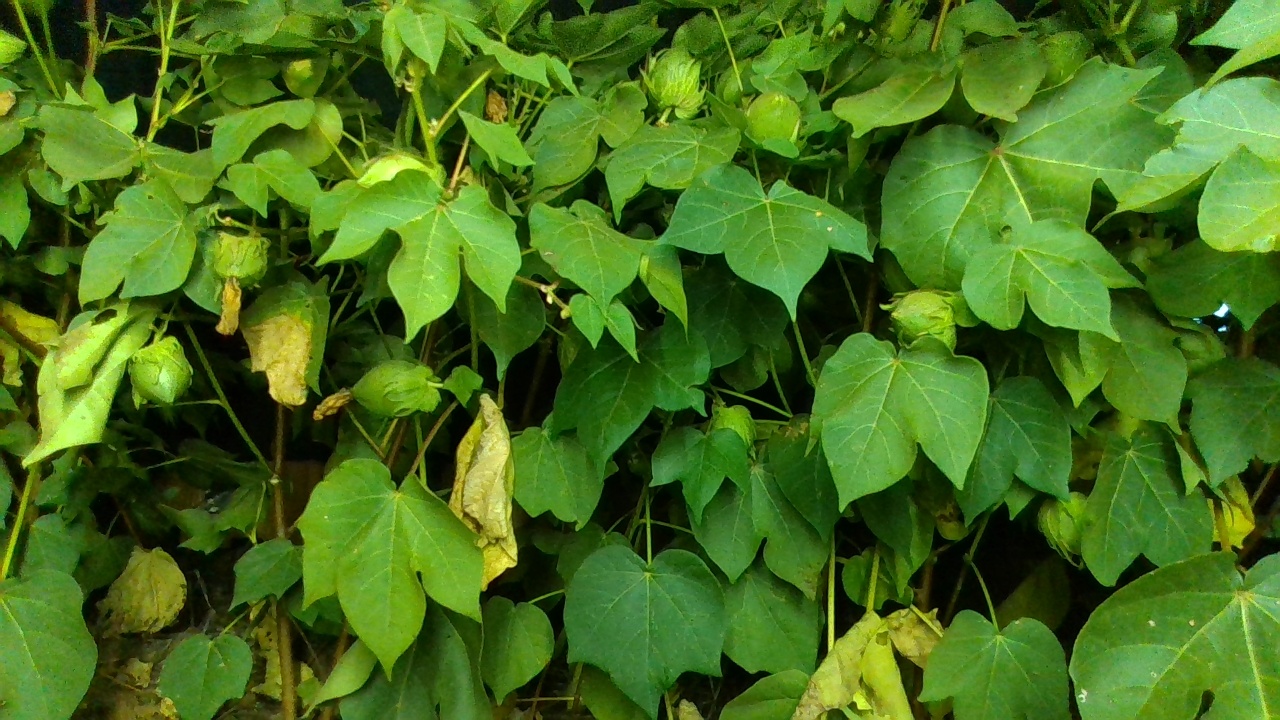
50th frame:
So I am kind of confused on why this is happening. Is it still a calibration problem?
Cause I've tried realsense's calibration methods and it doesn't help.
PS: at nightlight, I am illuminating the plants with LED lights. But the same problem is happening at daylight as well without any LEDs
I would appreciate any suggestions and help.
Thank You
Farshad Bolouri
-
I have seen this blue-tint effect before with vegetation in the case linked to below and it does indeed result from the white balance.
https://github.com/IntelRealSense/librealsense/issues/6508
During that case, I found that disabling Auto White Balance and setting a high manual white balance value, such as 4800, helped to produce a warm green-foliage image.
Please sign in to leave a comment.
Comments
2 comments