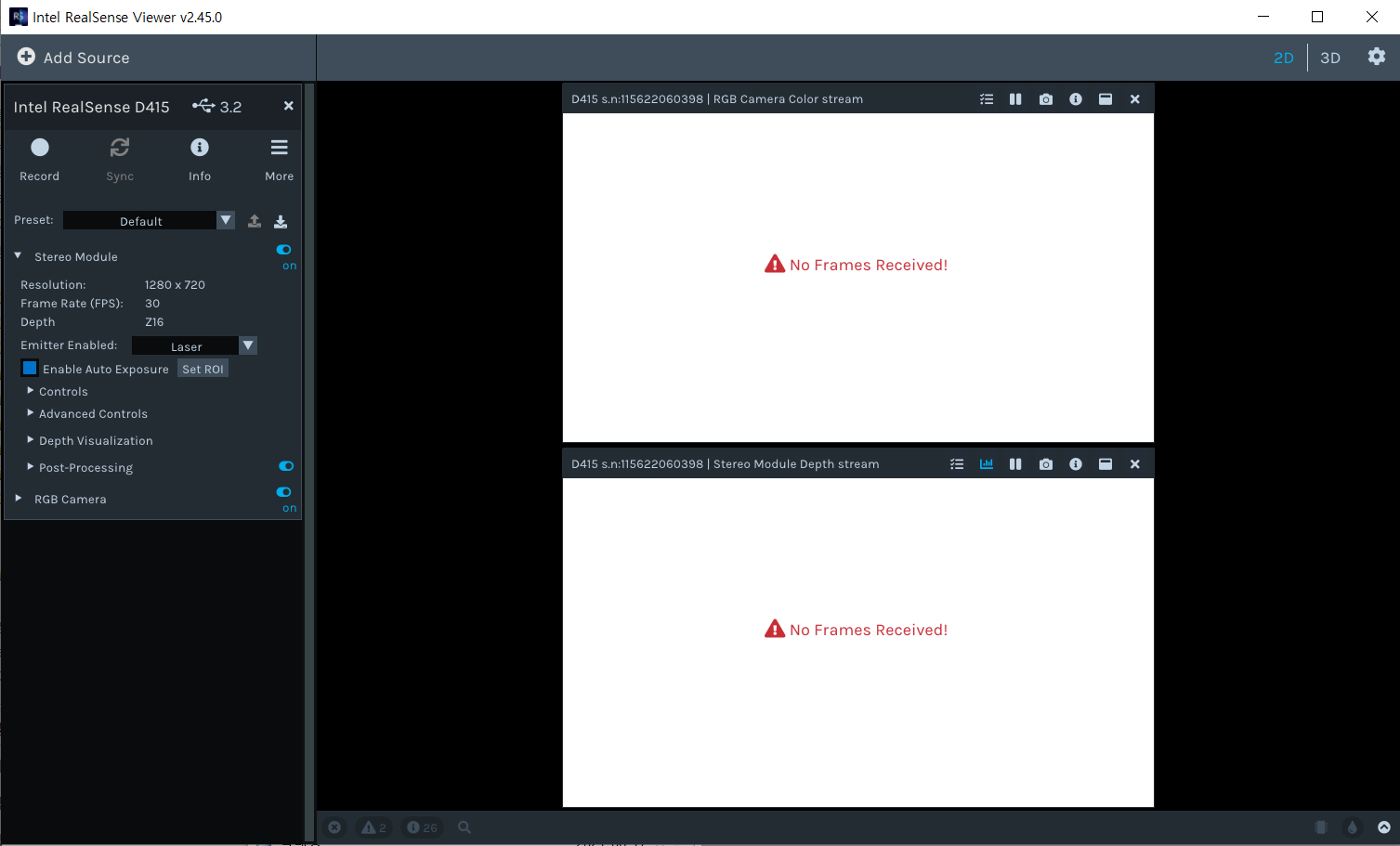
No Frames received on D415
1. Model : RealSense D415
2. Viewer : v2.45.0
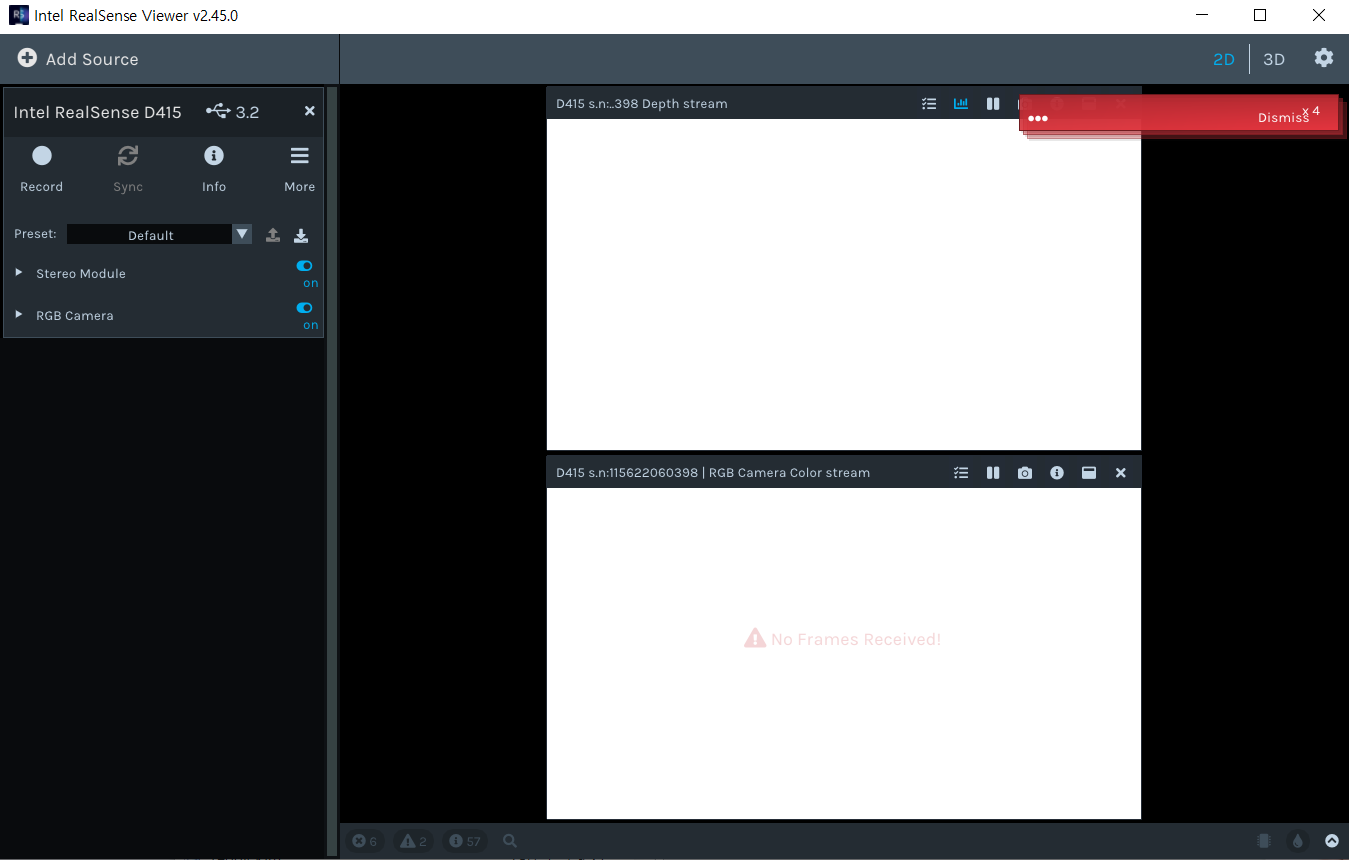
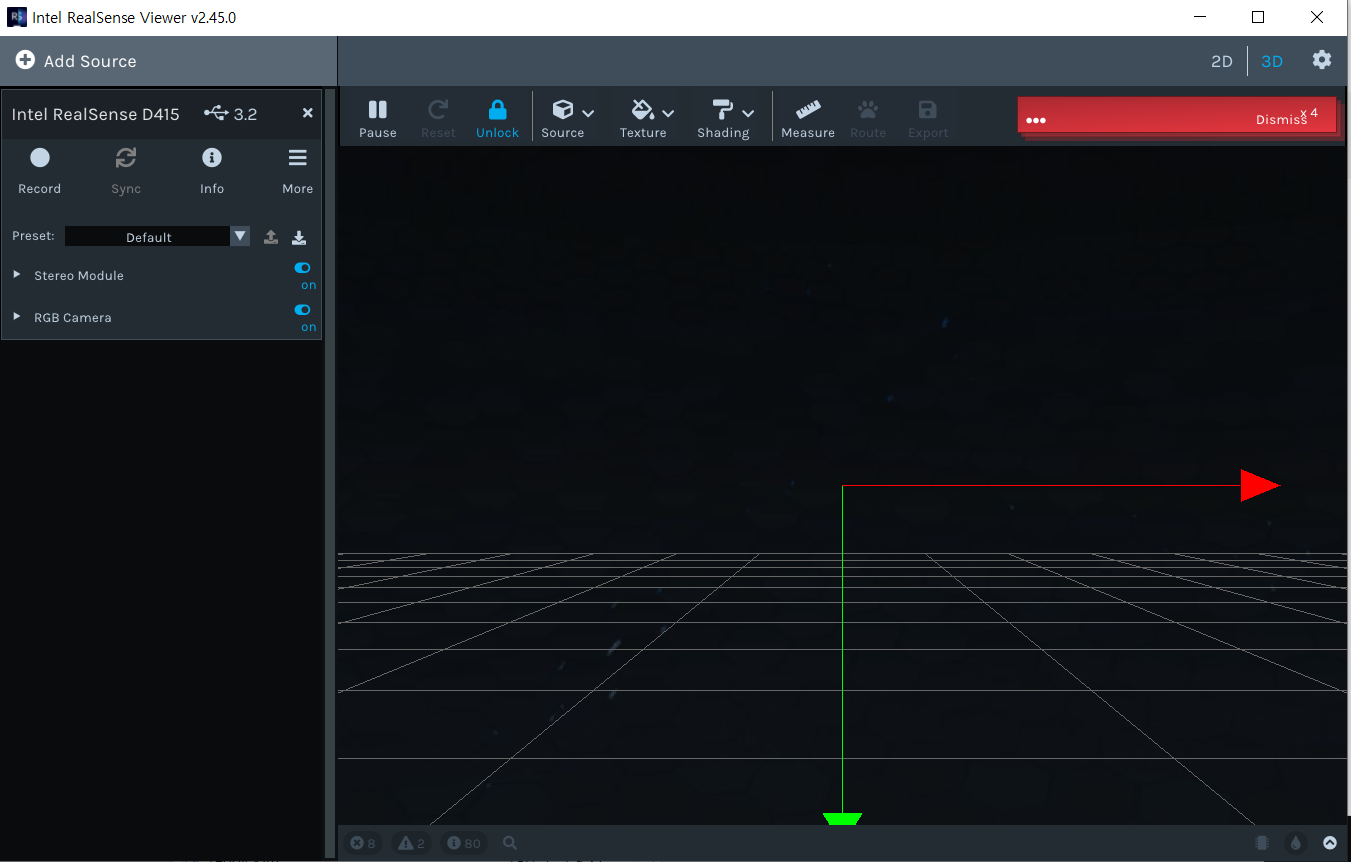
3. Symptoms : No frames received with dismiss message
-
Hi Bgkim Could you expand open the Dismiss messages by left-clicking on the '...' link on the message to display the error messages please?
-
The computer being forcibly rebooted is rare but I have seen previous cases of it, like the one in the link below where it occurred when using the Viewer's 3D mode.
https://github.com/IntelRealSense/librealsense/issues/5217
The advice provided in that particular case was to try disabling the GLSL options in the Viewer's settings interface. The link below provides instructions for doing so.
https://github.com/IntelRealSense/librealsense/issues/8110#issuecomment-754705023
-
Thanks very much for the update. Did the PC stop forcibly rebooting after disabling the GLSL settings?
When No Frames Received occurs, are you still able to get the camera to work if you reboot the computer several times? If the camera is eventually able to display images then this could suggest that the camera hardware is okay and the source of the problem is elsewhere, such as the computer's USB.
-
No, The PC stop and forcibly reboot has occurred before disabling GLSL setting.
Moreover, after running D415, whether camera is connected or not, it happens very often.More worse thing is... my PC is not booted currently.
I think something is mismatched between execution program and PC. -
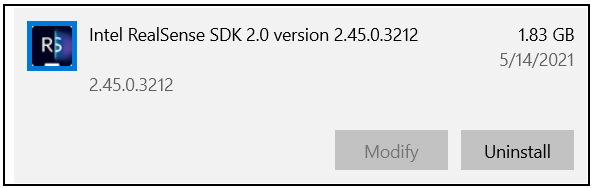
Does the booting of your PC improve if you uninstall the RealSense SDK?
If you are using Windows, you can type programs into the text box at the bottom of your Windows screen (next to the corner button where the PC is shut down) to find the Add or remove programs tool. In this interface, scroll down the list of programs until you find Intel RealSense SDK 2.0, left-click on the entry and left-click on the Uninstall option to remove the SDK.
-
I am experiencing a similar problem with all of my d415 units (I have 10) and it was tried on two separate computers (both Win11). I am not experiencing any shutdowns, however, the app freezes and needs to be forced closed. I am using SDK 2.50.0 and I did try 2.51 but it had the same issues. I may be using a standard 10ft USB c to USB cable (not the provided one) but I don't have another one on me. I purchased the pack of 10 D415 modules with the D400 drivers, no USBs were provided. It is recognized fine but I will always get the "No Frames Received" when I enable both RGB or Depth.
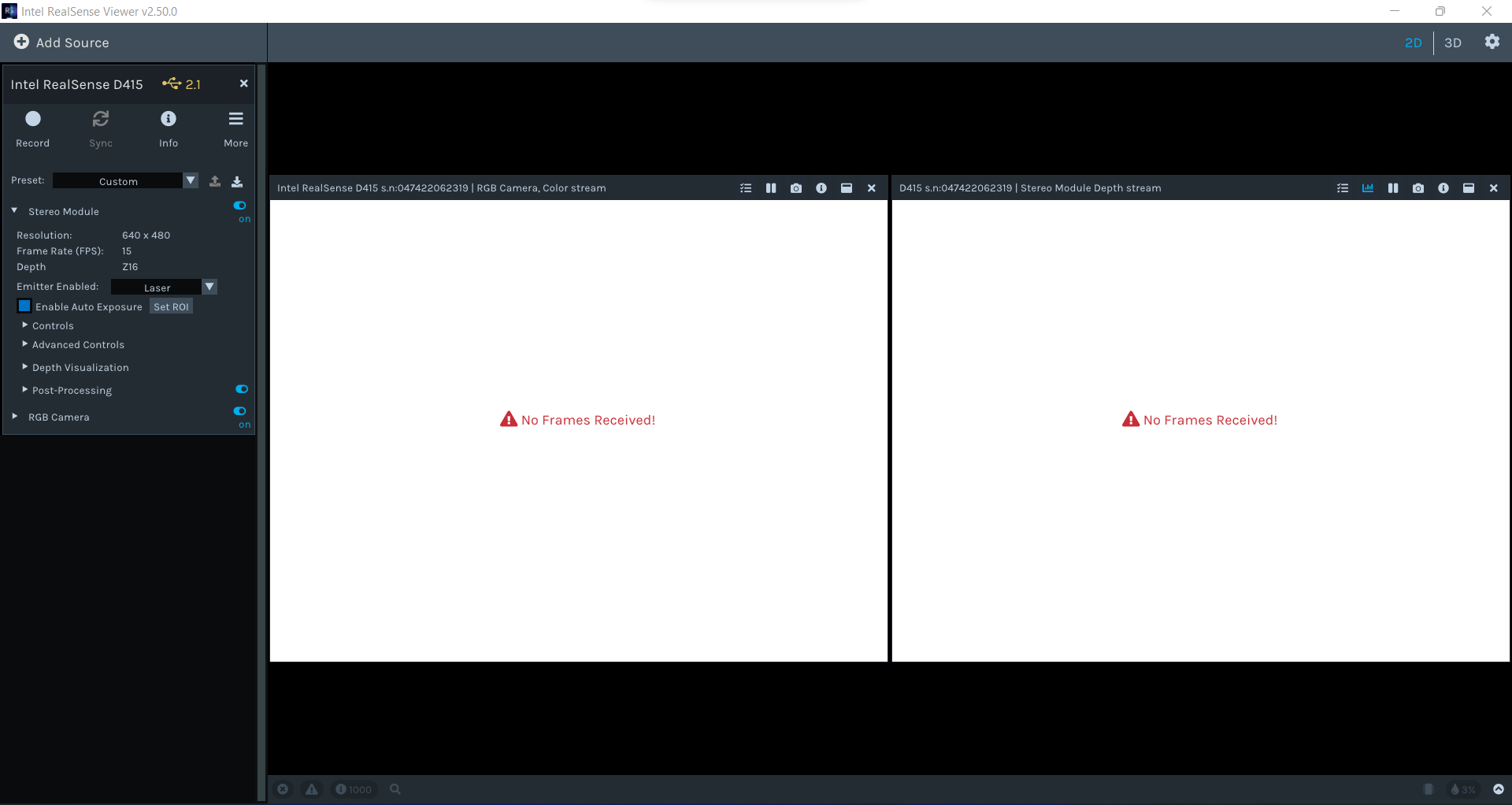
However, the data is present! I noticed that I can enable firmware logs (the chip icon at the bottom right of my screen) and suddenly I get all the depth and RGB data both printed in the console and the images start to work again. The data readout appears to keep up and there are no frame drops or warnings when I do so. See the below image: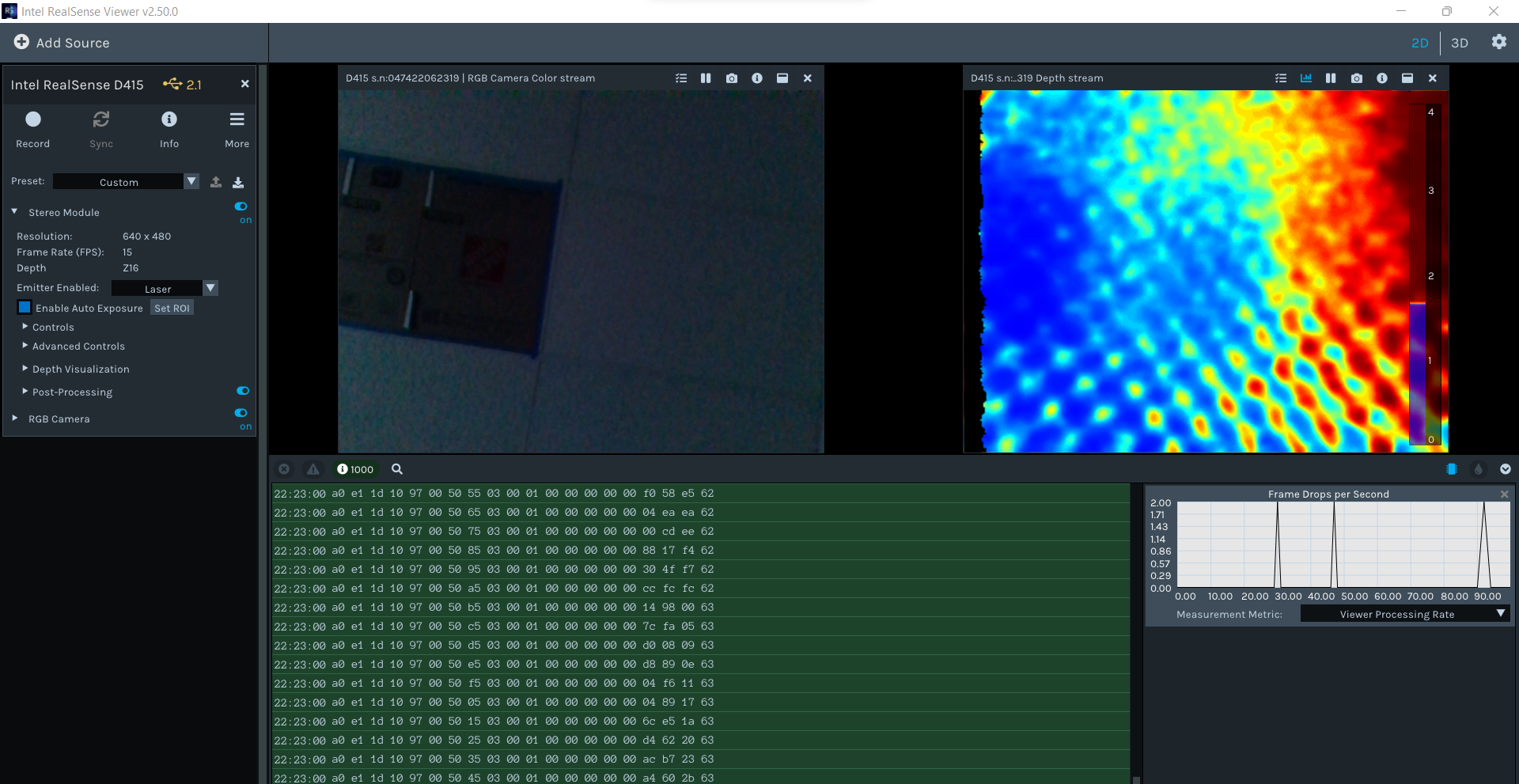
So here's the issue, when using the SDK in my own software the frame is not received in the timeout. Can I enable the firmware logs in my custom software? Can I write some code to ignore the error and read the frame anyway? Not sure if this is a method that is available in the SDK.
Any help is welcome! -
Hi Marcobsgallone 10 ft of cable length equates to around 3 meters. Because of the high volume of data that RealSense cameras can transmit, it is recommended that a high quality cable is used for lengths greater than 2 meters, otherwise there may be performance degradation or disconnections.
The '2.1' beside the camera name in the RealSense Viewer's options side-panel also indicates that the camera is being detected as being on a USB 2.1 connection, which has slower data transfer speeds than USB 3. Can you confirm whether the 10 ft cable is attached to a USB 3 port on the computer, please?
An issue where frames are only received when firmware logging is enabled has not previously been reported.
I was able to replicate the issue of a freeze-up and requirement of a force close with Ctrl-Alt-Del if firmware logging was enabled when exiting the Viewer. The freeze did not occur when exiting with firmware logging disabled.
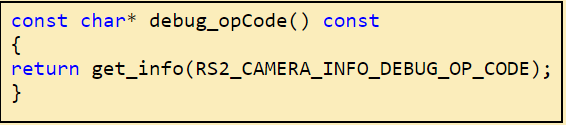
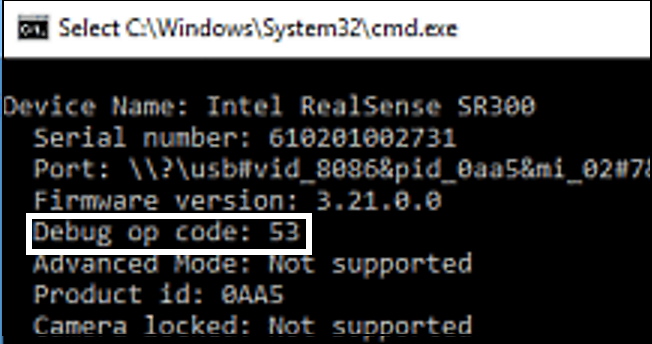
I believe that the SDK instruction for enabling the retrieving of firmware logging codes is RS2_CAMERA_INFO_DEBUG_OP_CODE
A C++ tutorial script called FluentRealSense that prints out information from the camera demonstrates use of this instruction.
https://www.codeproject.com/Articles/1233892/FluentRealSense-The-First-Steps-to-a-Simpler-RealS
-
Thanks for the fast reply MartyG,
Yes the USB port it is plugged into is a usb 3 ss port.
I have just ordered some usb3 cables and they are due to arrive on Monday, I will come back to this thread if that is the only solution.
I have tried reducing the frame rates to 6FPS as a compromise to the bandwidth of the usb cable, unfortunately this did not fix it.
-
Thanks very much, I look forward to your next report.
In the meantime you could test whether it is possible to achieve a USB 3 camera connection with your current cable by going to the 'More' option near the top of the Viewer's options side-panel and selecting the Hardware Reset option from its drop-down menu to reset the camera.
-
There does not seem to be a problem with the camera hardware as it is capable of streaming depth and RGB normally when firmware logging is enabled. A USB related issue with the computer's port or with the cable is a more likely cause.
Does No Frames Received occur if you only enable depth or RGB but not both at the same time?
Have you updated the firmware driver of the D415 module since you purchased it? The firmware driver is stored inside the camera hardware and not on the computer. The default version that is installed on the D415 module may be significantly older than the current version (which is 5.13.0.50 at the time of writing this). You can check the firmware version currently installed in the D415 module by clicking the 'Info' option near the top of the Viewer option side-panel.
-
1. Yes they trigger no frames received individually.
2. Yes I have updated the firmware to the newest version. Then have also tried older versions of both the camera firmware and the SDK (2.50 and 2.51) on the off chance the new version was incompatible or buggy.Come to think of it, when I purchased my D435i. I used the cable provided and it worked right away. I also used that cable for one of these D415 modules. And that worked too. It seems silly now in retrospect, but I think that’s relatively conclusive that it was a USB bandwidth problem!
-
I agree, the successful results with the official 1 meter cable would add to the likelihood of it being a USB cable issue.
I would recommend not attempting further downgrades to older firmware at the moment, as a RealSense camera has a maximum limit of 20 downgrades before the ability to downgrade the firmware is permanently locked and newer firmware than the currently installed version can only be updated to from that point onwards.
Please sign in to leave a comment.
Comments
18 comments