L515 Camera locked
I want to use the L515 to get the pointcloud.
However, I'm facing a problem.
Device information:
- Serial Number: f1061204
- Firmware Version: 01.05.08.01
- USB Type: 3.2
Issue:
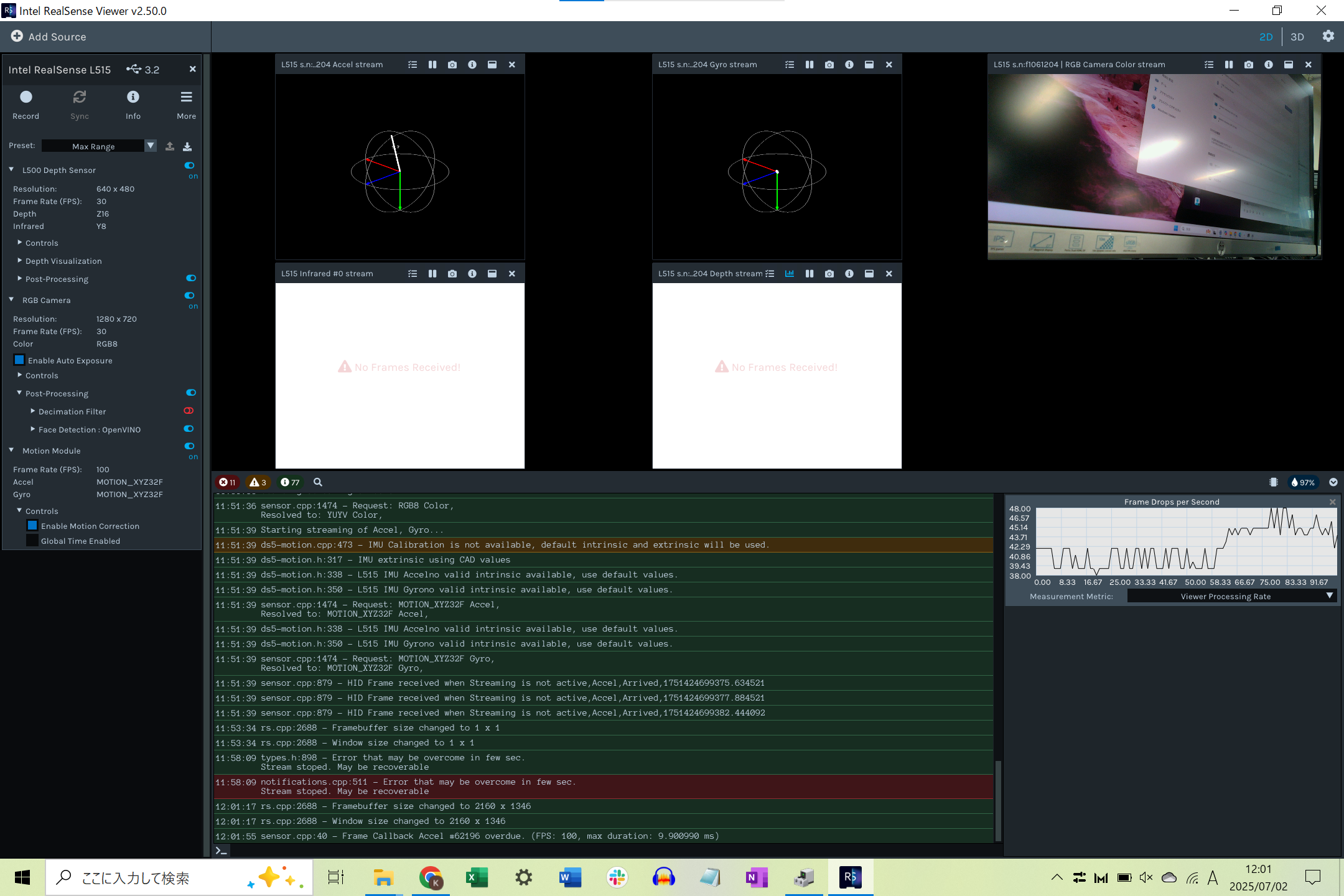
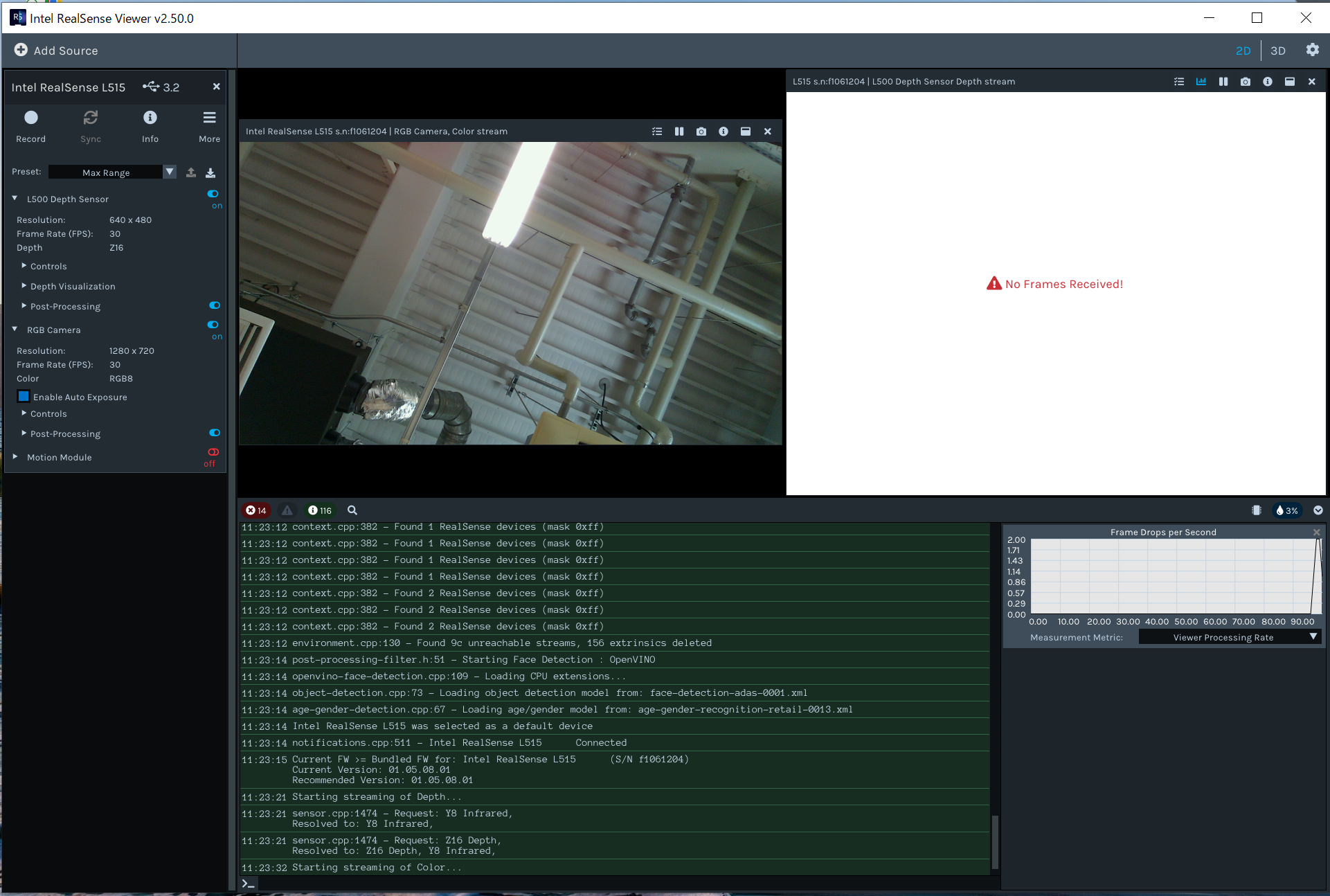
- The depth stream does not work.
- The device shows "Camera Locked: YES" and cannot be unlocked.
- I have attempted to update the firmware using `rs-fw-update -f` multiple times, but the issue persists.
- `rs-enumerate-devices` lists the device, but depth frames are not available, and applications relying on depth data fail to receive frames.
I have read that excessive firmware overwrites may result in a permanently locked device. Is there any way to resolve this? If not, could you guide me through a repair or replacement process?
The device is located in Japan. Please let me know if there is a local support center or authorized partner who can assist with inspection or repair.
-
Hi Kai Shirota The camera being locked is not a problem. The cameras of all RealSense users have the locked status. An 'unlocked' camera is a special one used by RealSense engineers to perform debugging of the camera. So you do not need to be concerned about this.
RealSense cameras permit up to 20 downgrades of the camera firmware to an older version than the one currently installed. So reinstalling the same firmware that is currently installed in the camera, or upgrading to a newer version than the currently installed one, would not count as one of the 20 downgrades. When the limit of 20 downgrades is reached, you can no longer downgrade to an older firmware version but can update to a newer firmware.
The 1.5.8.1 version that you currently have installed is the most recent one available, and there will not be a newer version than this in the future as the L515 is a retired camera model.
There is unfortunately not a repair service for RealSense cameras and unlike the 400 Series range of RealSense depth cameras, it is not possible to disassemble the L515 and change the electronic parts. If the camera was purchased less than a year ago then you have the option of enquiring to the retailer that you purchased the camera from about a replacement under warranty.
In regard to your problem with displaying depth, could you try unplugging the micro-sized end of the USB cable from the base of the L515 camera, reversing the connector's orientation and plugging it back into the camera, please (USB-C cables are two-way insertion at the micro-sized end). Does doing so make any difference?
-
May I also ask which RealSense SDK (librealsense) version you are using. As L515 is a retired camera model, it is not supported by current SDK versions. The 2.50.0 version of the SDK is recommended as the final one that officially supports L515.
https://github.com/IntelRealSense/librealsense/releases/tag/v2.50.0
-
Thank you very much for the information.
Is depth able to display if you expand open the Stereo Module options and de-select the Infrared stream before enabling the Stereo Module, so that the Infrared stream is not displayed?
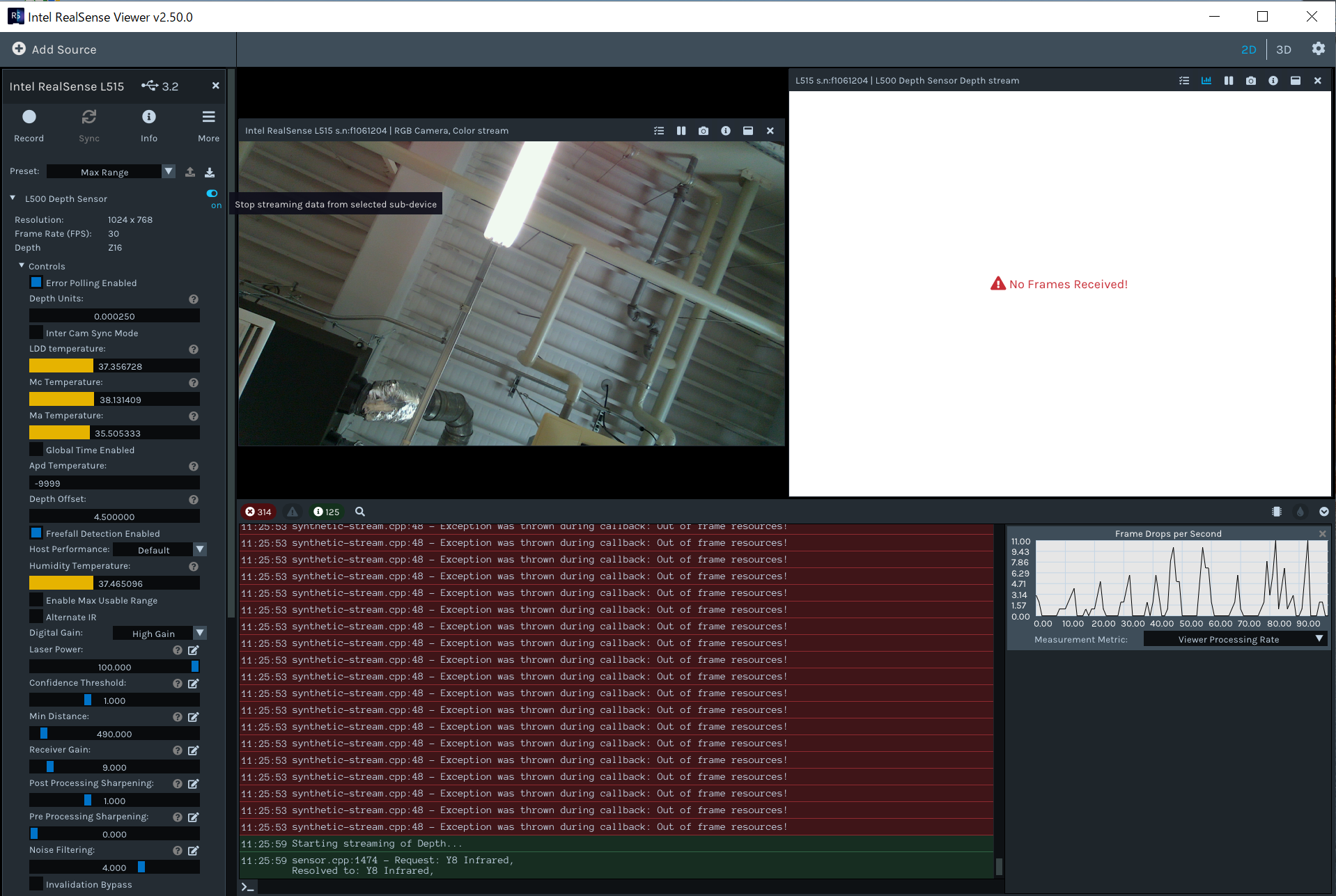
If that does not work, can depth and infrared display if you change the Stereo Module resolution from 640x480 to 1024x768
-
A rare issue can occur where the depth sensor develops a No Frames Received failure after the camera has been stored inactive in a small space for weeks or months. This is a hardware fault and there is usually no fix for it, unfortunately.
There was a single case where a camera with this issue recovered after apparently being exposed to warm temperature for a few weeks, but in almost all cases the problem is unfortunately unrecoverable and if the camera has been stored longer than a year then it will be outside of the warranty return period.
Please sign in to leave a comment.
Comments
8 comments