I have a problem with my d415 cam
when i connect my new camera with a D4 broad,my computer couldn't recognize it.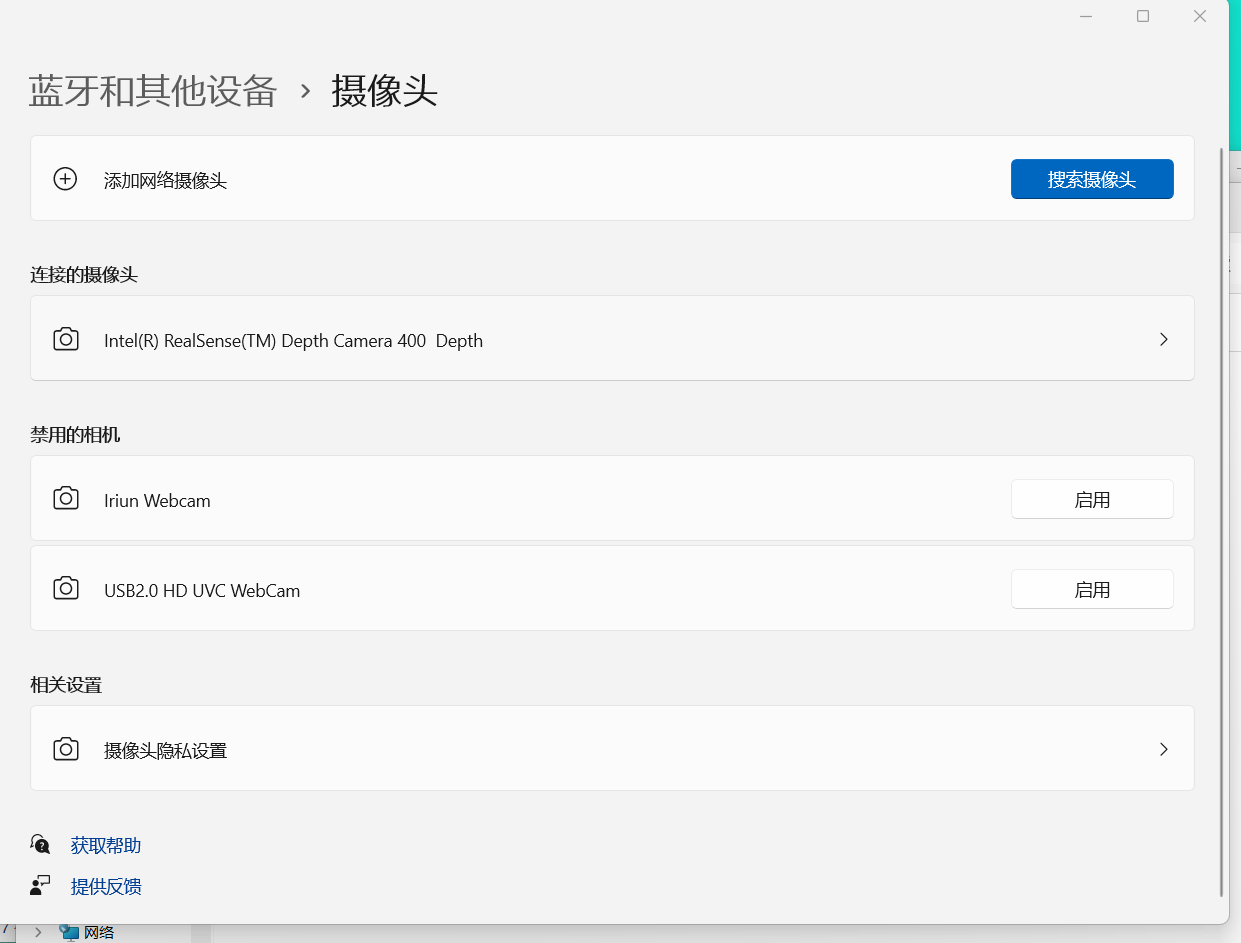 But my old one could be recognized
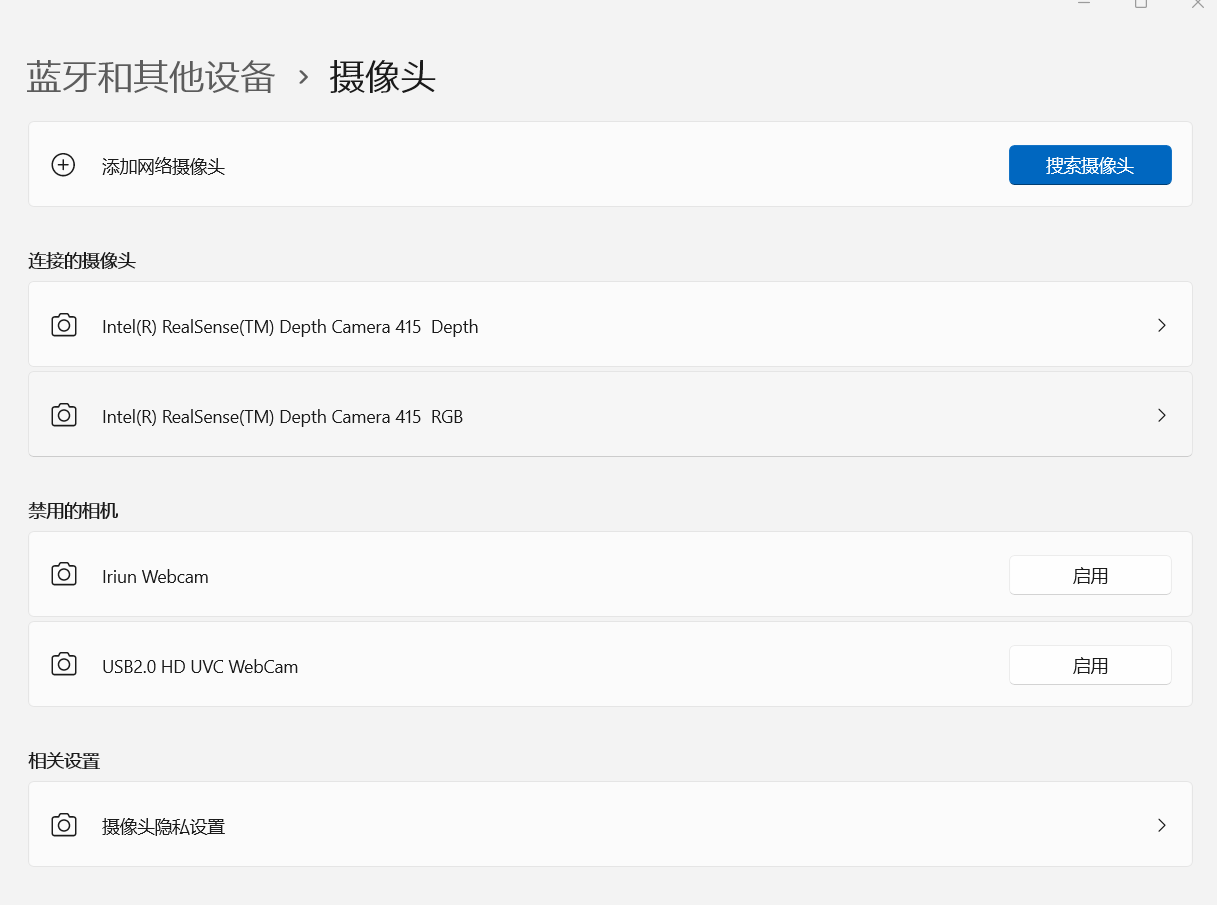 i want to know what happened with it?
-
I'm sorry for my poor english level.
I think my board is V1 , because my old cam is d415 too.But my friend said when he keep connect with processor and computer,then exchange old and new d415,computer can still use depth and rgb stream.
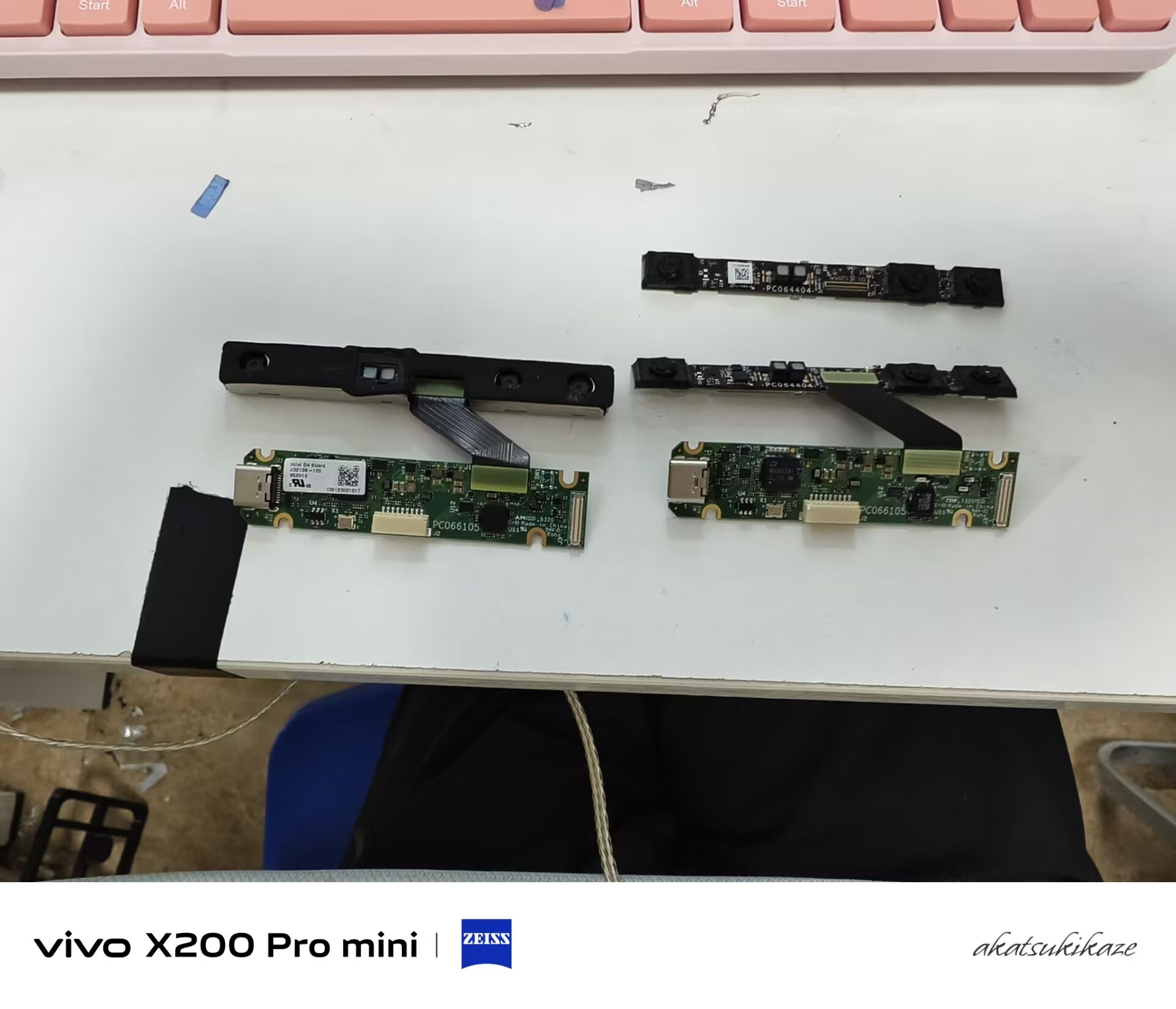
By the way,one of the camera's rgb camera damaged,that's the reason why i bought a camera without vision Processor D4 board.
If my English level affects your reading, please bring it up and I will try to express it more precisely. -
Your English is very good, don't worry.
The D4 board with the white sticker on is a V1. I confirmed this with the part code number on the sticker. The D4 board beside it without the sticker appears to be the same board version.
If the RGB sensor on the D415 board was damaged then the camera could likely still be detected, but may be detected as a D410 instead (a camera model similar to D415 but without an RGB sensor).
As the camera with the detection problem shows the camera name as D400 Depth though, that suggests to be that there is a mis-match between the board versions - that either the depth module is not a D415, or the D4 board is not a V1. For the camera to be detected as D415, the boards must be D415 and D4 V1.
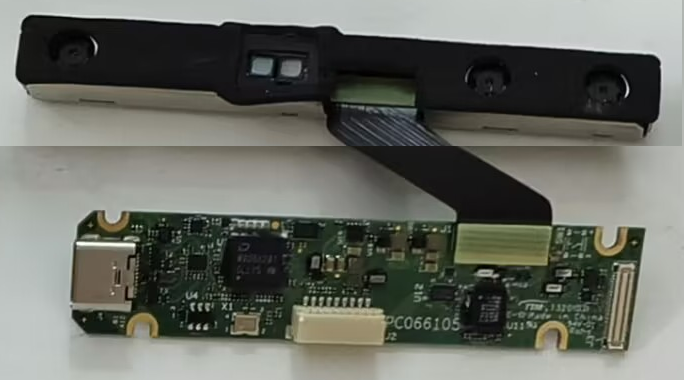
What happens if the D415 camera board that has the casing is swapped onto the D4 V1 without the sticker, like the image below?
-
Is he new camera the D415 board with the casing?
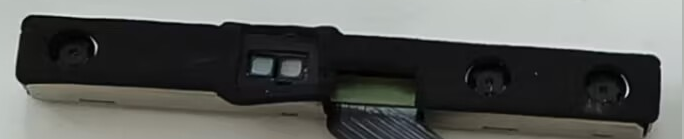
If the D415 boards are both okay and the the D4 V1s are both okay, that could mean that one of the interposer cables that joins the D4 and D415 together has a problem.
If the cable that you used to join these two in the image below results in D415 being detected then that might mean that the other cable has a problem.
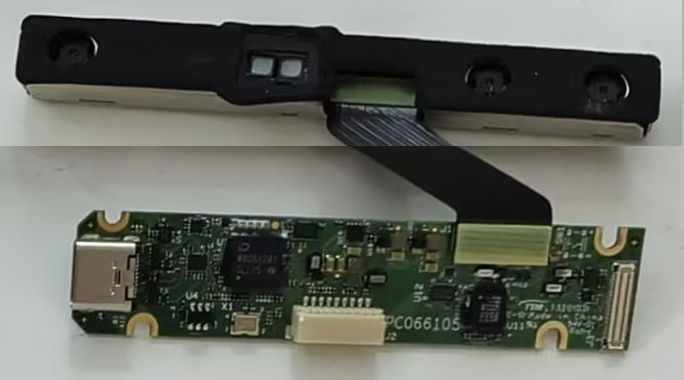
-
Was the new camera board without the casing when you purchased it? I have not seen a D415 module supplied like that. I would expect it to be in a metal casing, like this:

If the reason that you were replacing the D415 is because of damaged RGB then there may be a workaround to save you money by allowing you to use the old D415. The D415 can stream RGB from its left-side infrared sensor instead of the RGB sensor. You activate this by setting the Infrared stream to have an RGB format such as RGB8 or BGR8 instead of the Infrared stream's default Y8 format.
-
You can enable the 'RGB From Left Infrared Sensor' mode with a cfg configuration line in pyrealsense2 that sets infrared to use an RGB format such as RGB8.
cfg.enable_stream(rs.stream.infrared, 1280, 720, rs.format.rgb8, 30)
If you are writing a program that uses OpenCV code then it is better to use BGR8 as the format.
Please sign in to leave a comment.
Comments
11 comments