Intel RealSense L515 not being detected as a camera after firmware update
Hi,
I think most of my problem is the same as the issue previously posted by Takeemlowe in the post named "Intel RealSense LIDAR L515 not being detected by windows after firmware update via Intel.RealSense.Viewer.exe (2.41.0.2657)" but the suggested command line did not work in my case.
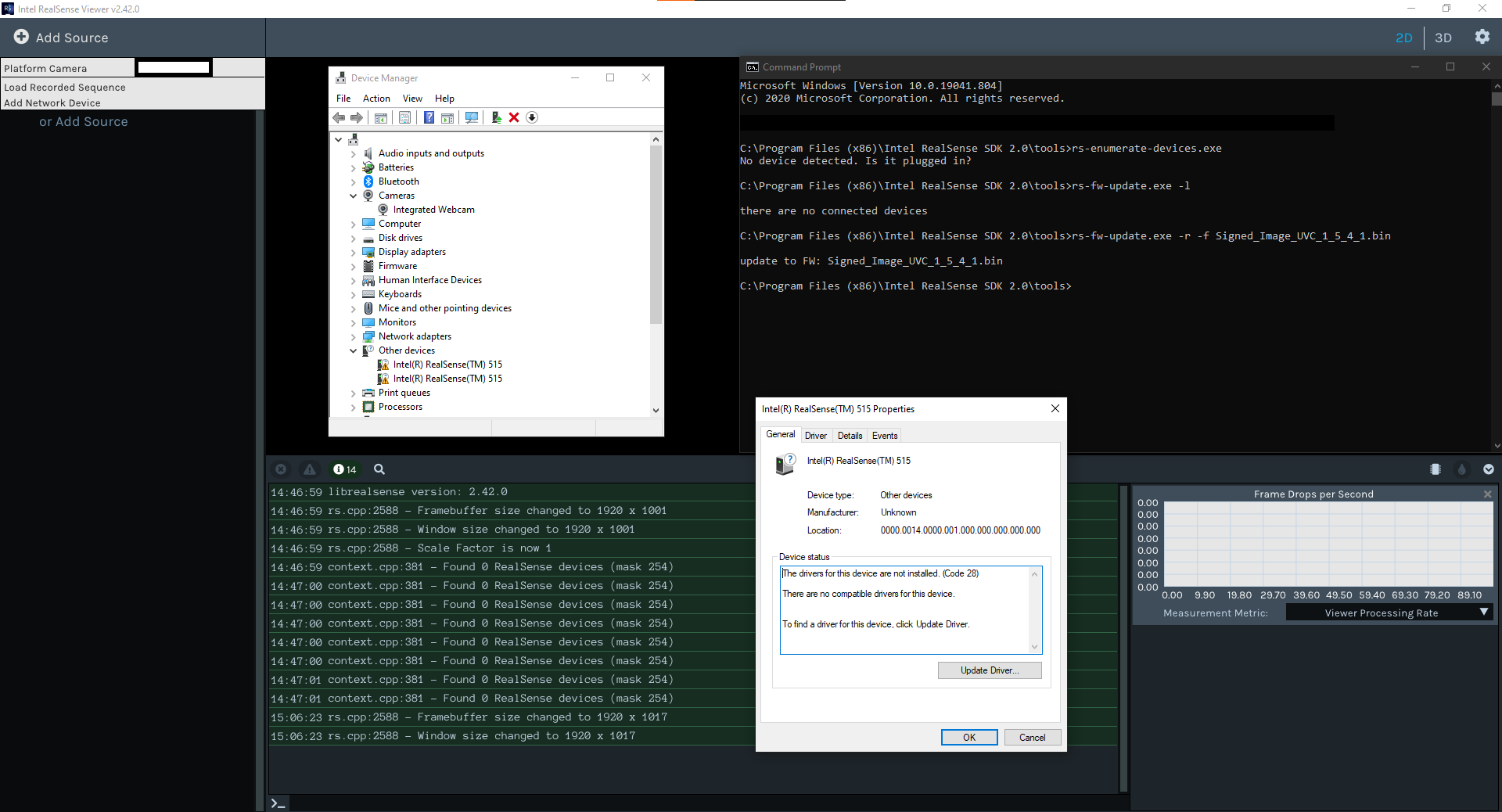
Everything was fine until yesterday evening when the L515 began to be detected as connected with USB2.1. I tried the suggested tips on the intel page regarding this issue (restart, plug/unplug, change computer/ports) but it didn't fix the problem, i tried to roll back to a previous firmware version (the recommended one 1.4.1.2) with the Intel Realsense Viewer. The update was a success, but the L515 was still indicated as connected with USB2.1. After a restart, the L515 is no longer detected by any tools of the Realsense SDK folder or the Realsense Viewer. In Windows device manager, the L515 isn't in the Camera section but in the Other Devices one.
Is there a way to factory reset the L515 without it being detected ?
Thank you in advance for your reply.
Please sign in to leave a comment.
Comments
3 comments