d430 depth on road curbs during day time (presence of sunlight)
I am using d430 via realsense-ros wrapper with filter:=spatial, pointcloud , frame_size:=640x480 for the task of obstacle detection.
1. With json:=MidResHighAccuracyPreset.json I get no false positive but with json:=MidResMedDensityPreset.json I get lot of false positives.
2. they both work fine during night time even in complete darkness(thanks to laser projector)
3. during the day the curbs are illuminated by the sunlight and I guess the sunlight reflection from the curb is bright as well. But there is no sun directly pointing at the camera.
4. The camera is 1.4meters above the curb and tilted 45 degrees as seen in the attached picture.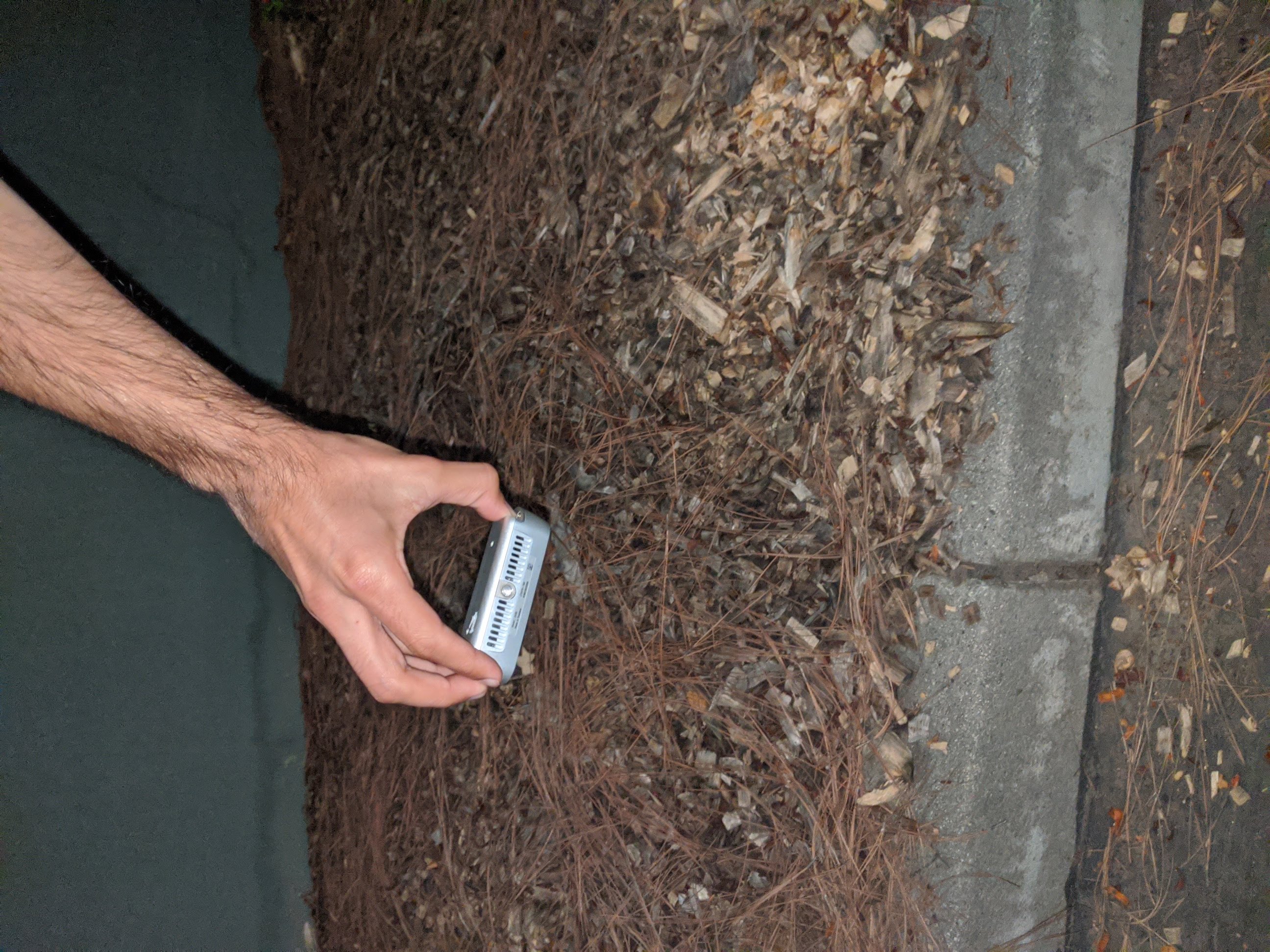
-
Hi Db1011 With the Medium Density preset, the balance of the camera's configuration is shifted towards providing a greater 'fill rate' on the image whilst trading off some accuracy. High Density shifts the balance further in favor of image fill-rate.
You could try the High Accuracy preset in combination with increasing the value of the Laser Power setting. Increasing its value reduces the sparseness of the depth image, whilst reducing the value makes the image more sparse (greater gaps). If you are using ROS, you can set the Laser Power in the json or in the launch file via a rosparam. Example code to do this with either is below - change '200' to whatever value you want to set Laser Power to.
ROSPARAM (LAUNCH FILE)
<rosparam>
/camera/stereo_module/laser_power: 200
</rosparam>JSON
"controls-laserpower": "200"
Regarding the kerb reflections: Section 4.4 of a white-paper document by Intel on applying physical optical filters over the camera lens discusses in detail how a linear polarizer filter can be attached to reduce the negative effect of reflections.
Please sign in to leave a comment.
Comments
1 comment