the color of the depth picture becomes lighter
Hello, when I use an 8-meter-long data cable, the realsenseD435 camera sometimes shows the color of the depth picture becomes lighter and not online. In addition, I use realsense on the bus
-
Translation: "Hello, when I use an 8 meter long data cable, the RealSense D435 camera sometimes shows that the color of the depth image becomes lighter and the line drops. Also, I use RealSense on the bus".
When you are using a cable that is longer than 2 meters, you should use a high quality cable or a cable that has active repeaters built into it to strengthen the signal as the data passes along the length of the cable.
Intel officially recommend a company called Newnex as the supplier of high quality USB equipment.
https://www.newnex.com/realsense-3d-camera-connectivity.php
https://www.youtube.com/watch?v=GLQgR1jT04M
**********
當使用長度超過2米的電纜時,應使用高質量的電纜或內置有有源中繼器的電纜來增強信號,因為數據沿著電纜的長度傳遞。
英特爾正式推荐一家名為Newnex的公司作為高質量USB設備的供應商。
-
Okay, so it looks as though the White To Black colorizer scheme (number '2') is being applied. So depth that would normally be in full color is rendered in shades of monochrome instead. That indeed suggests that if the brightness is changing then it is because the measured depth values are changing. I therefore wonder if it is changing simply because the person is not completely still and is moving closer to the camera or further from it. Humans are moving a little all the time even when they are trying not to and are not stationary objects.
-
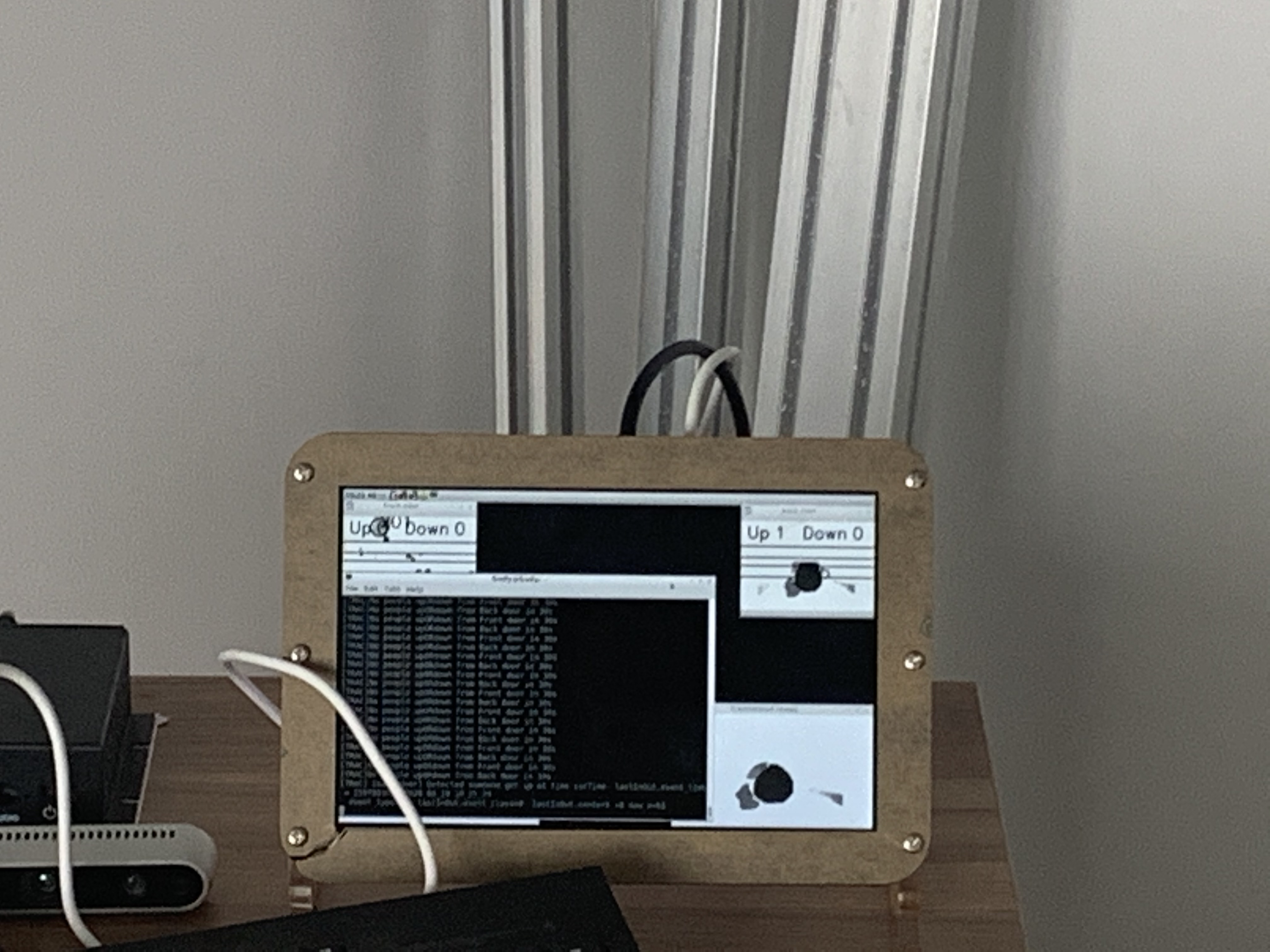
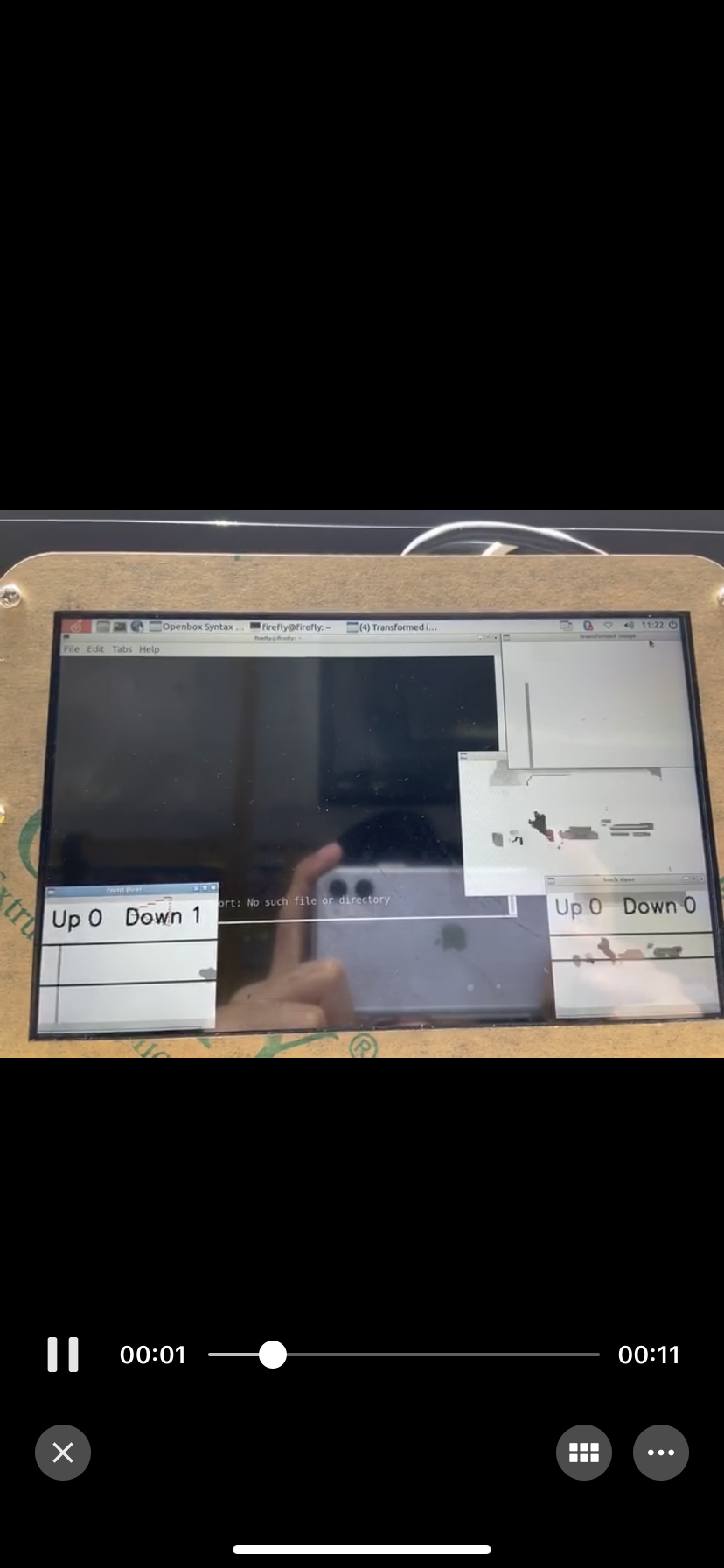
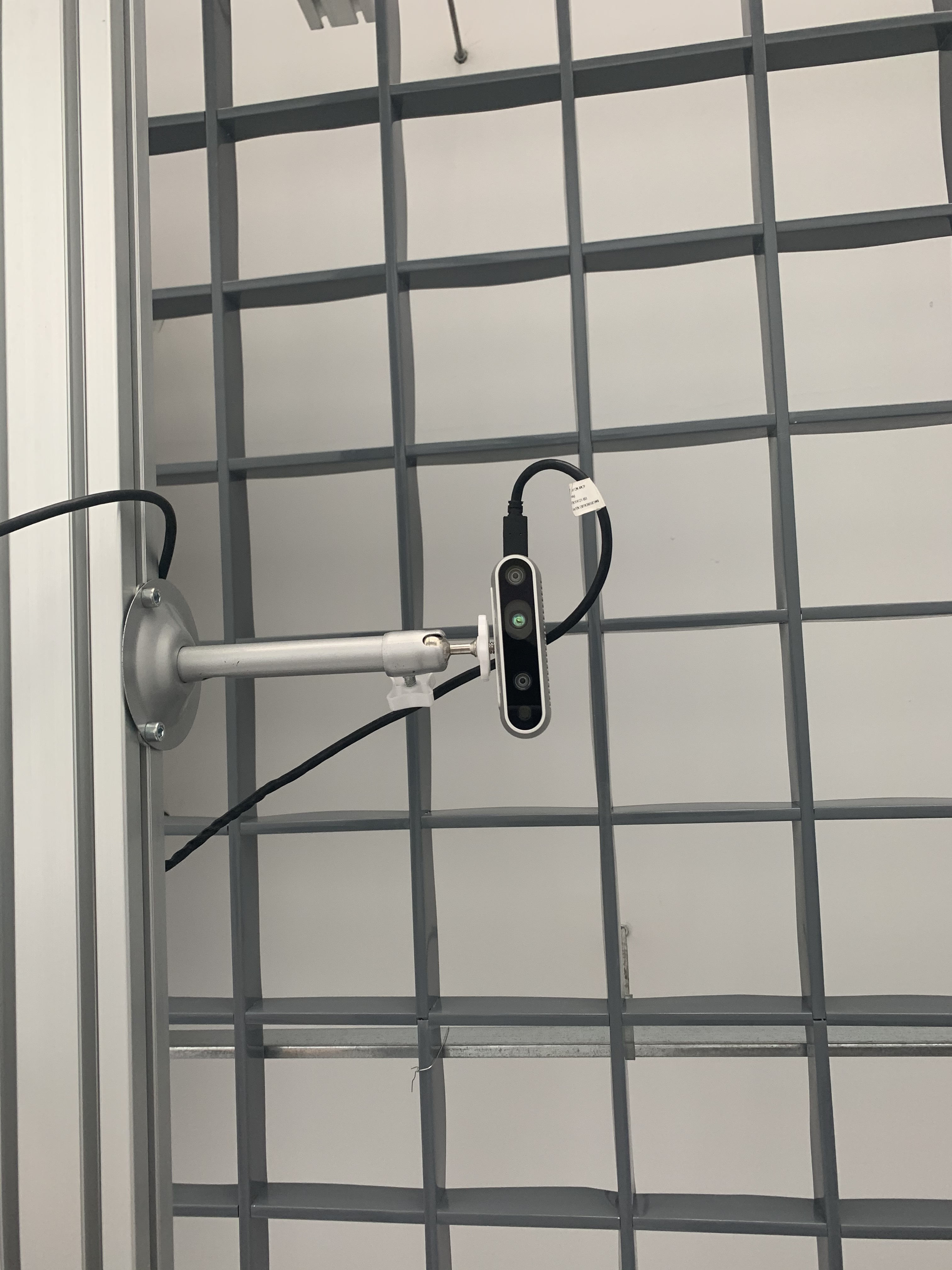
Sometimes the picture becomes brighter as a whole, so that humans cannot be detected.There are also two processed pictures, the first one is normal and the second one is abnormal. The distance between humans and the camera in the two pictures is equal. But obviously the second picture is brighter, so that no circle can be detected. (The camera is above the human head)
-
If you are using the camera outdoors then I recommend enabling the camera's auto-exposure in your script. This will enable the camera to automatically adjust to changing outdoor light conditions.
An example C++ code snippet for controlling the on-off status of AE is in the link below:
https://github.com/IntelRealSense/librealsense/issues/3141#issuecomment-457361895
You would set RS2_OPTION_ENABLE_AUTO_EXPOSURE to a value of '1' to enable it and set it to '0' to disable it.
-
I'm actually thinking now that what could make the most difference is to look at Intel's white-paper document on improving depth data on outdoor drones. It has some excellent improvement advice that could apply to your situation too.
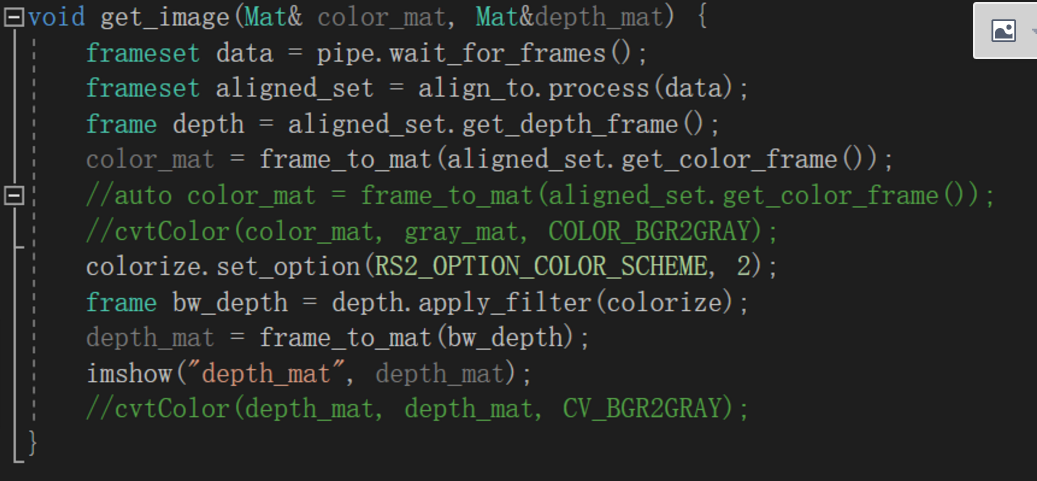
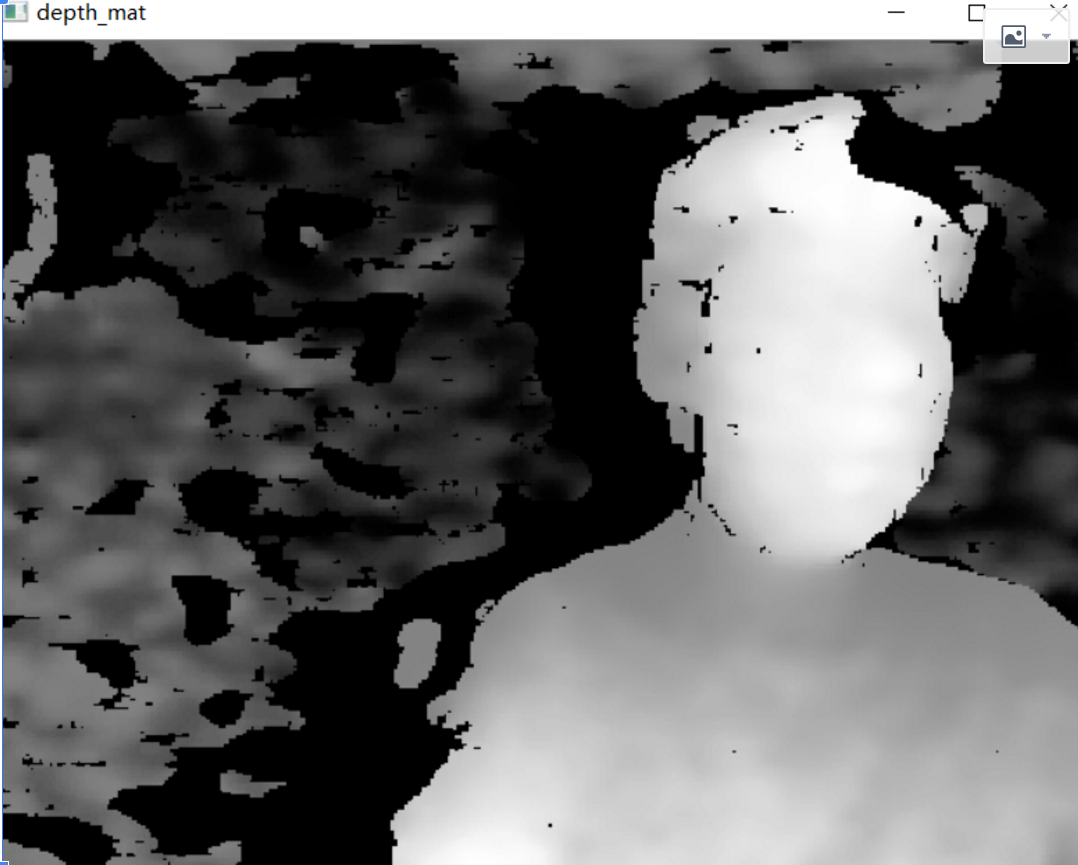 Images like this, sometimes the image becomes whiter overall.In other words, the value of each pixel will become larger
Please sign in to leave a comment.
Comments
13 comments