Dead (green) pixels in stream?
Hello,
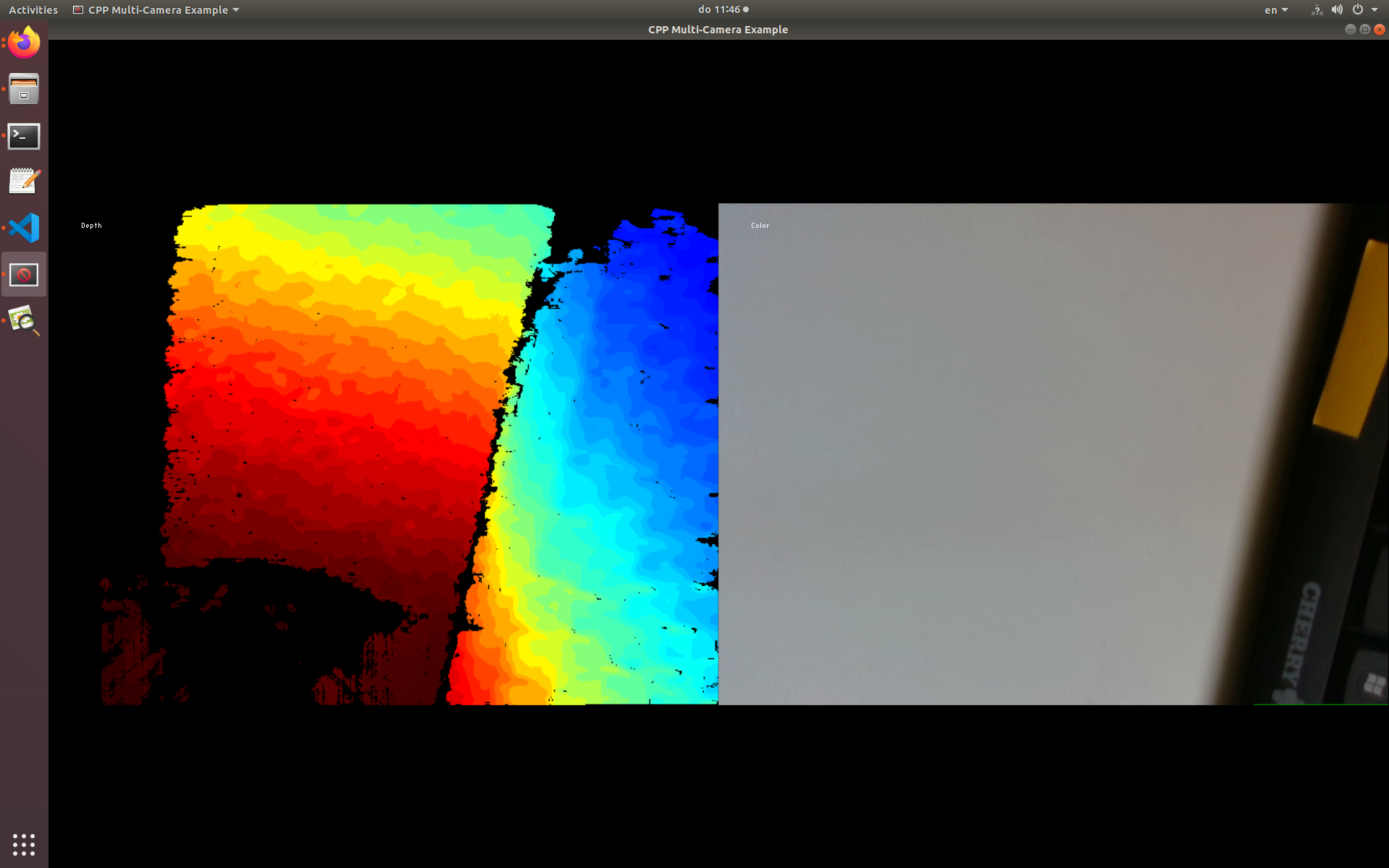
I have a D435 and have been using it for some time. I recently noticed a line of green pixels on the last row of the camera image, and corresponding black pixels on the last row of the depth image.
I had recently dropped the camera (from my desk, so not so far) so I wanted to check. But it seems strange (if this is a mechanical fault) that it affects both streams...
This is the multi-cam example from the examples, so you can see what I mean.
Has this happened before? Can this be solved in software?
Thanks,
Aaron
-
A RealSense 400 Series camera may become mis-calibrated if it receives a physical shock such as a hard knock or a drop on the floor. It can be corrected with calibration software called the Dynamic Calibrator though.
If you are using Windows, the tool can be downloaded from the link below.
https://downloadcenter.intel.com/download/29618/Intel-RealSense-D400-Series-Dynamic-Calibration-Tool
If you are using Linux, the Linux installation instructions are on page 14 onward of the tool's user guide.
It may be worth trying to use the RealSense Viewer's in-built On-Chip Calibration feature first though to see if it corrects the problem. You can do this by going to the 'More' icon at the top of the Viewer's options side-panel and selecting 'On-Chip Calibration' from its menu.
Instructions on how to use the On-Chip Calibration feature are in the link below.
https://dev.intelrealsense.com/docs/self-calibration-for-depth-cameras
Please sign in to leave a comment.
Comments
1 comment