Realsense viewer wont open for new D415
Hi,
I've just recieved my D415 and plugged in. I can see its drivers are installed from the device.
Downloaded the viewer from Git Hub, but get nothing. nothing opens
Yes, updated graphics drivers ( Intel UHD Graphics 620. Is this OK for the D415?)
Yes, re booted. still nothing any suggestions?
thanks,
t
-
Hi~ MartyG,
I download the SDK version : Intel.RealSense.SDK-WIN10-2.33.1.1360 and install in Win10 x64,
then plugin the D415, I can get the device that showed 415 Depth & RGB,

1.) but click the "Intel RealSense Viewer" icon, it did not work (No shown any new information, always as shown below)
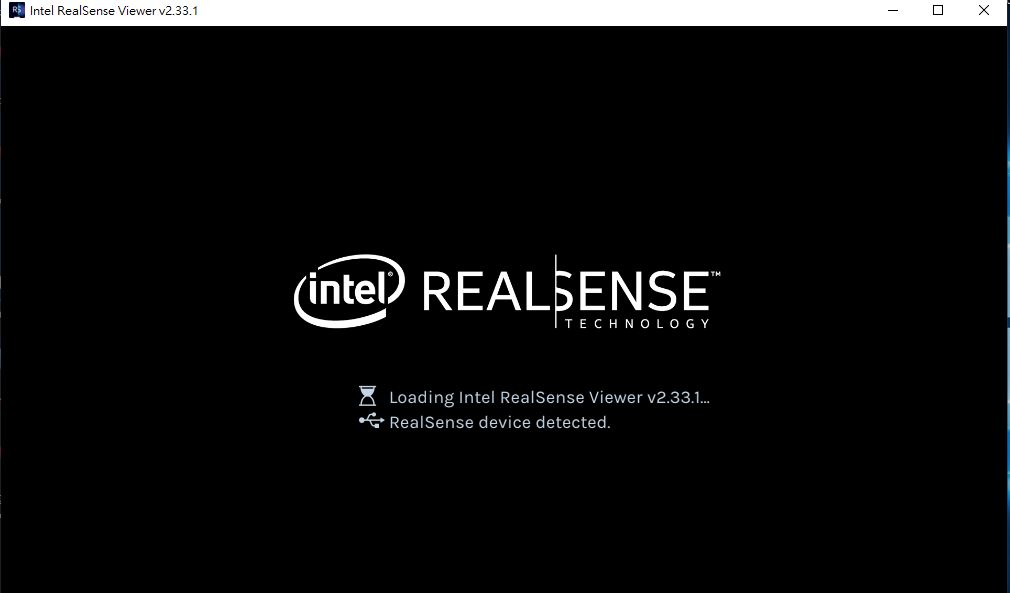
I also have updated the latest driver for Intel(R) HD Graphics 520 in my Notebook (Lenovo X260), but it still did not work (as noted above)
2.) I try to run the C:\Program Files (x86)\Intel RealSense SDK 2.0\tools\rs-capture,
the result is still error. No shown any image.
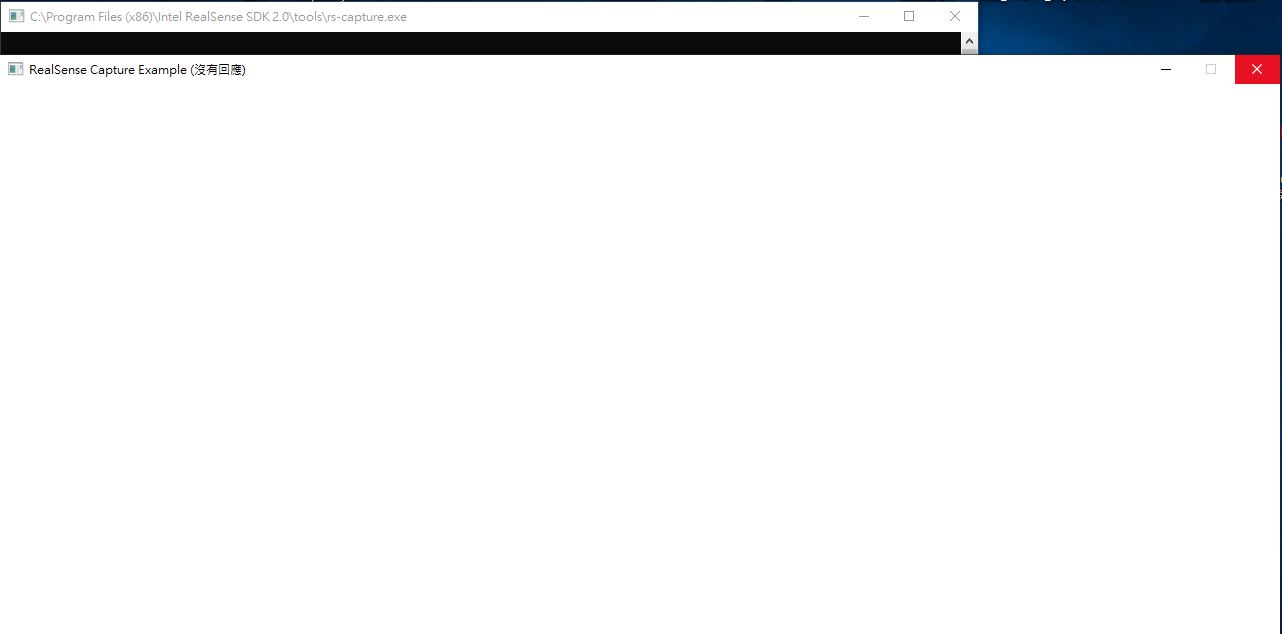
Can you help me to solve these issues?
Many thanks~
-
Bohou Yang When problems occur with applications that make use of OpenGL graphics, such as the RealSense Viewer and rs-capture, the first recommendation is always to try updating the graphics drivers on the computer. I see that you have done this though.
A rarer cause of launch problems is if the Windows user folder does not have a Documents folder in it.
https://support.intelrealsense.com/hc/en-us/community/posts/360034694114-Viewer-start-ISSUE
-
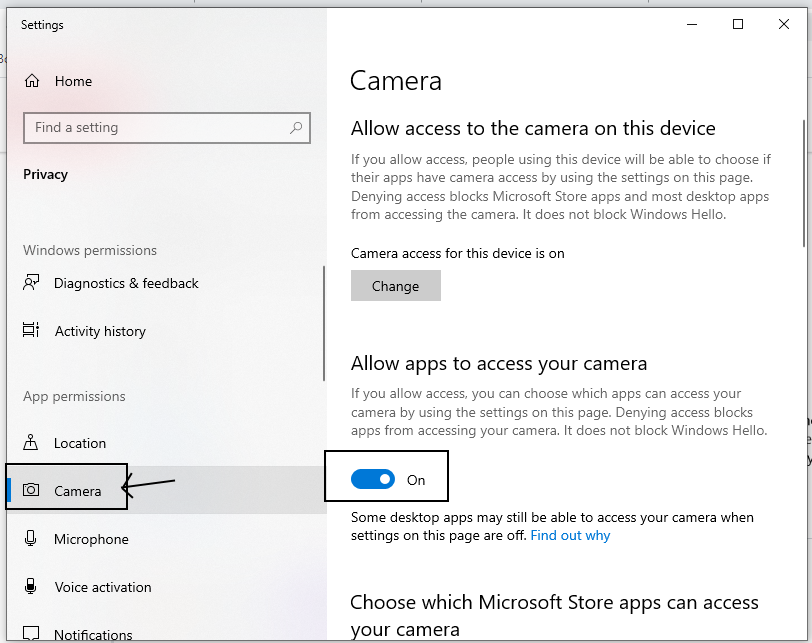
Please check in your privacy settings in Windows 10 settings whether the camera is allowed to access applications. The setting "Let apps use my camera hardware" should be set to On.
You can find the Privacy Settings window by typing 'privacy' into the text box at the bottom of your Windows screen, next to the button in the corner where you shut down the PC.
On the Privacy Settings window, select the 'Camera' option to show the camera privacy settings.
Please sign in to leave a comment.
Comments
36 comments