Metadata warning from librealsense
I'm using the D435 on Ubuntu 18.04 with librealsense 2.29. I recently upgraded from Ubuntu 16.04 + librealsense 2.28.
When I launch the camera via ROS, it prints the following warning repeatedly:
17/12 10:07:59,515 WARNING [140017401849600] (backend-v4l2.cpp:1562) Metadata frame arrived in idle mode.
Does this affect camera functioning? If yes, how do we fix it? If no, can this be suppressed?
-
Metadata is not supported by default in Linux (it is in Windows) and so the support has to be patched in during the installation process. In the link below, Dorodnic the RealSense SDK Manager describes a typical workflow for an installation that you can compare with your own process.
https://github.com/IntelRealSense/librealsense/issues/3292#issuecomment-465876055
If you continue to experience problems, I recommend using at least the 2.30.0 SDK with the new process for installing Librealsense on Linux without worrying about patches and kernel versions.
https://support.intelrealsense.com/hc/en-us/community/posts/360037657234/comments/360009799533
-
Dear Sir/Madam,
I am using Windows 10, intel-i3. I am facing a warning issue once after I install SDK 2.0 version 2.54.2.5684.
Warning Message: hdr-merge.cpp:38 - HDR Merge filter cannot process frames because relevant metadata params are missing
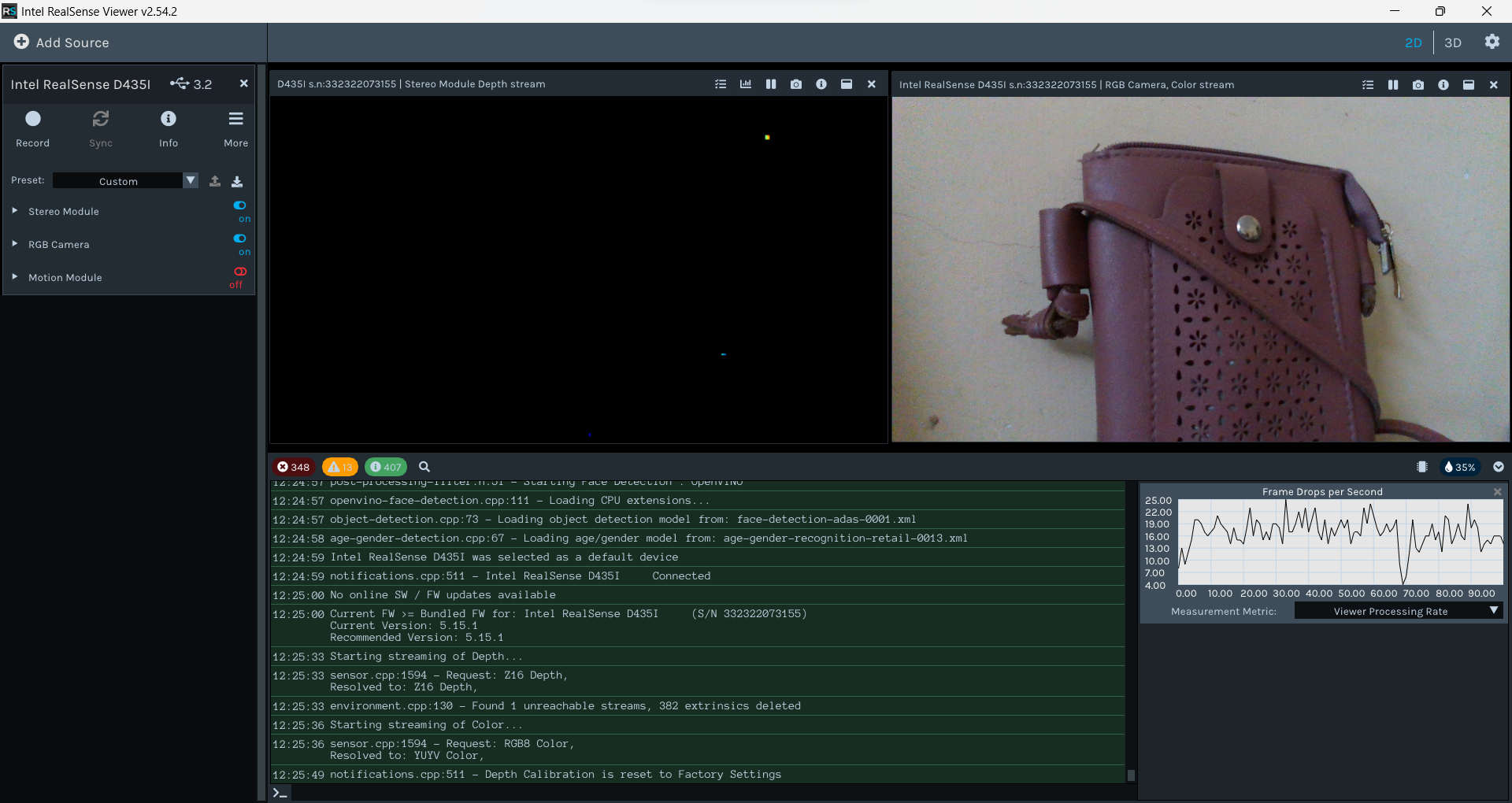
Also while recording for the first time using Stereo mode the quality of the recording is not good.
The camera was 0.5m away and placed on the work table for a trial.
Even while using the Depth Quality Tool I am facing the same issue.
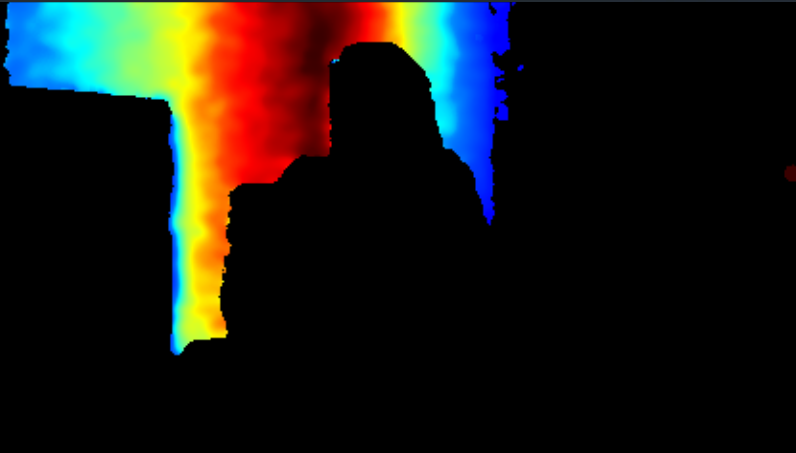
Kindly help to resolve this issue.
-
Hi Niha K Cse Which RealSense camera model are you using, please?
The metadata message may be appearing because support for camera metadata is not enabled. You can test whether it is enabled by launching the RealSense Viewer tool. If metadata is disabled then a box should pop up in the top corner of the Viewer window asking if you want to enable metadata support. You can enable metadata on Windows that way.
Does your depth image improve if you use the Viewer to reset the calibration of your camera to its factory-new default settings using the instructions at the link below?
https://github.com/IntelRealSense/librealsense/issues/10182#issuecomment-1019854487
-
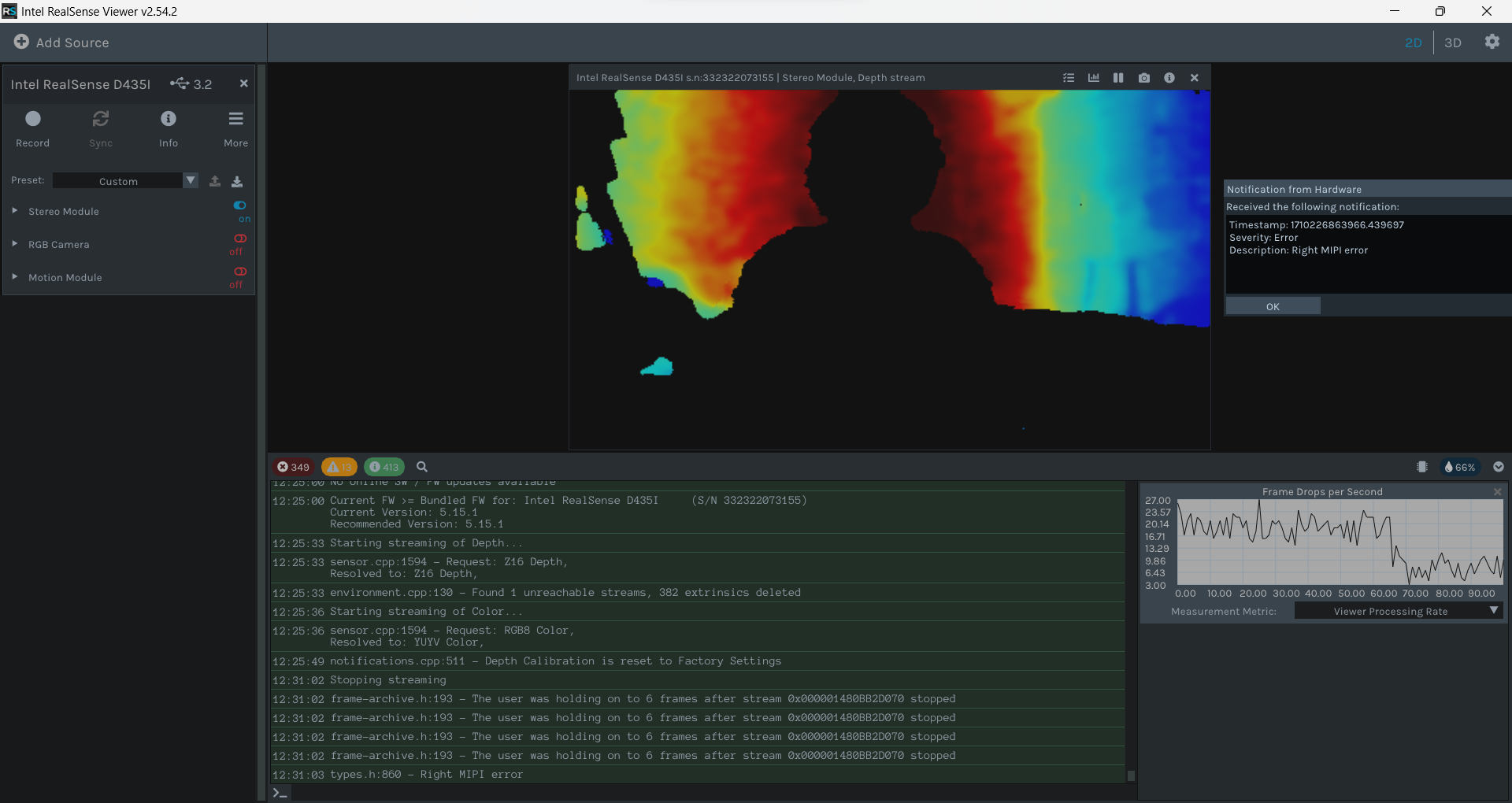
I tried Hardware reset but got this
error-handling.cpp:96 - Error during polling error handler: hr returned: HResult 0x80004002: "No such interface supported"
d400-factory.cpp:1195 - DS5 group_devices is empty.
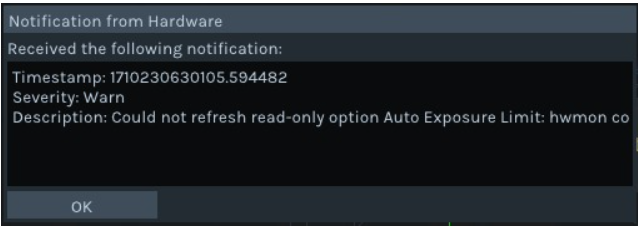
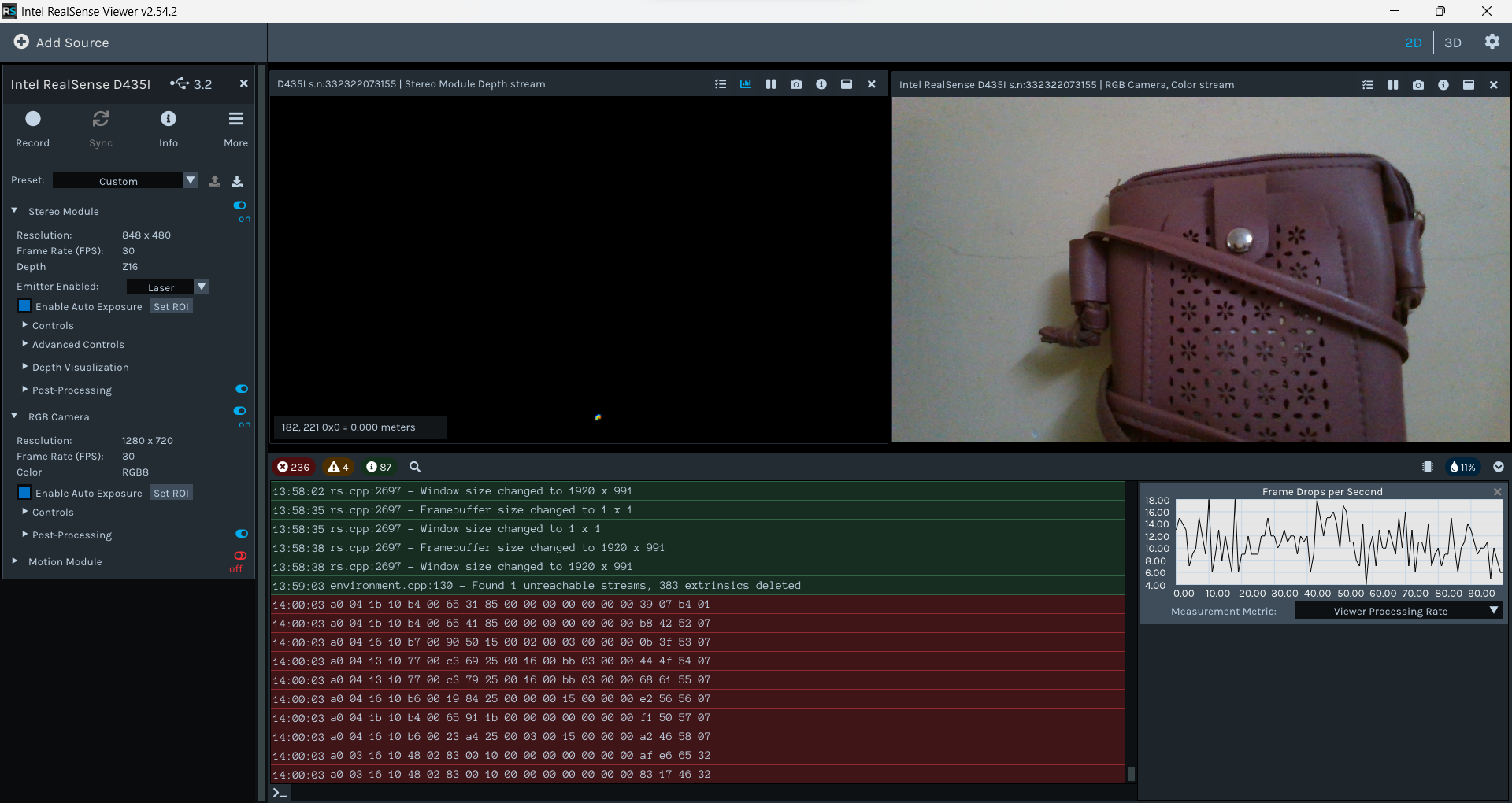
Tried on chip Calibration,
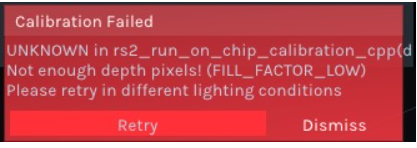
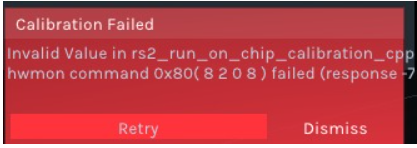
synthetic-stream.cpp:51 - Exception was thrown during callback: Out of frame resources!
Kindly help me with these too
-
When a hardware reset is performed, the camera disconnects at around the 30% point in the process and then reconnects. The DS5 group_devices is empty message that you experienced during hardware reset suggests that after the camera was disconnected it was unable to be found again. This is not serious if the camera is able to connect after being unplugged and then plugged back in.
In regard to the red on-chip calibration messages, it is suggesting that stronger illumination in the room may be needed in order for calibration to take place. The RGB images of the bag do indicate that the lighting at the wall that the bag is laid against may be a little low. Sometimes though, if the lighting level is fine and the error still occurs, then it means that the 2.49.0 version of the Viewer needs to be used for calibration to work.
The red log of numbers and letters that you recovered from flash is only readable with an internal debug tool that Intel RealSense engineers have. It is not likely to be useful for diagnosing your problem, unfortunately.
Are you using the official 1 meter USB cable supplied with the camera or another cable of your own choice, please? RealSense cameras require a high quality cable suited to data transfer, so if you use your own cable then that cable can negatively affect performance and can cause errors if it is not a high quality one (for example, an inexpensive cable suited only for device charging).
Please sign in to leave a comment.
Comments
9 comments