Infrared camera image is damaged
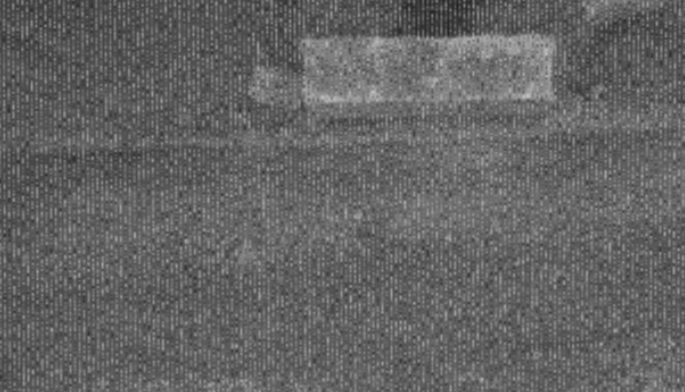
From time to time the frames i recieve from on of the infrared cameras looks like this, it lasts for few hours, then goes back to normal. I got it with Asic temperature at 14 and 35 degrees celsius, with sun or without it. Can you please help me with a solution/reasons to why it is happening?
-
As the camera is able to return to normal, I would suspect that it is a software issue rather than a hardware fault in the camera. The intermittent, unpredictable nature of the problem makes it very hard to diagnose.
Are you using USB2, please? There is a known bug with the exposure that can cause problems in the image when the exposure level falls below a certain value. Users of USB2 mode seem to be particularly vulnerable to it occurring. A bug fix for it has been incorporated into an upcoming firmware driver release but it is not available yet.
-
It is possible to reset the camera automatically with scripting using an instruction called hardware_reset(). There is some example code for doing so with a single camera in the link below.
https://github.com/IntelRealSense/librealsense/issues/2161#issuecomment-408779150
It is more complicated to perform if you are using multiple cameras on the same computer. This link shows how to detect all the cameras that are plugged in and cycle through them when determining which camera needs to be reset.
Please sign in to leave a comment.
Comments
8 comments