The depth stream of my Camera displays a green screen with directShow
I try to get the video stream of my camera intel RealSense SR300 with DirectShow, the goal is to have the rgb stream, and the depth stream in greyscale.
For your information, I already used the sdk and it worked well,
But I need to create a virtual camera driver, to make the integration of my program(which get the video stream of the depth camera and do video processing with it) in another application easier, that is why I wanted to use directshow
So first, I used GraphEdit, from DirectShow, before coding, to see if it works well, and it’s not the case because the depth stream displays a green screen :

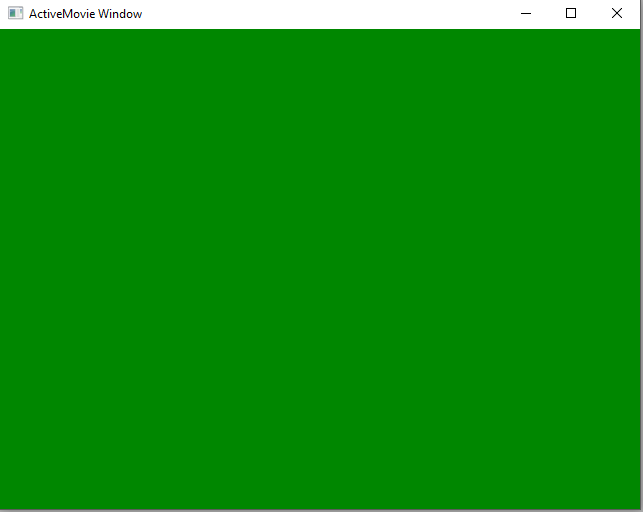
So I made few researches and I found that the problem is possibly coming from the pixel format which directshow seems to not recognize
I tried to change the properties of the video stream with graphEdit, and the actual format is YUY2, and there are others like INVZ, INZI, INZC, etc … but I can’t use them because apparently there are not available
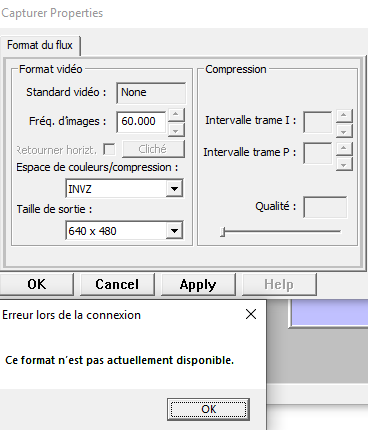
The error text is :"this format is not currently available"
Or Maybe the problem is that I didn’t put enough filters in my graph to access correctly to the depth stream, I’m new with directshow...
Thanks in advance for your help !
-
Hello Rouillert,
Thank you for your interest in the Intel RealSense SR300 camera.
I can see that you have posted the same inquiery on another website and you have received an answer:
Thank you,
Eliza
Please sign in to leave a comment.
Comments
1 comment