D435 ..why this ? = reset all = maybe simple, but.. how?
.."small field of view + stripes ??...
= maybe simple, but what is it .. can't find similar problem..
..to solve I..did a firmware update & tried several calibrations.. = same result.. :(
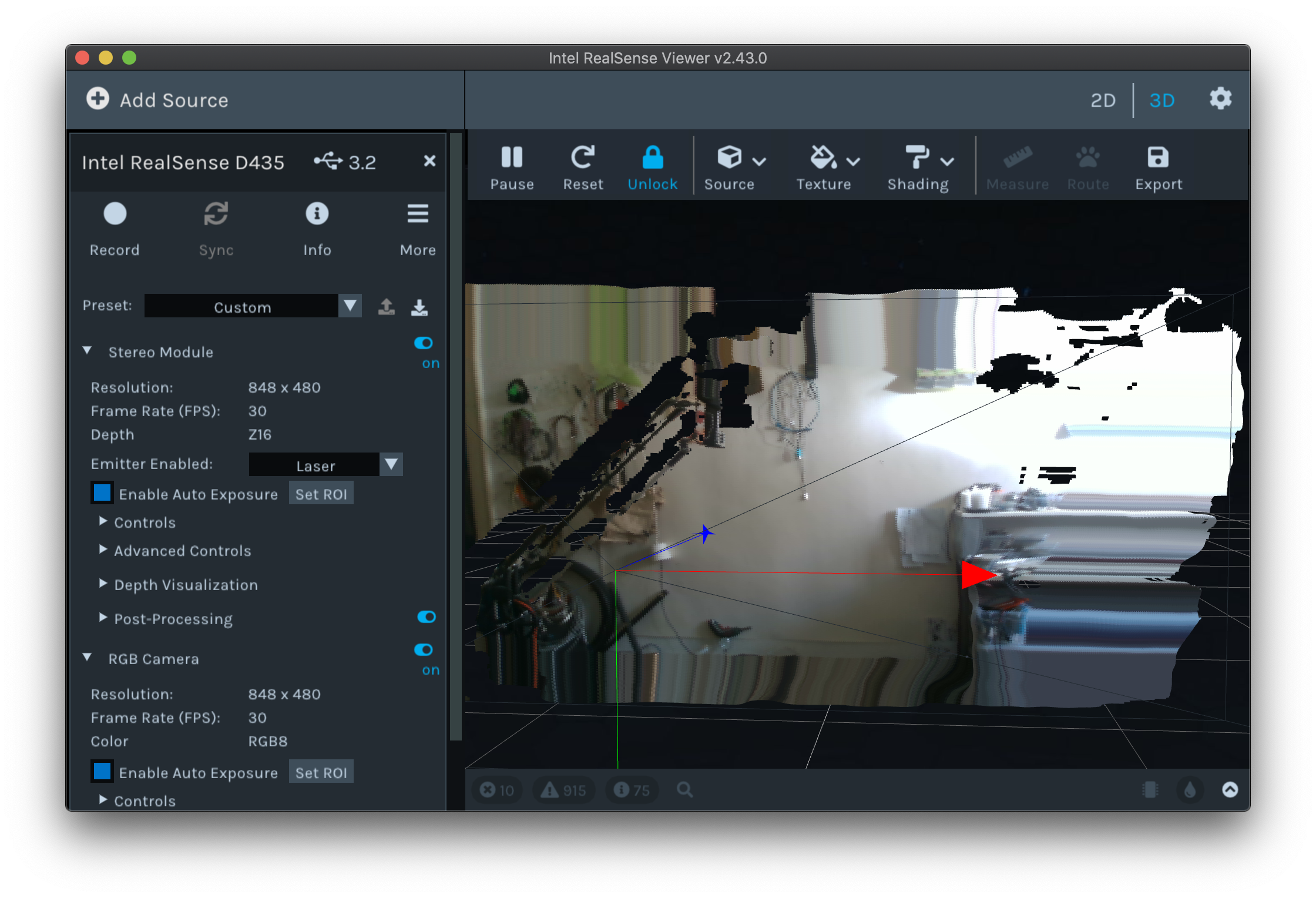
= ..does anybody know what to do.. ? Lg, Tobi
-
Hello, the Viewer's layout looks like a window whose height and width size has been reduced. Have you tried maximizing the window size using the Maximize icon in the top corner of the Viewer window please (indicated with a green arrow on the image below).
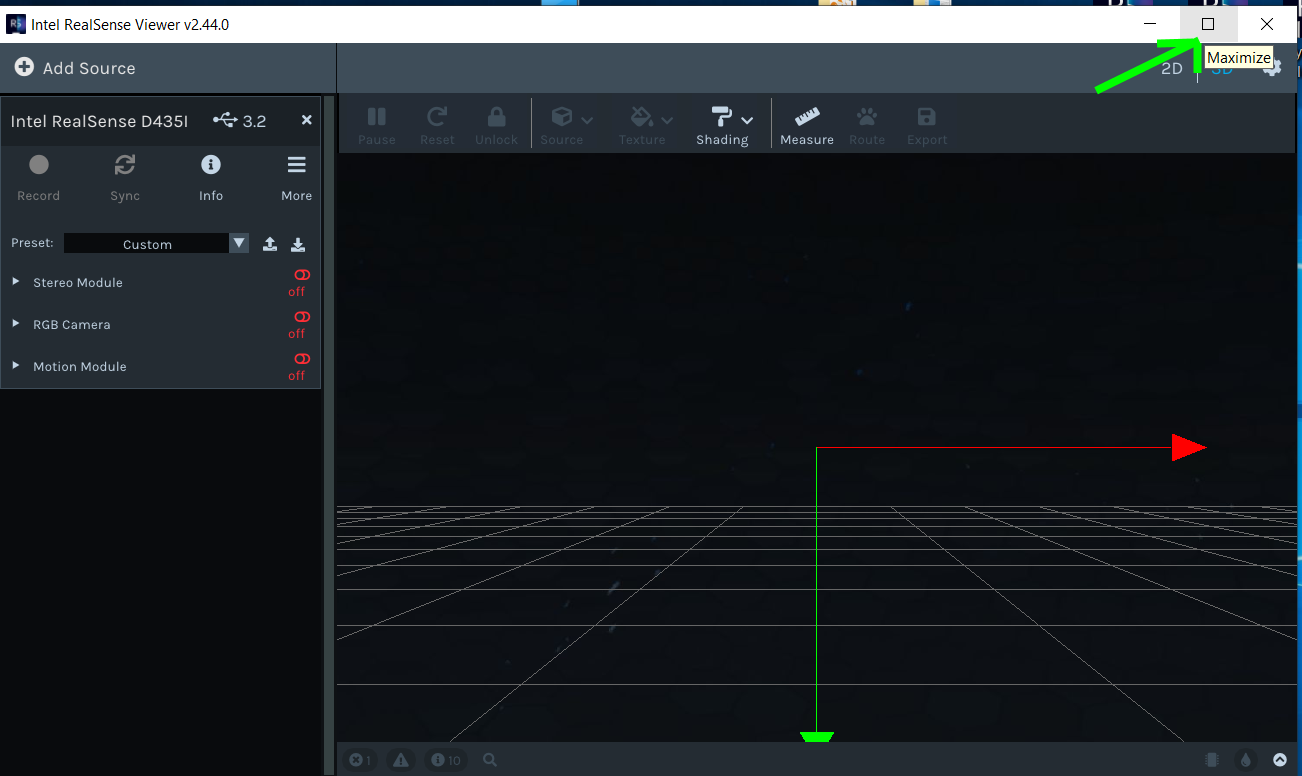
If your Viewer window does not have a Maximize icon in the corner then you can toggle between normal view and a full-screen view by pressing the F8 key on the keyboard.
-
If you are referring to the amount of black empty area around the image and not the size of the window then that is a common effect in the Viewer's 3D mode. This mode generates a 3D point cloud image.
By left-clicking on the 2D option in the top corner of the Viewer then you can view the full RGB detail that is observable by the camera, and view the depth rendered in terms of colors shaded in terms of the measured distance of coordinates from the camera.
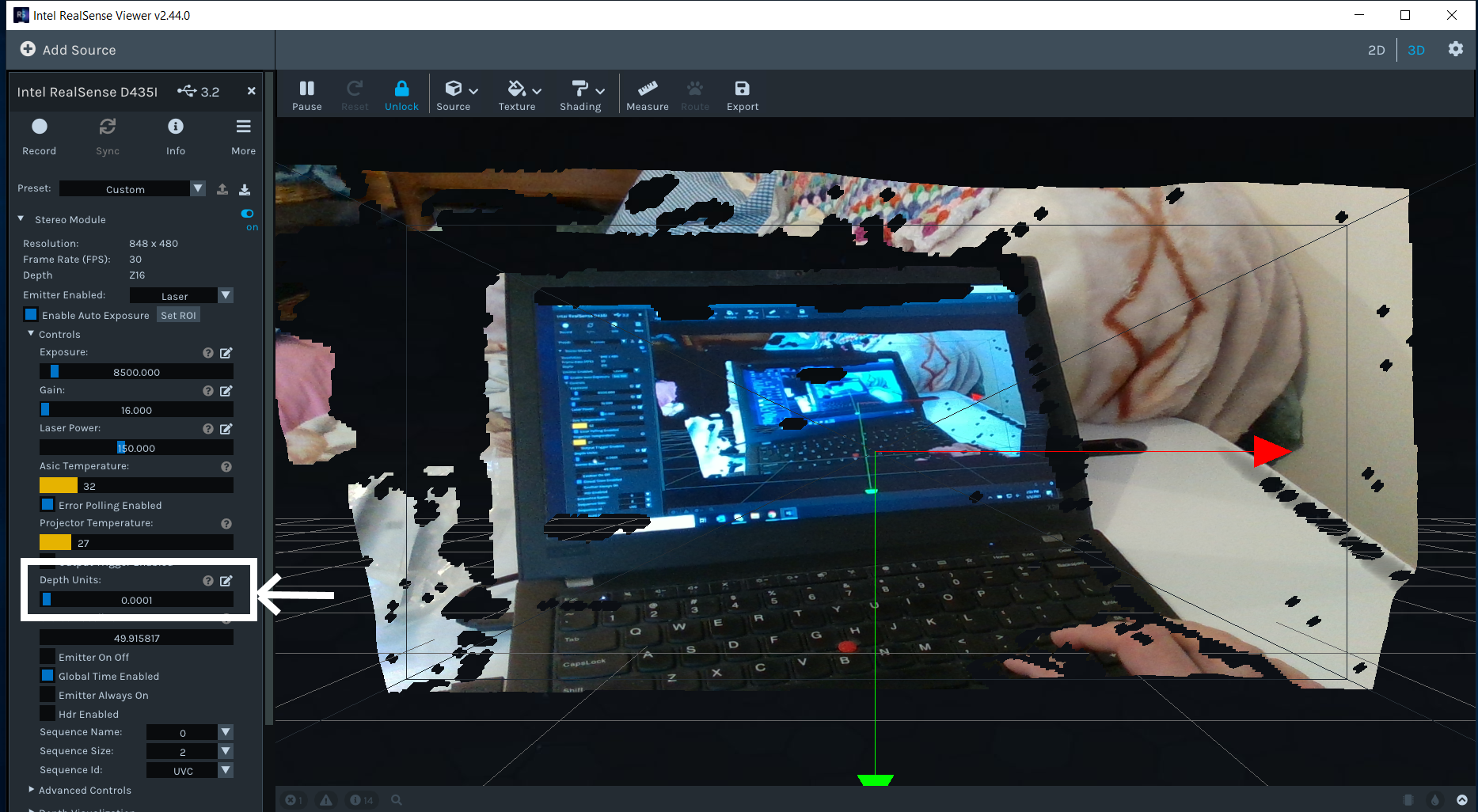
If you prefer to use the 3D point cloud mode then you can render more detail and less black area by opening up the Controls section of the Stereo Module options in the Viewer's side-panel and changing the Depth Units setting from its default value of '0.001' to '0.0001'. You can manually enter the 0.0001 value on your keyboard by left-clicking on the pencil icon beside the Depth Units setting.
-
..thank you, 1.& 2. .. I was referring to .."the distortion / pixel stretching inside the frame ?" (..red)
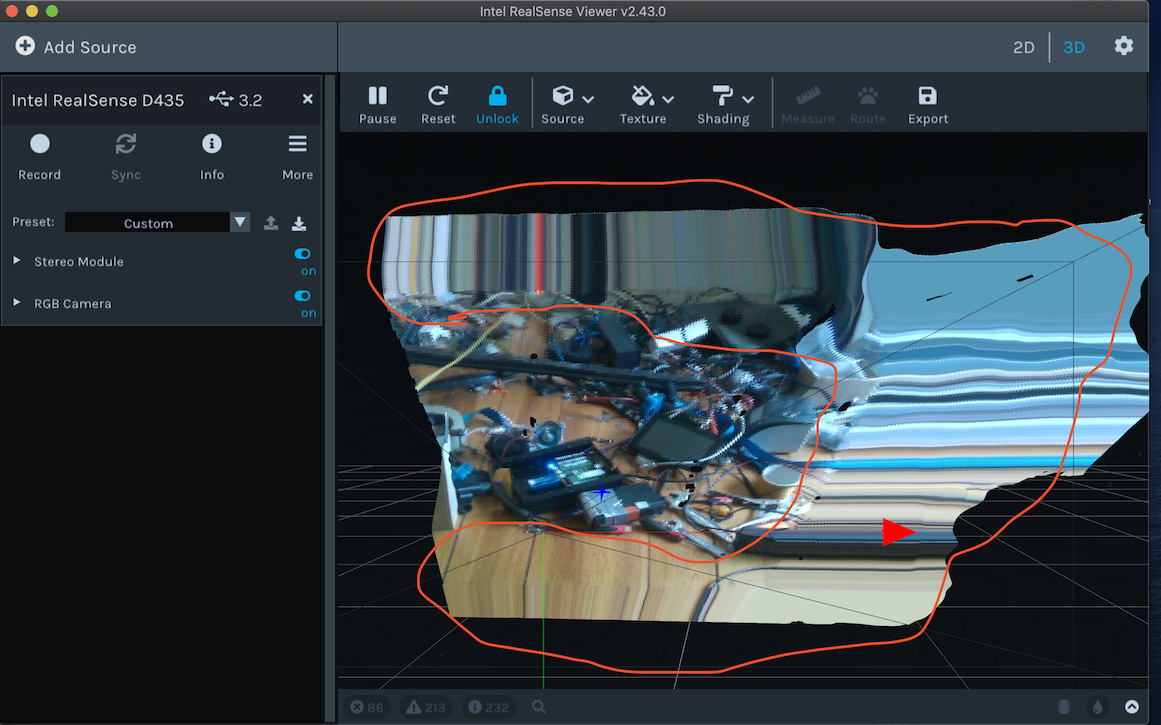
= 2. ok, did set the Deph Units value to 0.0001 and it looks like this now.. (?)
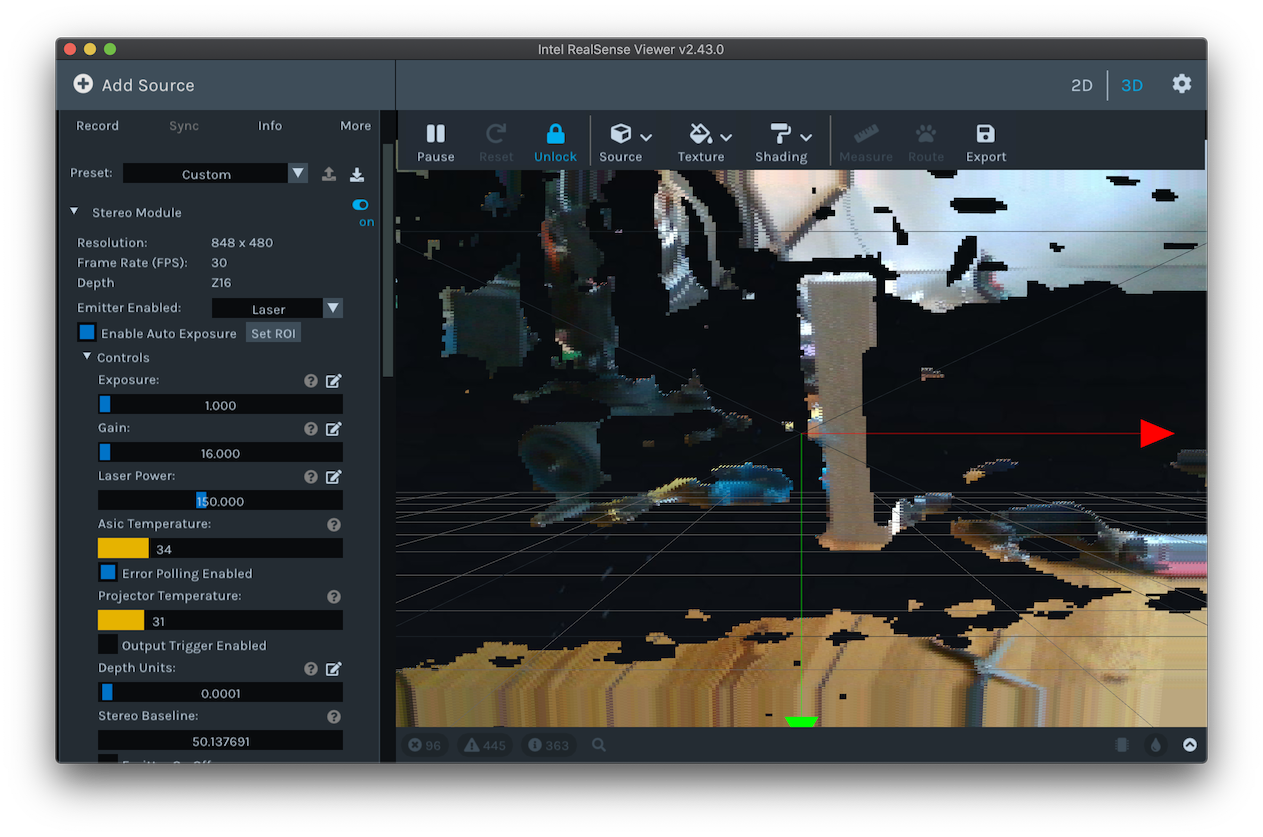
( ...first, it worked fine, but ..update firmware for model=yes + calibration + etc. made it/&worse.. ..it = feels like the two eyes are "squinting" ⬅️👀➡️..
= wish i could reset all = to how it came.. seems difficult to go back to "0" & start again..(?)
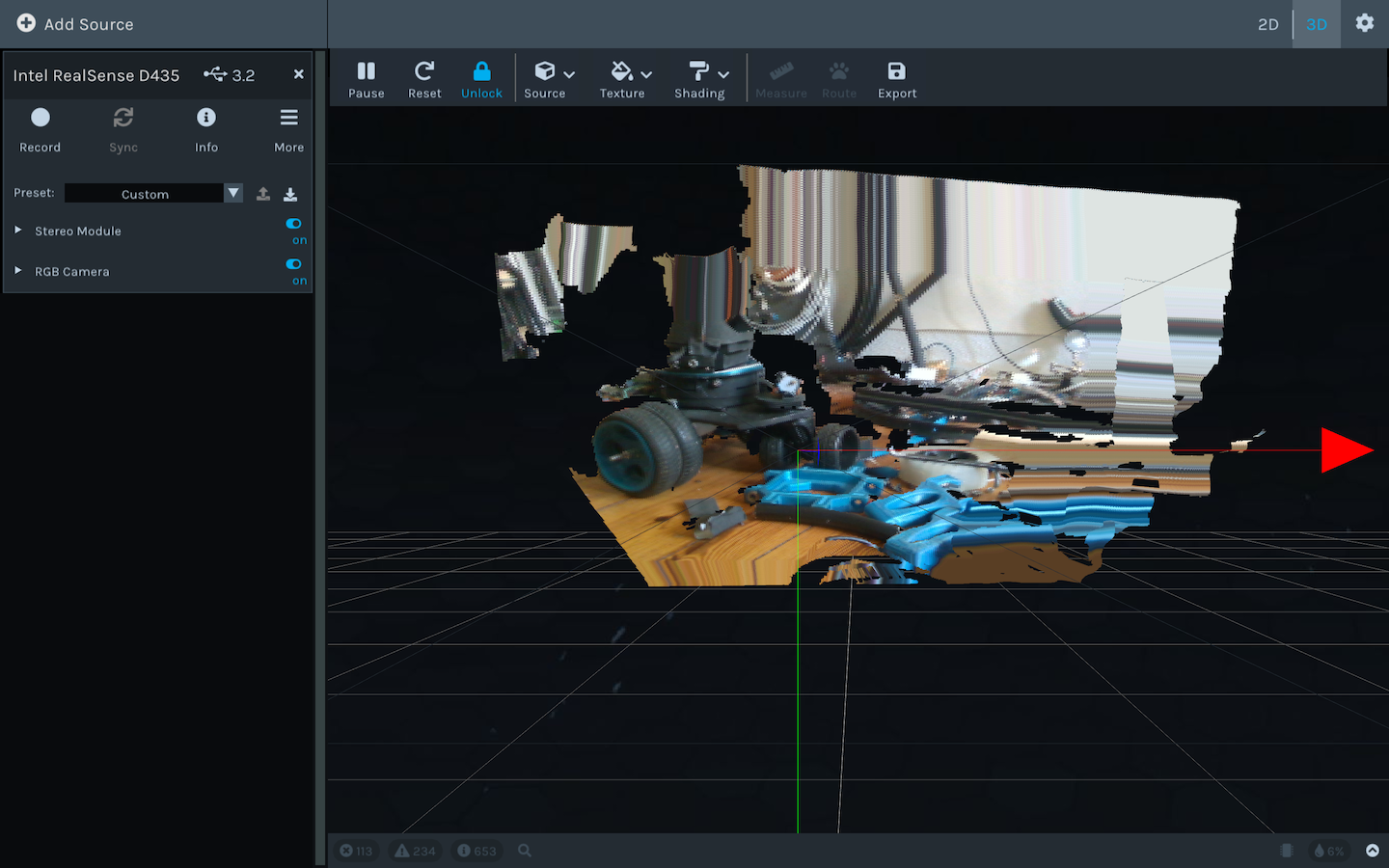 (...s.th. with deph calibration I guess.. = did on-chip calibration.. + in Settings/General/reset.. but no effect 2 ..?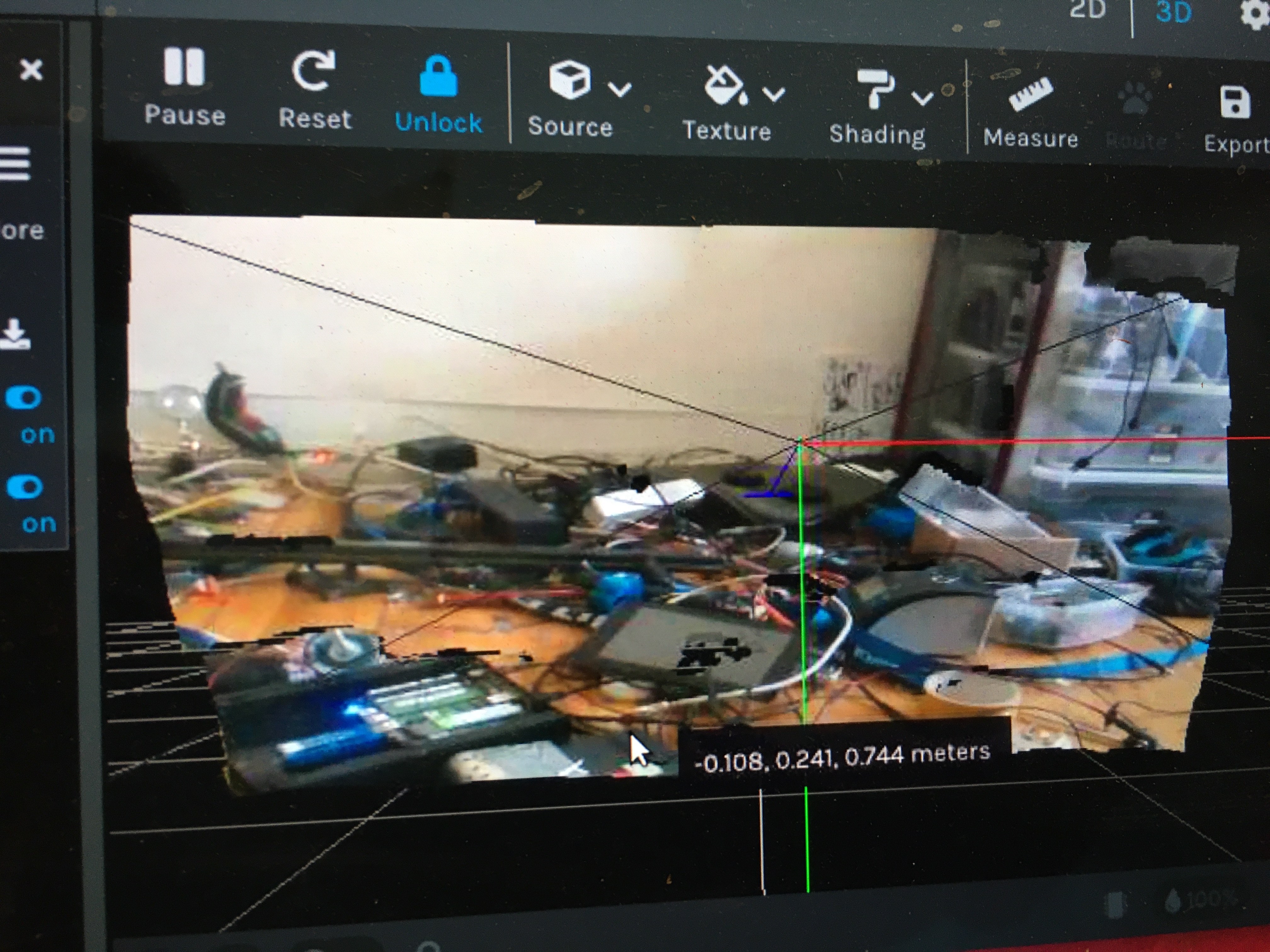
Please sign in to leave a comment.
Comments
6 comments