d455 gyro and accel default stream off
hi - - id just link to turn the gyro and accelerometer streams off .. i realise its the defaul t.. but actually if i could change the code in the rs-capture example so that the gyro and accelerometer are NOT displayed .. and just the split screen of the rgm and stereo are left ... that would be GREAT ! ... the example works as id like with the 435 as it has no imu etc .. but plug in a 455 and up comes those other two panels ... ideally id like to know how to do it with both c++ as well as python .. but frankly, either or please .. any reference to the default stream profile that i have found so far is just how to gather data from those sensors .. i just want to know what parameters etc i need to affect the default stream to turn them off please. thanks.
steve
-
Hi Steve As you observed, rs-capture is using the default configuration of the camera model that is attached (D455). There is not a simple on-off switch mechanism to exclude the IMU streams. In the RealSense SDK, you can instead override the default configuration and use your own custom stream configuration instead by defining cfg (config) settings.
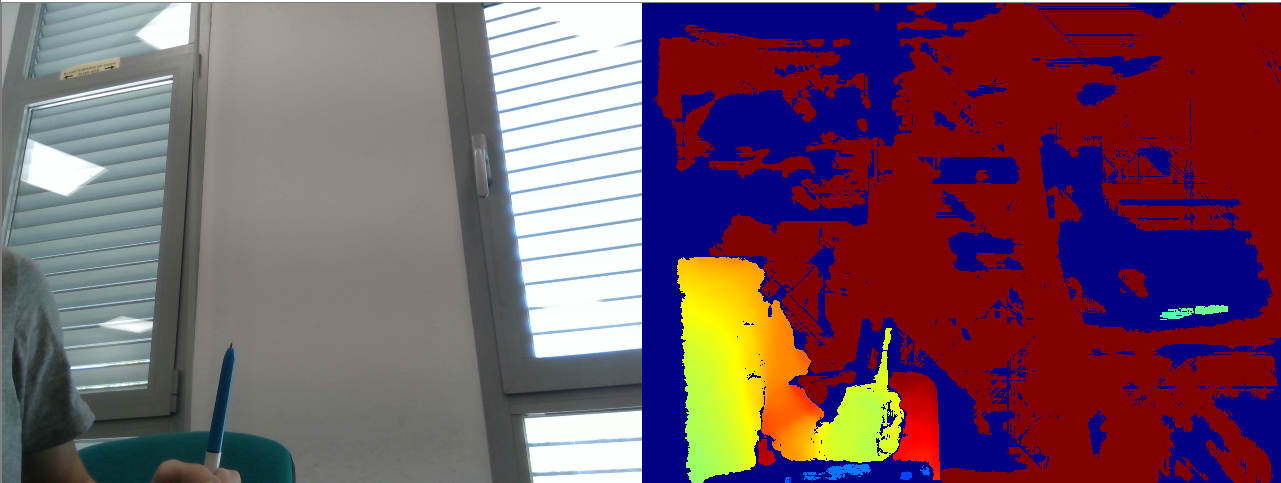
The link below is an SDK Python example called opencv_viewer_example.py that produces a similar output of separate depth and RGB frames to that of rs-capture on a camera model without an IMU.
The link below, meanwhile, provides an introductory example to defining depth and color with cfg statements in C++.
Please sign in to leave a comment.
Comments
1 comment