Background Removal
I am going to purchase a RealSense Camera for background removal. The Kinect has been discontinued and out of stock so the Intel Camera is my only option. May I know how does it work (quality etc.) for the Intel RealSense and which model should I purchase? For the Kinect, Im using OBS to execute this action but Im not sure which software I should use with Intel RealSense. Please advise. Thank you very much.
-
Hi Ashraafmaestro. If you need depth-based background removal with a pre-made commercial software product that is confirmed to work with RealSense then I would recommend looking at MixCast.
https://mixcast.me/docs/using-mixcast/video-inputs/source-types/depth-cameras
https://www.intelrealsense.com/mixed-reality-capture-using-depth-cameras/
https://mixcast.me/ditching-green-screen-mixcast-gdc-2018
MixCast is stated to be compatible with the RealSense D415, D435 and D435i camera models. Of those models, if you anticipate that you will be moving around a lot in front of the camera or observing non-human motion (e.g vehicles) then the D435 or D435i will be suitable due to the ability of those two models to capture fast-moving depth information.
RealSense camera hardware is highly reliable. For the RealSense models mentioned above, they can support RGB of up to 1920x1080 and have depth resolutions with optimal accuracy at 848x480 on D435 / D435i and 1280x720 on D415.
The difference between the D435 and D435i models is that the D435i model contains an IMU component with an accelerometer and gyroscope for tracking camera motion and tilt angle.
-
Hi MartyG
what about the RealSense Align Sample? like the quality wise...as the mixcast requires monthly payment
-
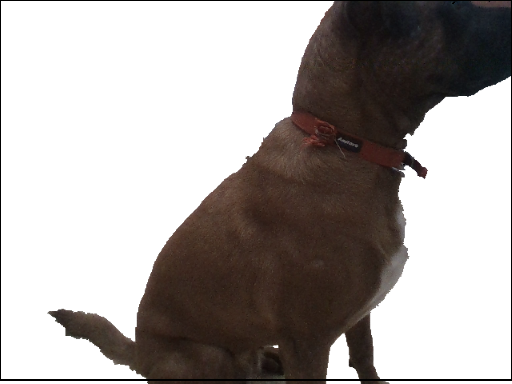
There is no problem with using the free rs-align example program for background removal, or rs-align-advanced. If you know how to use OpenCV then there is also the C++ / OpenCV example grabcuts.
https://github.com/IntelRealSense/librealsense/tree/master/wrappers/opencv/grabcuts
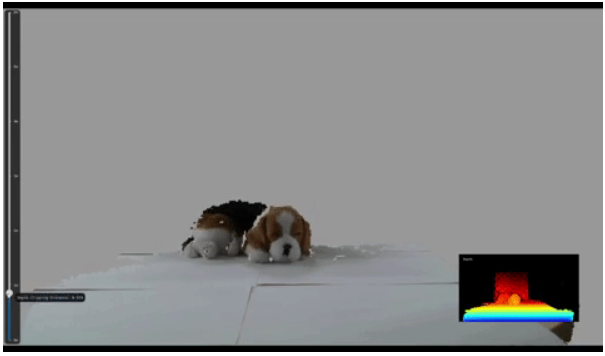
If your goal is to segment out the backdrop and leave the closest foreground detail in the image then rs_align_advanced or grabcuts may be the nearest to what you want to achieve, as rs-align will fade the depth or the color in or out (i.e the color or depth detail of the background will still be present).
RS_ALIGN_ADVANCED
GRABCUTS
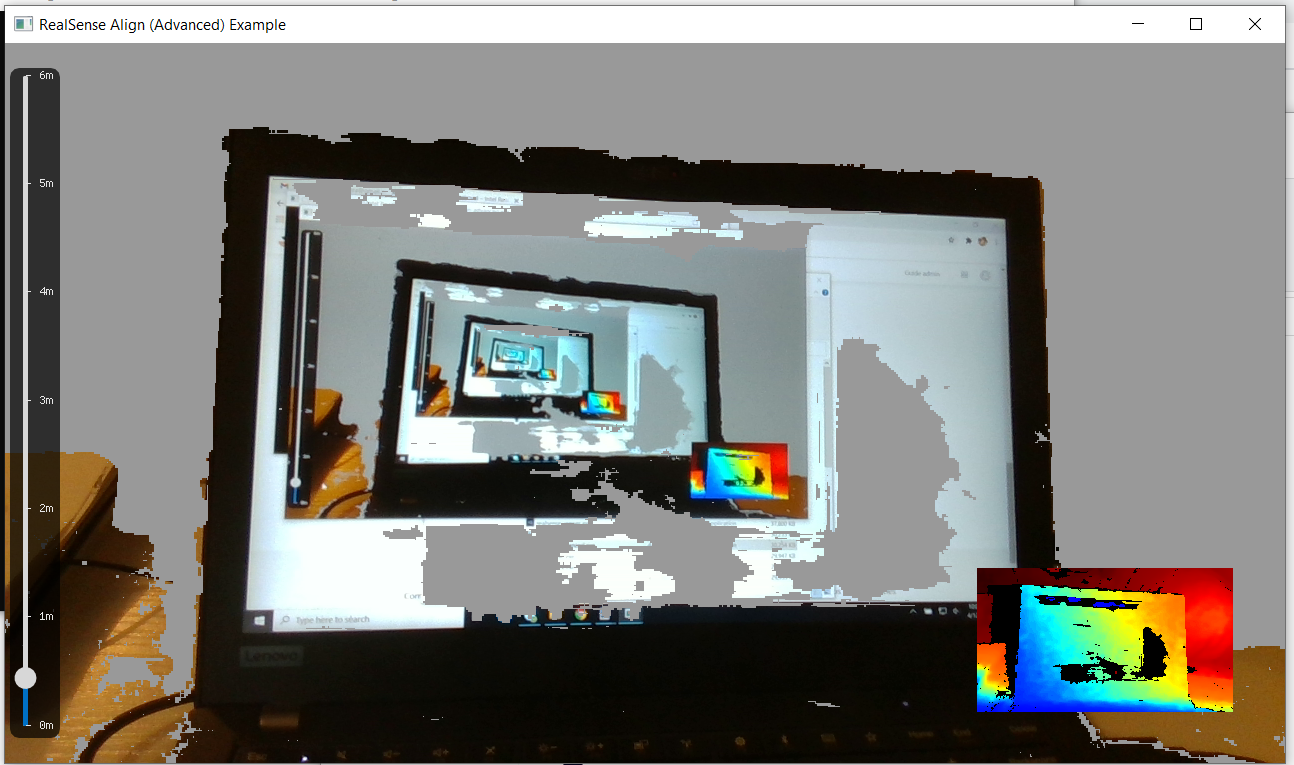
Below is an image of my computer from rs-align_advanced with the depth rendering distance slider set to 0.5 m. It may be difficult to completely cut out detail surrounding the foreground target with this example unless there is a certain amount of clear space around the target.
Please sign in to leave a comment.
Comments
3 comments