How to configure L515 Min distance controls in python ?
Hello everyone, I am writing the python code to capture the RGB, depth and IR for creating the dataset by using the L515 device. I want to configure the property "min distance" as in the intel realsense viewer as show in the figure attachment. Therefore, what python code or library that I can modify this problem ?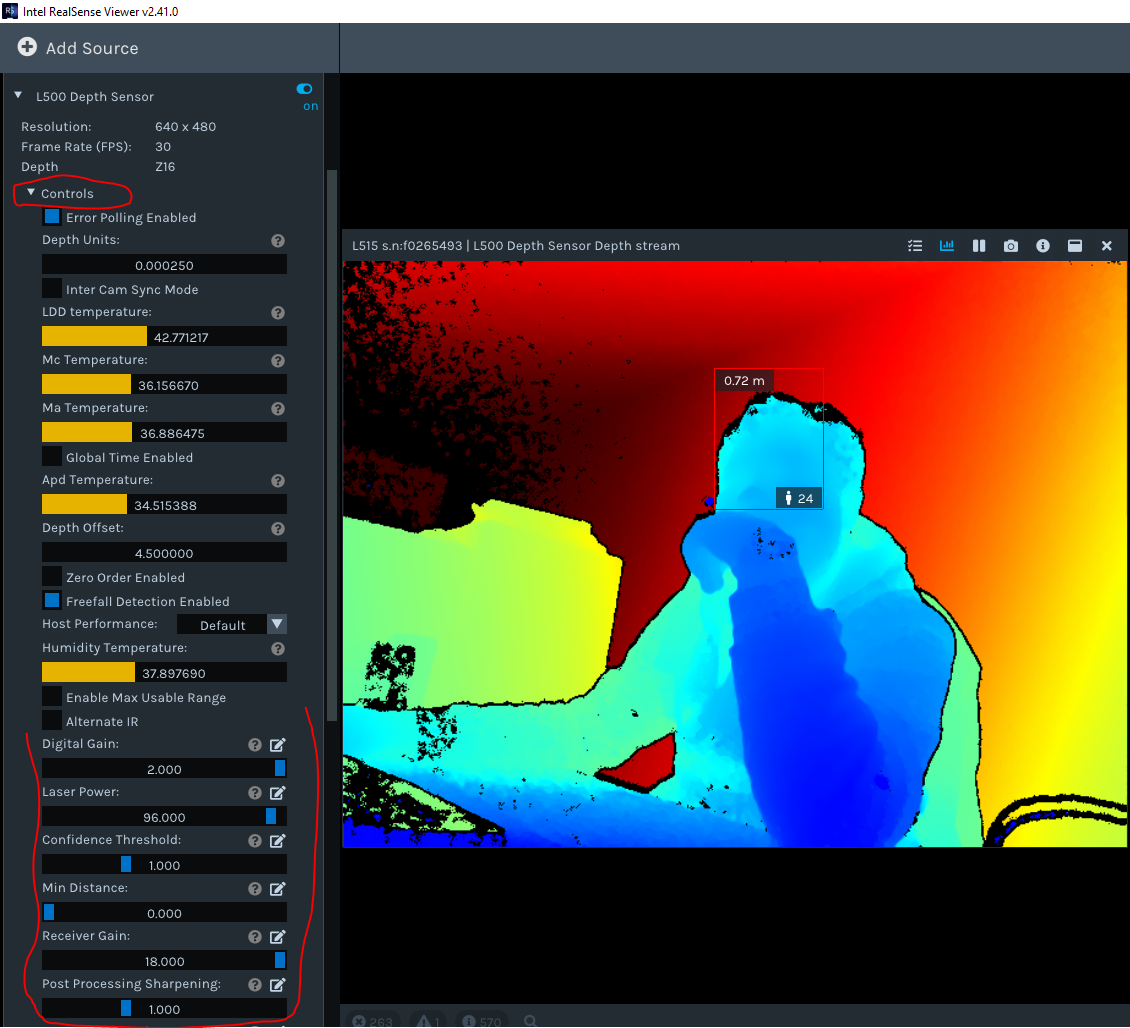
-
Hello Lyhour Newtechnology,
Here is sample code for setting sensor options in Python:
import pyrealsense2 as rs
pipeline = rs.pipeline()
config = rs.config()
profile = pipeline.start(config) # Start streaming
sensor_dep = profile.get_device().first_depth_sensor()
If sensor_dep.supports(rs.option.min_distance):
  print "Trying to set min_distance"
  dist = sensor_dep.get_option(rs.option.min_distance)
  print "min_distance = %d" % dist
  print "Setting min_distance to new value"
  dist = sensor_dep.set_option( rs.option.min_distance, 1)
  dist = sensor_dep.get_option(rs.option.min_distance)
  print "New min_distance = %d" % dist
profile = pipeline.stop
You can find the full list of options in rs_option.h file. The Python wrapper exposes all these options like this:
RS2_OPTION_MAX_DISTANCE -> rs.option.max_distance
RS2_OPTION_ENABLE_AUTO_EXPORE -> rs.option.enable_auto_exposure
RS2_OPTION_AUTO_EXPOSURE_PRIORITY -> rs.option.auto_exposure_priorityRegards,
Zulkifli Halim
Intel Customer Support
Please sign in to leave a comment.
Comments
2 comments