Intel RealSense LIDAR L515 not being detected by windows after firmware update via Intel.RealSense.Viewer.exe (2.41.0.2657)
Hi everyone please assist,
Recently acquired an L515 LIDAR to aid with computer vision research.
First-time use connected it to the computer and the drivers were automatically installed and the device was identified by windows successfully. I then proceed to download the Intel.RealSense.Viewer.exe just to verify the lidar is working properly and I can see the depth information. Upon the first launch of the above-named program, there was a prompt to update the firmware in order to proceed. I clicked update, the updating firmware process was showed on the top right-hand corner of the screen, it seemed to progress through the update successfully. Consequently, there was an error message saying the device took longer to reconnect to the software than expected or something similar to that effect. I allowed it to stand for a few minutes but no response from the camera. I have since then disconnected and reconnected the camera to the computer too many times to compatible USB3 ports. I have even installed the SDK and retried connecting but the device is not being identified by windows. I later connected the device to the next computer and repeat the process of installing the SDK but all attempts proved futile.
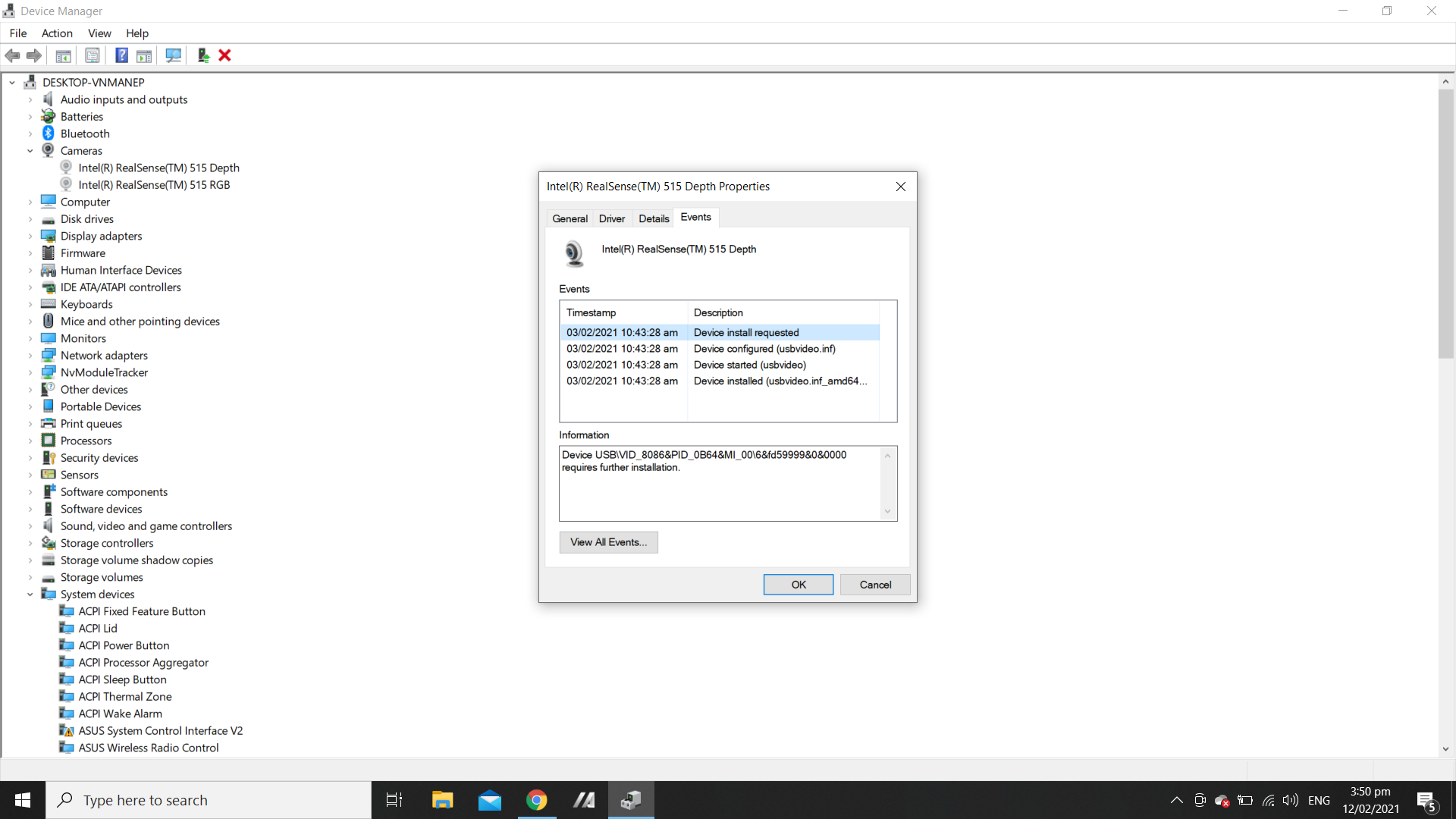
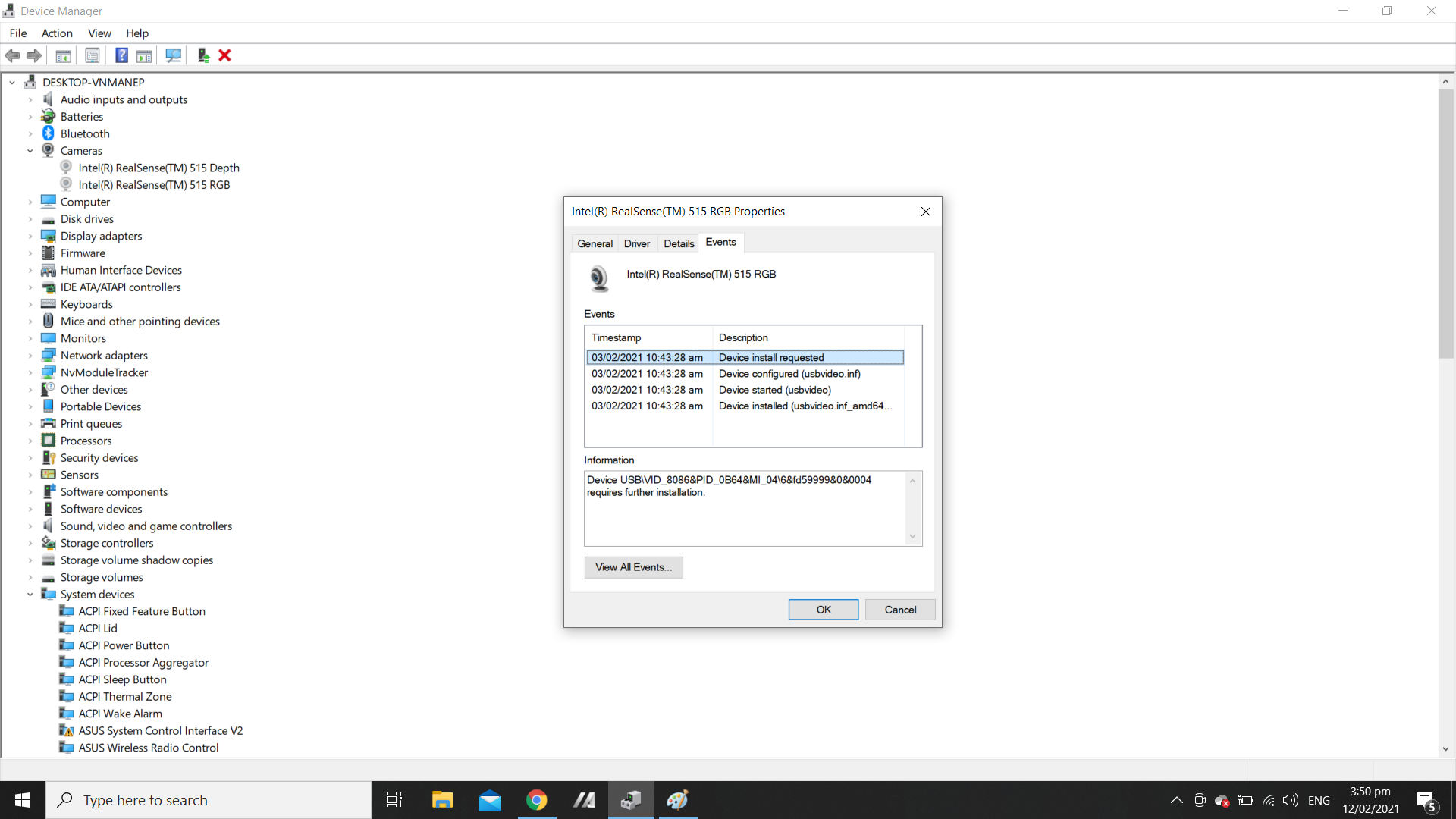
Below is attached the last driver events from the system I was using when the device failed to be detected by windows after the update was done by Intel.RealSense.Viewer.exe (2.41.0.2657)?
I have so many questions.
-
How can official intel software prompt to update on first use and the device fail immediately?
-
Is the device faulty?
-
I have been consumed in searching the internet and the community for similar reported issues. I have seen a lot of similar issues but none of the recommendations there have been helpful.
-
I Have tried using the update firmware instructions provided on GITHUB. However, the console provided in Intel.RealSense.Viewer.exe does not identify any commands. I tried navigating directly to the installation directory to load the update firmware tool (Intel.RealSense.FW.Update.exe) and it starts for a second display some writing on the screen and closed much too quickly for you to see or interact with the writing on the screen.
-
I have read about DFU mode, But since then have not been able to find any useful info to assist on that topic.
-
The device was purchased on amazon by the Electrical Engineering Department at the university. Should I immediately report the issues as a faulty device or is this a really simple resolvable issue?
I reported the issue on Github and someone responded recommending I installed USBView on my system to gain more information about the issue. ----> I installed the USBveiw and, in much the same way, the LIDAR was not visible in that program as it is not being detected by windows.
The same user also recommend that I ran 'rs-enumerate-devices' to make further checks to identify whether there is an hardware or software issue with the device. I was unsure how to go about the instructions as I am using Windows10 and previous attempts to use the debug console provided with the IntelRealSense SDK was not successful due to commands not being recognized or the rs-enumerate-devices.exe would fail to start.
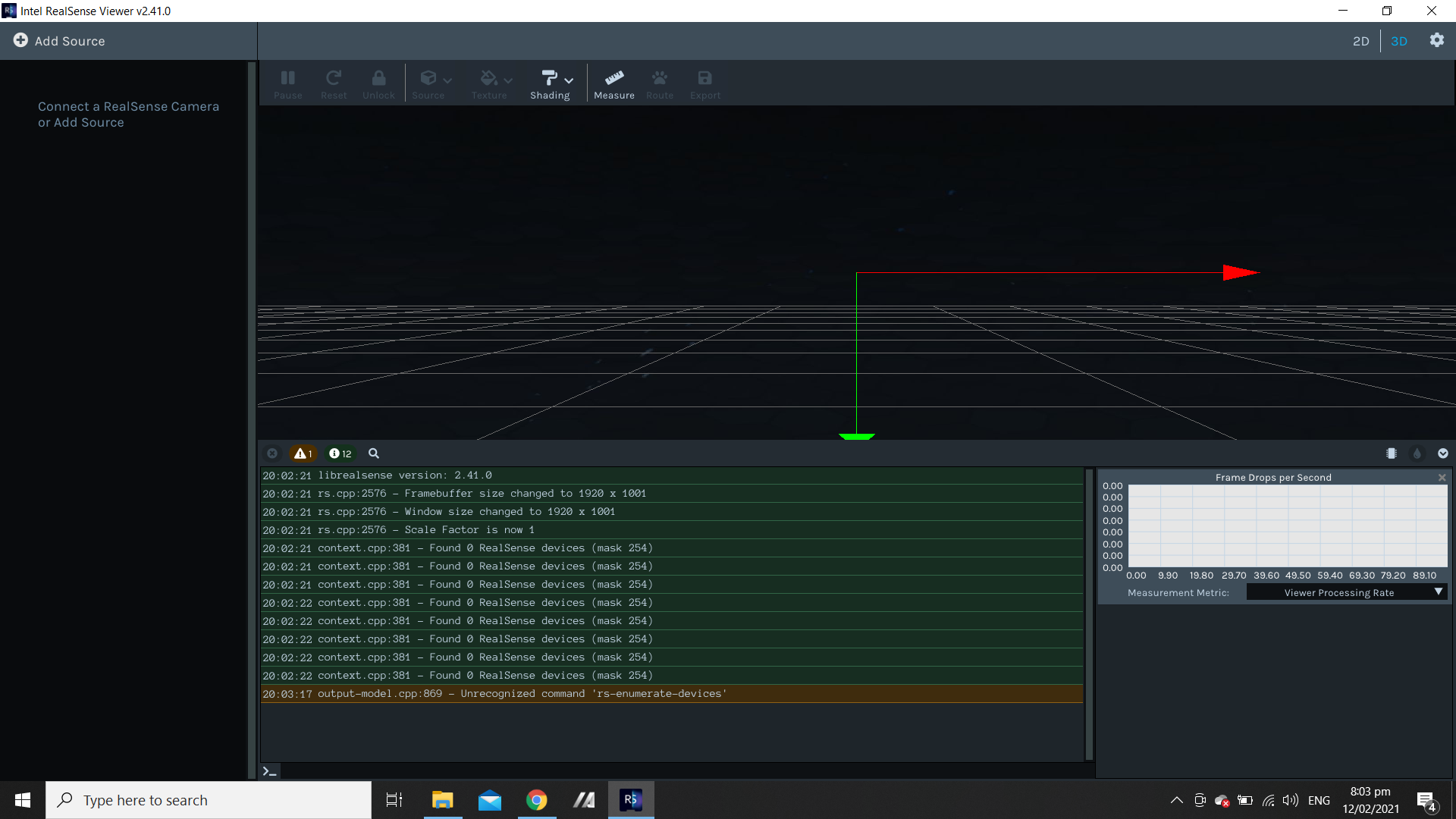
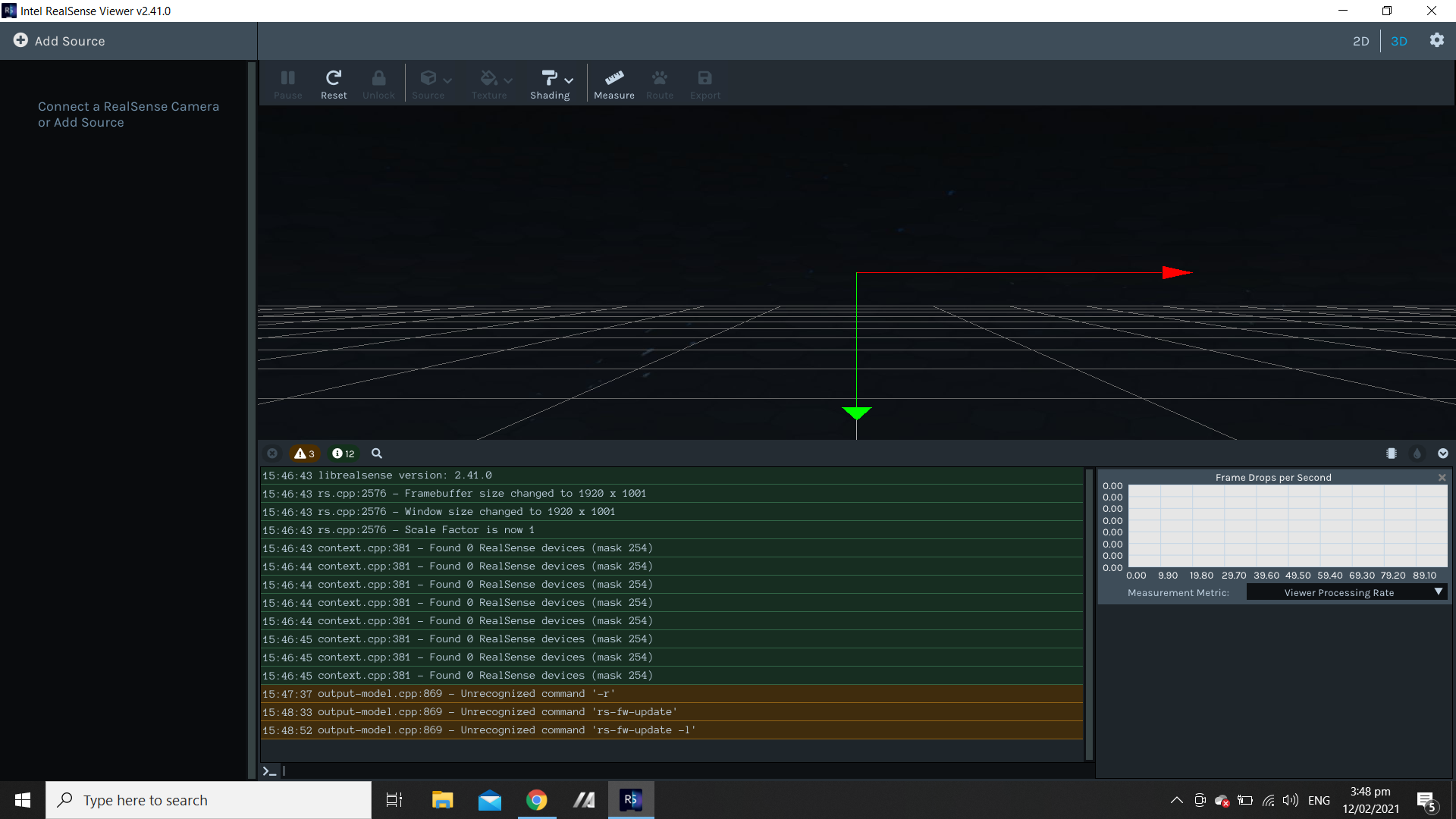
This instance I ran the command 'rs-enumerate-devices' command in Intel.RealSense.Viewer.exe (2.41.0.2657) debug console but again it says unrecognized command.
I tried navigating to the windows folder and launching the rs-enumerate-devices.exe and it again failed to start.
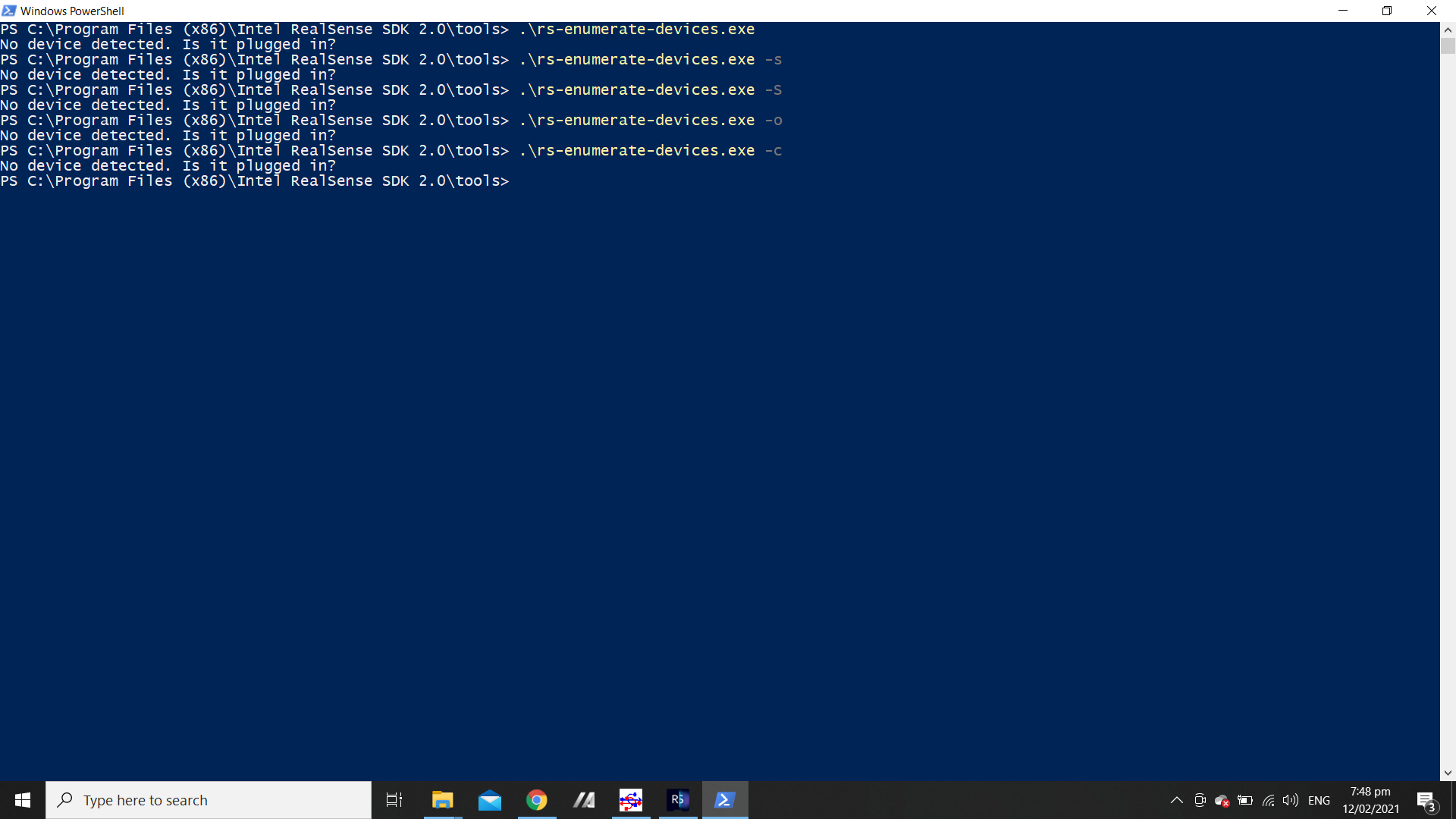
I navigate to PowerShell and called the "rs-enumerate-devices.exe" and additively used the flags. The sole response from the application was that the device is not being detected despite being connected to the computer on compatible USB3 port.
Please see screenshots below.
-
Hello Takeemlowe,
Thank you for contacting us.
The camera might be in a recovery state.
In such a case, you can use the recovery flag and run rs-fw-update -r -f <path_to_Firmware_Image_file>\Signed_Image_UVC_<Firmware_Version>.bin.
The latest firmware for L515, it is available here.
Note that, rs-fw-update.exe is located in the same directory as rs-enumerate-devices.exe.
Please refer rs-fw-update Tool to get more information on this operation.
Regards,
Zulkifli
Please sign in to leave a comment.
Comments
3 comments